Coloring Book FingerPaint HD para PC
breaker
Descarga Coloring Book FingerPaint HD en PC con GameLoop Emulator
Coloring Book FingerPaint HD en PC
Coloring Book FingerPaint HD, proveniente del desarrollador breaker, se ejecuta en el sistema Android en el pasado.
Ahora, puedes jugar Coloring Book FingerPaint HD en PC con GameLoop sin problemas.
Descárgalo en la biblioteca de GameLoop o en los resultados de búsqueda. No más mirar la batería o llamadas frustrantes en el momento equivocado nunca más.
Simplemente disfrute de Coloring Book FingerPaint HD PC en la pantalla grande de forma gratuita!
Coloring Book FingerPaint HD Introducción
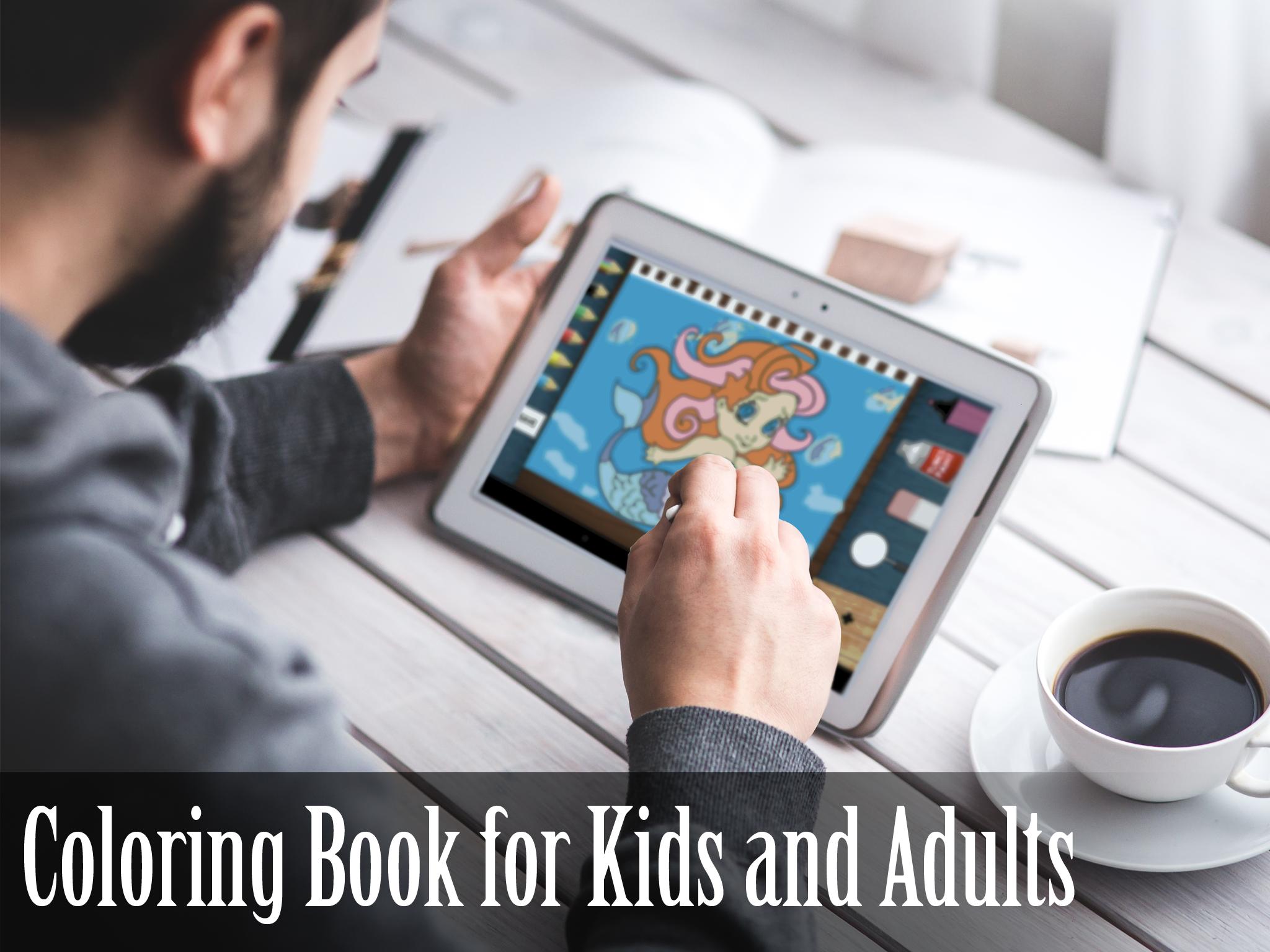
This game is the prettiest coloring book application. Lots of beautiful FREE new coloring pages. Take a look how to involve your child! If your kid is good at drawing or loves drawing Coloring Book FingerPaint is for him! Use finger as pen and draw! Doodle is so easy. Let child be creative and make him a great artist. This ColoringBook is great for boys and girls.
Use fingers and make a beautiful artwork and painting in Picture Book. Just paint and draw. It's so simple, fast and easy. We want to make beautiful, simple, clean and user friendly game. Everything is so obvious that you kid don't even have to read tutorial. Coloring book may be use for adults and kids. Most of coloring page line are animals.
MORE coloring pages in future updates!
FEATURES
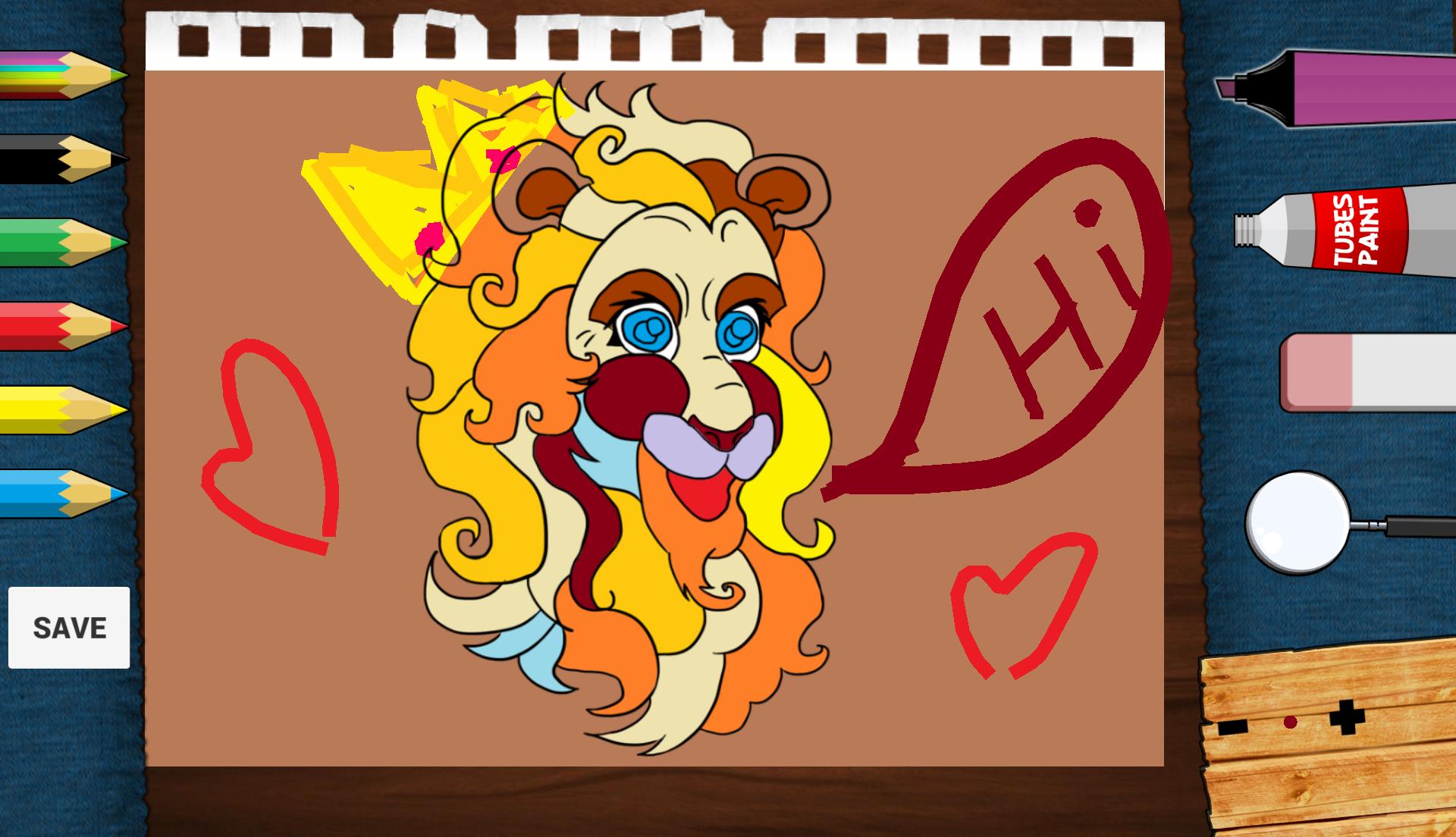
• Save you artwork! You can later view it in application.
• Fill color option tool.
• Doodling.
• Painter tool.
• Draw brush option tool.
• Increase/decrease brush option.
• Eraser option tool.
• 24 color to use.
• Advanced color picker.
• High Definition design (looks wonderfully on HD display) .
• Nice, chill out music in theme.
• Great game design.
• Great on a phone or tablet alike.
• ZOOM function to color tiny details on detailed pictures.
• Paint animation.
• Multi-touch.
Avance
Información
Desarrollador
breaker
La última versión
1.1
Última actualización
2015-10-29
Categoría
Art-design
Disponible en
Google Play
Mostrar más
Cómo jugar Coloring Book FingerPaint HD con GameLoop en PC
1. Descargue GameLoop desde el sitio web oficial, luego ejecute el archivo exe para instalar GameLoop.
2. Abra GameLoop y busque "Coloring Book FingerPaint HD", busque Coloring Book FingerPaint HD en los resultados de búsqueda y haga clic en "Instalar".
3. Disfruta jugando Coloring Book FingerPaint HD en GameLoop.
Minimum requirements
OS
Windows 8.1 64-bit or Windows 10 64-bit
GPU
GTX 1050
CPU
i3-8300
Memory
8GB RAM
Storage
1GB available space
Recommended requirements
OS
Windows 8.1 64-bit or Windows 10 64-bit
GPU
GTX 1050
CPU
i3-9320
Memory
16GB RAM
Storage
1GB available space