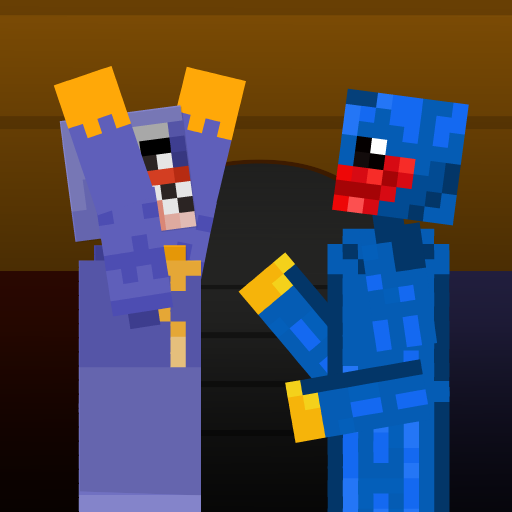
Buggy Ragdoll Playground para PC
TenseGames
Descarga Buggy Ragdoll Playground en PC con GameLoop Emulator
Buggy Ragdoll Playground en PC
Buggy Ragdoll Playground, proveniente del desarrollador TenseGames, se ejecuta en el sistema Android en el pasado.
Ahora, puedes jugar Buggy Ragdoll Playground en PC con GameLoop sin problemas.
Descárgalo en la biblioteca de GameLoop o en los resultados de búsqueda. No más mirar la batería o llamadas frustrantes en el momento equivocado nunca más.
Simplemente disfrute de Buggy Ragdoll Playground PC en la pantalla grande de forma gratuita!
Buggy Ragdoll Playground Introducción
Go in fun with new wuggy playground game.
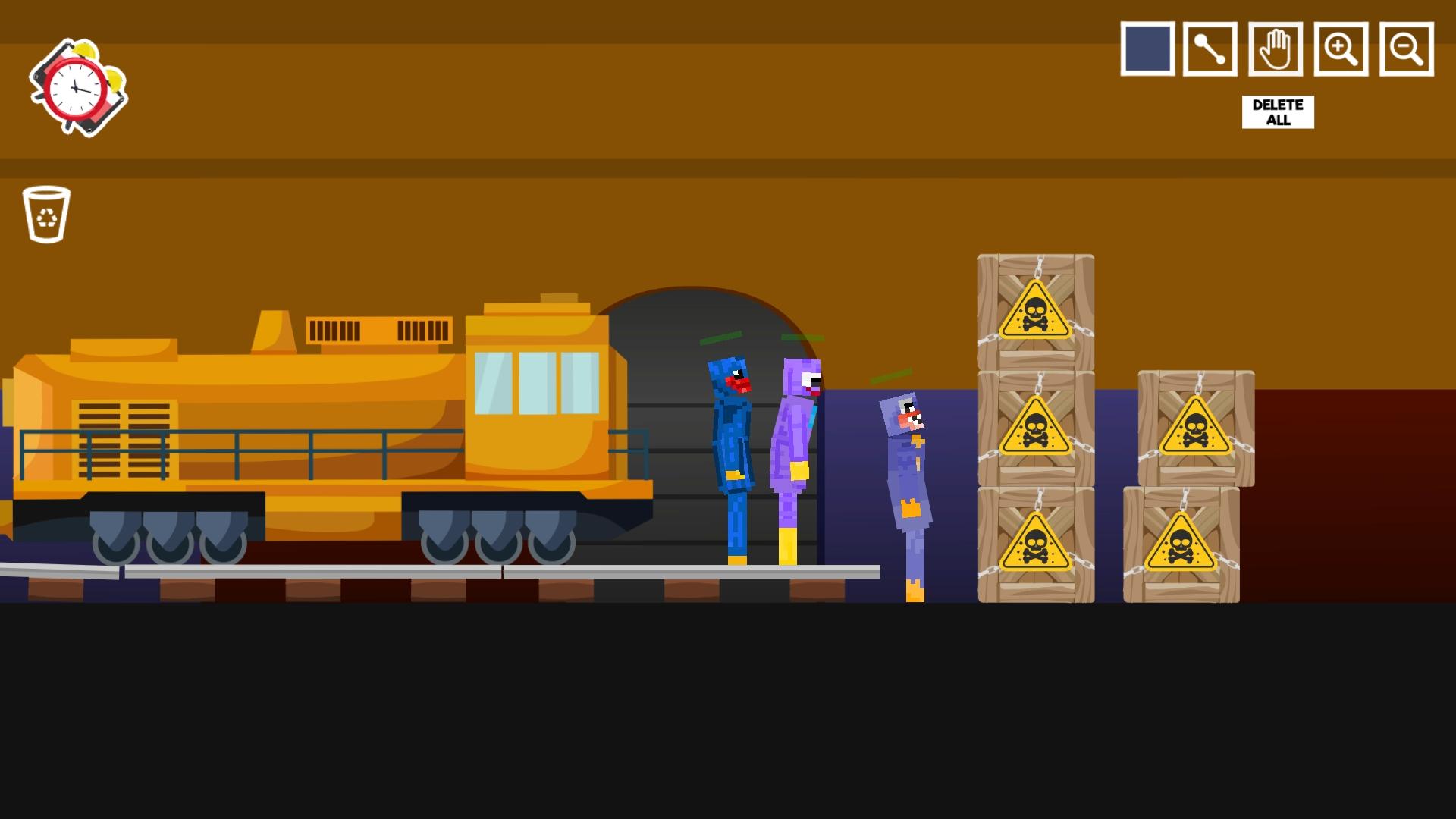
Wuggy Ragdoll Playground is new addictive game, try to create stick and play with it.
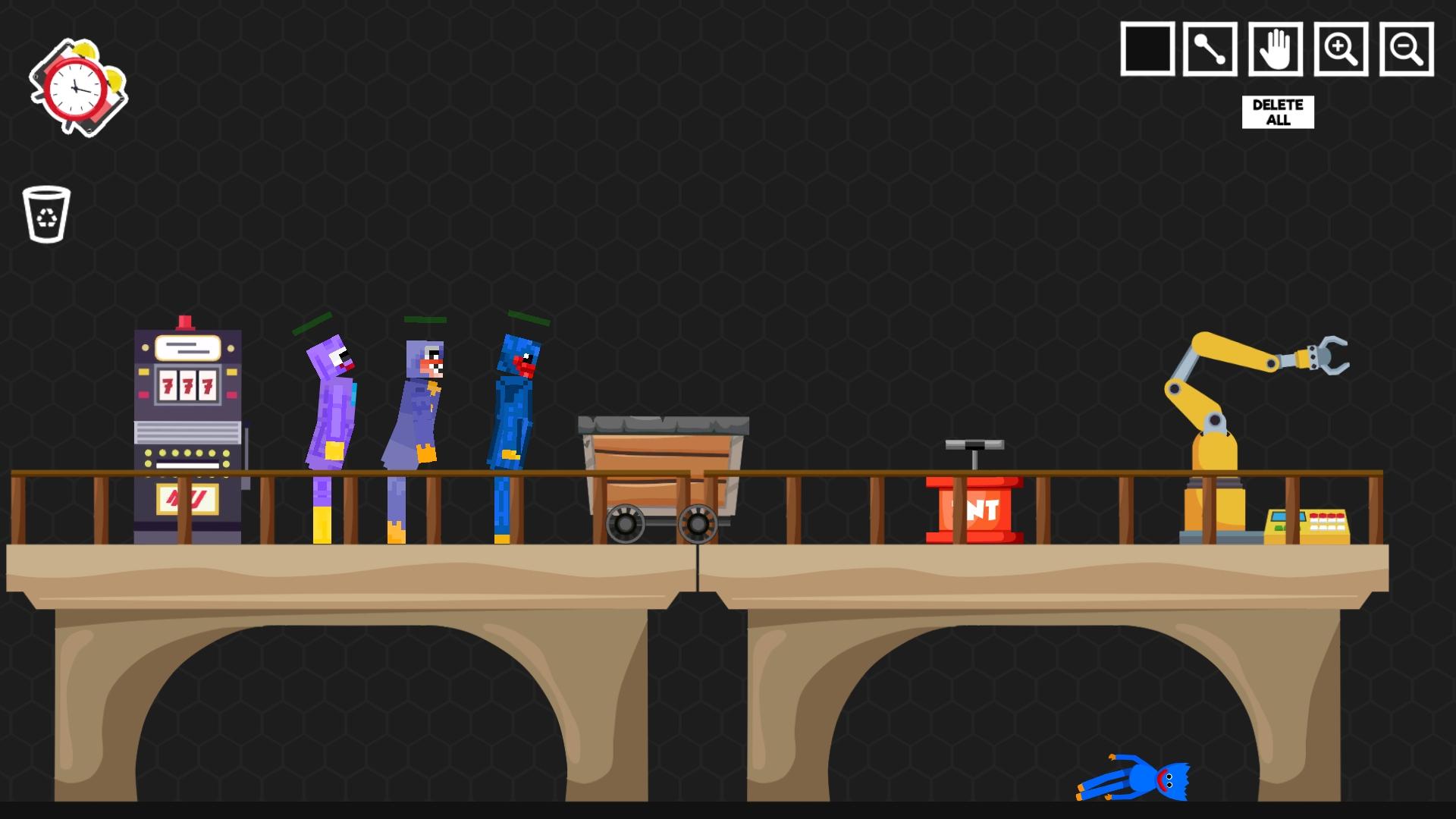
In this ragdoll game is need to make a system with so many stuffs, you have to type of people huggy. Also you have a tank, and cars and other funny things that you can use.
You can try to make a very funny machine, just drag and drop where you want.
There is so many funny stuffs that you can use for your ragdoll playground.
Start to create doll and have a fun.
Sticks in Playground is funny super huggy buggy, you can moving doll where you want, just play with it.
Do not wait, go in people Buggy Wuggy Playground adventures and have a fun.
Feature:
- Great graphics and animations
- So many traps
- So many funny things
- Stick physics ragdoll game
- Making stick in doll
- Huggy sticks
If you have any question please contact us on mail.
Enjoy the game!
Avance
Etiquetas
Sala de juegosInformación
Desarrollador
TenseGames
La última versión
1.0.2
Última actualización
2022-04-22
Categoría
Sala de juegos
Disponible en
Google Play
Mostrar más
Cómo jugar Buggy Ragdoll Playground con GameLoop en PC
1. Descargue GameLoop desde el sitio web oficial, luego ejecute el archivo exe para instalar GameLoop.
2. Abra GameLoop y busque "Buggy Ragdoll Playground", busque Buggy Ragdoll Playground en los resultados de búsqueda y haga clic en "Instalar".
3. Disfruta jugando Buggy Ragdoll Playground en GameLoop.
Minimum requirements
OS
Windows 8.1 64-bit or Windows 10 64-bit
GPU
GTX 1050
CPU
i3-8300
Memory
8GB RAM
Storage
1GB available space
Recommended requirements
OS
Windows 8.1 64-bit or Windows 10 64-bit
GPU
GTX 1050
CPU
i3-9320
Memory
16GB RAM
Storage
1GB available space