RogueRun - Abyss Tower para PC
Zoo Corporation
Descarga RogueRun - Abyss Tower en PC con GameLoop Emulator
RogueRun - Abyss Tower en PC
RogueRun - Abyss Tower, proveniente del desarrollador Zoo Corporation, se ejecuta en el sistema Android en el pasado.
Ahora, puedes jugar RogueRun - Abyss Tower en PC con GameLoop sin problemas.
Descárgalo en la biblioteca de GameLoop o en los resultados de búsqueda. No más mirar la batería o llamadas frustrantes en el momento equivocado nunca más.
Simplemente disfrute de RogueRun - Abyss Tower PC en la pantalla grande de forma gratuita!
RogueRun - Abyss Tower Introducción
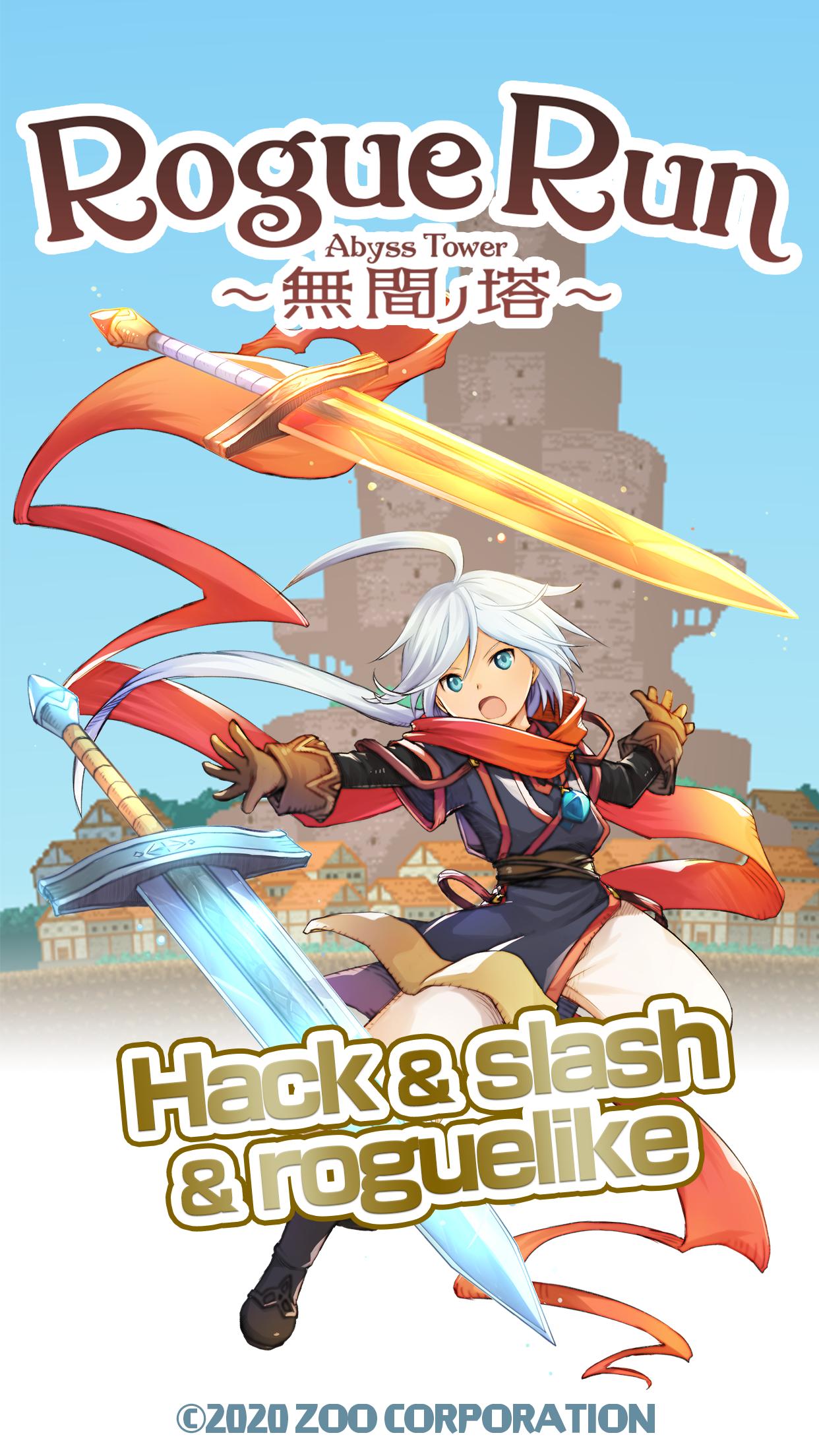
The "Abyss Tower" will take you on an adventure!
What awaits you there!?
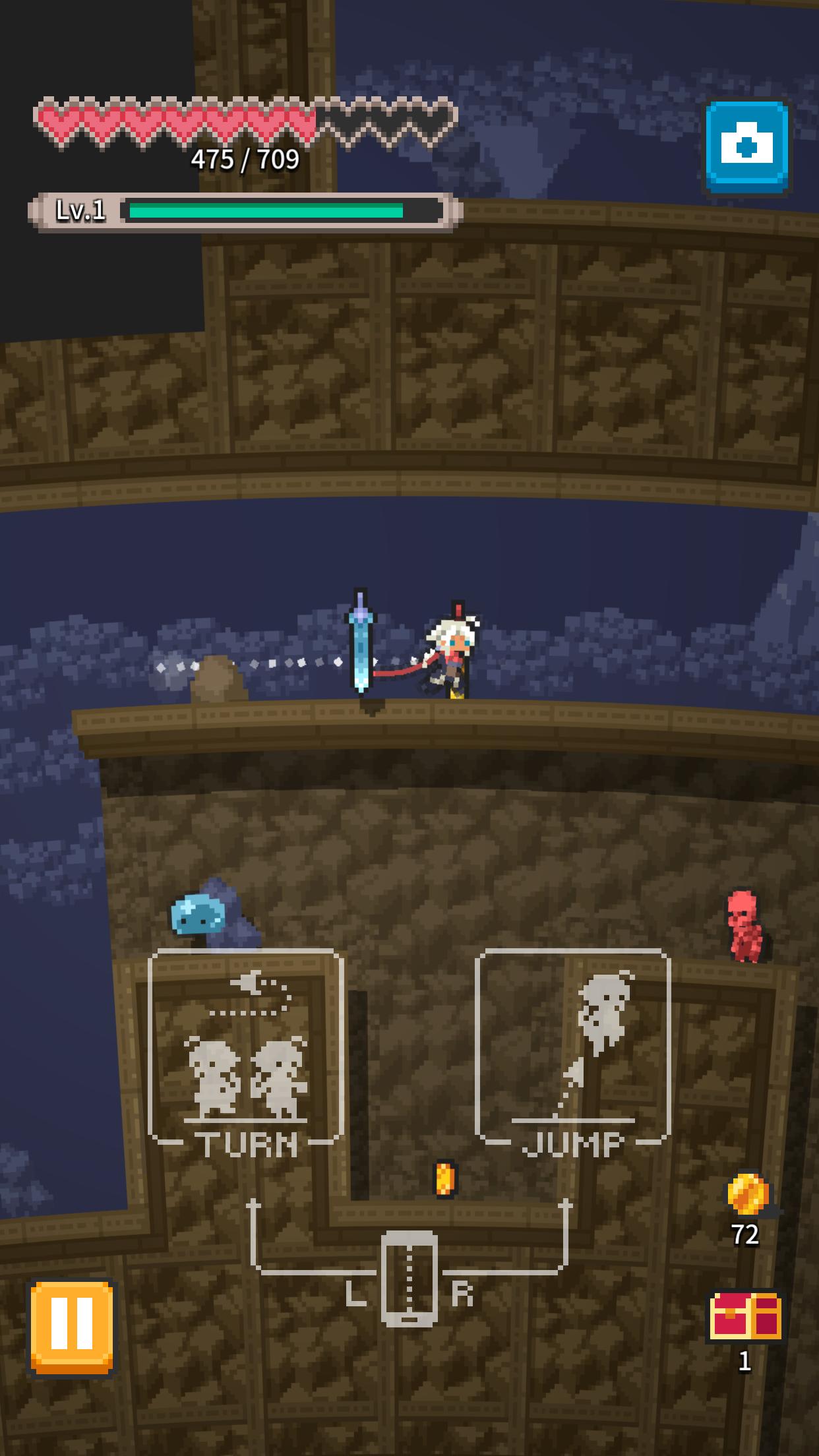
Play an authentic hack-and-slash roguelike with simple left-right tap controls!
==========================
Introduction
==========================
This is an action rougelike game, where you explore automatically generated pixel dungeons and worlds. Enhance your equipment with the items you bring back after completing a dungeon.
◆Many actions available
Take a variety of actions such as jumping, wall-scaling, rolling, etc. by tapping on the left or right side of the screen. The character will run automatically in the tapped direction.
◆Exploration mode: no change in the dungeon for a day
In normal exploration mode, the dungeon does not change throughout the day. The same stage can be played again even if you fail, allowing you to remembering the map layout. During the same day, all players will conquer the same stages, so you may be able to share information among other dungeon explorers.
◆Deep exploration mode: changes its dungeon with each play
You can enjoy more rogue-like play in deep exploration mode, where the layout of the dungeon changes with each play.
◆A variety of weapons such as swords, spears, staves, etc.
Players can use the materials they bring back from exploring the dungeons to strengthen the various weapons they equip.
You can also combine weapons of the same type to further enhance them.
◆Change your avatar by changing your equipment
When you wear various types of equipment, the avatar of the player character changes! You can also change the color and enjoy customizing it for each player.
Avance
Etiquetas
PlataformasHack-&CasualUn solo jugadorEstilizadopixeladoDungeonInformación
Desarrollador
Zoo Corporation
La última versión
1.2.7
Última actualización
2024-07-22
Categoría
Acción
Disponible en
Google Play
Mostrar más
Cómo jugar RogueRun - Abyss Tower con GameLoop en PC
1. Descargue GameLoop desde el sitio web oficial, luego ejecute el archivo exe para instalar GameLoop.
2. Abra GameLoop y busque "RogueRun - Abyss Tower", busque RogueRun - Abyss Tower en los resultados de búsqueda y haga clic en "Instalar".
3. Disfruta jugando RogueRun - Abyss Tower en GameLoop.
Minimum requirements
OS
Windows 8.1 64-bit or Windows 10 64-bit
GPU
GTX 1050
CPU
i3-8300
Memory
8GB RAM
Storage
1GB available space
Recommended requirements
OS
Windows 8.1 64-bit or Windows 10 64-bit
GPU
GTX 1050
CPU
i3-9320
Memory
16GB RAM
Storage
1GB available space