Bigger Dot para PC
tyttoot ®
Descarga Bigger Dot en PC con GameLoop Emulator
Bigger Dot en PC
Bigger Dot, proveniente del desarrollador tyttoot ®, se ejecuta en el sistema Android en el pasado.
Ahora, puedes jugar Bigger Dot en PC con GameLoop sin problemas.
Descárgalo en la biblioteca de GameLoop o en los resultados de búsqueda. No más mirar la batería o llamadas frustrantes en el momento equivocado nunca más.
Simplemente disfrute de Bigger Dot PC en la pantalla grande de forma gratuita!
Bigger Dot Introducción
NEW: ORIGINAL MODE — NEW BUT NOT NEW
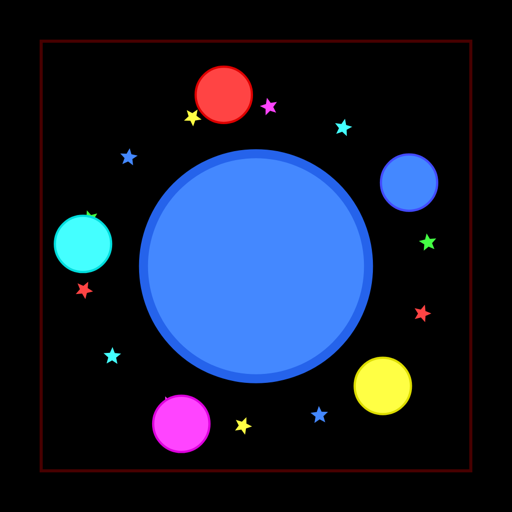
The Bigger Dot that so many players fell in love with is back, rebuilt exactly as it played years ago. Press Play on the home screen and you land straight in the original arena: star-shaped cells, the green split and eject stars on the screen edges, brown splitters and hungry computer-controlled cells. The score line, the name box on the game-over screen and the world that keeps running after you shrink are all here. Want the newer experience? Tap the Arena button under Play for Classic, Time Attack, Hardcore and Bot Battle.
INTRODUCE
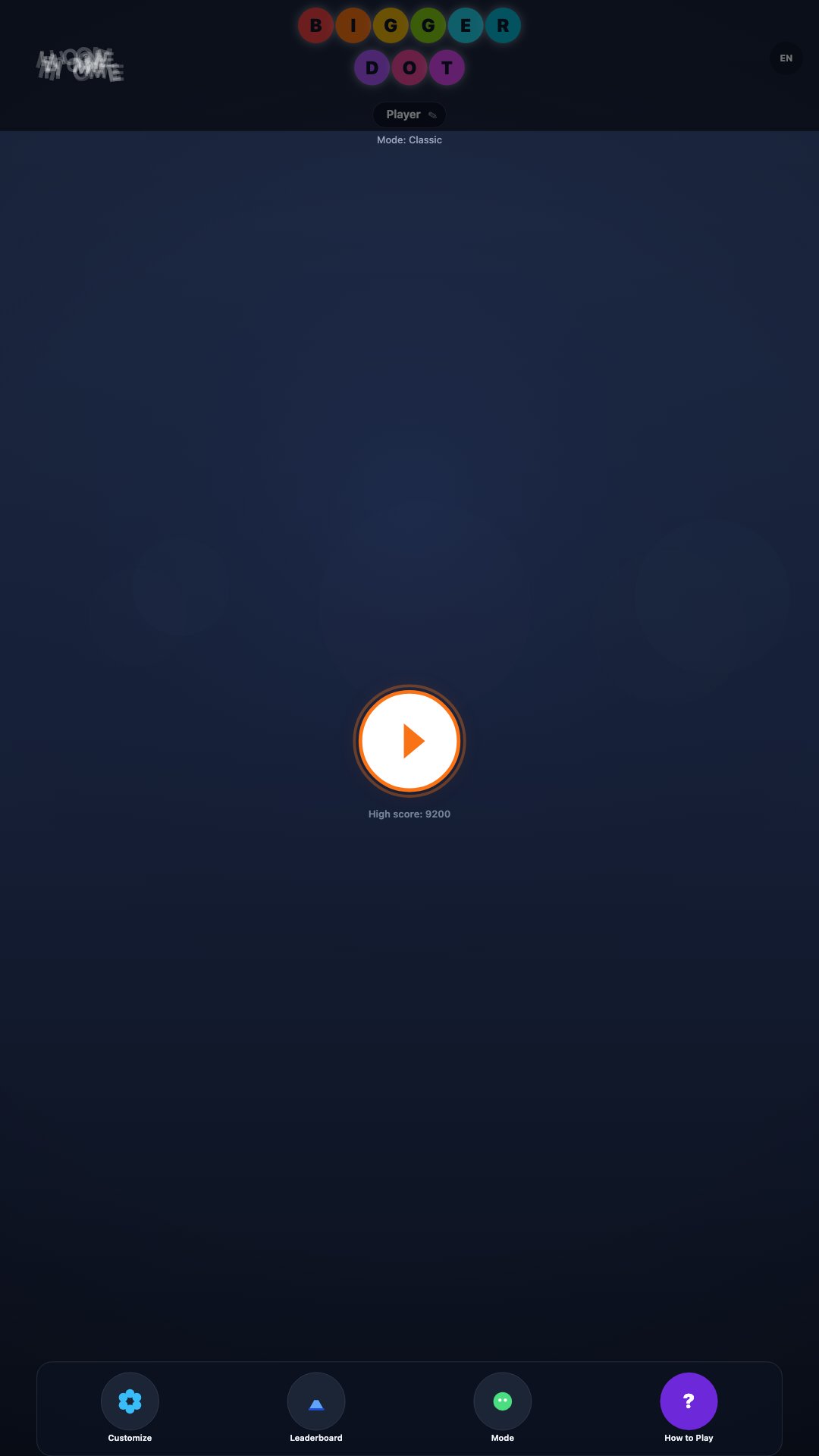
Bigger Dot drops you into a vast living arena where cells grow, chase, and risk being swallowed. When your blob is larger than a rival, you can absorb them and keep climbing in size. Skillful movement is how you grow quickly—food and smaller cells ahead of you are opportunities, while careless wandering turns you into someone else's meal.
Everything in front of you can become mass if you outsize it. To stay large for longer, eat steadily and avoid feeding careless pieces to bigger hunters. Join the seasonal community on the online leaderboard: register a display name, track peak score and rank, and keep pushing toward the top of each season table.
HOW TO PLAY
Rely on the control pad to steer your cells. Use M-pad to aim toward a point on the screen, or switch to C-pad for a floating stick—touch anywhere empty to place the stick at your finger, drag to steer, and lift to snap back to the default corner. On Mac and desktop, the same pads work with a pointer or trackpad, so you can keep one hand on movement while you glance at the live rank strip.
Hunt food and bots, absorb what you can overpower, and keep your mass safe. You can split into multiple pieces to move faster and catch prey more easily. You can also eject mass to hoard bait, open a path, or deceive other cells. When you eat an explosive splitter, you may break into several parts depending on your size—be careful if you are small, because a dangerous splitter can swallow you instead.
Brown splitters grow from food around the map. Green splitters punish giants that gulp them without caution. Learn the rhythm of chase, escape, and regroup after every split. After a hard fight, pause briefly at the edge of the map, let distant pieces drift back together when the mode allows it, then re-enter the crowded centre only when you have a clear size advantage.
GAME MODES
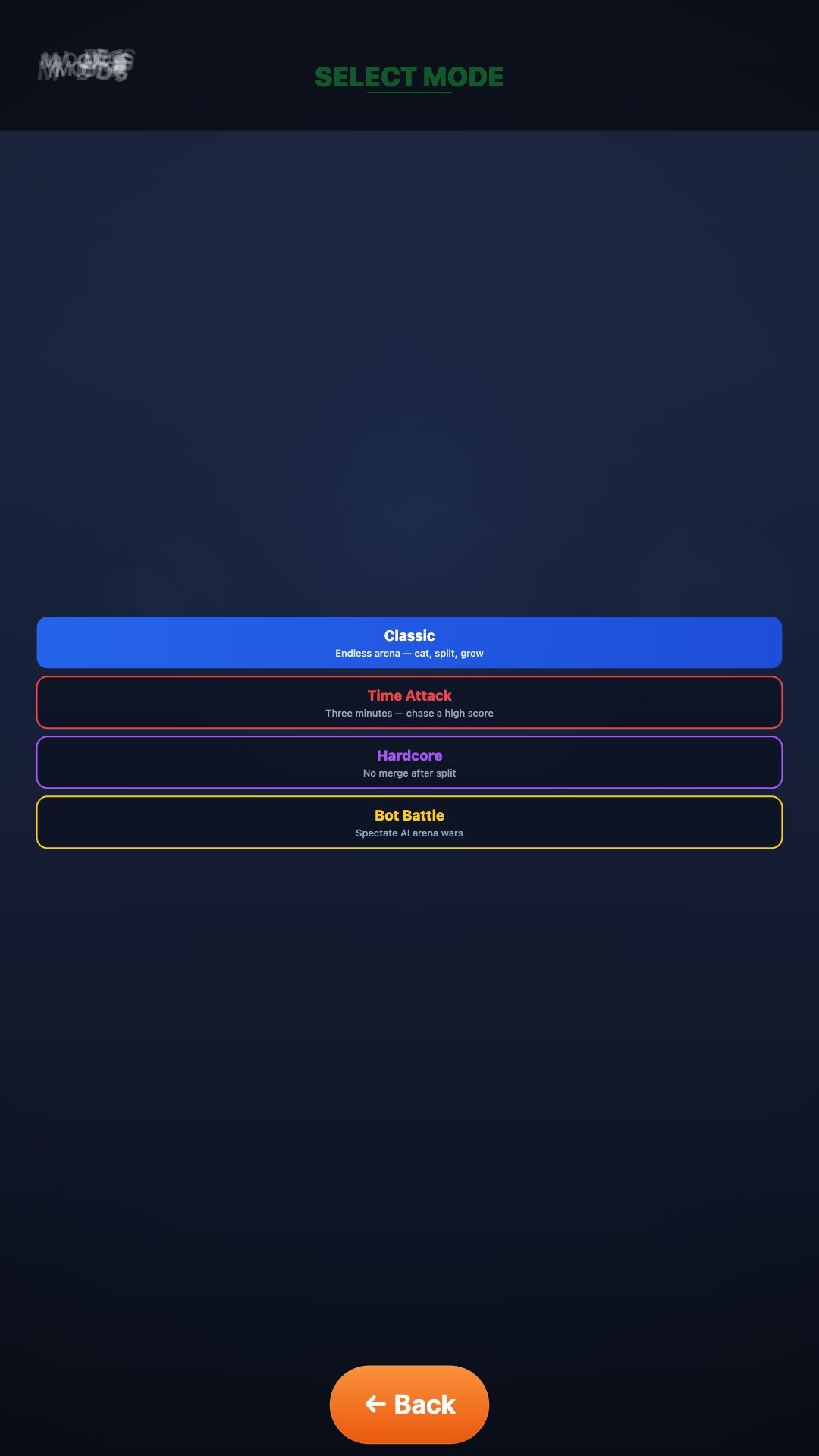
• Original — the first Bigger Dot arena, restored as it was (Play button)
• Classic — endless growth in an open arena
• Time Attack — a three-minute score rush for a personal high score
• Hardcore — after you split, parts never merge again
• Bot Battle — spectate AI wars without controlling a human cell
FEATURES
• Simple default controls for touch and pointer, plus a pad toggle in the corner
• Change the controller style anytime with the M-pad / C-pad switch
• Customize outline, body color, and core shape so your cell is easy to spot in a busy field
• Sign up, rename your character, browse season player lists, and sync scores to the online leaderboard when a connection is available
• Session stats: peak score, splits, ejects, and rank snapshots
• Eight languages with an in-game language picker
• Built-in how-to-play guide based on real arena habits
• The game-over card shows play time, food eaten, cells eaten and who ended your run
• Full-screen canvas that fills phones, tablets, and Mac windows in portrait or landscape without letterboxing
• Season picker on the leaderboard to browse earlier seasons
CONTACT
Please write if you want to share feedback with us.
Email: trochoicodien@gmail.com
More projects: tyttoot.com
Wish you calm, focused runs and fun moments in the arena.
Thanks for playing Bigger Dot!
Avance
Etiquetas
AcciónInformación
Desarrollador
tyttoot ®
La última versión
2.0.104
Última actualización
2026-10-10
Categoría
Acción
Disponible en
Google Play
Mostrar más
Cómo jugar Bigger Dot con GameLoop en PC
1. Descargue GameLoop desde el sitio web oficial, luego ejecute el archivo exe para instalar GameLoop.
2. Abra GameLoop y busque "Bigger Dot", busque Bigger Dot en los resultados de búsqueda y haga clic en "Instalar".
3. Disfruta jugando Bigger Dot en GameLoop.
Minimum requirements
OS
Windows 8.1 64-bit or Windows 10 64-bit
GPU
GTX 1050
CPU
i3-8300
Memory
8GB RAM
Storage
1GB available space
Recommended requirements
OS
Windows 8.1 64-bit or Windows 10 64-bit
GPU
GTX 1050
CPU
i3-9320
Memory
16GB RAM
Storage
1GB available space