Build and Protect para PC
Mikhail Frenkel
Descarga Build and Protect en PC con GameLoop Emulator
Build and Protect en PC
Build and Protect, proveniente del desarrollador Mikhail Frenkel, se ejecuta en el sistema Android en el pasado.
Ahora, puedes jugar Build and Protect en PC con GameLoop sin problemas.
Descárgalo en la biblioteca de GameLoop o en los resultados de búsqueda. No más mirar la batería o llamadas frustrantes en el momento equivocado nunca más.
Simplemente disfrute de Build and Protect PC en la pantalla grande de forma gratuita!
Build and Protect Introducción
Dear users!
I present to your attention the game Build and protect.
You can build your world.
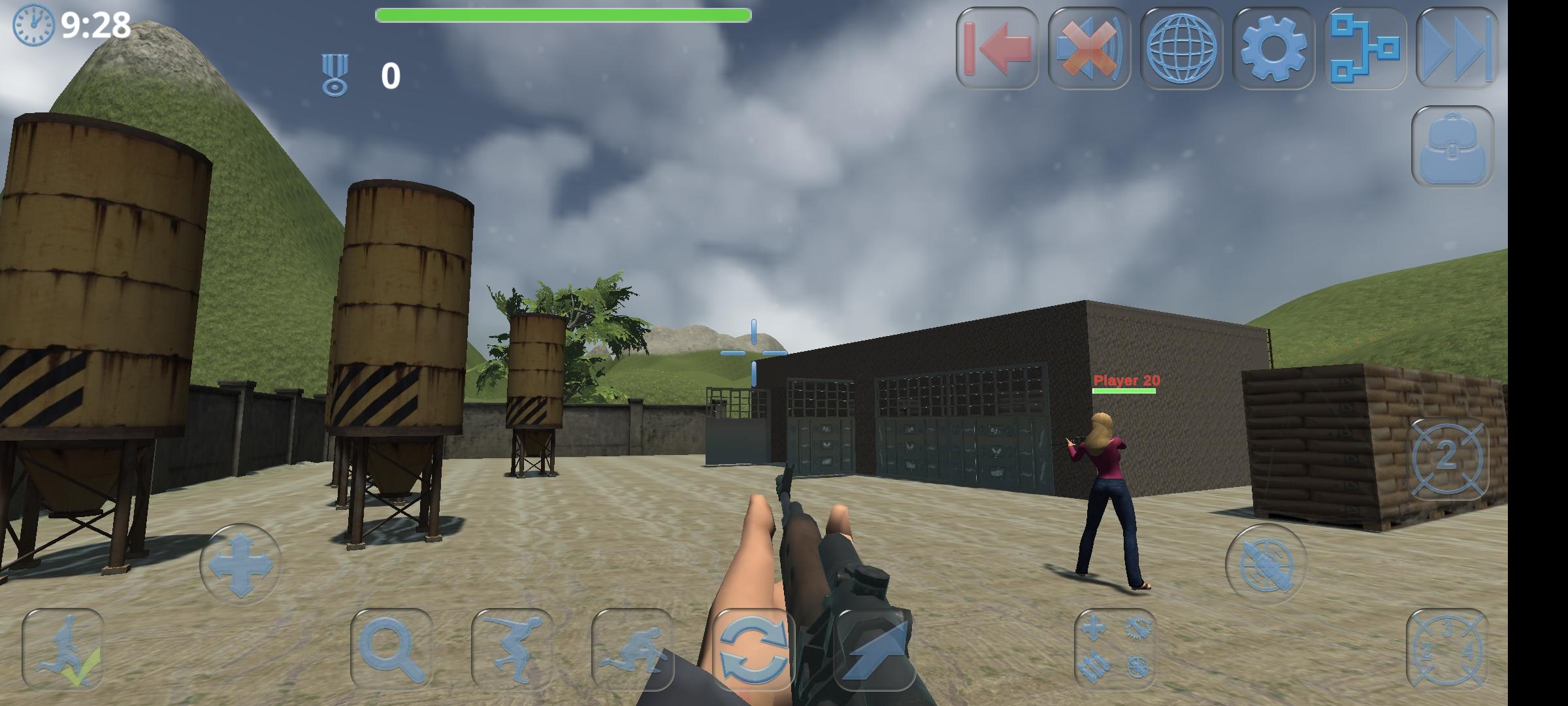
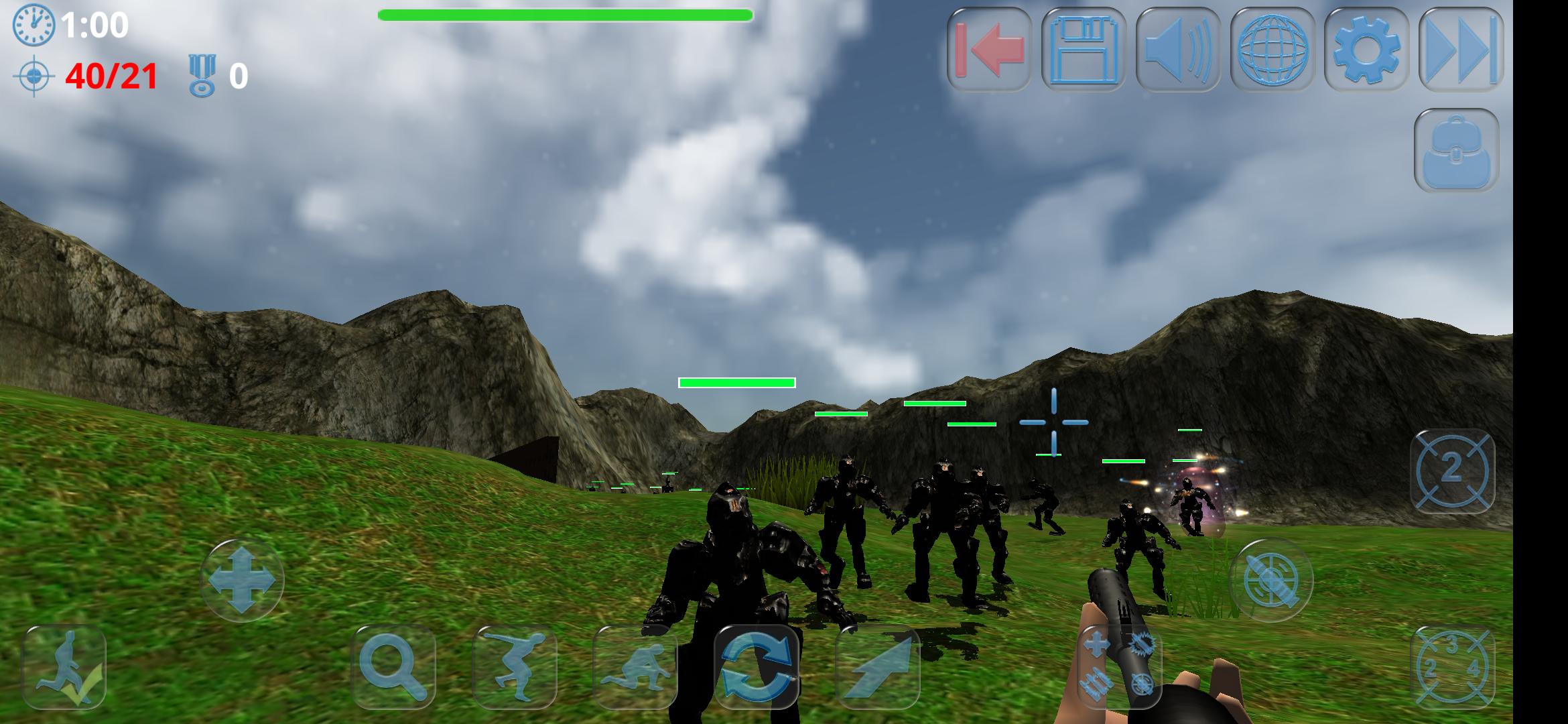
You can protect your world from other players or zombie robots.
The game has two online (network) modes:
• Constructor mode
• Game mode - on location
The game has four offline modes:
• Constructor mode
• Game mode - zombie boxes
• Game mode - zombies
• Game mode - shooting range
CONSTRUCTOR MODE. ONLINE AND OFFLINE
Can be launched both for one user (offline) and for a group of players (online).
Allows you to add your own Quest.
All levels of the game «Build and protect» are made in this constructor.
The constructor has not only a cube, but also various elements, blocks of different sizes, trees, lamps, furniture and various objects, targets, weapons, ammunition, windows and doors.
Some objects have physics. Objects with physics react to impacts and are subject to gravity. In the constructor mode, physics is disabled, but in the game mode it works.
You can create your worlds on five predefined locations (surfaces) or enable automatic surface generation.
The automatic surface generator will create a unique island for you with village sites and roads.
Having created a world, you can send it to your friends (using any of your messengers or email).
To speed up the installation of several identical structures, the game has templates. For example: a house assembled from blocks. You can install it on a location in one click.
You can create your own templates and send them to your friends.
For lovers of labyrinths, there is a built-in generator of labyrinths of any size.
You can also place it on a location.
When playing online, the location is saved simultaneously for all participants.
GAME MODE - ON LOCATION. ONLINE
You can build locations and play online matches with your friends.
You can use both locations created by the developer and your own locations.
Various rules: Survival, survival with a limited number of shots, who will score more points, who will shoot down more targets, time limit, friendly fire, and various combinations of them.
«Build and protect» can take place both on a local network and over the Internet.
You send an invitation to the game to your friends using any external messenger, your friends accept the invitation and join the game.
«Build and protect» does not have a central server, one of the players, in parallel with the game, will have to log in as a server on his device. He usually sends invitations to other participants.
When you log in, you can choose an avatar and weapon layout.
Points in the game for hitting the target are awarded taking into account the distance. The further you are from the target, the more points you get for hitting it. The same applies to hitting players of the other team in survival mode.
GAME MODE - ZOMBIE. OFFLINE
Someone created destroyer robots. But their Artificial Intelligence is very stupid, so they behave like zombies.
Your world can be destroyed by zombie robots. They also have a portal for teleportation to your world.
It is possible to complete levels, or just play on locations.
When entering, you can choose an avatar and weapon layout.
You have health, if it runs out, you die.
Zombies attack not only you, but also targets.
GAME MODE - ZOMBIE BOXES. OFFLINE
Zombie boxes move around the arena in one direction. Their target is the opposite wall. Your task is to prevent them from reaching it.
It is possible to complete levels and sublevels, or just play on locations.
When you log in, you can choose an avatar and a weapon loadout.
You have health, if it runs out, you die.
GAME MODE - SHOOTING RANGE. OFFLINE
It is possible to complete levels, or just play on locations.
When you log in, you can choose an avatar and a weapon loadout.
Points in the game are awarded for hitting the target, taking into account the distance. The further you are from the target, the more points you get for hitting it.
GAME SUPPORTS
• gamepad
Avance
Etiquetas
AcciónInformación
Desarrollador
Mikhail Frenkel
La última versión
4.84
Última actualización
2025-07-11
Categoría
Acción
Disponible en
Google Play
Mostrar más
Cómo jugar Build and Protect con GameLoop en PC
1. Descargue GameLoop desde el sitio web oficial, luego ejecute el archivo exe para instalar GameLoop.
2. Abra GameLoop y busque "Build and Protect", busque Build and Protect en los resultados de búsqueda y haga clic en "Instalar".
3. Disfruta jugando Build and Protect en GameLoop.
Minimum requirements
OS
Windows 8.1 64-bit or Windows 10 64-bit
GPU
GTX 1050
CPU
i3-8300
Memory
8GB RAM
Storage
1GB available space
Recommended requirements
OS
Windows 8.1 64-bit or Windows 10 64-bit
GPU
GTX 1050
CPU
i3-9320
Memory
16GB RAM
Storage
1GB available space