
VidTrim - Video Editor PC
Goseet
Download VidTrim - Video Editor on PC With GameLoop Emulator
VidTrim - Video Editor pada PC
VidTrim - Video Editor, datang daripada pembangun Goseet, sedang berjalan pada sistem Android pada masa lalu.
Kini, Anda boleh bermain VidTrim - Video Editor pada PC dengan GameLoop dengan lancar.
Muat turunnya dalam pustaka GameLoop atau hasil carian. Tiada lagi melihat bateri atau panggilan yang mengecewakan pada masa yang salah lagi.
Hanya nikmati VidTrim - Video Editor PC pada skrin besar secara percuma!
VidTrim - Video Editor Pengenalan
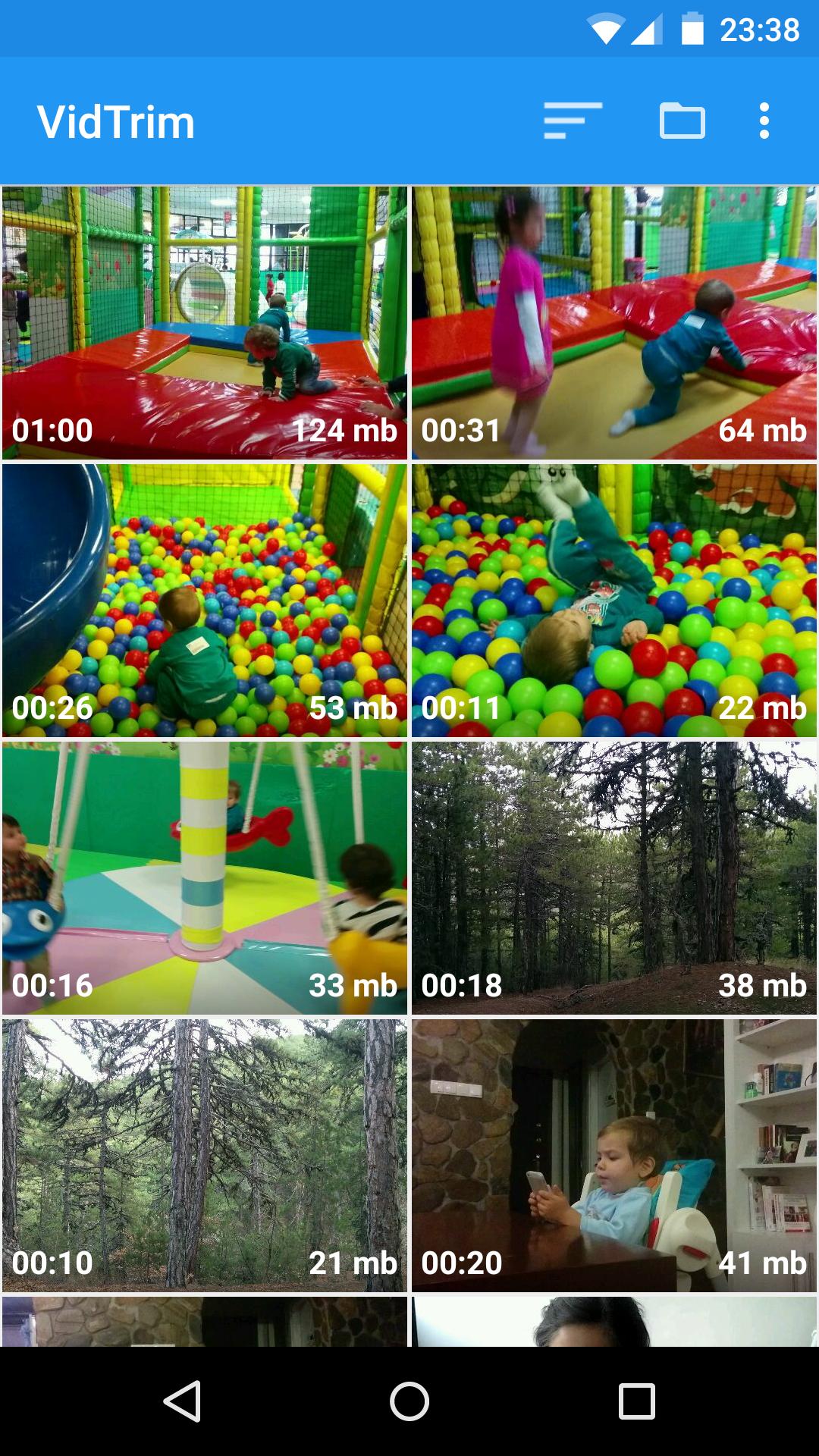
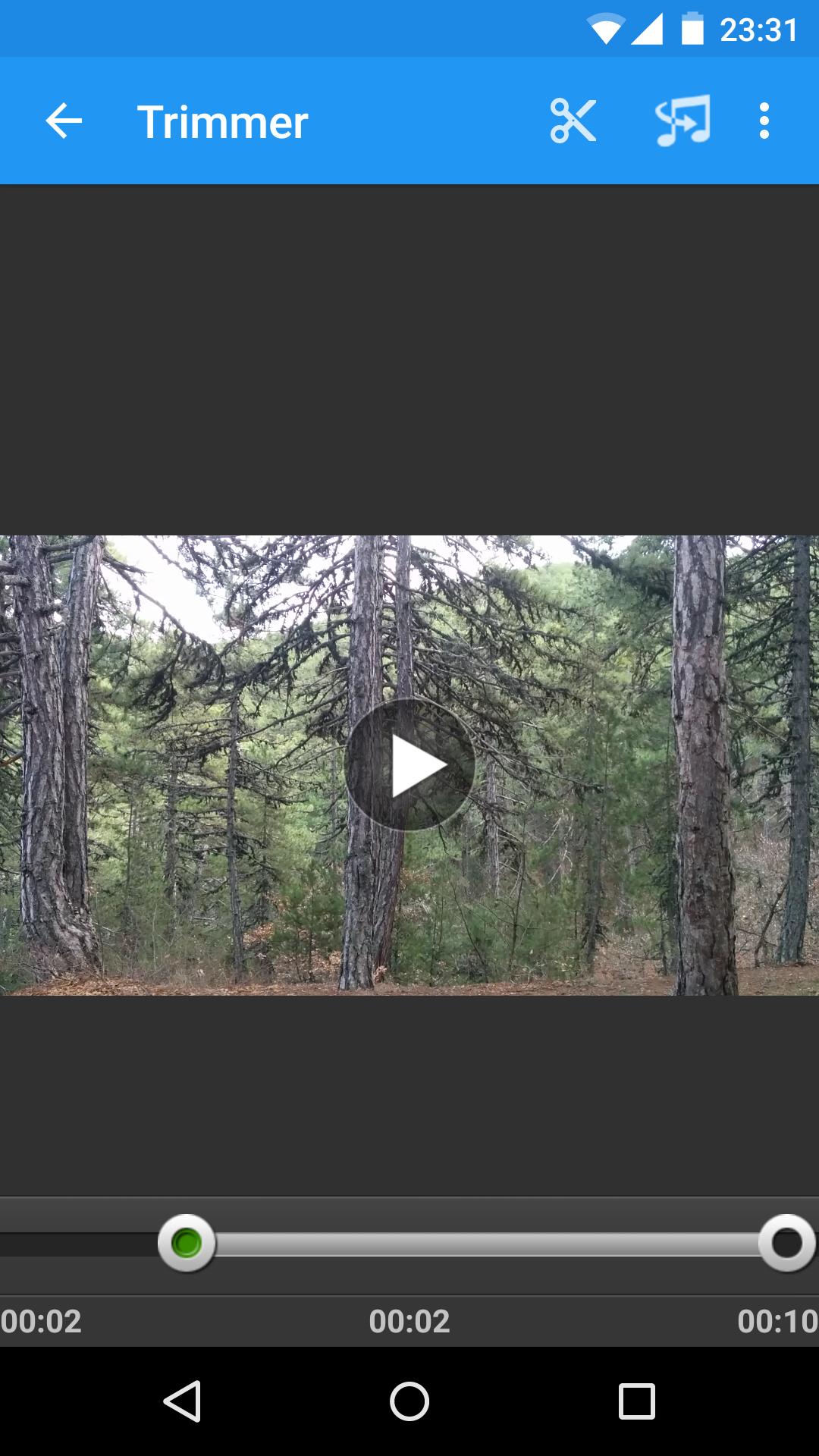
VidTrim is a video editor and organizer for Android. It includes multiple features like trimming, merging, frame grabbing, video effects, extract audio (convert to MP3) and transcoding (compress and convert to MP4). You can also share your videos with your friends directly through the app.
This is the free ad supported version of VidTrim Pro.
Features of VidTrim:
- Video trimmer. Trim video clips right on your device
- Merge video clips. Join (concatenate) multiple video clips into one.
- Convert video files to MP3 audio files.
- Rotate videos (Quick rotation without encoding or true rotation by encoding)
- Frame grabber (save image from videos)
- Share video clips.
- Play video clips
- Rename video clips
- Delete video clips
- Supports both ARM and x86 CPUs in one package.
- Contains optimizations for ARMv7 NEON when available.
TRIAL Features in this Free version (watermark will be applied to the result video):
- Effects. Apply cool video effects like B/W, Negate, Vintage, Vignette, Blur, Sharpen, Edge detect, Luma, SwapUV.
- Transcode video clips. The transcoder allows you to convert video to MP4, resize and compress.
- Add music soundtrack to your videos through transcoding feature.
All videos/frames/mp3s are stored under "VidTrim" folder on the internal storage.
Supported languages:
- English
- Turkish
- German
- French
- Italian
- Portuguese
- Russian
- Greek
- Hebrew
- Dutch
- Czech
- Polish
- Arabic
- Chinese (Simplified)
If you have any problems or suggestions please contact us at: support@goseet.com
Uses FFmpeg under permission of LGPL.
Preview
Tags
Video-PlayersInformation
Developer
Goseet
Latest Version
2.6.1
Last Updated
2019-04-11
Category
Video-players-editors
Available on
Google Play
Show More
Cara bermain VidTrim - Video Editor dengan GameLoop pada PC
1. Muat turun GameLoop dari laman web rasmi, kemudian jalankan fail exe untuk memasang GameLoop.
2. Buka GameLoop dan cari "VidTrim - Video Editor", cari VidTrim - Video Editor dalam hasil carian dan klik "Pasang".
3. Nikmati bermain VidTrim - Video Editor di GameLoop.
Minimum requirements
OS
Windows 8.1 64-bit or Windows 10 64-bit
GPU
GTX 1050
CPU
i3-8300
Memory
8GB RAM
Storage
1GB available space
Recommended requirements
OS
Windows 8.1 64-bit or Windows 10 64-bit
GPU
GTX 1050
CPU
i3-9320
Memory
16GB RAM
Storage
1GB available space