
Stop Motion Animation Maker PC
Whisper Arts
Download Stop Motion Animation Maker on PC With GameLoop Emulator
Stop Motion Animation Maker pada PC
Stop Motion Animation Maker, datang daripada pembangun Whisper Arts, sedang berjalan pada sistem Android pada masa lalu.
Kini, Anda boleh bermain Stop Motion Animation Maker pada PC dengan GameLoop dengan lancar.
Muat turunnya dalam pustaka GameLoop atau hasil carian. Tiada lagi melihat bateri atau panggilan yang mengecewakan pada masa yang salah lagi.
Hanya nikmati Stop Motion Animation Maker PC pada skrin besar secara percuma!
Stop Motion Animation Maker Pengenalan
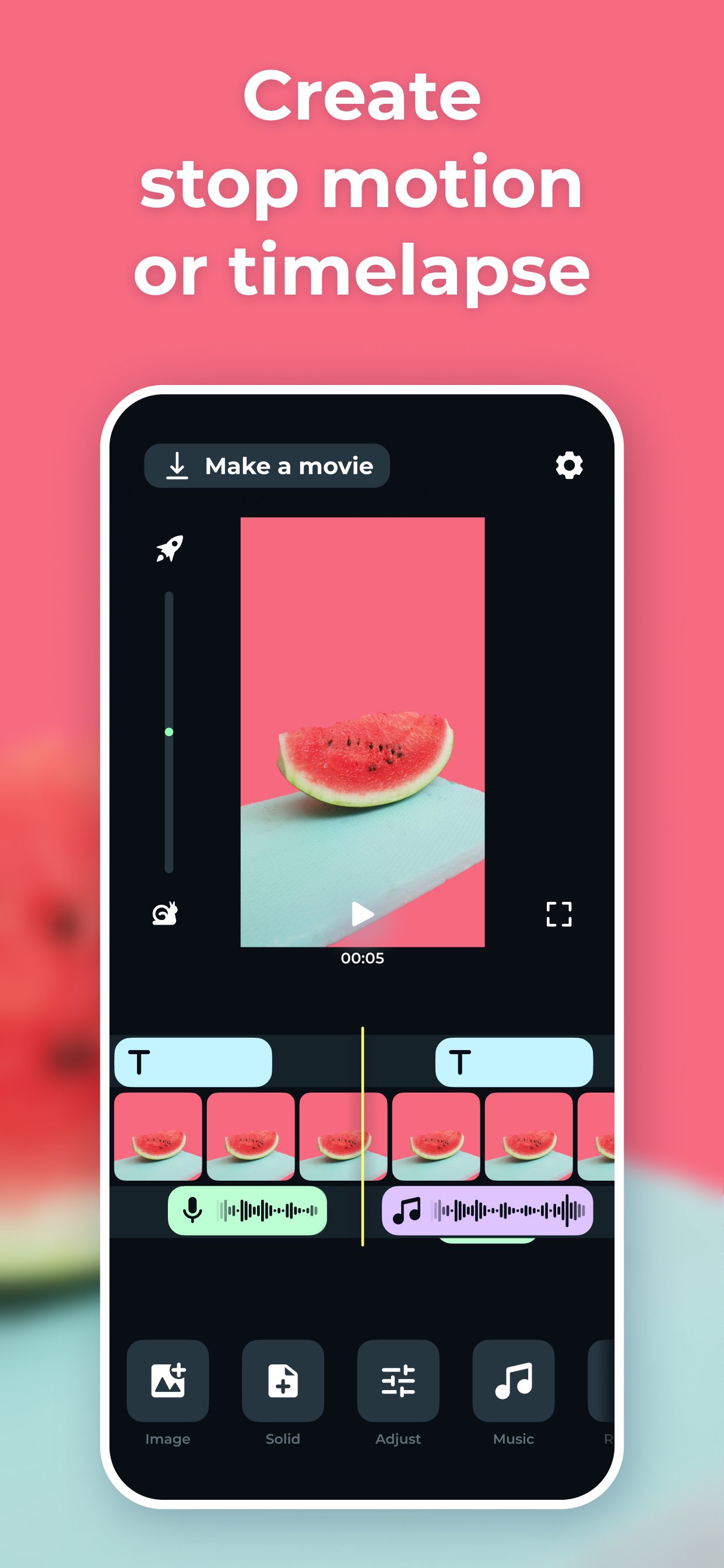
Stop Motion Cartoon Maker app creates a series of photographs that can be combined into a video and get finished cartoon, animation, or time-lapse at the output.
With the Stop Motion app, You can easily create your own cartoon or stop-motion animation just like the pros do! Easy shooting and editing even for beginner animators.
Creating cartoons
Take photos of your plasticine, Lego, drawings, and create your own cartoons.
Time-lapse photography can be done with anything: Lego, plasticine crafts, drawings, sketches, objects, etc.
The application provides a special mode of the translucent overlay on the current frame in the camera: you can align objects and determine exactly how to position objects to get the right movement in the frame.
We tried to make intuitive navigation in the app so even 5-years old child could create his own cartoon.
Stop motion videos
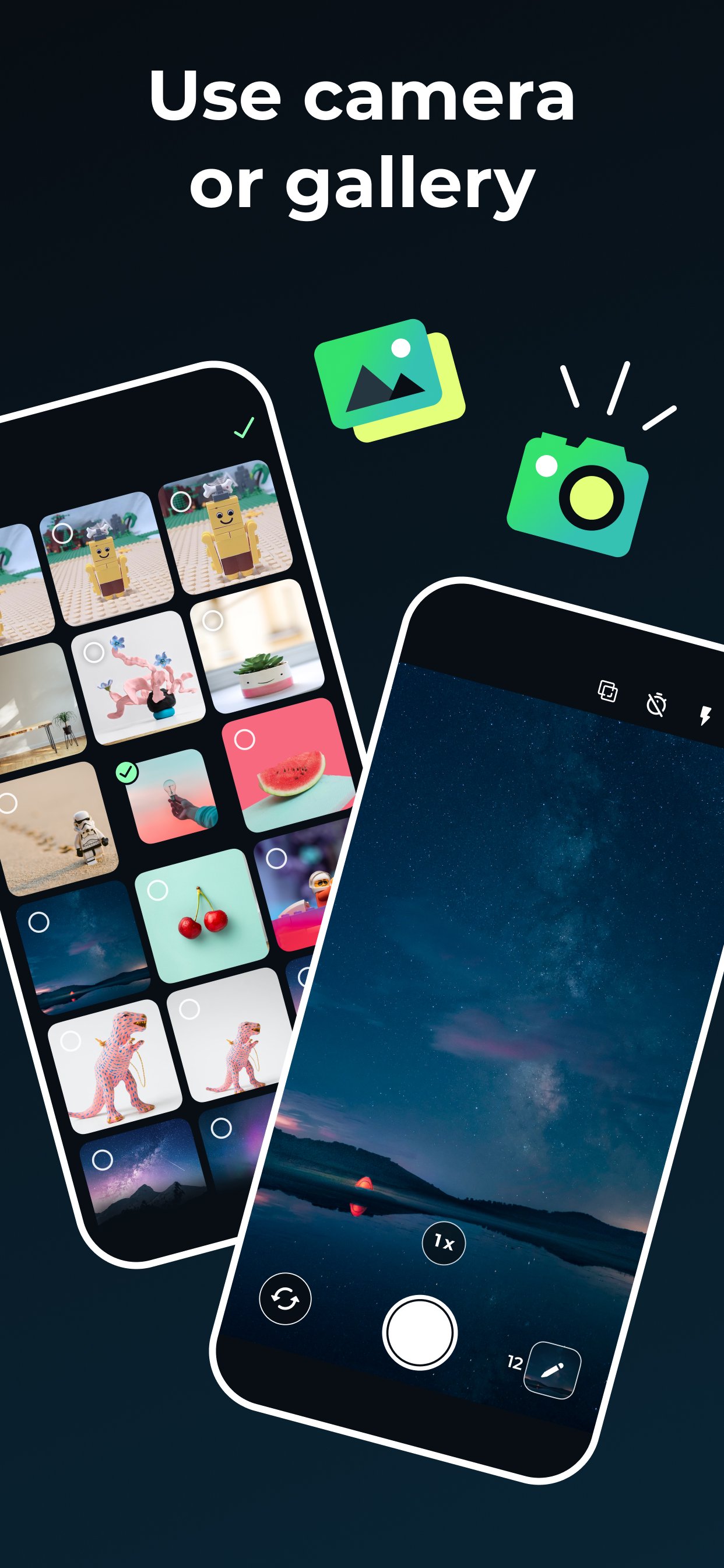
Easily turn your photos into amazing videos. Use a photo gallery or take photos frame by frame to create movement. Then simply select the photos you want to include in your animation, set the speed, and create your video! You can save the finished video to your smartphone or share it on social networks directly from the Stop Motion app.
The main functionality of the application:
- frame-by-frame photo shooting with further combining the captured photos into a video;
- horizontal and vertical screen orientation;
- image zoom and transparency setting of the previous frame;
- choice of vocalization during the scheme: manual or auto
- viewing the footage;
- the ability to set the frame rate;
- stream export to video format;
The app is ideal for creating cartoons and spending time together between parents and children, as well as creating interesting content on a personal blog!
Time Lapse is a photography technique that allows you to accelerate a video and watch slowly changing events much faster.
Want to receive the latest news about the application? Subscribe to the newsgroup https://www.facebook.com/WhisperArts
Preview
Tags
Video-PlayersInformation
Developer
Whisper Arts
Latest Version
5.6.2
Last Updated
2026-03-23
Category
Video-players-editors
Available on
Google Play
Show More
Cara bermain Stop Motion Animation Maker dengan GameLoop pada PC
1. Muat turun GameLoop dari laman web rasmi, kemudian jalankan fail exe untuk memasang GameLoop.
2. Buka GameLoop dan cari "Stop Motion Animation Maker", cari Stop Motion Animation Maker dalam hasil carian dan klik "Pasang".
3. Nikmati bermain Stop Motion Animation Maker di GameLoop.
Minimum requirements
OS
Windows 8.1 64-bit or Windows 10 64-bit
GPU
GTX 1050
CPU
i3-8300
Memory
8GB RAM
Storage
1GB available space
Recommended requirements
OS
Windows 8.1 64-bit or Windows 10 64-bit
GPU
GTX 1050
CPU
i3-9320
Memory
16GB RAM
Storage
1GB available space