
sPlayer PC
s-joys Co.,Ltd.
Download sPlayer on PC With GameLoop Emulator
sPlayer pada PC
sPlayer, datang daripada pembangun s-joys Co.,Ltd., sedang berjalan pada sistem Android pada masa lalu.
Kini, Anda boleh bermain sPlayer pada PC dengan GameLoop dengan lancar.
Muat turunnya dalam pustaka GameLoop atau hasil carian. Tiada lagi melihat bateri atau panggilan yang mengecewakan pada masa yang salah lagi.
Hanya nikmati sPlayer PC pada skrin besar secara percuma!
sPlayer Pengenalan
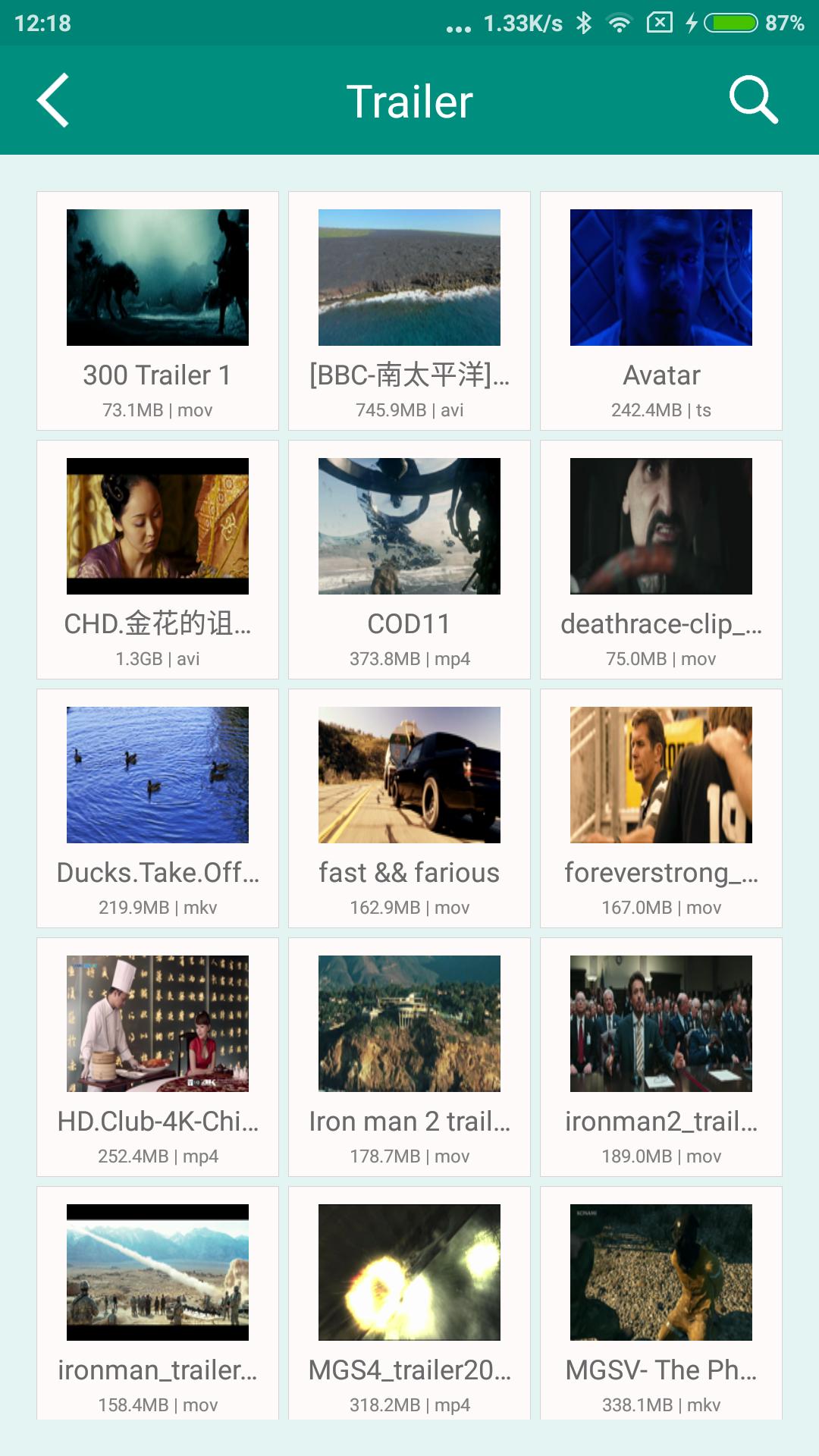
sPlayer is a professional media player, simple but powerful, support all audio and video formats, praised on the multiple platforms, it will offers excellently video experience on Android devices !
0. A clean player:
* No ads.
* No iAP.
1. A Best Player:
* Hardware acceleration.
* Built-in audio enhancement.
* Multi soundtrack selection.
* Embedded/External subtitle-track selection
* Support subtitle effective.
* Subtitle synchronization.
* Support for external subtitle font selection.
* 0.5x-2.0x playback speed control.
* 0.5x-5.0x screen zoom.
* Media preview in seeking.
* Supported video formats : MP4, MOV, MKV, AVI, WMV, FLV, RMVB, ASF,OGV and so on.
* Supported audio formats : MP3, WAV, WMA, FLAC, APE and so on.
* Support subtitle format : SRT, SSA, ASS.
* Supported image formats : JPG, PNG, BMP,TIFF etc.
2. Convenient access nearby devices:
* Direct access to audio, video, streaming playlist and subtitle from your PC / Server / NAS, and without any waiting.
* Can play from external USB storage.
* Download media files/folders directly to your device via SMB/CIFS/UPnP.
* UPnP/DLNA playback and auto discovery.
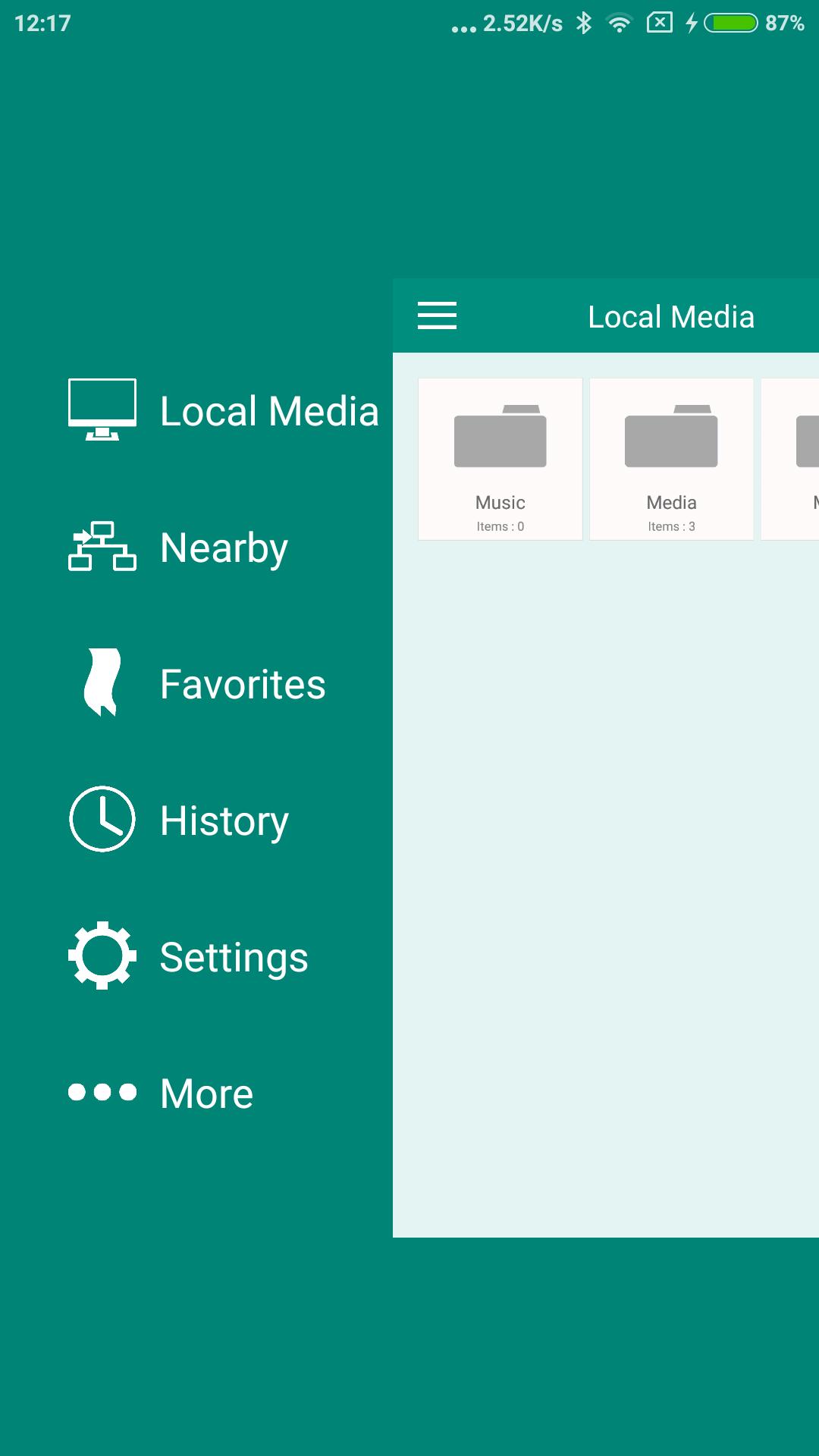
3. Efficient media management capabilities:
* Support different folders organized in the same management framework, delete, move, rename or create folder.
* Convenient to preview streaming media list files (m3u8, pls, txt...).
* Create, preview and modify streaming playlist directly on the device.
4. Really simple control experience:
* Drag horizontally: adjust the playback position.
* Drag vertically on the left side of the screen: adjust the volume.
* Drag vertically on the right side of the screen: Adjust the brightness.
* Pinch on the screen: screen size adjustment.
* Double click: play/pause.
* also support the screen lock to prevent some mis-op while playing.
Finally, we hope to hear your suggestions and comments, contact us at support@s-joys.com.
Preview
Information
Developer
s-joys Co.,Ltd.
Latest Version
1.1.100
Last Updated
2019-04-05
Category
Video-players-editors
Available on
Google Play
Show More
Cara bermain sPlayer dengan GameLoop pada PC
1. Muat turun GameLoop dari laman web rasmi, kemudian jalankan fail exe untuk memasang GameLoop.
2. Buka GameLoop dan cari "sPlayer", cari sPlayer dalam hasil carian dan klik "Pasang".
3. Nikmati bermain sPlayer di GameLoop.
Minimum requirements
OS
Windows 8.1 64-bit or Windows 10 64-bit
GPU
GTX 1050
CPU
i3-8300
Memory
8GB RAM
Storage
1GB available space
Recommended requirements
OS
Windows 8.1 64-bit or Windows 10 64-bit
GPU
GTX 1050
CPU
i3-9320
Memory
16GB RAM
Storage
1GB available space