
Slow Motion & Speed Up Video - Adjust Video Speed PC
FAVAS Group
Download Slow Motion & Speed Up Video - Adjust Video Speed on PC With GameLoop Emulator
Slow Motion & Speed Up Video - Adjust Video Speed pada PC
Slow Motion & Speed Up Video - Adjust Video Speed, datang daripada pembangun FAVAS Group, sedang berjalan pada sistem Android pada masa lalu.
Kini, Anda boleh bermain Slow Motion & Speed Up Video - Adjust Video Speed pada PC dengan GameLoop dengan lancar.
Muat turunnya dalam pustaka GameLoop atau hasil carian. Tiada lagi melihat bateri atau panggilan yang mengecewakan pada masa yang salah lagi.
Hanya nikmati Slow Motion & Speed Up Video - Adjust Video Speed PC pada skrin besar secara percuma!
Slow Motion & Speed Up Video - Adjust Video Speed Pengenalan
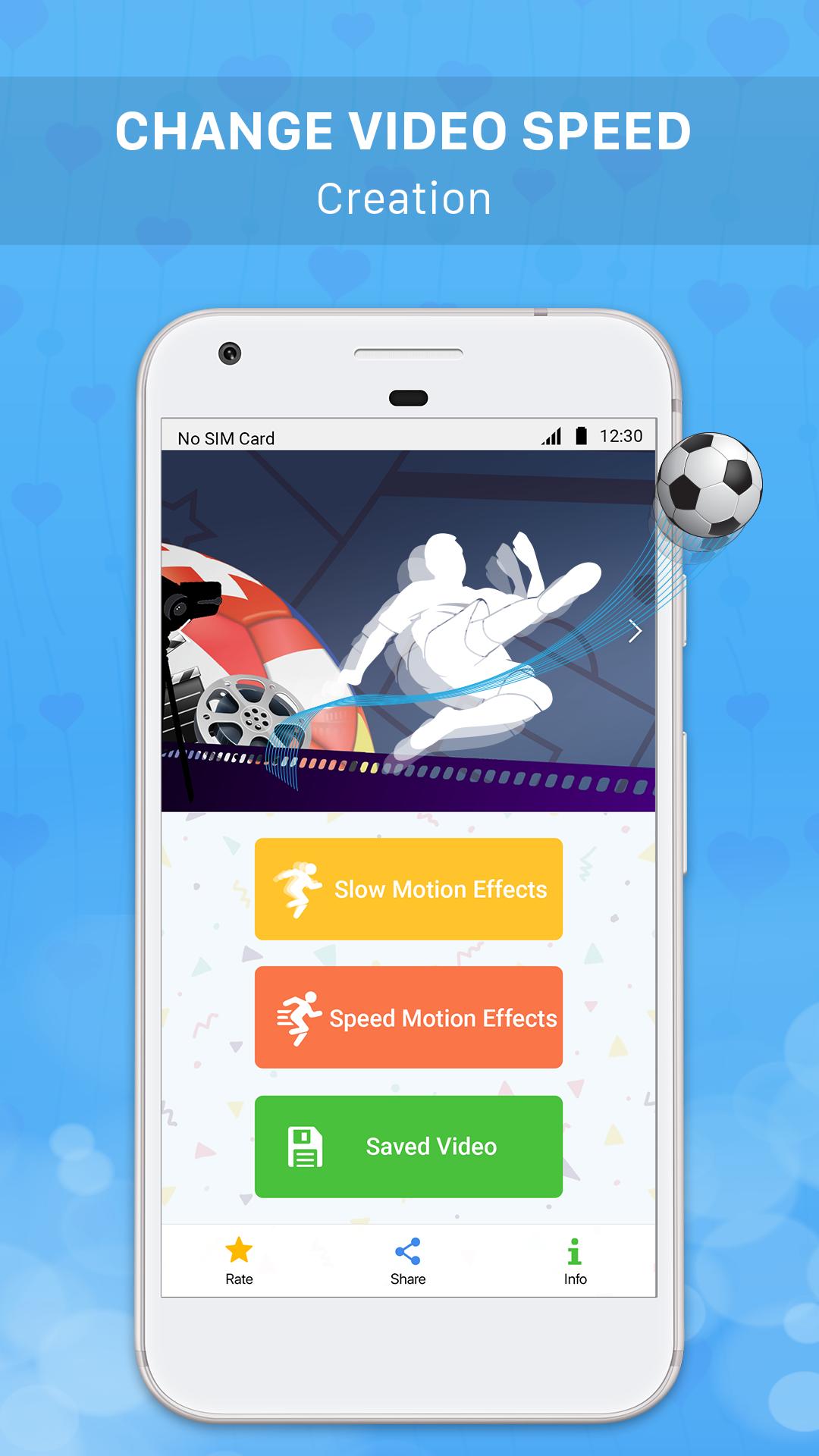
Slow motion & Speed up Video - The application allows you to create slow motion videos / fast motion videos easily by recording videos with your device camera or selecting any video from the device to slow down video / speed up video / adjust video speed and share interesting videos you've just created on social networking sites like Youtube, Facebook, Instagram, Tiktok, Twitter etc.
Let Slow motion & Speed up Video help you create interesting, million-view videos on video sharing social networks.
Main functions:
+ Slow down Video / Create slow motion video easily by recording video / selecting video in your device and then clicking "Slow Video" button to make slow motion effect for that video.
+ Speed up Video / Create fast-moving video easily by recording video / selecting video in the device and then clicking "Quick Video" button to perform fast motion effects for that video.
+ Slow motion video creation feature / Create fast motion video feature is often used in the following cases to create an interesting video:
. Slow down the video of throwing objects and jumping.
. Slow down videos of sports activities.
. Slow down the video of falling objects.
. Speed up the videos of natural and panoramic scenes.
. Speed up the video scenes showing emotions, running hilariously.
+ Slow motion videos / fast motion videos created by this application with low capacity and high resolution.
+ Manage created videos: add, edit, delete shared videos you have created in the application.
+ Share interesting videos that you have created on social media sharing sites like Youtube, Facebook, Tiktok, Instagram, Twitter etc.
Download the application Slow Video & Speed Up Video to create interesting, million-view videos right now!
Preview

Information
Developer
FAVAS Group
Latest Version
1.2
Last Updated
2020-01-02
Category
Video-players-editors
Available on
Google Play
Show More
Cara bermain Slow Motion & Speed Up Video - Adjust Video Speed dengan GameLoop pada PC
1. Muat turun GameLoop dari laman web rasmi, kemudian jalankan fail exe untuk memasang GameLoop.
2. Buka GameLoop dan cari "Slow Motion & Speed Up Video - Adjust Video Speed", cari Slow Motion & Speed Up Video - Adjust Video Speed dalam hasil carian dan klik "Pasang".
3. Nikmati bermain Slow Motion & Speed Up Video - Adjust Video Speed di GameLoop.
Minimum requirements
OS
Windows 8.1 64-bit or Windows 10 64-bit
GPU
GTX 1050
CPU
i3-8300
Memory
8GB RAM
Storage
1GB available space
Recommended requirements
OS
Windows 8.1 64-bit or Windows 10 64-bit
GPU
GTX 1050
CPU
i3-9320
Memory
16GB RAM
Storage
1GB available space