
SeeQVault Player PC
PIXELA CORPORATION
Download SeeQVault Player on PC With GameLoop Emulator
SeeQVault Player pada PC
SeeQVault Player, datang daripada pembangun PIXELA CORPORATION, sedang berjalan pada sistem Android pada masa lalu.
Kini, Anda boleh bermain SeeQVault Player pada PC dengan GameLoop dengan lancar.
Muat turunnya dalam pustaka GameLoop atau hasil carian. Tiada lagi melihat bateri atau panggilan yang mengecewakan pada masa yang salah lagi.
Hanya nikmati SeeQVault Player PC pada skrin besar secara percuma!
SeeQVault Player Pengenalan
NOTICE: This application will be distributed free of charge until June 2020.
And the NSM device key updates will be continued until June 2022.
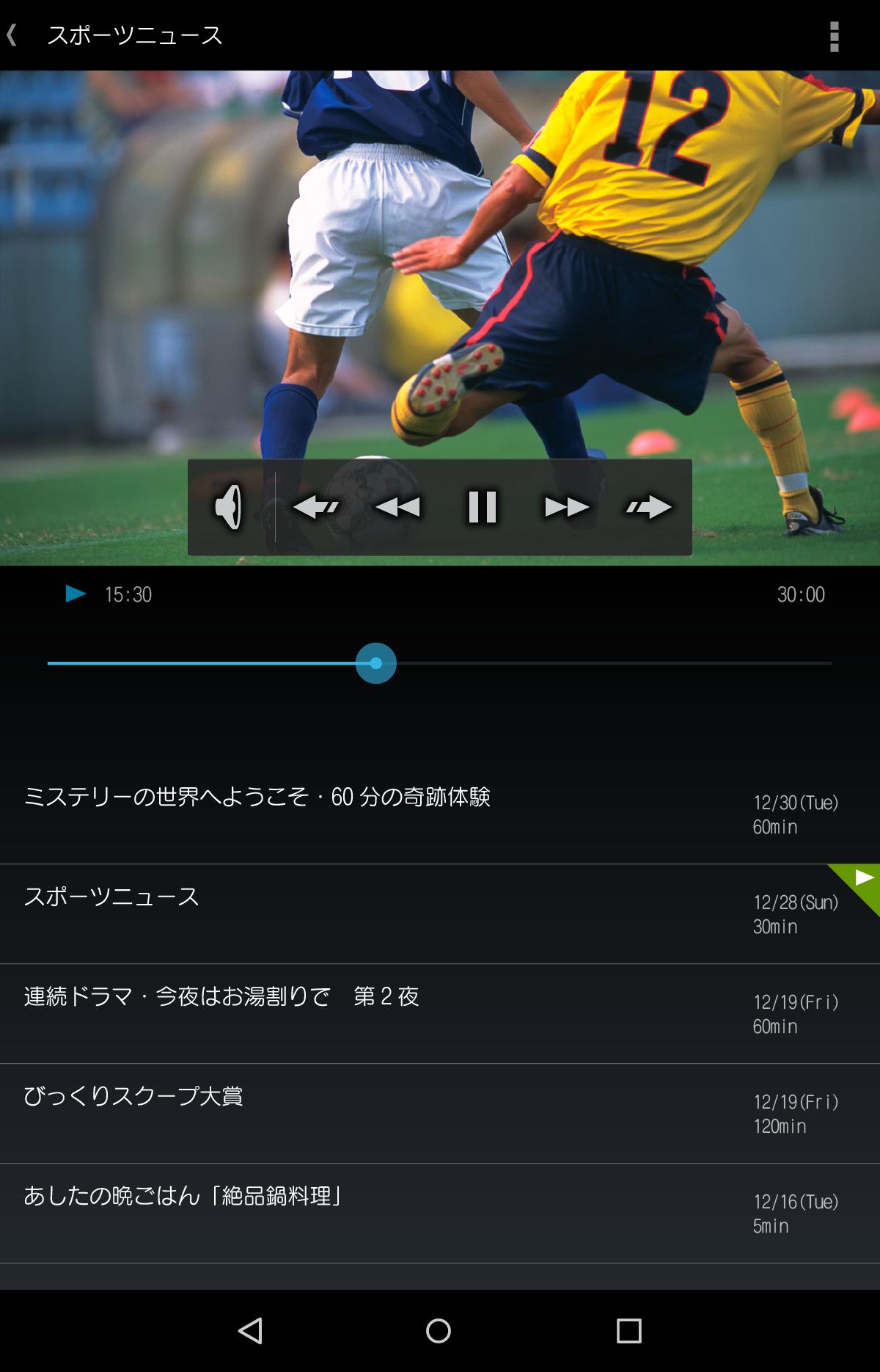
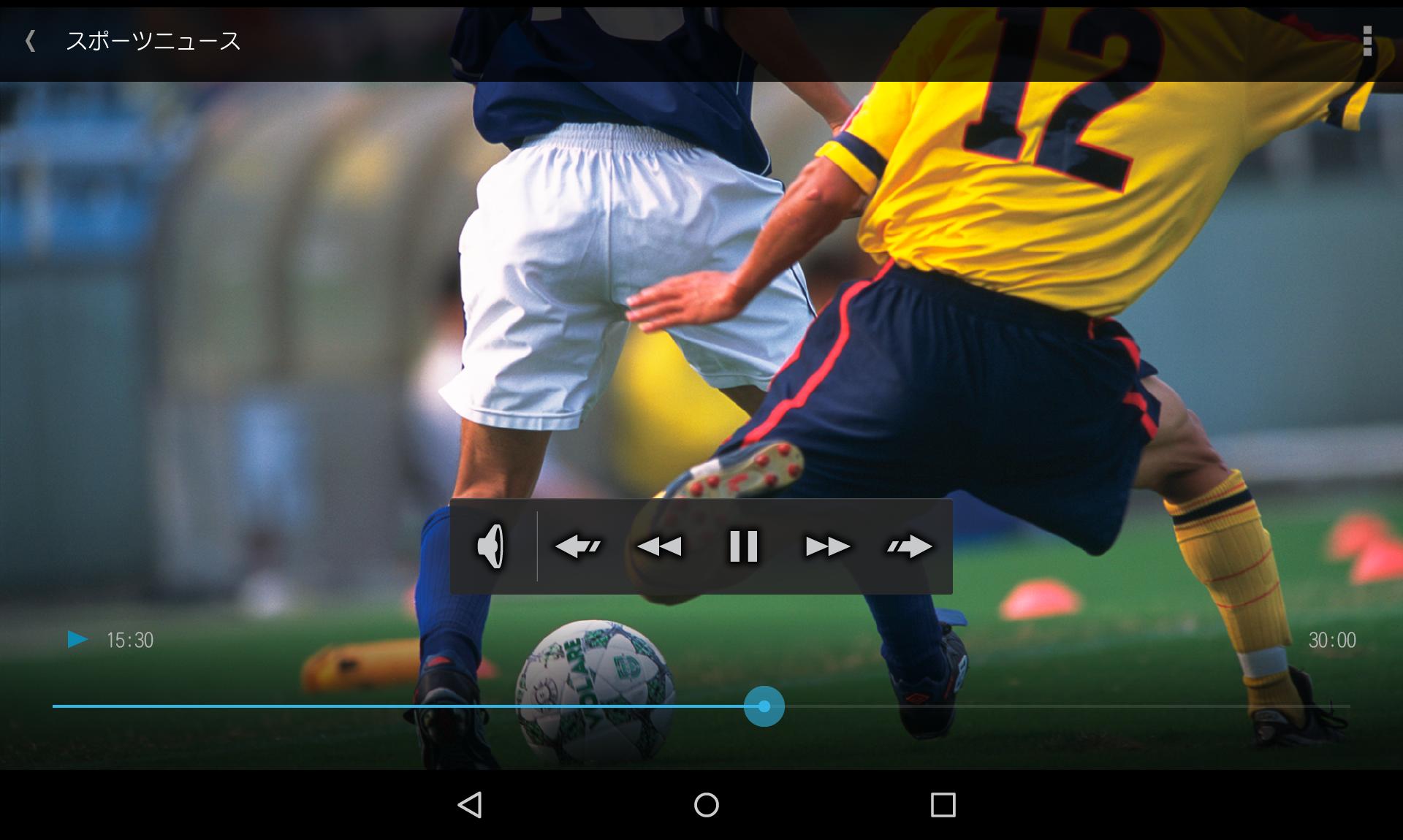
SeeQVault Player allows you to play back the HD quality TV programs - which were exported to SeeQVault supported media such as SD Memory Card - on your Android device. The operation is easy - just choose a program from the program list screen to start playback.
Product home page: http://www.pixela.co.jp/en/products/mobileapp/seeqvault_player/
SeeQVault official Web site: http://us.seeqvault.com/
[Requirements]
Prepare the Android device and SeeQVault-supported storage.
* Refer to your Android device's product information for SeeQVault compliance.
Following conditions are required to use this app:
1. An Android device which supports USB-host function. *1
2. One of the following external USB storage is used:
- A SeeQVault-supported external card reader/writer and a SeeQVault-supported SD card. *1
- A SeeQVault-supported USB memory.
* A USB conversion cable (such as Type A <-> microB) is also needed if the connectors between the Android device and external USB storage do not match.
*1 Refer to the product home page (http://www.pixela.co.jp/products/mobile/seeqvault_player/#support) for operational devices. (Japanese only)
[Supported OS]
Android 4.2.2 or later
[CPU]
ARM 32bit/64bit
[Supported format]
- MPEG-2 TS Recording format
[Operating limitations]
- Audio output to a Bluetooth and USB audio device is not supported.
- Output through HDMI and Miracast is not supported.
- Even if the video format is H.264(AVC), playback is not performed properly depending on the AVC decoder equipped with your Android device.
- A SDXC card with exFAT format cannot be accessed through an USB card reader/writer.
* When posting a comment such as playback is not performed, please add related information including the Android device model, external devices, and other detailed information in order to promote further research.
Preview
Information
Developer
PIXELA CORPORATION
Latest Version
1.1.2-r46456
Last Updated
2019-03-28
Category
Video-players-editors
Available on
Google Play
Show More
Cara bermain SeeQVault Player dengan GameLoop pada PC
1. Muat turun GameLoop dari laman web rasmi, kemudian jalankan fail exe untuk memasang GameLoop.
2. Buka GameLoop dan cari "SeeQVault Player", cari SeeQVault Player dalam hasil carian dan klik "Pasang".
3. Nikmati bermain SeeQVault Player di GameLoop.
Minimum requirements
OS
Windows 8.1 64-bit or Windows 10 64-bit
GPU
GTX 1050
CPU
i3-8300
Memory
8GB RAM
Storage
1GB available space
Recommended requirements
OS
Windows 8.1 64-bit or Windows 10 64-bit
GPU
GTX 1050
CPU
i3-9320
Memory
16GB RAM
Storage
1GB available space