Reverse Video - Video Editor for Backwards Video PC
SmallUniverse Apps
Download Reverse Video - Video Editor for Backwards Video on PC With GameLoop Emulator
Reverse Video - Video Editor for Backwards Video pada PC
Reverse Video - Video Editor for Backwards Video, datang daripada pembangun SmallUniverse Apps, sedang berjalan pada sistem Android pada masa lalu.
Kini, Anda boleh bermain Reverse Video - Video Editor for Backwards Video pada PC dengan GameLoop dengan lancar.
Muat turunnya dalam pustaka GameLoop atau hasil carian. Tiada lagi melihat bateri atau panggilan yang mengecewakan pada masa yang salah lagi.
Hanya nikmati Reverse Video - Video Editor for Backwards Video PC pada skrin besar secara percuma!
Reverse Video - Video Editor for Backwards Video Pengenalan
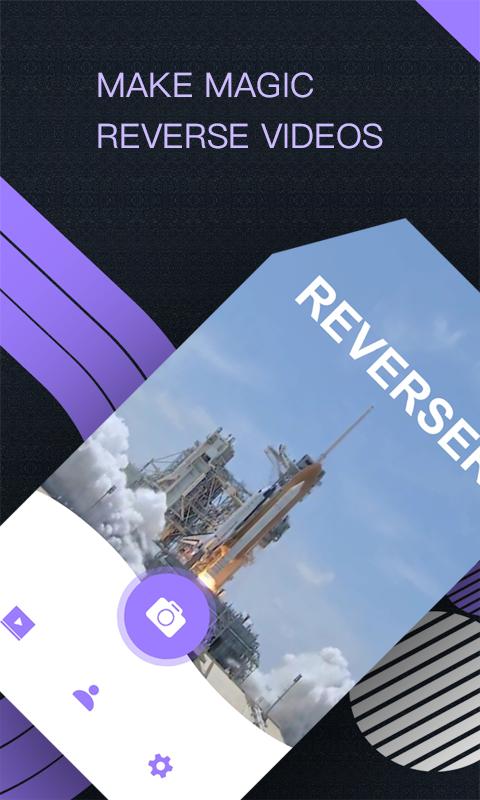
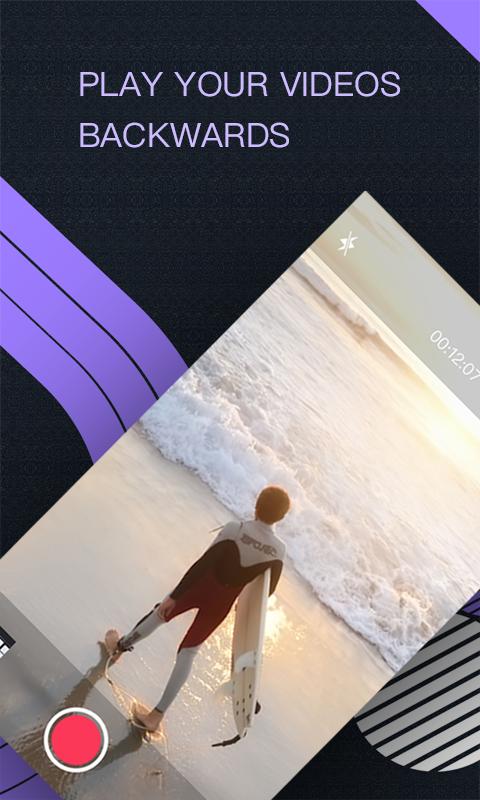
Reverse Video is especially designed for making funny videos and is a useful backwards app, which can make time move backward. You will find another different dreamlike world with light and shadow by using this app.
Key features is following:
1.video shooting: choose a video from video library or make a new video.
2.Video editor: edit the video that needs to be reversed.
3.video speed control: control the speed of the video, and accelerate or decelerate the video that needs to be inverted.
4.video preview: watch the production process in real time and delete it when needed.
5.video saving: save the beautiful film after production.
6.video sharing: share edited videos to social networking sites.
Would you want to have a more interesting life?
Let’s try to use Reverse Video and share the different world with your friends!
Contact us: wolfservice@163.com
Preview
Information
Developer
SmallUniverse Apps
Latest Version
5.1
Last Updated
2018-12-11
Category
Video-players-editors
Available on
Google Play
Show More
Cara bermain Reverse Video - Video Editor for Backwards Video dengan GameLoop pada PC
1. Muat turun GameLoop dari laman web rasmi, kemudian jalankan fail exe untuk memasang GameLoop.
2. Buka GameLoop dan cari "Reverse Video - Video Editor for Backwards Video", cari Reverse Video - Video Editor for Backwards Video dalam hasil carian dan klik "Pasang".
3. Nikmati bermain Reverse Video - Video Editor for Backwards Video di GameLoop.
Minimum requirements
OS
Windows 8.1 64-bit or Windows 10 64-bit
GPU
GTX 1050
CPU
i3-8300
Memory
8GB RAM
Storage
1GB available space
Recommended requirements
OS
Windows 8.1 64-bit or Windows 10 64-bit
GPU
GTX 1050
CPU
i3-9320
Memory
16GB RAM
Storage
1GB available space