Netcam Studio Smart Camera PC
Moonware Studios
Download Netcam Studio Smart Camera on PC With GameLoop Emulator
Netcam Studio Smart Camera pada PC
Netcam Studio Smart Camera, datang daripada pembangun Moonware Studios, sedang berjalan pada sistem Android pada masa lalu.
Kini, Anda boleh bermain Netcam Studio Smart Camera pada PC dengan GameLoop dengan lancar.
Muat turunnya dalam pustaka GameLoop atau hasil carian. Tiada lagi melihat bateri atau panggilan yang mengecewakan pada masa yang salah lagi.
Hanya nikmati Netcam Studio Smart Camera PC pada skrin besar secara percuma!
Netcam Studio Smart Camera Pengenalan
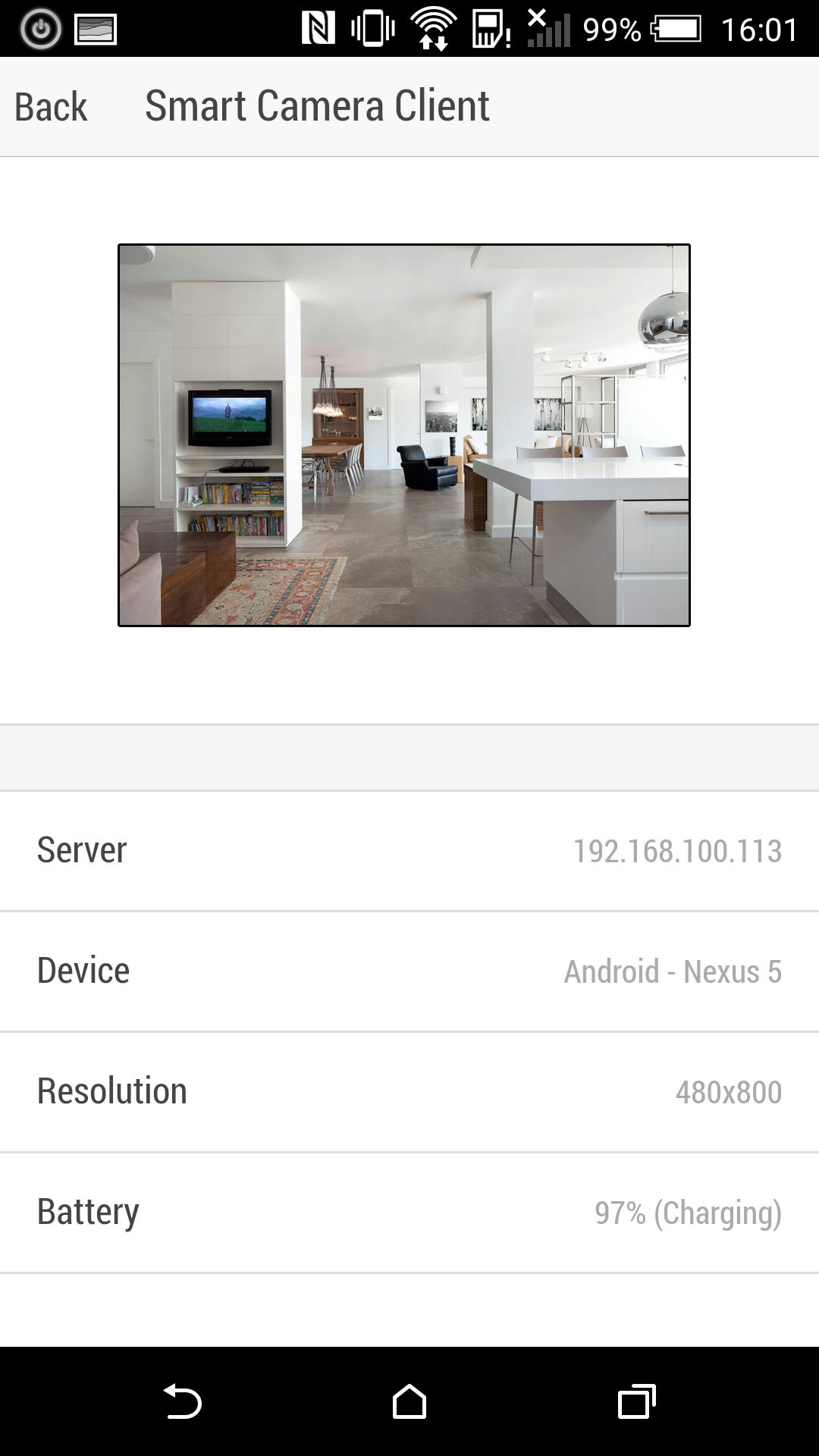
Netcam Studio Smart Camera transforms your device into a Portable Network Camera.
Once enabled you will be able to watch remotely what the camera sees from any browser or other device running the application connected on the same Wi-fi Network.
You don't need anything else to use and you don't need to register or login anywhere to use this application. If you have multiple devices running the application, they will directly detect each other and allow to connect (iOS and Android).
It is compatible with Netcam Studio Server (http://www.netcamstudio.com) and webcamXP (http://www.webcamxp.com) but it can also be used without.
Smart Cameras offers the following features:
- Runs in the background even when the application is not visible or the screen turned off
- Can be viewed from any standard browsers or from another device running Smart Camera
- Power saving mode. The camera is turned on only if a viewer is connected, otherwise it automatically turns off to save battery
- Enable or disable Flashlight (locally, cannot be performed remotely at this time)
- Can be connected like any other Network Cameras in Netcam Studio Server
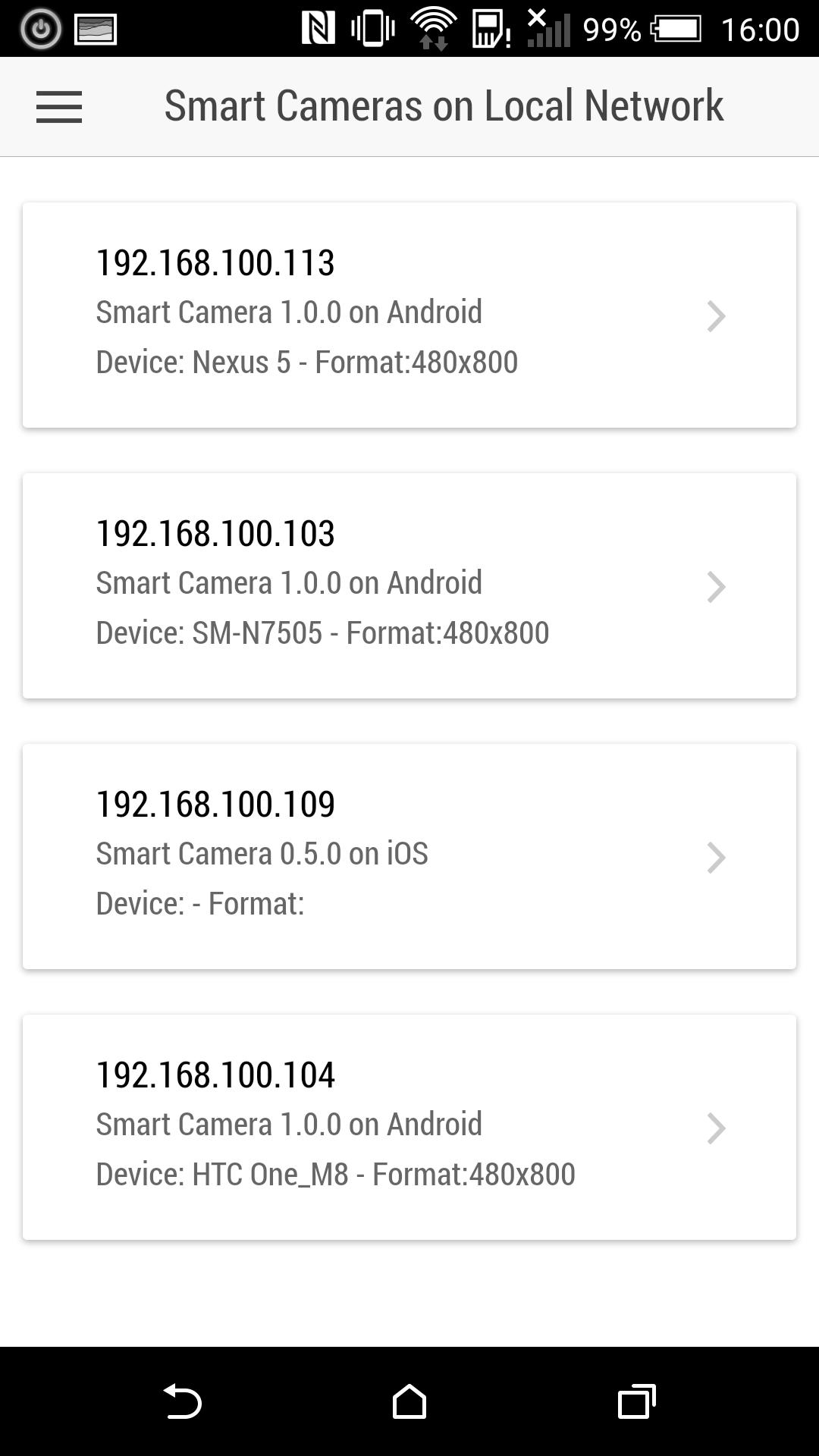
- Network Search for other Smart Camera enabled devices
- Fullscreen remote view
- Free and Ad-Free !
- You don't need to register or login to use the application!
Preview
Information
Developer
Moonware Studios
Latest Version
1.2.0
Last Updated
2016-04-22
Category
Video-players-editors
Available on
Google Play
Show More
Cara bermain Netcam Studio Smart Camera dengan GameLoop pada PC
1. Muat turun GameLoop dari laman web rasmi, kemudian jalankan fail exe untuk memasang GameLoop.
2. Buka GameLoop dan cari "Netcam Studio Smart Camera", cari Netcam Studio Smart Camera dalam hasil carian dan klik "Pasang".
3. Nikmati bermain Netcam Studio Smart Camera di GameLoop.
Minimum requirements
OS
Windows 8.1 64-bit or Windows 10 64-bit
GPU
GTX 1050
CPU
i3-8300
Memory
8GB RAM
Storage
1GB available space
Recommended requirements
OS
Windows 8.1 64-bit or Windows 10 64-bit
GPU
GTX 1050
CPU
i3-9320
Memory
16GB RAM
Storage
1GB available space