Magic Green Screen Effects Video Player PC
BadonguTech
Download Magic Green Screen Effects Video Player on PC With GameLoop Emulator
Magic Green Screen Effects Video Player pada PC
Magic Green Screen Effects Video Player, datang daripada pembangun BadonguTech, sedang berjalan pada sistem Android pada masa lalu.
Kini, Anda boleh bermain Magic Green Screen Effects Video Player pada PC dengan GameLoop dengan lancar.
Muat turunnya dalam pustaka GameLoop atau hasil carian. Tiada lagi melihat bateri atau panggilan yang mengecewakan pada masa yang salah lagi.
Hanya nikmati Magic Green Screen Effects Video Player PC pada skrin besar secara percuma!
Magic Green Screen Effects Video Player Pengenalan
Easily create scenes by overlaying a foreground video onto a background video.
Some scenes you can try doing:
- Pretend you are in a different place.
- Weather reporting.
- Pretend you are flying.
- Create a clone.
- Make any part of your body transparent.
★ Optimized code, download size is less than 1MB.
★ Pinch to zoom, swipe to move functions.
Steps in creating your own Green Screen scenes :
* Or you could just watch the sample video on Play Store (it's much easier to follow)
Step 1: Create a foreground video, find a nice wall just like in the sample video. It should have a solid colored background, it doesn't need to be green, it can be of any color. For best results, choose a clean wall and record your video outside in the late afternoon. You should also avoid casting a shadow on the wall.
Note : The app should detect the background color then makes it transparent. Any part of the subject's body or clothing that has the same color as the background would also be made transparent.
Step 2: Create a background video, or you can just use any existing videos or movies on your phone. (background video auto-plays and auto-loops)
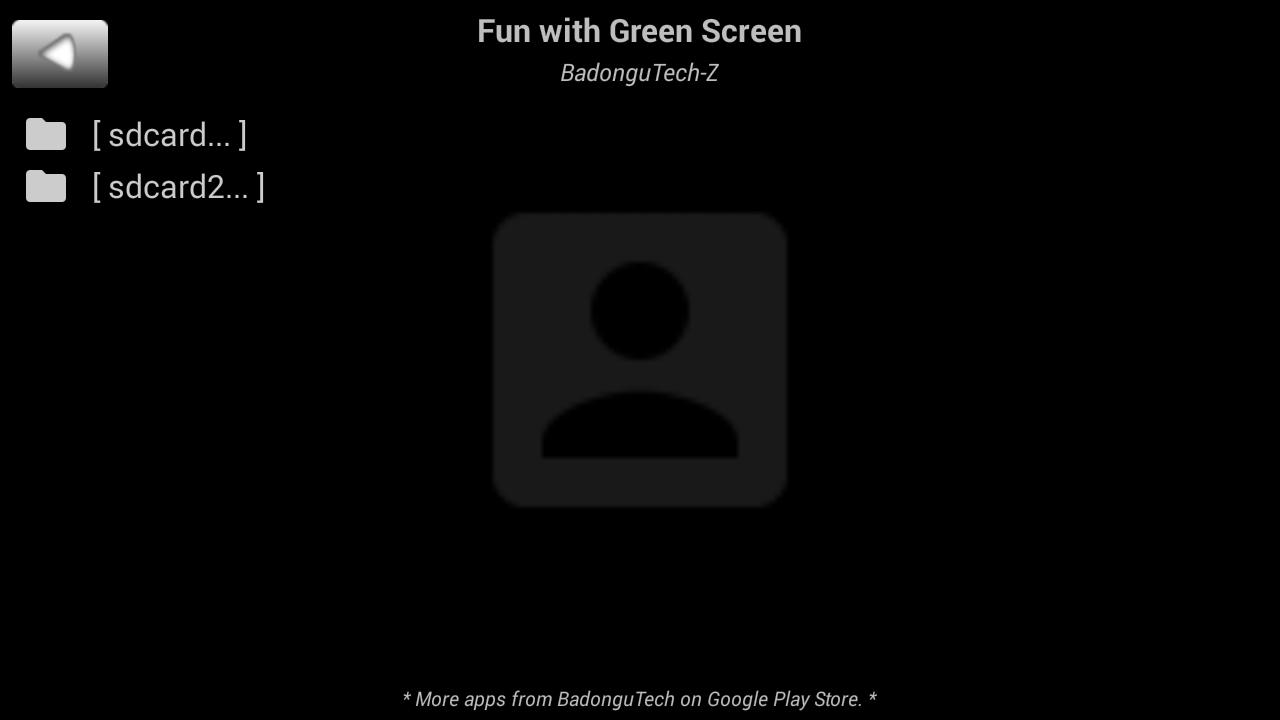
Step 3: Run the app then select the foreground and the background video you've created.
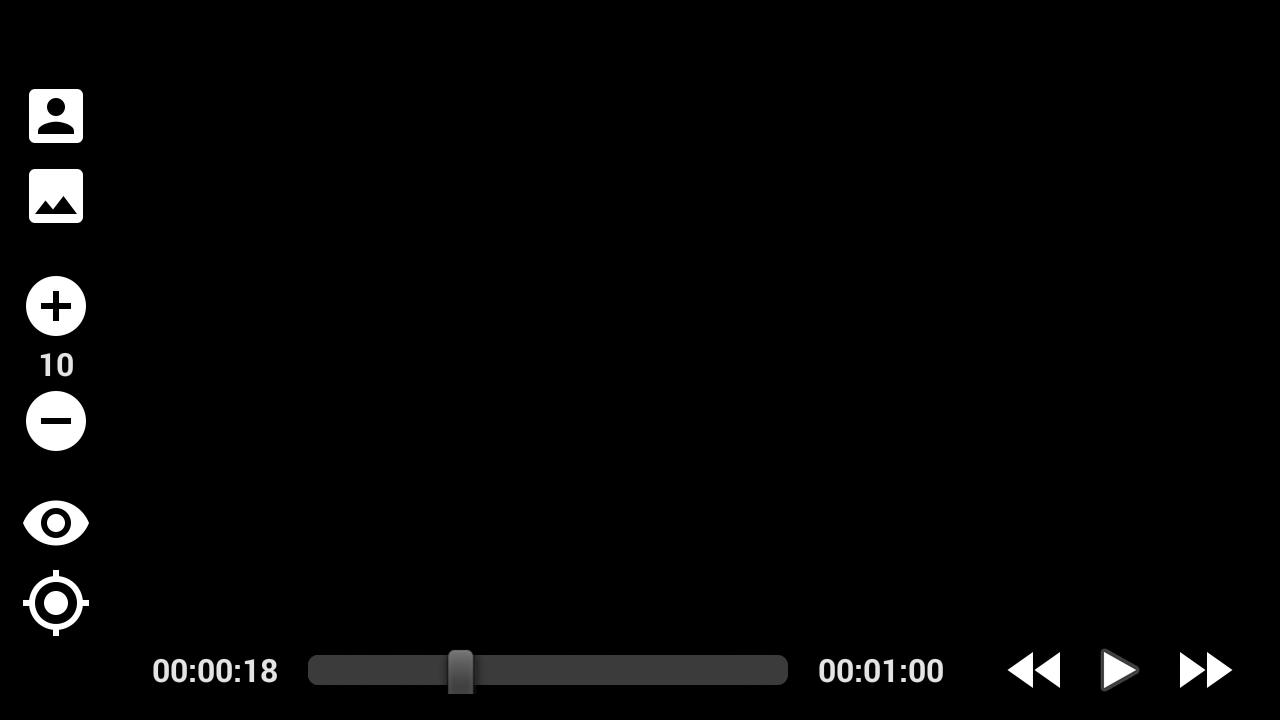
Step 4: Re-position/Re-size the foreground video to your liking.
Step 5: Click on the "eye" icon to toggle filter from GREEN mode to NORMAL mode).
Step 6: Adjust the transparency tolerance of the foreground video by clicking on the plus/minus icon (range is 0-20) until you get the best result.
And that's it.
Preview
Information
Developer
BadonguTech
Latest Version
BadonguTech-Z V3
Last Updated
2017-11-07
Category
Video-players-editors
Available on
Google Play
Show More
Cara bermain Magic Green Screen Effects Video Player dengan GameLoop pada PC
1. Muat turun GameLoop dari laman web rasmi, kemudian jalankan fail exe untuk memasang GameLoop.
2. Buka GameLoop dan cari "Magic Green Screen Effects Video Player", cari Magic Green Screen Effects Video Player dalam hasil carian dan klik "Pasang".
3. Nikmati bermain Magic Green Screen Effects Video Player di GameLoop.
Minimum requirements
OS
Windows 8.1 64-bit or Windows 10 64-bit
GPU
GTX 1050
CPU
i3-8300
Memory
8GB RAM
Storage
1GB available space
Recommended requirements
OS
Windows 8.1 64-bit or Windows 10 64-bit
GPU
GTX 1050
CPU
i3-9320
Memory
16GB RAM
Storage
1GB available space