DU Rec - Screen Recorder PC
Sc Studio.
Download DU Rec - Screen Recorder on PC With GameLoop Emulator
DU Rec - Screen Recorder pada PC
DU Rec - Screen Recorder, datang daripada pembangun Sc Studio., sedang berjalan pada sistem Android pada masa lalu.
Kini, Anda boleh bermain DU Rec - Screen Recorder pada PC dengan GameLoop dengan lancar.
Muat turunnya dalam pustaka GameLoop atau hasil carian. Tiada lagi melihat bateri atau panggilan yang mengecewakan pada masa yang salah lagi.
Hanya nikmati DU Rec - Screen Recorder PC pada skrin besar secara percuma!
DU Rec - Screen Recorder Pengenalan
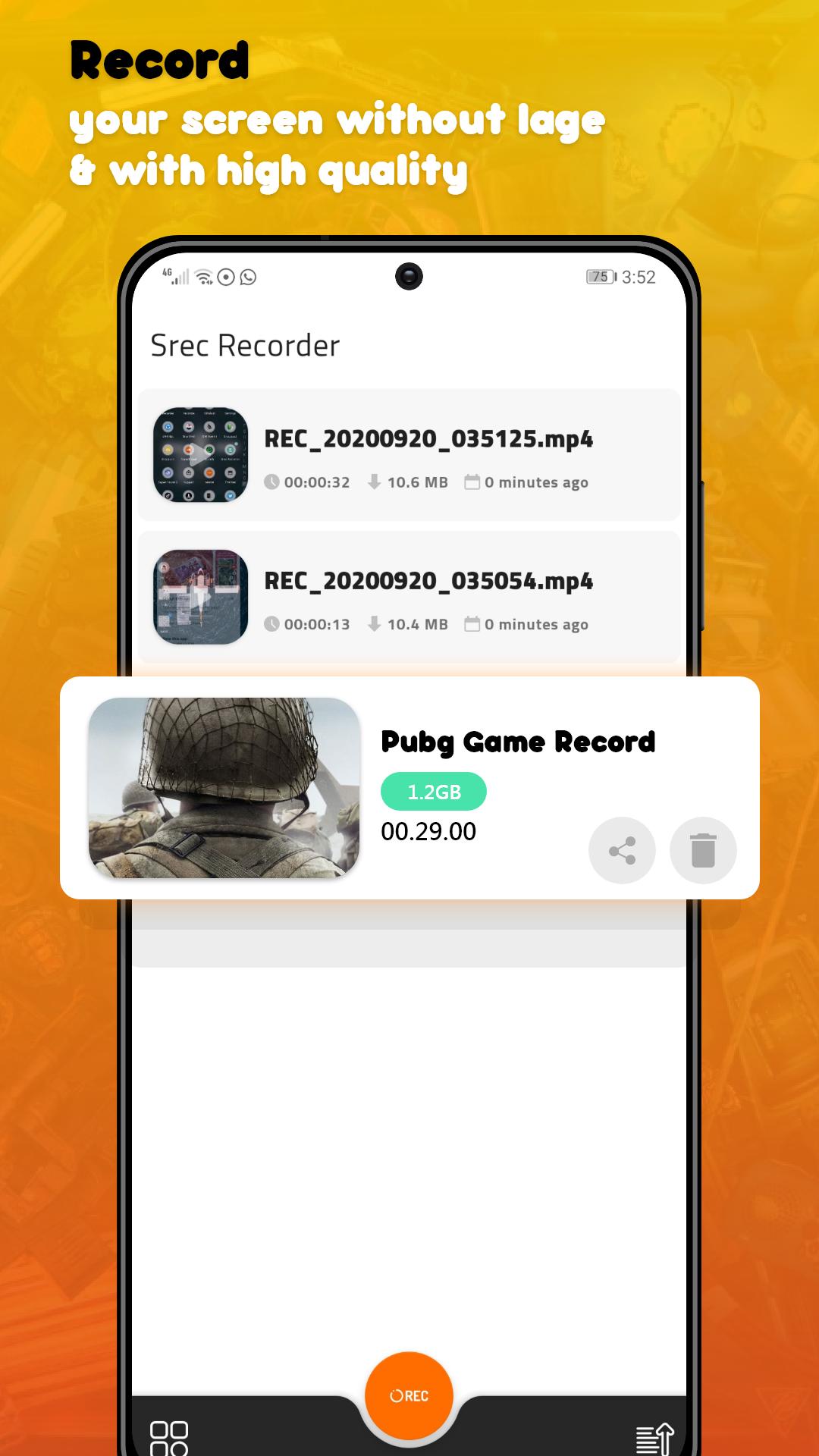
DU Rec - Screen Recorder Max Quality is an app that lets you record a video of whatever is happening in your Android’s screen
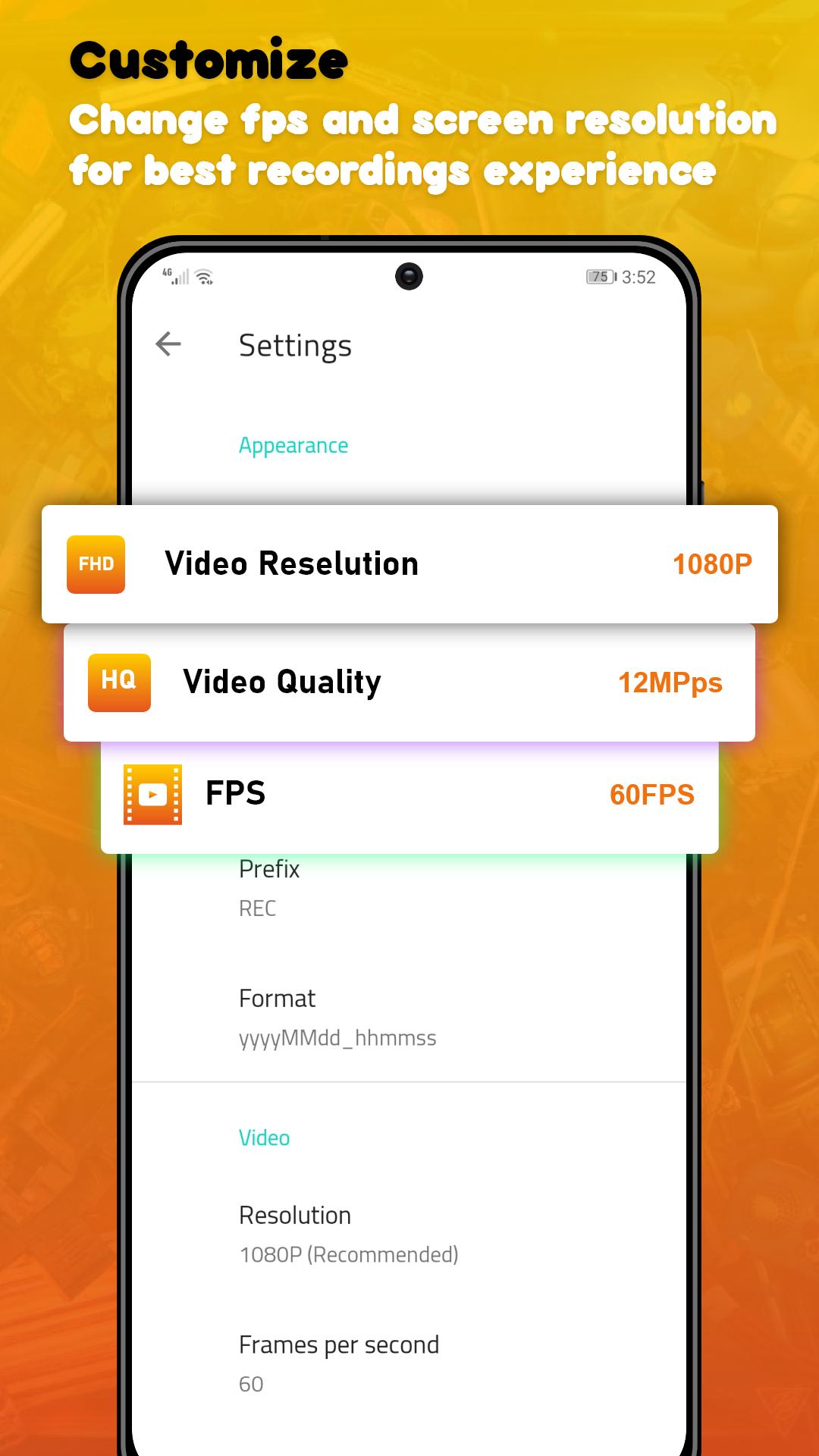
In the app’s settings you can adjust the video’s quality options such as the number of frames per second (up to 60 FPS) the video output (up to 1080p), and the quality of the video (up to 24Mbps). Also, you don’t need to root in order to record.
Once you’ve adjusted all the options and recorded your video. When you’re done, all that’s left to do is to save the video in your smartphone’s memory or share it directly over any social network.
DU Rec - Screen Recorder Max Quality is a powerful video recording tool that lets you register everything and anything that you can do in your smartphones’ screen. All those features in only less 3MB
★ Screen Recording
DU Rec - Screen Recorder Max Quality provides stable and fluid screen recording. With this screen recorder, you can easily record popular mobile game videos; you can record video calls with family and friends; you can also record popular programs on live apps like Periscope and Bigo Live! DU Rec - Screen Recorder Max Quality is designed with the following free features:
* Many resolutions, frame rates, and bit rates available; support for HD video
* Pause/resume screen recording
* Enable front camera (facecam)
* Alternative storage location: Internal storage / SD card
If you have any comments or suggestions on DU Rec - Screen Recorder Max Quality, please contact us at devcenter2019@gmail.com. We appreciate your feedback!!
Preview
Tags
Video-PlayersInformation
Developer
Sc Studio.
Latest Version
1.50.10
Last Updated
2021-12-06
Category
Video-players-editors
Available on
Google Play
Show More
Cara bermain DU Rec - Screen Recorder dengan GameLoop pada PC
1. Muat turun GameLoop dari laman web rasmi, kemudian jalankan fail exe untuk memasang GameLoop.
2. Buka GameLoop dan cari "DU Rec - Screen Recorder", cari DU Rec - Screen Recorder dalam hasil carian dan klik "Pasang".
3. Nikmati bermain DU Rec - Screen Recorder di GameLoop.
Minimum requirements
OS
Windows 8.1 64-bit or Windows 10 64-bit
GPU
GTX 1050
CPU
i3-8300
Memory
8GB RAM
Storage
1GB available space
Recommended requirements
OS
Windows 8.1 64-bit or Windows 10 64-bit
GPU
GTX 1050
CPU
i3-9320
Memory
16GB RAM
Storage
1GB available space