
DivX Mobile PC
DivX
Download DivX Mobile on PC With GameLoop Emulator
DivX Mobile pada PC
DivX Mobile, datang daripada pembangun DivX, sedang berjalan pada sistem Android pada masa lalu.
Kini, Anda boleh bermain DivX Mobile pada PC dengan GameLoop dengan lancar.
Muat turunnya dalam pustaka GameLoop atau hasil carian. Tiada lagi melihat bateri atau panggilan yang mengecewakan pada masa yang salah lagi.
Hanya nikmati DivX Mobile PC pada skrin besar secara percuma!
DivX Mobile Pengenalan
Play popular video formats on your phone and easily cast video to your TV. Cast and play everywhere in up to 4K quality!
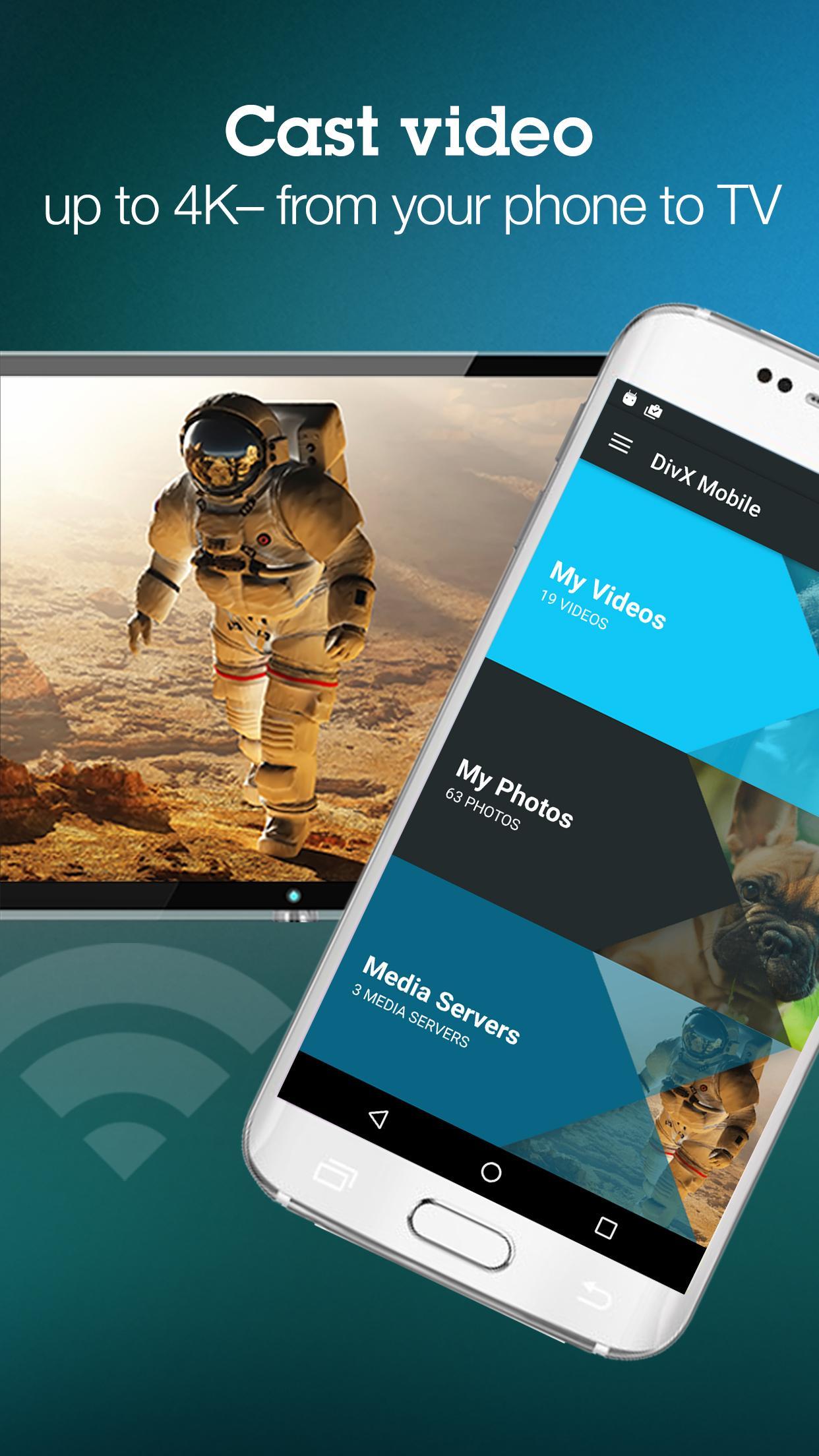
VIDEO CASTING: Cast video to a variety of devices (in up to 4K resolution) like Roku, Xbox 360/One, Apple TV, Chromecast or supported connected TVs. Don’t let your videos be trapped on your phone – get them onto the big screen with DivX Mobile.
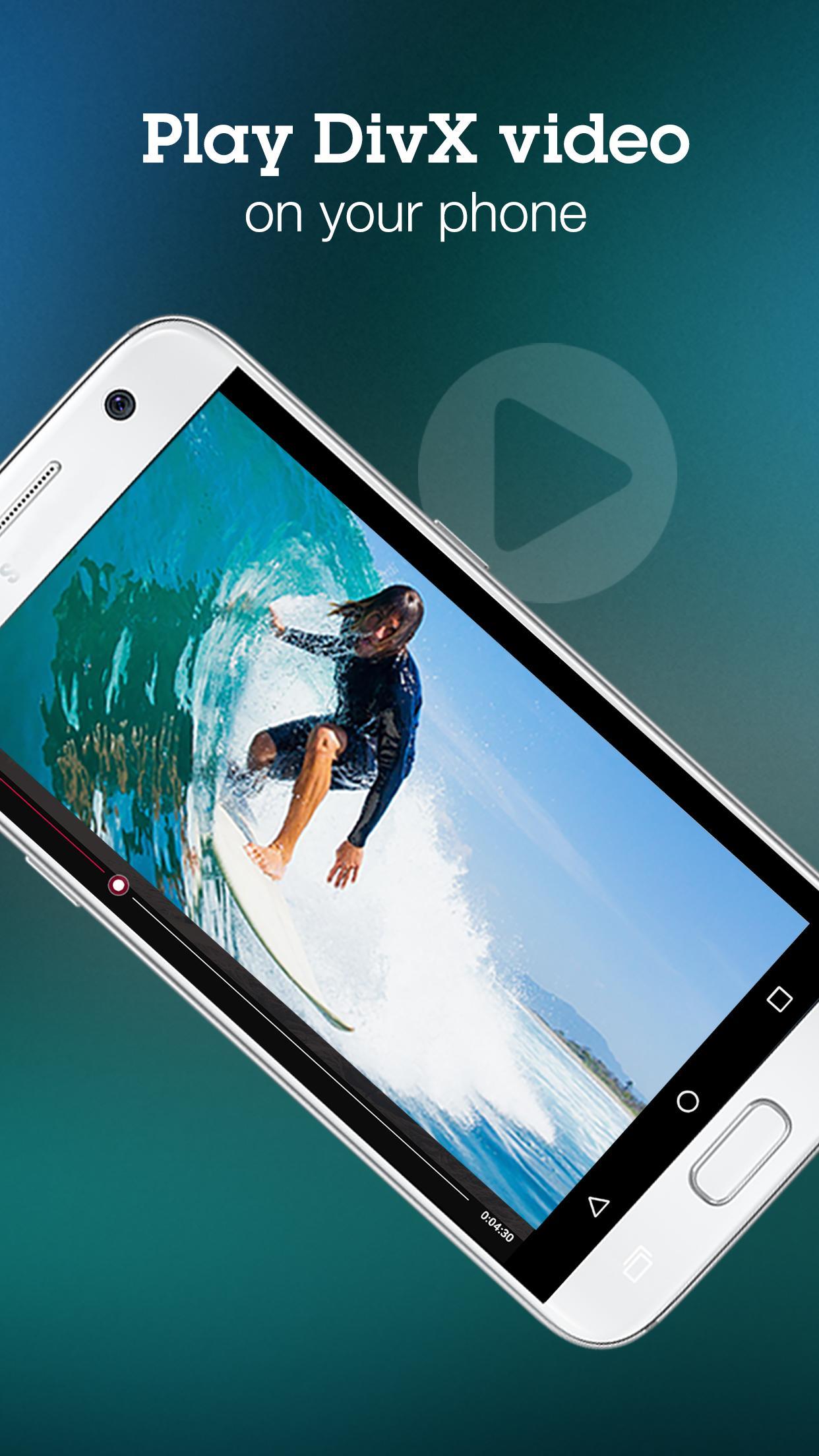
VIDEO PLAYBACK: Enjoy high-quality DivX® video on your phone – like having DivX Player in your pocket. Got a video that won’t play? Use free DivX Software (available on divx.com) for PC/Mac to convert incompatible video into DivX Plus® and DivX HEVC files to play in the video player. Upgrade to DivX Mobile Pro to play even more formats including AVI and DTS. Watch your favorite videos anywhere you go with DivX Mobile.
CLOUD STORAGE: Easily access your videos and photos from Dropbox and Google Drive. Store your videos in the cloud and download them using the DivX Mobile app. If your phone is running out of space, simply upload your media to cloud storage and delete your old files.
MEDIA SERVER: At home, use the DivX Media Server included in free DivX software (available on divx.com) to browse videos on your computer, download or stream them to your phone, or cast them to a TV. You can also skip the cloud and transfer videos to your computer to free up space on your phone. Make the most of your entire media collection.
Features:
• Cast video to Roku, Apple TV, Chromecast, Xbox, supported TVs and more
• Play popular video formats (DivX Plus MKV, DivX HEVC MKV, MP4, MOV) on your phone
• Convert and transfer video using free DivX Software for PC/Mac
• Buy DivX Mobile Pro ($3.99 USD) for MPEG-4 (AVI) and DTS playback
• Connect to Dropbox and Google Drive to access your videos.
• Use a connected media server to stream and transfer videos from your computer.
• Upload video from your phone to your computer or cloud storage to free up space
• Cast video across platforms (e.g. from an Android device to Apple TV)
Preview
Information
Developer
DivX
Latest Version
1.1.0 release(42)
Last Updated
2017-11-20
Category
Video-players-editors
Available on
Google Play
Show More
Cara bermain DivX Mobile dengan GameLoop pada PC
1. Muat turun GameLoop dari laman web rasmi, kemudian jalankan fail exe untuk memasang GameLoop.
2. Buka GameLoop dan cari "DivX Mobile", cari DivX Mobile dalam hasil carian dan klik "Pasang".
3. Nikmati bermain DivX Mobile di GameLoop.
Minimum requirements
OS
Windows 8.1 64-bit or Windows 10 64-bit
GPU
GTX 1050
CPU
i3-8300
Memory
8GB RAM
Storage
1GB available space
Recommended requirements
OS
Windows 8.1 64-bit or Windows 10 64-bit
GPU
GTX 1050
CPU
i3-9320
Memory
16GB RAM
Storage
1GB available space