Screen Recorder Video Recorder PC
Appyhigh Technology
Download Screen Recorder Video Recorder on PC With GameLoop Emulator
Screen Recorder Video Recorder pada PC
Screen Recorder Video Recorder, datang daripada pembangun Appyhigh Technology, sedang berjalan pada sistem Android pada masa lalu.
Kini, Anda boleh bermain Screen Recorder Video Recorder pada PC dengan GameLoop dengan lancar.
Muat turunnya dalam pustaka GameLoop atau hasil carian. Tiada lagi melihat bateri atau panggilan yang mengecewakan pada masa yang salah lagi.
Hanya nikmati Screen Recorder Video Recorder PC pada skrin besar secara percuma!
Screen Recorder Video Recorder Pengenalan
Screen Recorder is a stable and powerful video recorder to record your mobile screen with audio.
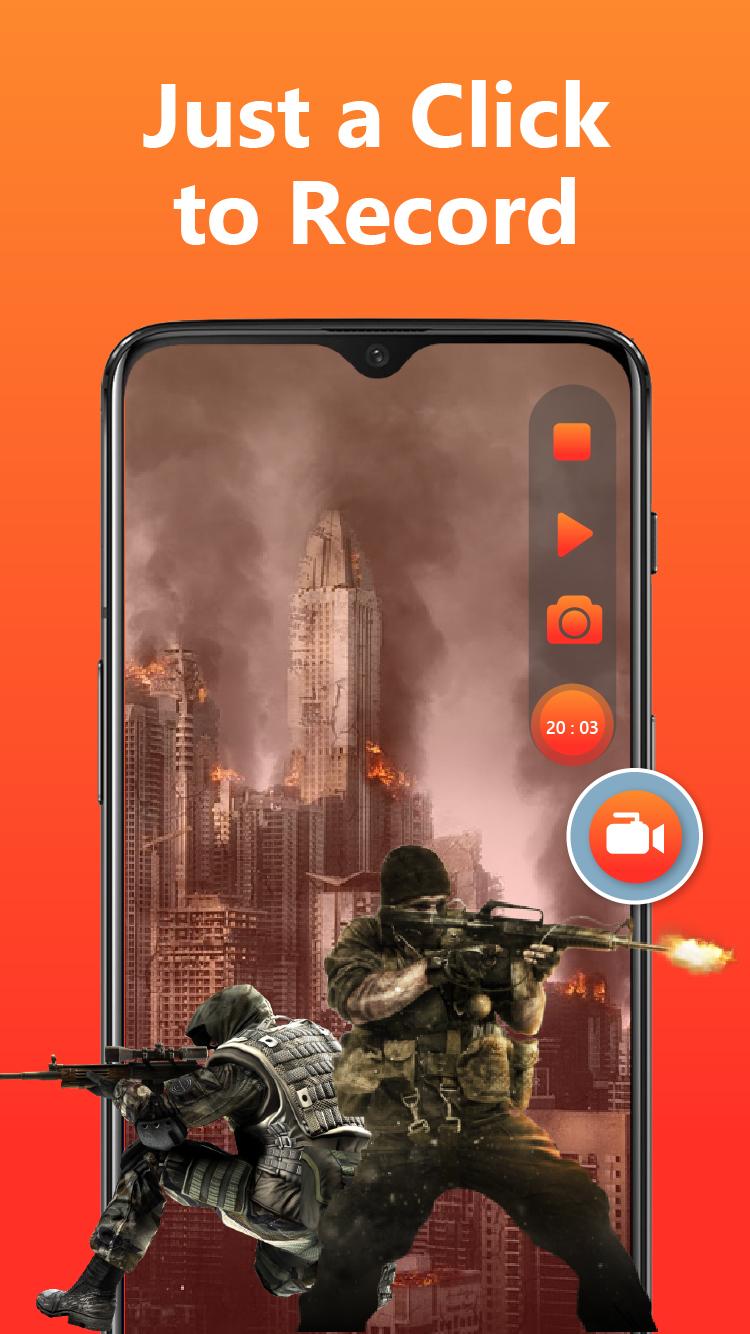
Screen Recorder allows you to record game while playing, capture screen with one touch and edit video with filters, effects, music. Screen Recorder offers users high quality video and clear screenshot with no rooting and no recording time limit.
Why Screen Recorder is the best ?
1. Stable Recording : Screen record allows you to easily hide the record window for frame less video.
2. Record internal audio : Video recorder and Screen recorder supports recording internal sound.
3. Doodle : In this Screen recorder and video recorder you can doodle on the screen while recording, write or draw anything you like.
4. Single tap start : Screen recorder allows you to start video recorder in a single tap.
5. Record games : Screen recorder and video recorder is super easy to record games while playing, record video calls or live shows.
6. High quality : Video recorder and screen recorder captures high quality and customized settings: 1440p Resolution, 12.0Mbps Quality, 60 FPS, support for HD video, both portrait and landscape.
7. Professional Video Editing : In this screen recorder you can use filters to make your videos unique.
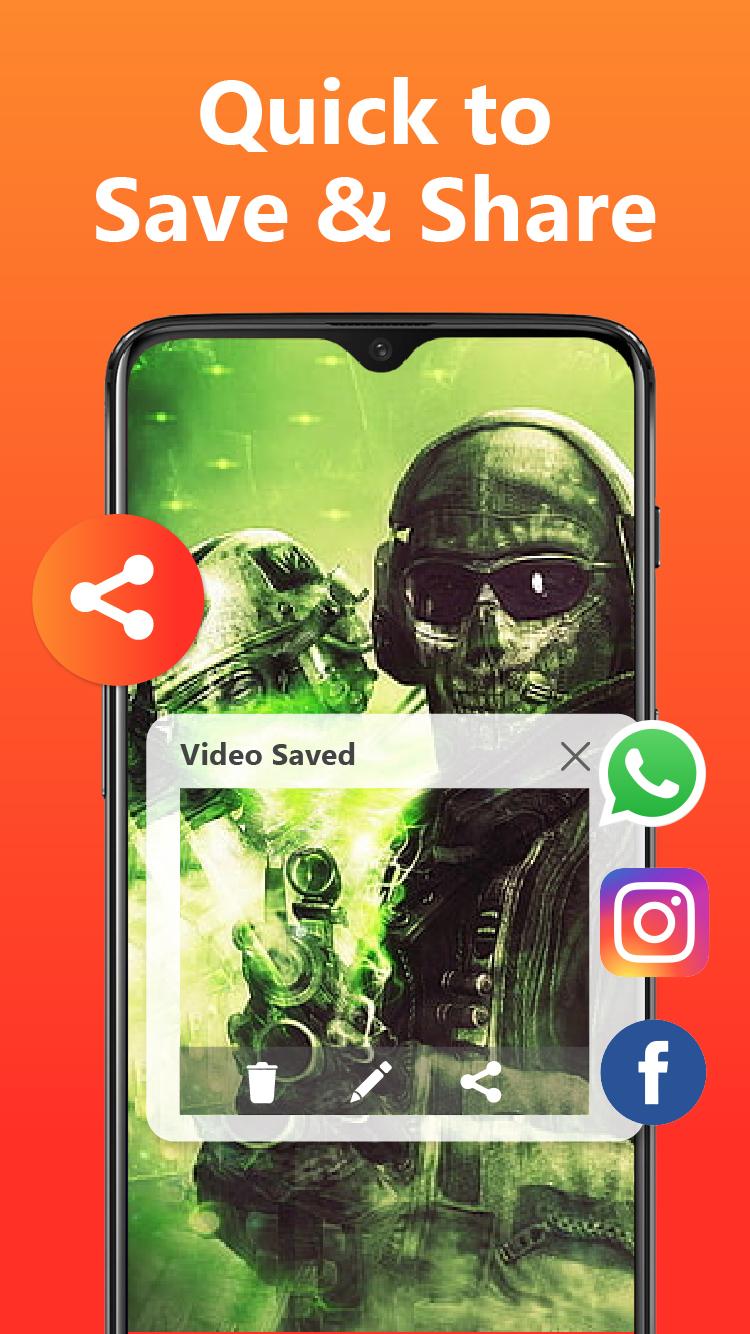
8. Share with friends : In this video recorder you can easily do your recording and share clips with friends immediately.
9. Record audio : Video recorder records the audio from the mic automatically which makes it convenient to use screen recorder with audio.
10. Capture moments : Screen recorder and video recorder with audio captures all your precious moments with your smartphone.
Download Screen Recorder now and capture your moments with this Video Recorder.
Preview
Tags
Video-PlayersInformation
Developer
Appyhigh Technology
Latest Version
12.0.23
Last Updated
2023-07-18
Category
Video-players-editors
Available on
Google Play
Show More
Cara bermain Screen Recorder Video Recorder dengan GameLoop pada PC
1. Muat turun GameLoop dari laman web rasmi, kemudian jalankan fail exe untuk memasang GameLoop.
2. Buka GameLoop dan cari "Screen Recorder Video Recorder", cari Screen Recorder Video Recorder dalam hasil carian dan klik "Pasang".
3. Nikmati bermain Screen Recorder Video Recorder di GameLoop.
Minimum requirements
OS
Windows 8.1 64-bit or Windows 10 64-bit
GPU
GTX 1050
CPU
i3-8300
Memory
8GB RAM
Storage
1GB available space
Recommended requirements
OS
Windows 8.1 64-bit or Windows 10 64-bit
GPU
GTX 1050
CPU
i3-9320
Memory
16GB RAM
Storage
1GB available space