Reverse Video PC
Cloud Independently
Download Reverse Video on PC With GameLoop Emulator
Reverse Video pada PC
Reverse Video, datang daripada pembangun Cloud Independently, sedang berjalan pada sistem Android pada masa lalu.
Kini, Anda boleh bermain Reverse Video pada PC dengan GameLoop dengan lancar.
Muat turunnya dalam pustaka GameLoop atau hasil carian. Tiada lagi melihat bateri atau panggilan yang mengecewakan pada masa yang salah lagi.
Hanya nikmati Reverse Video PC pada skrin besar secara percuma!
Reverse Video Pengenalan
Reverse Video Master is an app which allows users edit their videos for FREE with extremely interesting and live Reverse video effect.
You can record a new video or choose a video from your library, then cut and reverse video app
Reverse Video Maker makes your videos, which are shared on social network such as Youtube, Facebook, Instagram, Twitter, etc. become more funny and attract more viewers
Here are some recommends for you to create a Reverse Video Master
- Throw and move objects
- Eat/Drink
- Jump/Walk
- Tear/Burn a paper
Main features of Reverse Video App
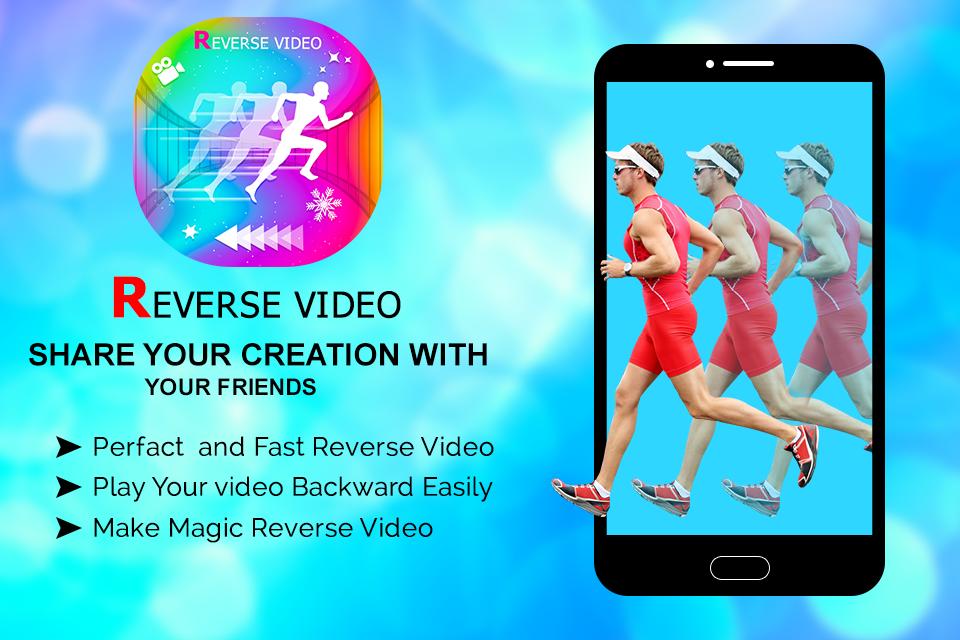
- Create Reverse video fast and easy with friendly design
- High quality export videos
- Choose and cut any part of the video you want
- Lightweight
- Share your reverse vid on social networks in a blink of an eye
All you need to do is to open reverse video app then one click to create viral video. What an amazing application, isnt it?
Let's download Reverse Master - Reverse Video and make all your dream with magic come true!
Preview
Tags
Video-PlayersInformation
Developer
Cloud Independently
Latest Version
1.1
Last Updated
2020-09-18
Category
Video-players-editors
Available on
Google Play
Show More
Cara bermain Reverse Video dengan GameLoop pada PC
1. Muat turun GameLoop dari laman web rasmi, kemudian jalankan fail exe untuk memasang GameLoop.
2. Buka GameLoop dan cari "Reverse Video", cari Reverse Video dalam hasil carian dan klik "Pasang".
3. Nikmati bermain Reverse Video di GameLoop.
Minimum requirements
OS
Windows 8.1 64-bit or Windows 10 64-bit
GPU
GTX 1050
CPU
i3-8300
Memory
8GB RAM
Storage
1GB available space
Recommended requirements
OS
Windows 8.1 64-bit or Windows 10 64-bit
GPU
GTX 1050
CPU
i3-9320
Memory
16GB RAM
Storage
1GB available space