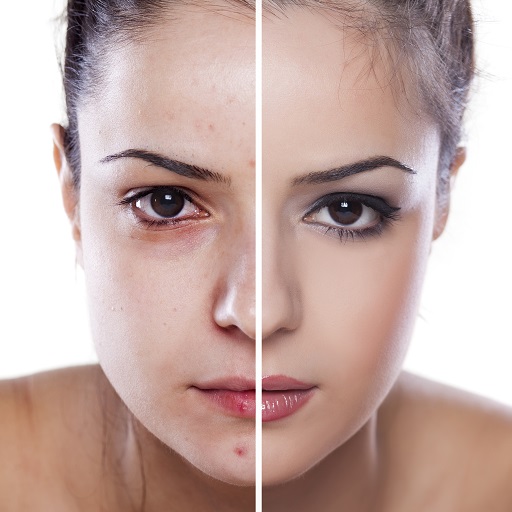
Video Sebelum & Selepas PC
Qvyshift LLC
Download Video Sebelum & Selepas on PC With GameLoop Emulator
Video Sebelum & Selepas pada PC
Video Sebelum & Selepas, datang daripada pembangun Qvyshift LLC, sedang berjalan pada sistem Android pada masa lalu.
Kini, Anda boleh bermain Video Sebelum & Selepas pada PC dengan GameLoop dengan lancar.
Muat turunnya dalam pustaka GameLoop atau hasil carian. Tiada lagi melihat bateri atau panggilan yang mengecewakan pada masa yang salah lagi.
Hanya nikmati Video Sebelum & Selepas PC pada skrin besar secara percuma!
Video Sebelum & Selepas Pengenalan
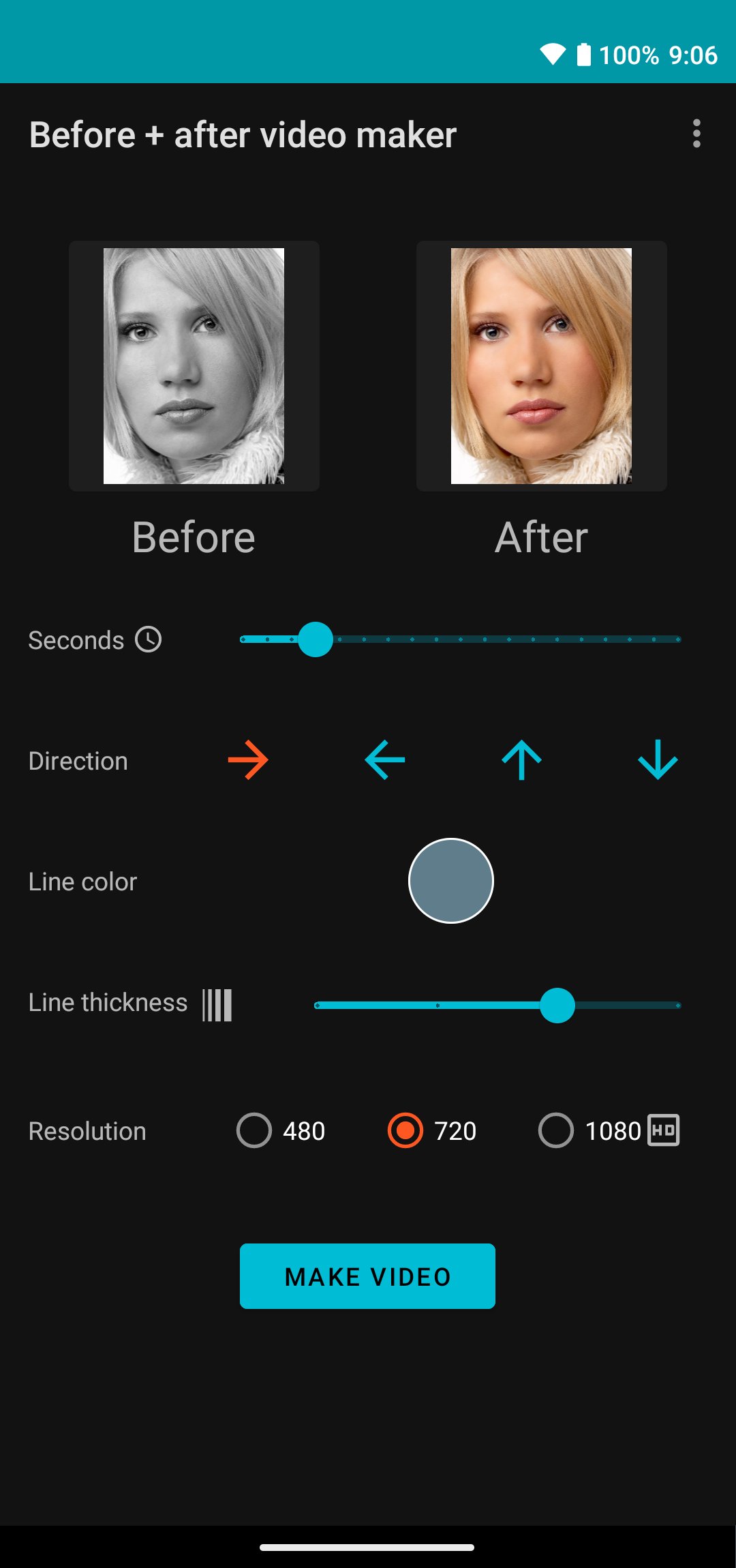
Before and after video maker: Make a side-by-side scan collage video from your pictures!
★ Compare your photos as a video transformation
★ Videos transition from "before" to "after"
★ Make as many videos as you want
EDITING AND CUSTOMIZATION
✔ Video length
✔ Transition direction
✔ Transition line color
✔ Line transparency
✔ Video resolution
QUICK START
• Choose your "before" and "after" photos
• Tap on "Make video"
BEFORE AND AFTER VIDEO IDEAS
★ Home renovation
★ Beauty and makeup
★ Fitness and weight loss
★ Lash lifts, eyelashes, eyebrows, haircuts
★ Cleaning, hobbies, pets
★ Promote your small business
This app works offline. It doesn't use up your data, and your photos and videos never leave your phone.
NEW: Share directly to social media apps: Instagram, YouTube, Twitter, etc.
Videos are saved to your video media folder. Find them by choosing Library -> Videos in the Google Photos app.
• No subscription required
• No watermarks
• Upgrade with a small, one-time purchase to unlock high frame rate, high resolution 1080p full HD videos
Before and after, video maker, video editor, photo comparison, transformation, slider, timelapse, renovation, makeover, progress video, side by side.
Preview

Tags
Video-PlayersInformation
Developer
Qvyshift LLC
Latest Version
4.0.2
Last Updated
2026-04-13
Category
Video-players-editors
Available on
Google Play
Show More
Cara bermain Video Sebelum & Selepas dengan GameLoop pada PC
1. Muat turun GameLoop dari laman web rasmi, kemudian jalankan fail exe untuk memasang GameLoop.
2. Buka GameLoop dan cari "Video Sebelum & Selepas", cari Video Sebelum & Selepas dalam hasil carian dan klik "Pasang".
3. Nikmati bermain Video Sebelum & Selepas di GameLoop.
Minimum requirements
OS
Windows 8.1 64-bit or Windows 10 64-bit
GPU
GTX 1050
CPU
i3-8300
Memory
8GB RAM
Storage
1GB available space
Recommended requirements
OS
Windows 8.1 64-bit or Windows 10 64-bit
GPU
GTX 1050
CPU
i3-9320
Memory
16GB RAM
Storage
1GB available space