Xperia Ear Duo PC
Sony Mobile Communications Inc.,
Download Xperia Ear Duo on PC With GameLoop Emulator
Xperia Ear Duo pada PC
Xperia Ear Duo, datang daripada pembangun Sony Mobile Communications Inc.,, sedang berjalan pada sistem Android pada masa lalu.
Kini, Anda boleh bermain Xperia Ear Duo pada PC dengan GameLoop dengan lancar.
Muat turunnya dalam pustaka GameLoop atau hasil carian. Tiada lagi melihat bateri atau panggilan yang mengecewakan pada masa yang salah lagi.
Hanya nikmati Xperia Ear Duo PC pada skrin besar secara percuma!
Xperia Ear Duo Pengenalan
The Xperia Ear Duo offers a new listening experience while staying connected to the world. You can enjoy music, make calls and more, all while still being able to hear your surroundings.
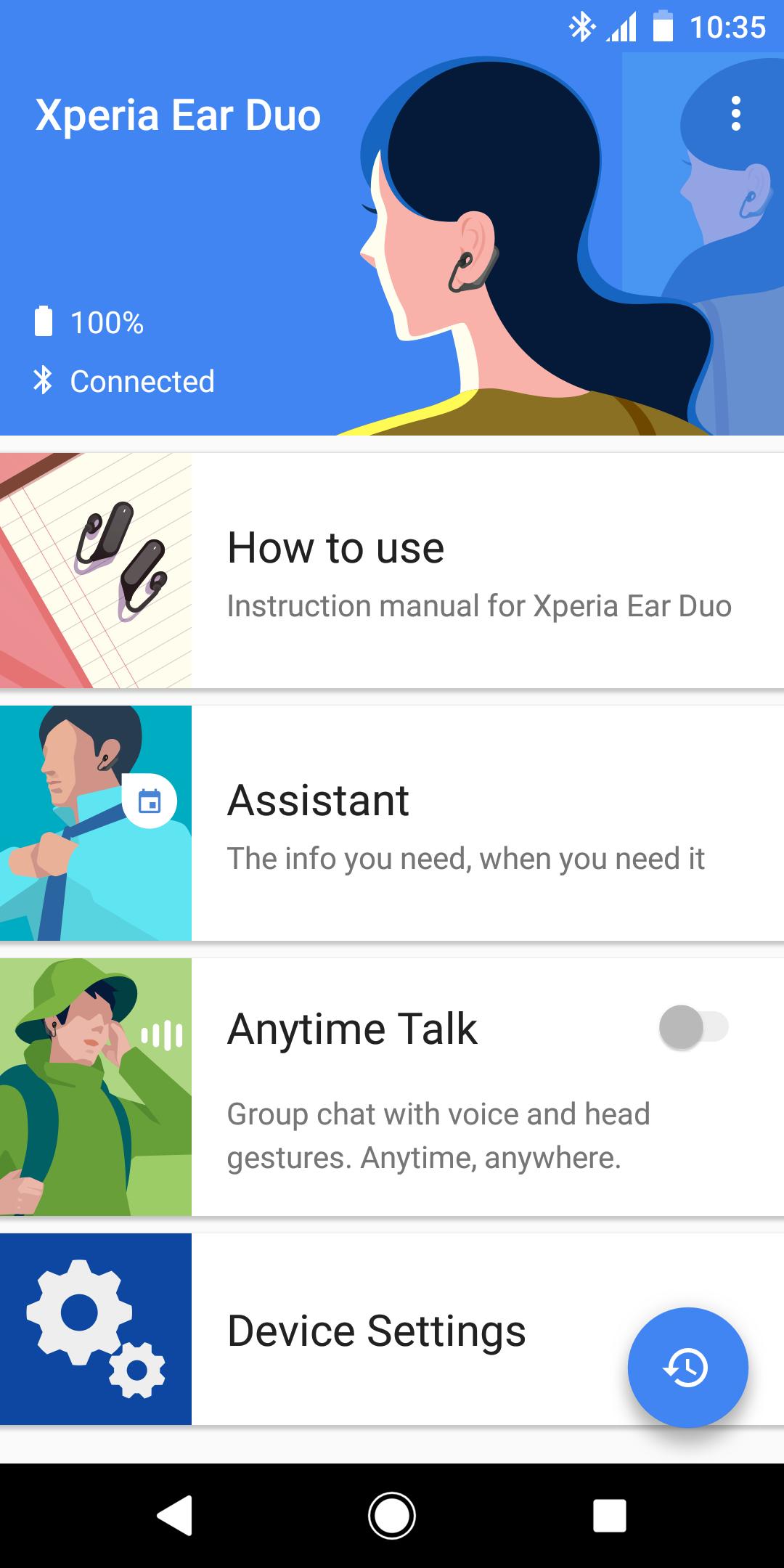
With this app, you can do the initial setup, check the instruction manual and customize each setting of Xperia Ear Duo.
Main features:
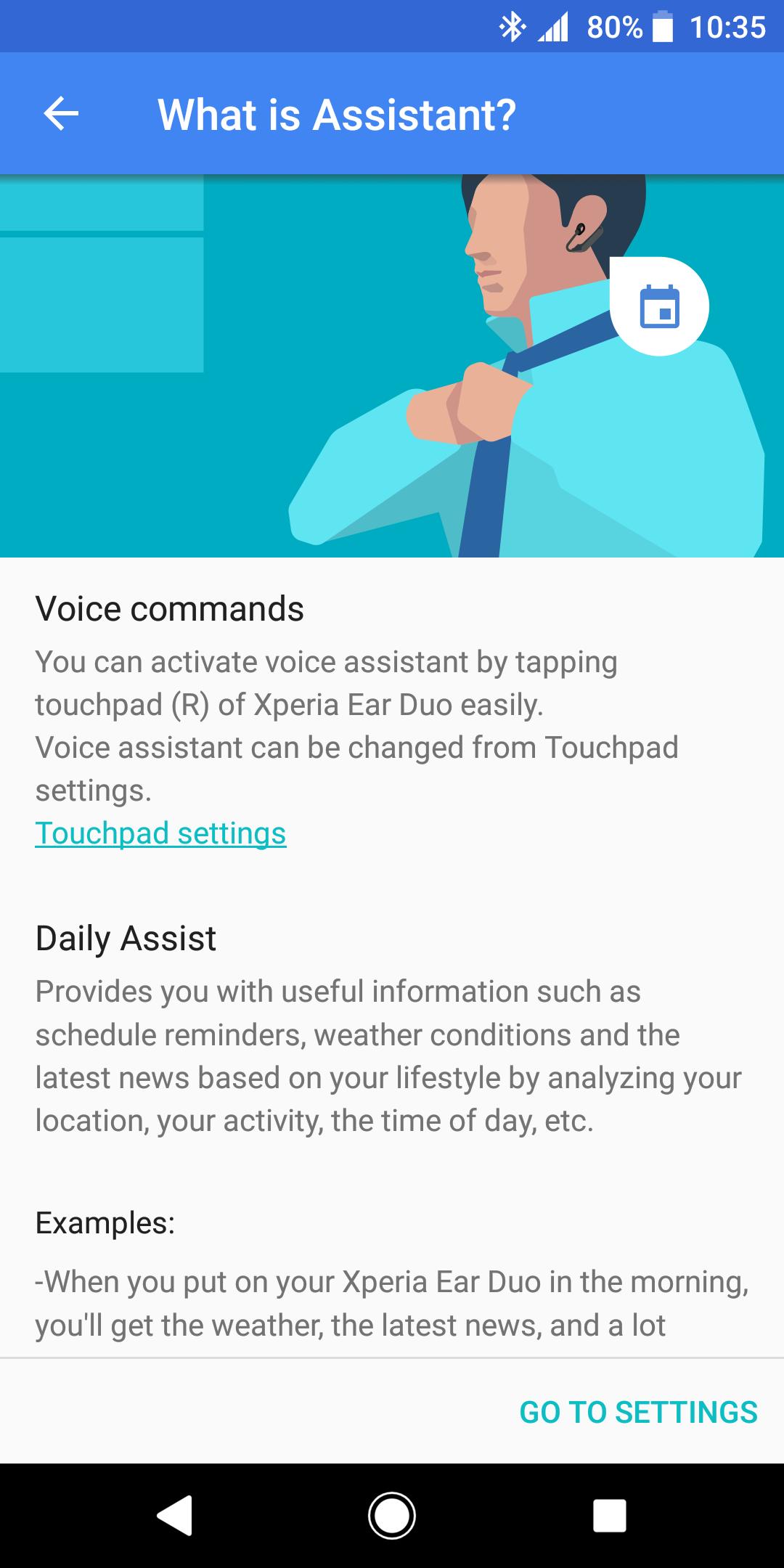
・Voice commands
You can easily activate Google by tapping touchpad (R) of your Xperia Ear Duo
・Daily Assist
Provides you with useful information such as schedule reminders, weather conditions and the latest news based on your lifestyle by analyzing your location, your activity, the time of day etc. It can also read out notifications from your smartphone, such as incoming messages, emails, calendar etc.
Supported languages: English (US/UK), French, German, Japanese, Russian, Spanish and Traditional Chinese
・Adaptive volume control
Adjusts volume automatically according to your environment.
・Clear Phase™
Provides clear and natural sound.
・Customize touchpad functions
You can customize the functions for the touchpad of your Xperia Ear Duo.
・Head gestures
Recognizes your intentions by detecting your head gestures, nodding or shaking head to answer or decline an incoming call or control music etc. while keeping your hands free.
・Anytime Talk
Group chat with your voice and head gestures. Anytime, anywhere. You can enjoy an instant, real-time voice chat with up to four other users in a chat group.
*) Please note that this application is a beta version. Anytime Talk is a service that requires a stable internet connection (4G is recommended). If your connection is unstable, you may not be able to have a conversation using Anytime Talk.
Compatibility:
Android 5.0 or later
Bluetooth profile: A2DP, AVRCP, HFP
This application uses analytics software to collect and aggregate statistics to help us improve this app and our services. None of this data can be used to identify you.
Preview
Tags
ToolsInformation
Developer
Sony Mobile Communications Inc.,
Latest Version
1.3.7.A.2.0
Last Updated
2021-03-08
Category
Tools
Available on
Google Play
Show More
Cara bermain Xperia Ear Duo dengan GameLoop pada PC
1. Muat turun GameLoop dari laman web rasmi, kemudian jalankan fail exe untuk memasang GameLoop.
2. Buka GameLoop dan cari "Xperia Ear Duo", cari Xperia Ear Duo dalam hasil carian dan klik "Pasang".
3. Nikmati bermain Xperia Ear Duo di GameLoop.
Minimum requirements
OS
Windows 8.1 64-bit or Windows 10 64-bit
GPU
GTX 1050
CPU
i3-8300
Memory
8GB RAM
Storage
1GB available space
Recommended requirements
OS
Windows 8.1 64-bit or Windows 10 64-bit
GPU
GTX 1050
CPU
i3-9320
Memory
16GB RAM
Storage
1GB available space