
WiFi HotSpot – WiFi Tethering PC
Jusjus
Download WiFi HotSpot – WiFi Tethering on PC With GameLoop Emulator
WiFi HotSpot – WiFi Tethering pada PC
WiFi HotSpot – WiFi Tethering, datang daripada pembangun Jusjus, sedang berjalan pada sistem Android pada masa lalu.
Kini, Anda boleh bermain WiFi HotSpot – WiFi Tethering pada PC dengan GameLoop dengan lancar.
Muat turunnya dalam pustaka GameLoop atau hasil carian. Tiada lagi melihat bateri atau panggilan yang mengecewakan pada masa yang salah lagi.
Hanya nikmati WiFi HotSpot – WiFi Tethering PC pada skrin besar secara percuma!
WiFi HotSpot – WiFi Tethering Pengenalan
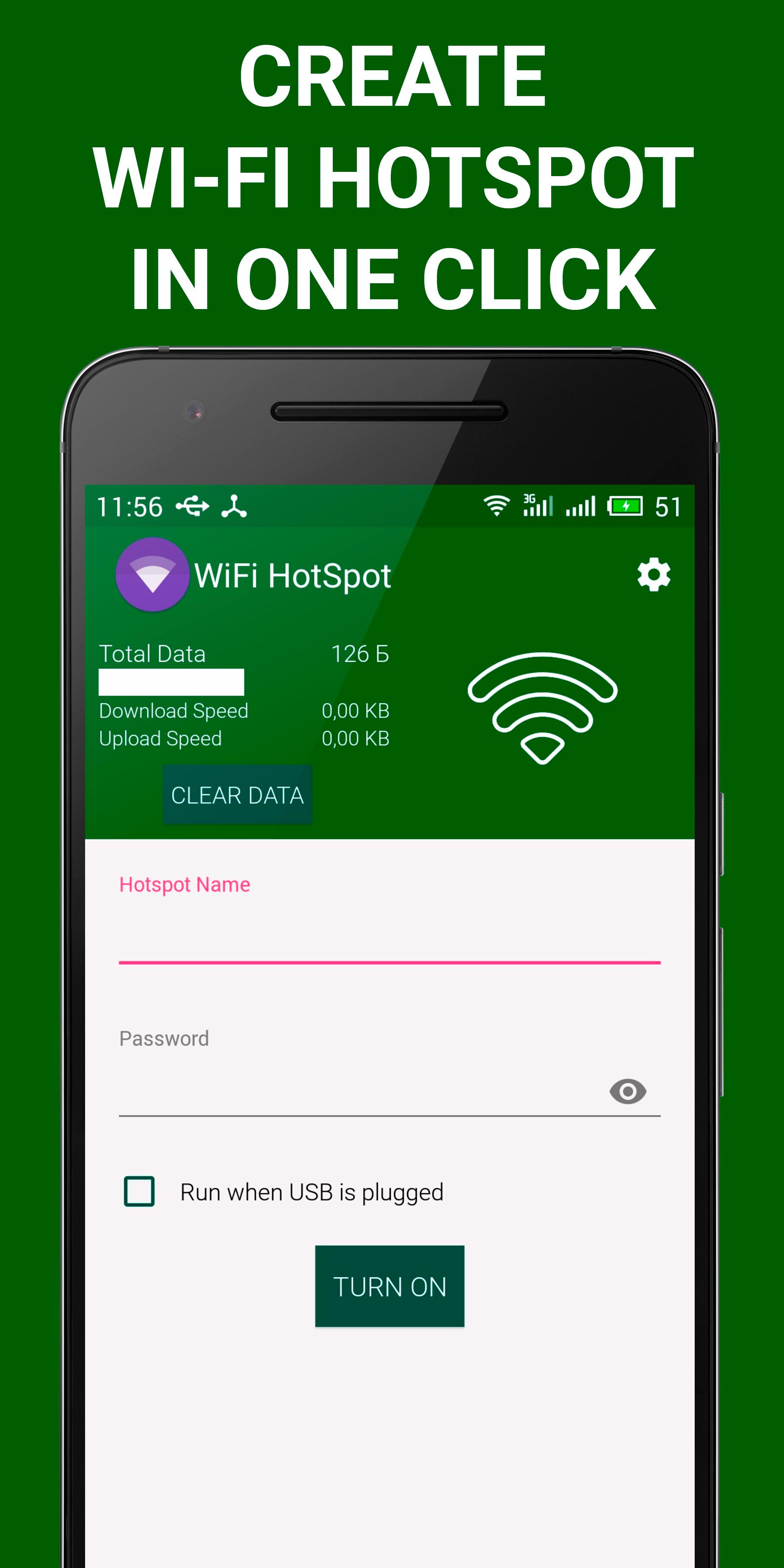
Share your smartphone's mobile internet to other devices (pc, notebook, tablet, another smartphone) via WiFi HotSpot – WiFi Tethering. With this tethering application you can make a portable wi-fi hotspot with just in one single click. Portable mobile Wi-Fi Hotspot allows you to share 2G/3G/4G Internet.
WiFi HotSpot – WiFi Tethering has the following features:
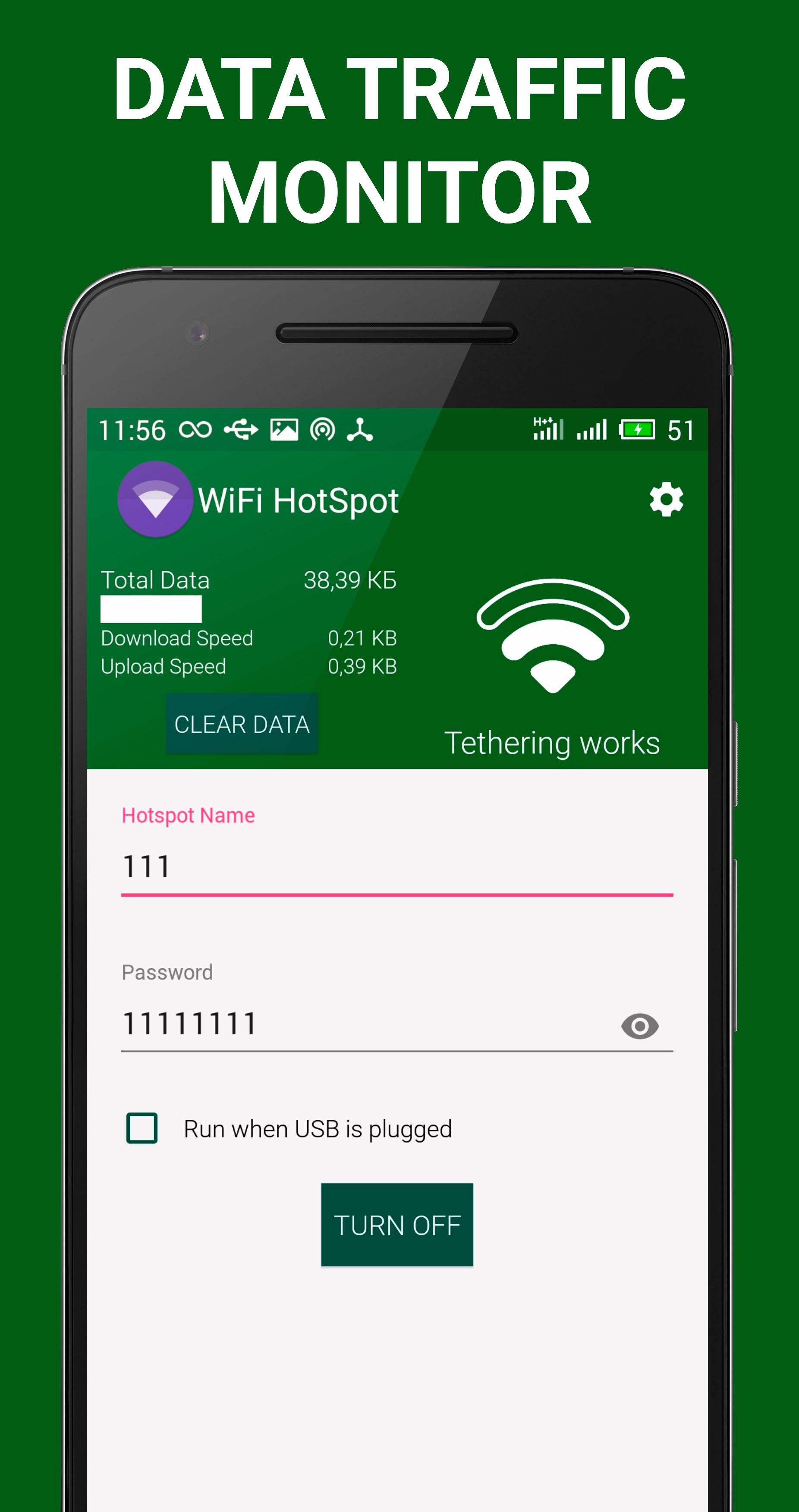
- monitor data traffic: see total usage data, current download speed and upload.
- two application themes: light and dark.
- customize theme: change primary color or accent color, change button and checkbox color.
- wi-fi password protection for secure network communication.
- set access point SSID and Password.
- automatically activateWiFi HotSpot – WiFi Tethering as you connect your phone on AC power or USB cable.
- share and access data into portable hotspot.
- one click to turn on free WiFi Hotspot without any settings.
- gorgeous material design.
- no root access required.
How to Use: Launch WiFi HotSpot – WiFi Tethering -> Click on button "TURN ON" -> Use free wifi tethering.
Tested Devices: Meizu MX5, LG Nexus 5, ASUS Nexus 7, HTC M7, Lenovo S898t.
Tested Android Versions: 6.0.1, 5.0.1, 4.4.2, 4.2.1.
If WiFi HotSpot – WiFi Tethering isn't working or isn't compatible with your device, please do not rate our wi-fi tether negatively. Send e-mail to me with describing of your problem, your model device, android version and I will fix all bugs and publish a new version.
Just try WiFi HotSpot – WiFi Tethering and we hope you will love this tethering application!
Preview
Information
Developer
Jusjus
Latest Version
1.1
Last Updated
2016-03-17
Category
Tools
Available on
Google Play
Show More
Cara bermain WiFi HotSpot – WiFi Tethering dengan GameLoop pada PC
1. Muat turun GameLoop dari laman web rasmi, kemudian jalankan fail exe untuk memasang GameLoop.
2. Buka GameLoop dan cari "WiFi HotSpot – WiFi Tethering", cari WiFi HotSpot – WiFi Tethering dalam hasil carian dan klik "Pasang".
3. Nikmati bermain WiFi HotSpot – WiFi Tethering di GameLoop.
Minimum requirements
OS
Windows 8.1 64-bit or Windows 10 64-bit
GPU
GTX 1050
CPU
i3-8300
Memory
8GB RAM
Storage
1GB available space
Recommended requirements
OS
Windows 8.1 64-bit or Windows 10 64-bit
GPU
GTX 1050
CPU
i3-9320
Memory
16GB RAM
Storage
1GB available space