
Waiting-queue management tool PC
amr diab
Download Waiting-queue management tool on PC With GameLoop Emulator
Waiting-queue management tool pada PC
Waiting-queue management tool, datang daripada pembangun amr diab, sedang berjalan pada sistem Android pada masa lalu.
Kini, Anda boleh bermain Waiting-queue management tool pada PC dengan GameLoop dengan lancar.
Muat turunnya dalam pustaka GameLoop atau hasil carian. Tiada lagi melihat bateri atau panggilan yang mengecewakan pada masa yang salah lagi.
Hanya nikmati Waiting-queue management tool PC pada skrin besar secara percuma!
Waiting-queue management tool Pengenalan
It is a system to eliminate the problem of long waiting that we suffer from.
You will never have to wait long standing in line or sitting in a crowded place.
You will follow up on your reservation number through the App and receive a notification when it is your turn to enter.
All you have to do:
step 1:
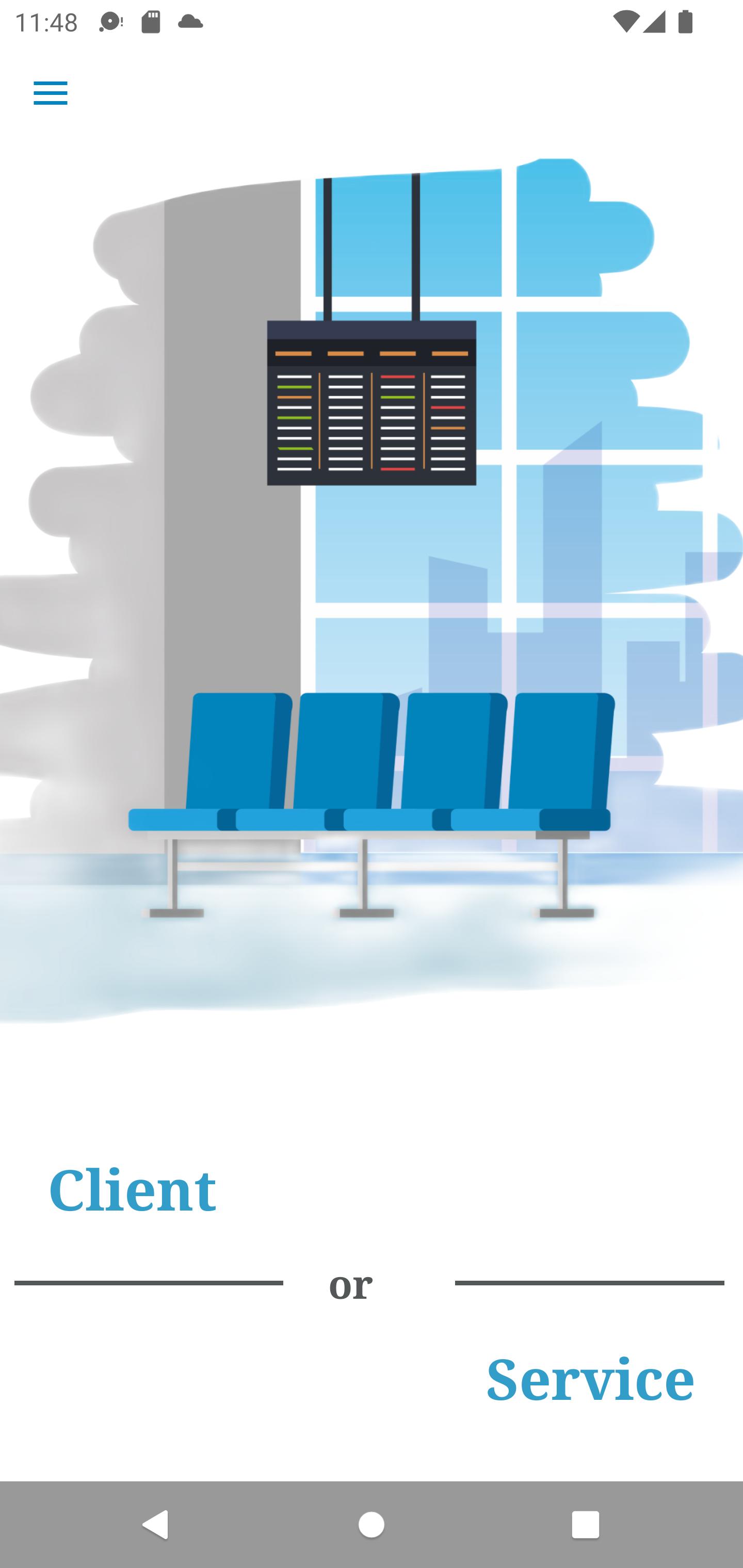
Launch the app, and choose the client option.
step 2:
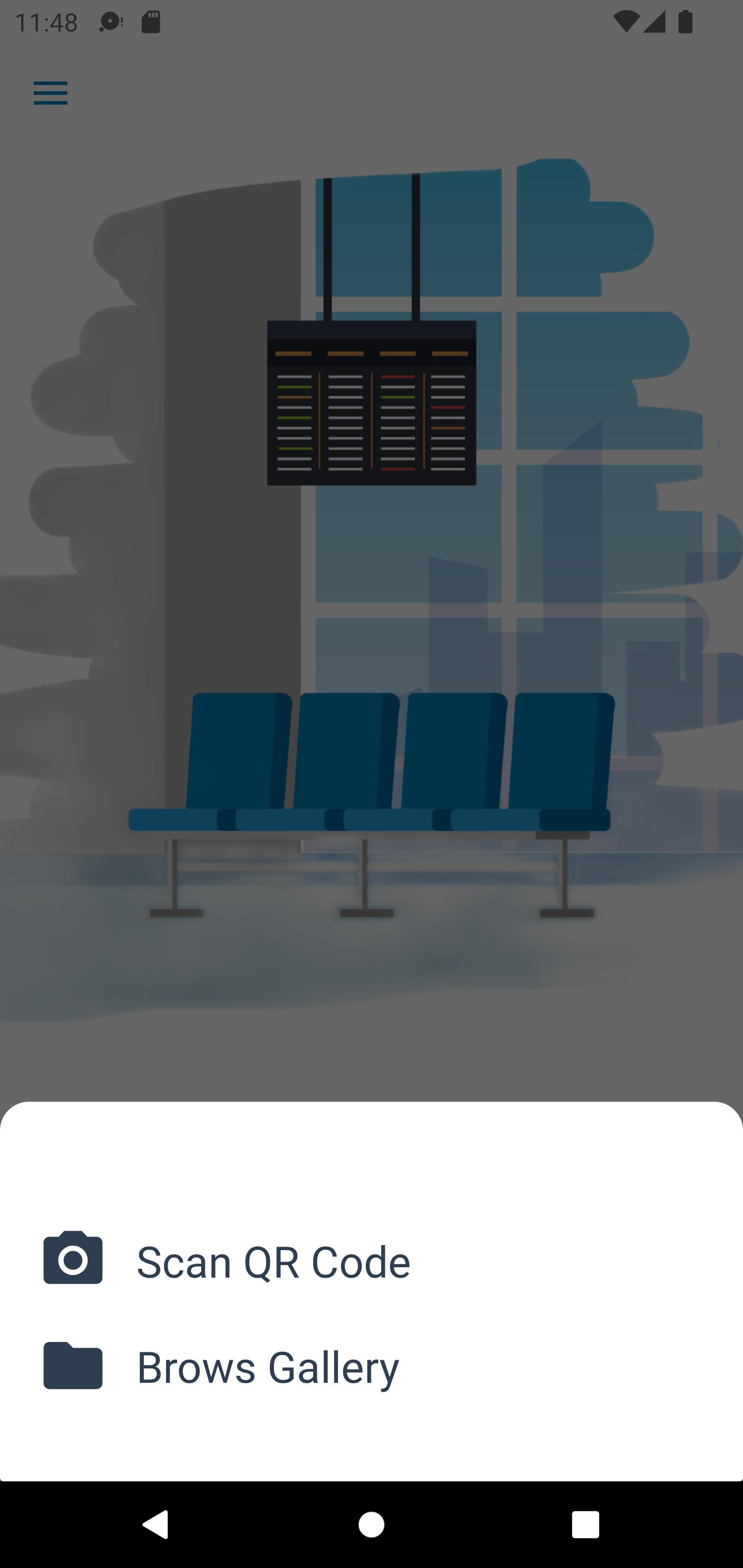
from the bottom sheet, Choose Scan QR code.
step 3:
Now that you are on the client screen, add your number to the reservation.
step 4:
Enjoy your time in any place, and a notification will inform you to come.
If you are a Service Provider like a clinic or lab:
step 1:
Launch the app, and choose the Service option.
step 2:
choose to Sign up, then confirm your email then sign in.
step 3:
Fill in the fields provided, your service name and category, and the average time for each client.
step 4:
from the toolbar menu choose QR code, then generate QR code, then save to gallery.
step 5:
you can print this QRcode and let your clients scan it, or they can scan it from your phone directly.
step 6:
Enjoy with every simple screen, you just need to tap the button to get the next client. and all your clients are synced with you.
Preview
Tags
ToolsInformation
Developer
amr diab
Latest Version
1.2.8
Last Updated
2022-09-15
Category
Tools
Available on
Google Play
Show More
Cara bermain Waiting-queue management tool dengan GameLoop pada PC
1. Muat turun GameLoop dari laman web rasmi, kemudian jalankan fail exe untuk memasang GameLoop.
2. Buka GameLoop dan cari "Waiting-queue management tool", cari Waiting-queue management tool dalam hasil carian dan klik "Pasang".
3. Nikmati bermain Waiting-queue management tool di GameLoop.
Minimum requirements
OS
Windows 8.1 64-bit or Windows 10 64-bit
GPU
GTX 1050
CPU
i3-8300
Memory
8GB RAM
Storage
1GB available space
Recommended requirements
OS
Windows 8.1 64-bit or Windows 10 64-bit
GPU
GTX 1050
CPU
i3-9320
Memory
16GB RAM
Storage
1GB available space