Tilt Sensor PC
narusat
Download Tilt Sensor on PC With GameLoop Emulator
Tilt Sensor pada PC
Tilt Sensor, datang daripada pembangun narusat, sedang berjalan pada sistem Android pada masa lalu.
Kini, Anda boleh bermain Tilt Sensor pada PC dengan GameLoop dengan lancar.
Muat turunnya dalam pustaka GameLoop atau hasil carian. Tiada lagi melihat bateri atau panggilan yang mengecewakan pada masa yang salah lagi.
Hanya nikmati Tilt Sensor PC pada skrin besar secara percuma!
Tilt Sensor Pengenalan
Function:
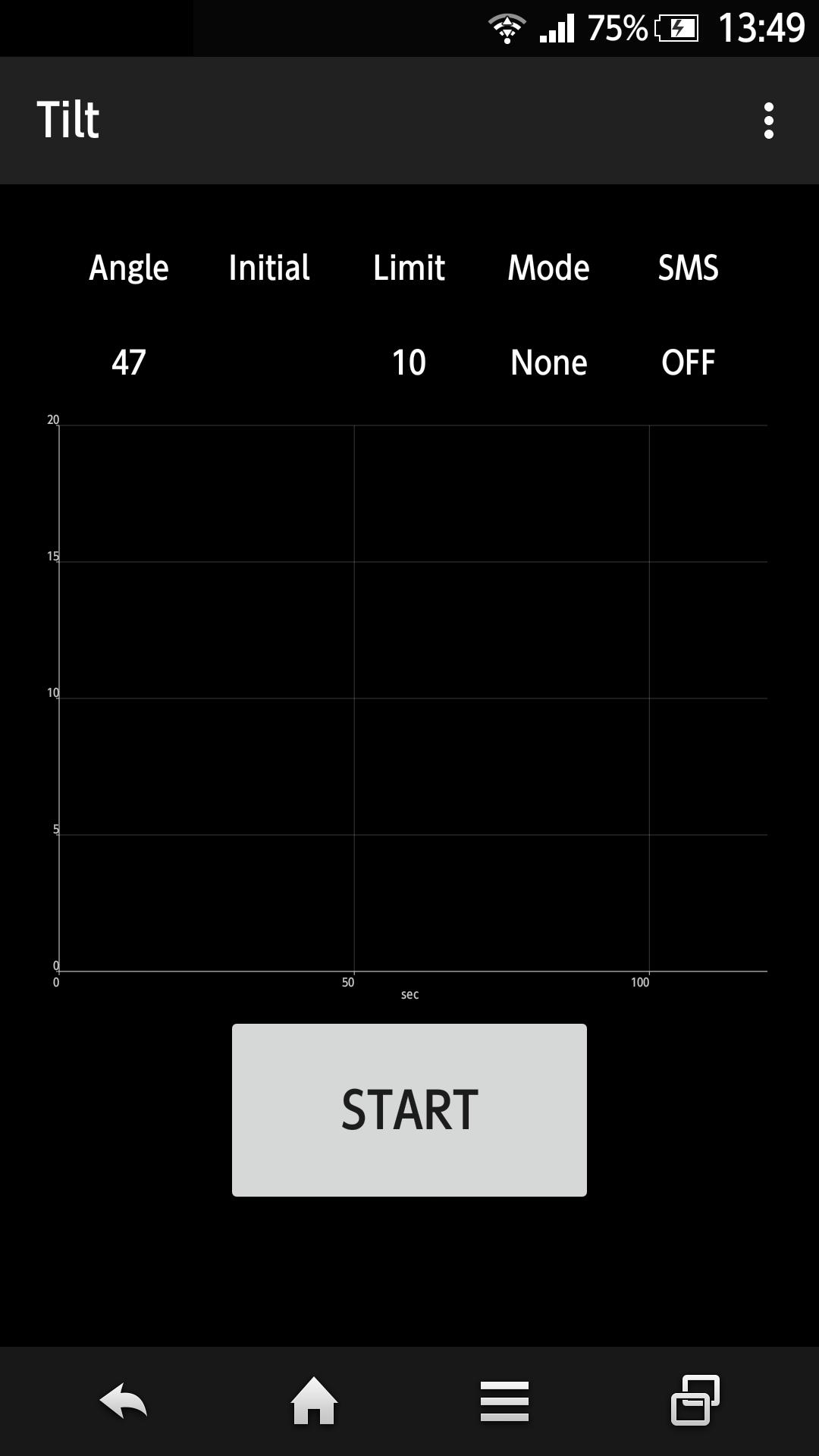
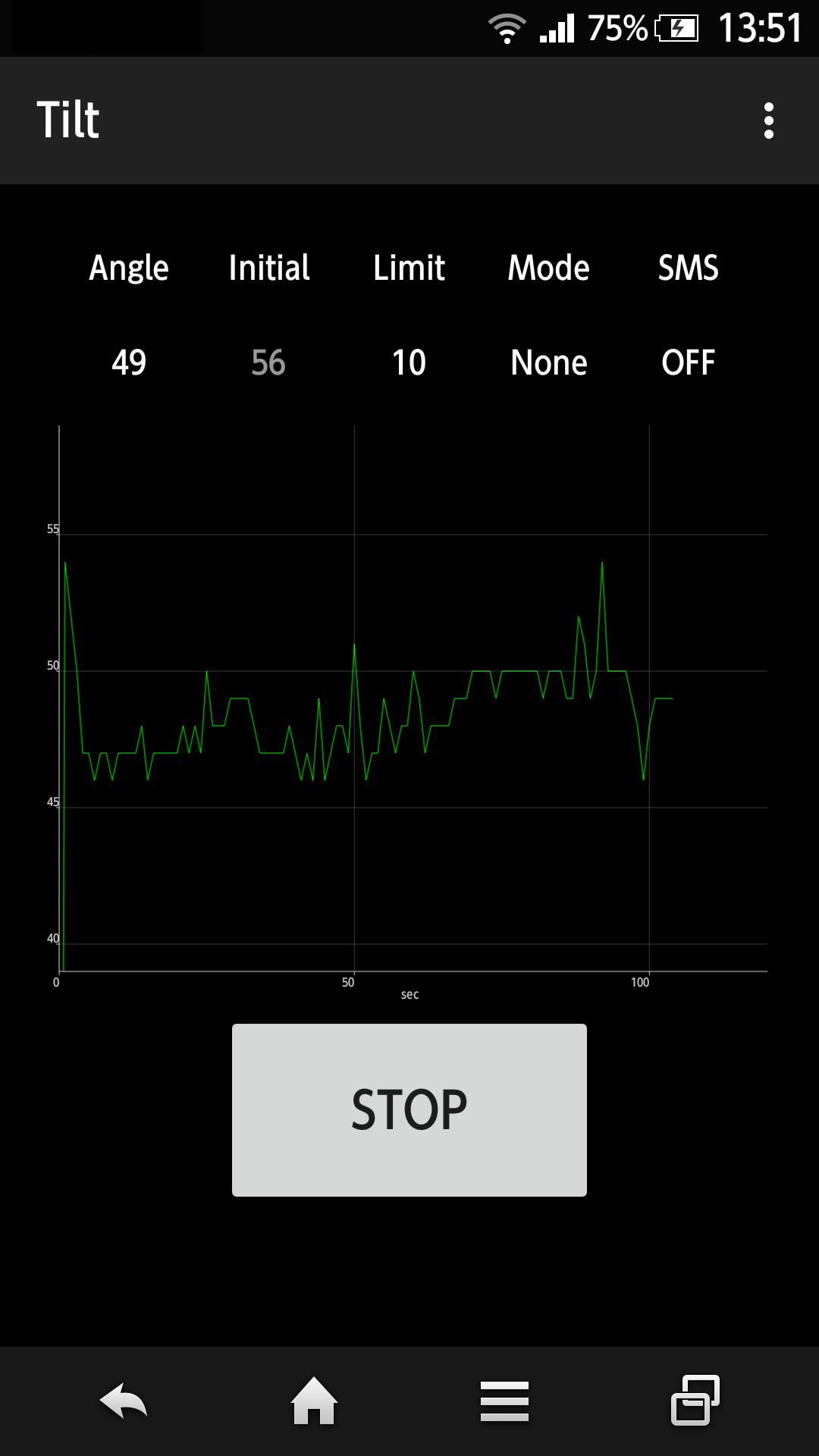
- Measure the tilt angle and plot on the display in real time.
- When the measurement starts, the tilt angle is recorded as the initial angle. If the tilt angle to the initial angle exceeds the limit, it will notify by sound, vibration, SMS or phone. It is not necessary to make the phone vertical.
- The limit can be changed.
- The delay time to start measurement can be changed.
- The app is keeping display on, dimming display or running in the background during the measurement.
- The measured data can be exported as CSV file.
- The app allows remote controll(Start, Stop, Status Check) by SMS. This function can be enabled/disabled.
Note:
- This app uses the Apache 2.0 license library - AChartEngine.
(http://www.apache.org/licenses/LICENSE-2.0)
- You can purchase the item to hide the advertisement.
Preview
Information
Developer
narusat
Latest Version
1.15
Last Updated
2018-11-08
Category
Tools
Available on
Google Play
Show More
Cara bermain Tilt Sensor dengan GameLoop pada PC
1. Muat turun GameLoop dari laman web rasmi, kemudian jalankan fail exe untuk memasang GameLoop.
2. Buka GameLoop dan cari "Tilt Sensor", cari Tilt Sensor dalam hasil carian dan klik "Pasang".
3. Nikmati bermain Tilt Sensor di GameLoop.
Minimum requirements
OS
Windows 8.1 64-bit or Windows 10 64-bit
GPU
GTX 1050
CPU
i3-8300
Memory
8GB RAM
Storage
1GB available space
Recommended requirements
OS
Windows 8.1 64-bit or Windows 10 64-bit
GPU
GTX 1050
CPU
i3-9320
Memory
16GB RAM
Storage
1GB available space