
Super Clone Pro - Multiple Accounts & App Cloner PC
Polestar Applab
Download Super Clone Pro - Multiple Accounts & App Cloner on PC With GameLoop Emulator
Super Clone Pro - Multiple Accounts & App Cloner pada PC
Super Clone Pro - Multiple Accounts & App Cloner, datang daripada pembangun Polestar Applab, sedang berjalan pada sistem Android pada masa lalu.
Kini, Anda boleh bermain Super Clone Pro - Multiple Accounts & App Cloner pada PC dengan GameLoop dengan lancar.
Muat turunnya dalam pustaka GameLoop atau hasil carian. Tiada lagi melihat bateri atau panggilan yang mengecewakan pada masa yang salah lagi.
Hanya nikmati Super Clone Pro - Multiple Accounts & App Cloner PC pada skrin besar secara percuma!
Super Clone Pro - Multiple Accounts & App Cloner Pengenalan
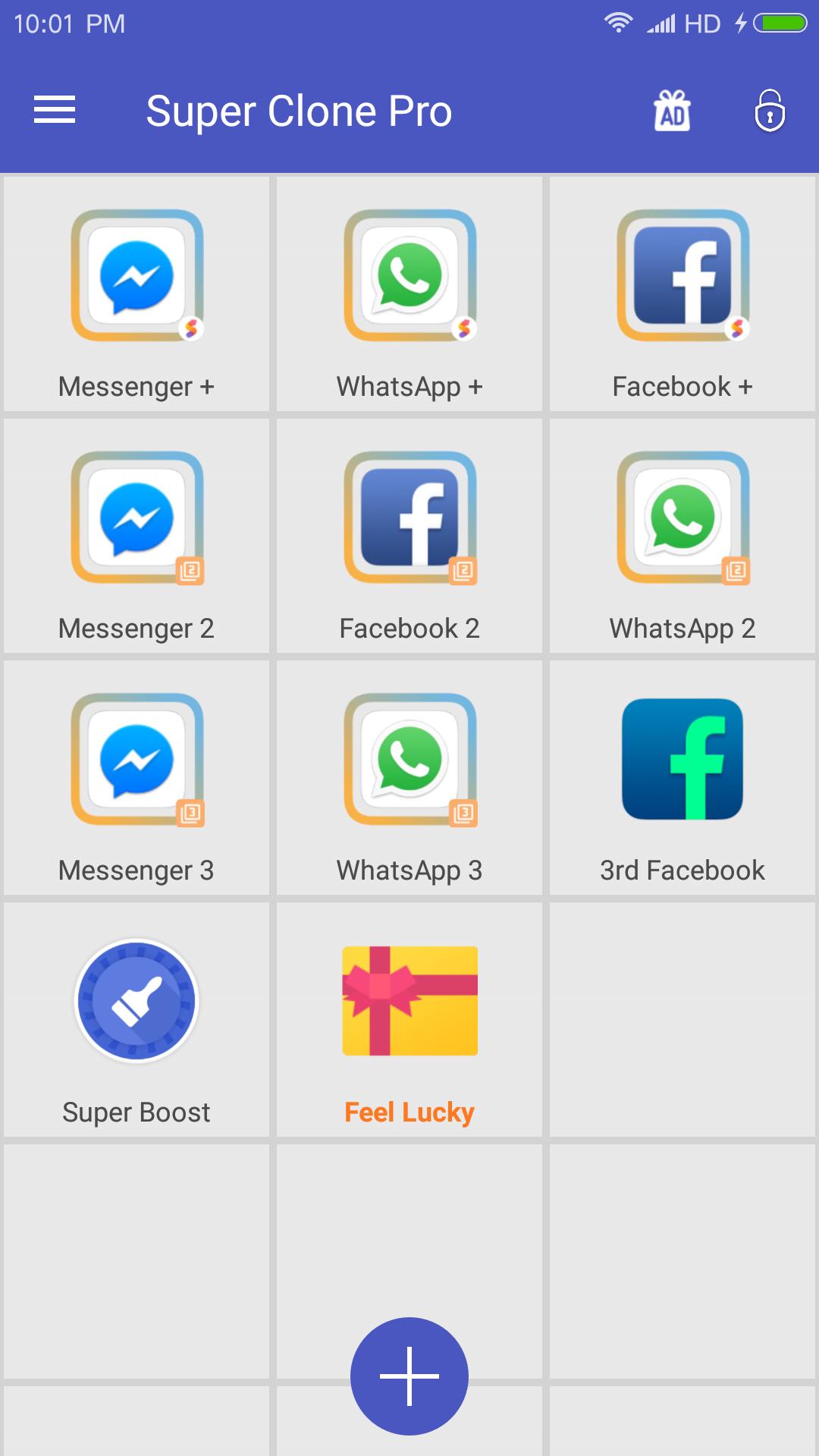
Super Clone Pro helps clone up to 9 multiple parallel account for social & game apps and keep online simultaneously on one phone to separate work and life.
As the top ranked multiple accounts tool, Super Clone have more than 1 million downloads wordwide, and now Super Clone Pro comes with a re-designed UI and optimized clone library.
Play games with multiple accounts, and keep them online simultaneously to get dual function and experiences! Enjoy multiple fun!
Easy to manage multiple social account, separate work and personal life.
Super Clone Pro is compatible with most instant message apps, game apps and social networking apps. Google Play Service are supported, and you can connect with your Google Play Games or other services in your clones.
❤️❤️❤️ Login into your multiple messaging, game and social apps
• Balance between your life and work easily with multiple account, login and online simultaneously.
• Double game accounts and double fun, play games with multiple account to get dual experiences and faster level-up.
🔒🔒🔒Privacy and Security.
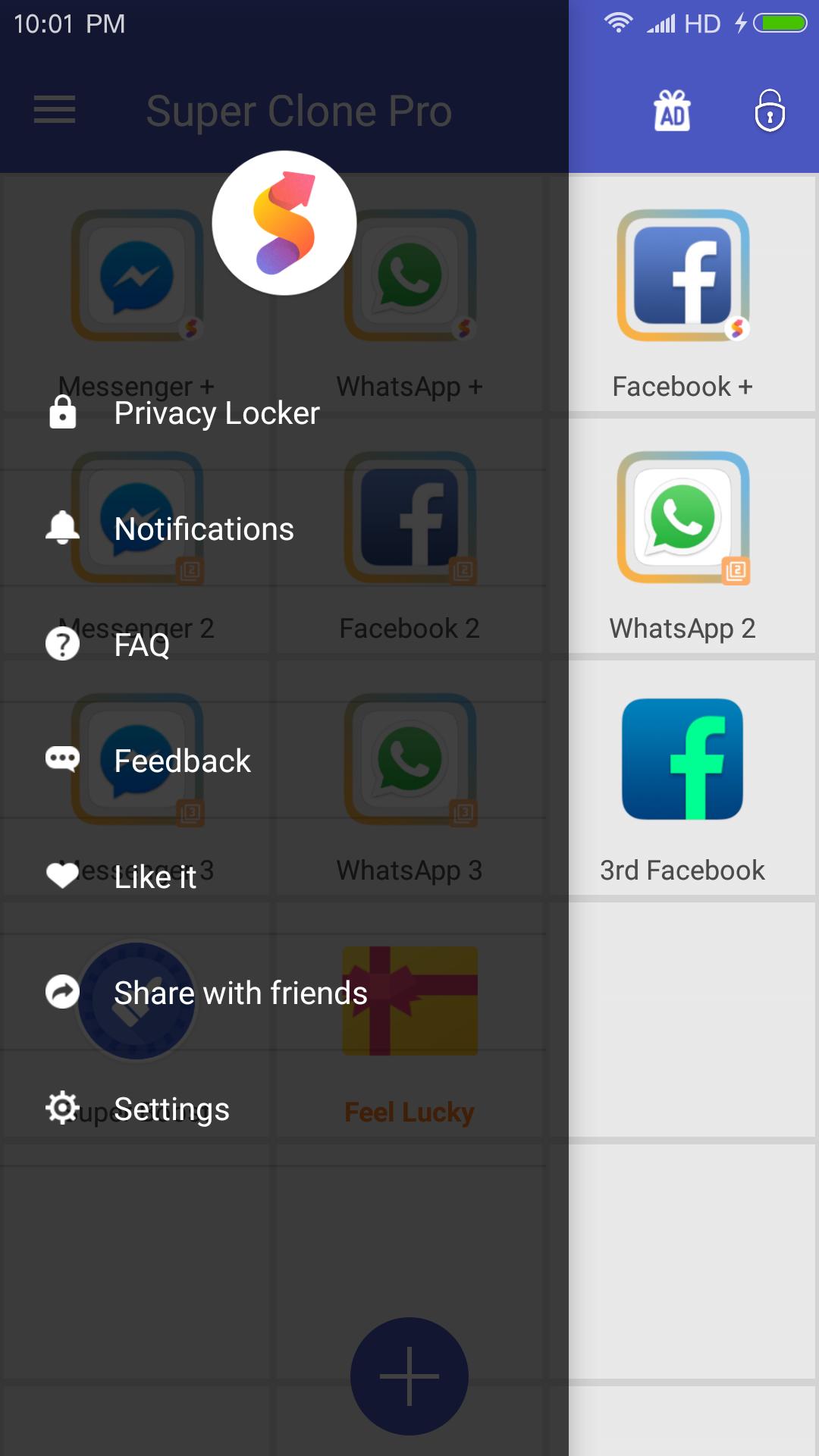
• Privacy Locker to protect your cloned account
• Data of clones and original apps are separated
🔥🔥🔥Upgraded UI, clear notification to help you manage and switch accounts.
• Run multiple accounts simultaneously, and will create icons with clone tags.
• Notification setting to manage notification of clones
💪💪💪Lite Mode for best power and memory efficiency
😝😝😝Support to customize app icons and name
Notes:
• Permissions: Super Clone Pro app itself requires few permissions but Super Clone Pro needs to apply many permissions in advance for the clone apps. Please grant those permissions to Super Clone Pro to avoid mis-function or crash when running clones
• Consumptions: Super Clone Pro itself doesn't take up too much memory, battery and data by which are actually consumed by the apps running inside.
• Notifications: Please add Super Clone Pro to whitelist in your system notification settings.
• Shortcuts: Sometimes you may not see shortcut not show up even if you enabled for the clone. Please check whether you granted Super Clone Pro the permission to create shortcuts
For any problems, please feel free to contact us via the 'Feedback' feature inside Super Clone Pro or send us an email at: polestar.applab@gmail.com
Join us on Google+ Group:
https://plus.google.com/communities/104830818454731991305
Preview
Information
Developer
Polestar Applab
Latest Version
3.1.34.1224
Last Updated
2018-12-29
Category
Tools
Available on
Google Play
Show More
Cara bermain Super Clone Pro - Multiple Accounts & App Cloner dengan GameLoop pada PC
1. Muat turun GameLoop dari laman web rasmi, kemudian jalankan fail exe untuk memasang GameLoop.
2. Buka GameLoop dan cari "Super Clone Pro - Multiple Accounts & App Cloner", cari Super Clone Pro - Multiple Accounts & App Cloner dalam hasil carian dan klik "Pasang".
3. Nikmati bermain Super Clone Pro - Multiple Accounts & App Cloner di GameLoop.
Minimum requirements
OS
Windows 8.1 64-bit or Windows 10 64-bit
GPU
GTX 1050
CPU
i3-8300
Memory
8GB RAM
Storage
1GB available space
Recommended requirements
OS
Windows 8.1 64-bit or Windows 10 64-bit
GPU
GTX 1050
CPU
i3-9320
Memory
16GB RAM
Storage
1GB available space