
SM Video Downloader PC
JapharrDev
Download SM Video Downloader on PC With GameLoop Emulator
SM Video Downloader pada PC
SM Video Downloader, datang daripada pembangun JapharrDev, sedang berjalan pada sistem Android pada masa lalu.
Kini, Anda boleh bermain SM Video Downloader pada PC dengan GameLoop dengan lancar.
Muat turunnya dalam pustaka GameLoop atau hasil carian. Tiada lagi melihat bateri atau panggilan yang mengecewakan pada masa yang salah lagi.
Hanya nikmati SM Video Downloader PC pada skrin besar secara percuma!
SM Video Downloader Pengenalan
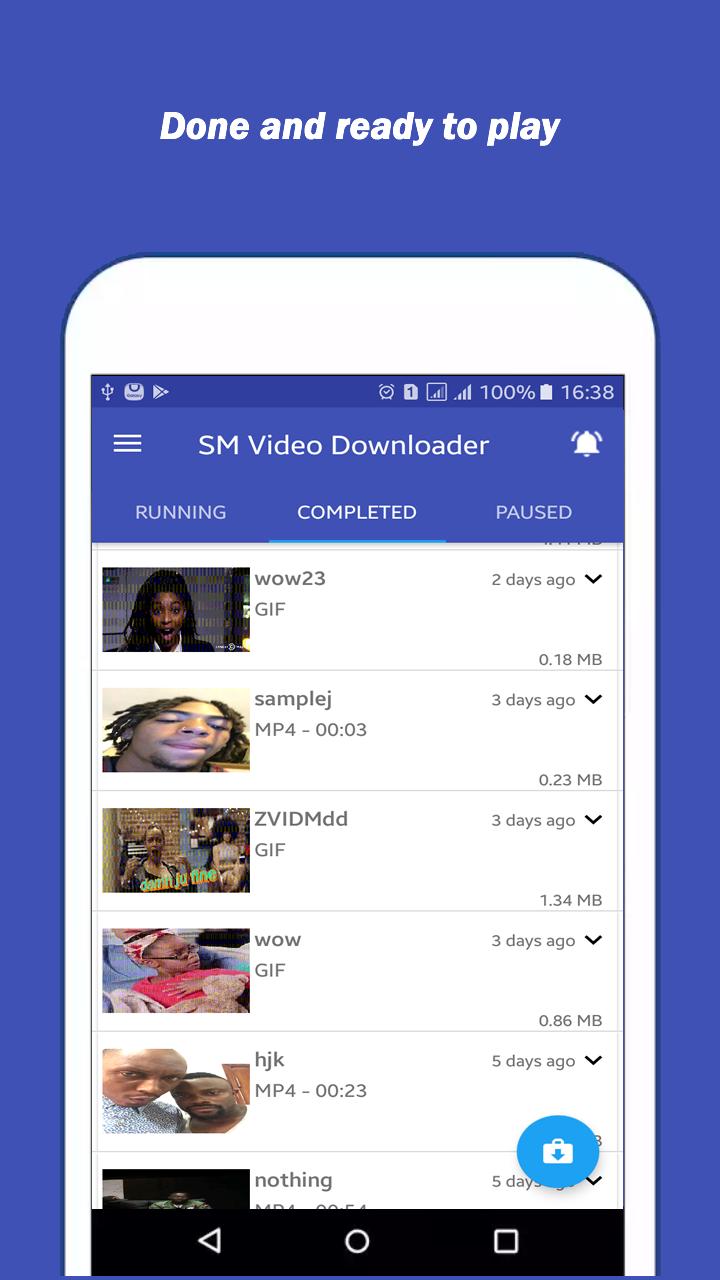
Download videos and GIFs from your favourite social network apps (Facebook, Instagram and Twitter) in just three simple steps: 1. Share, 2. Wait and 3. Download
SM Video Downloader is a lightweight app that allows you to download videos and GIFs from different social networking platforms with no login credentials required and very easy to use.
It currently supports Twitter, Facebook and Instagram. More social networking platforms coming soon.
How to use
Method 1 (Quick Download)
★ Copy the link of the tweet/post from your social network app.
★ Click on the "Download" button that automatically popup.
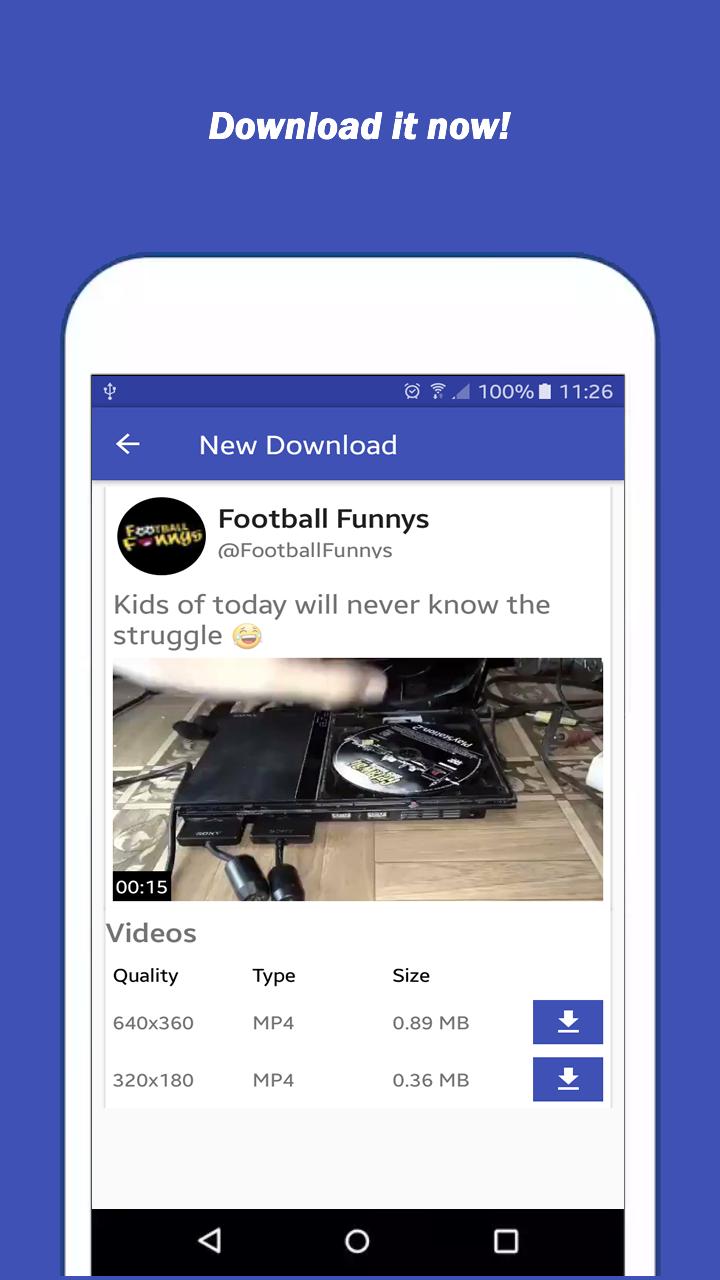
★ Wait for SM Video Downloader to fetch the download link.
★ Click the "Download" button to download the video.
Method 2
★ Share the link of the tweet/post from your social network app.
★ Select "New Download" from the share popup.
★ Wait for SM Video Downloader to fetch the download link.
★ Click the "Download" button to download the video.
Method 3
★ Copy the link of the tweet/post from your social network app.
★ Select "SM Video Downloader" from your device application drawer.
★ Click on "New Download" button.
★ Wait for SM Video Downloader to fetch the download link.
★ Click the "Download" button to download the video.
NB
★ To use the Quick Download method, you have to first enable the "Quick Download" option from the SM Video Downloader Drawer (watch the video above for more information)
Main Features
★ Fast video download
★ App Lock
★ Share videos with other social networking platforms
★ Smooth User Experience
★ No login credentials required
★ Multiple video resolutions (qualities)
★ Download multiple videos simultaneously
★ Convert downloaded videos to GIF
★ Save videos to gallery
★ Inbuilt media player and GIF viewer
We love feedback and comments. Kindly drop your reviews and suggestions in the review section and/or send it as a mail to japharrdev@gmail.com.
Disclaimer
SM Video Downloader is not associated with any of the supported social networking platform.
Preview
Information
Developer
JapharrDev
Latest Version
1.4.7
Last Updated
2019-11-29
Category
Tools
Available on
Google Play
Show More
Cara bermain SM Video Downloader dengan GameLoop pada PC
1. Muat turun GameLoop dari laman web rasmi, kemudian jalankan fail exe untuk memasang GameLoop.
2. Buka GameLoop dan cari "SM Video Downloader", cari SM Video Downloader dalam hasil carian dan klik "Pasang".
3. Nikmati bermain SM Video Downloader di GameLoop.
Minimum requirements
OS
Windows 8.1 64-bit or Windows 10 64-bit
GPU
GTX 1050
CPU
i3-8300
Memory
8GB RAM
Storage
1GB available space
Recommended requirements
OS
Windows 8.1 64-bit or Windows 10 64-bit
GPU
GTX 1050
CPU
i3-9320
Memory
16GB RAM
Storage
1GB available space