SD-Booster PC
Daniel Mehrmann (Akusari)
Download SD-Booster on PC With GameLoop Emulator
SD-Booster pada PC
SD-Booster, datang daripada pembangun Daniel Mehrmann (Akusari), sedang berjalan pada sistem Android pada masa lalu.
Kini, Anda boleh bermain SD-Booster pada PC dengan GameLoop dengan lancar.
Muat turunnya dalam pustaka GameLoop atau hasil carian. Tiada lagi melihat bateri atau panggilan yang mengecewakan pada masa yang salah lagi.
Hanya nikmati SD-Booster PC pada skrin besar secara percuma!
SD-Booster Pengenalan
*** FOR ROOT USER ONLY ***
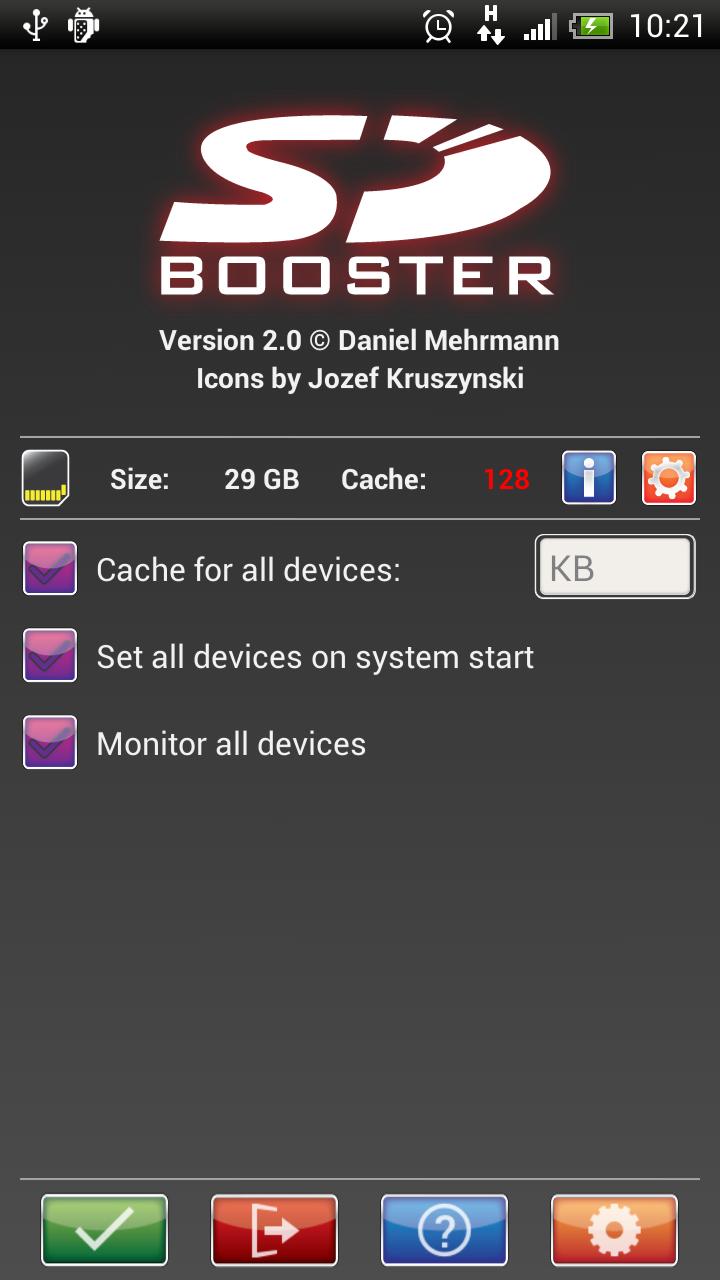
SD-Booster speeds up your external and internal SD-Card(s) and SD-Memory up to 40 times! Enjoy a new feeling of speed on your Android smartphone anytime and everywhere you are.
Starting apps, listing to your favorite music or just swapping data with your PC ? Whatever you do, the SD-Booster improve your phone speed!
SD-Booster needs root permission to run, otherwise SD-Booster can't do anything!
SD-Booster is the only app which supports each card separately!
Features:
-MMC detection framework to support any SD-Card and SD-Memory
-Speedup every external and internal SD-Memory
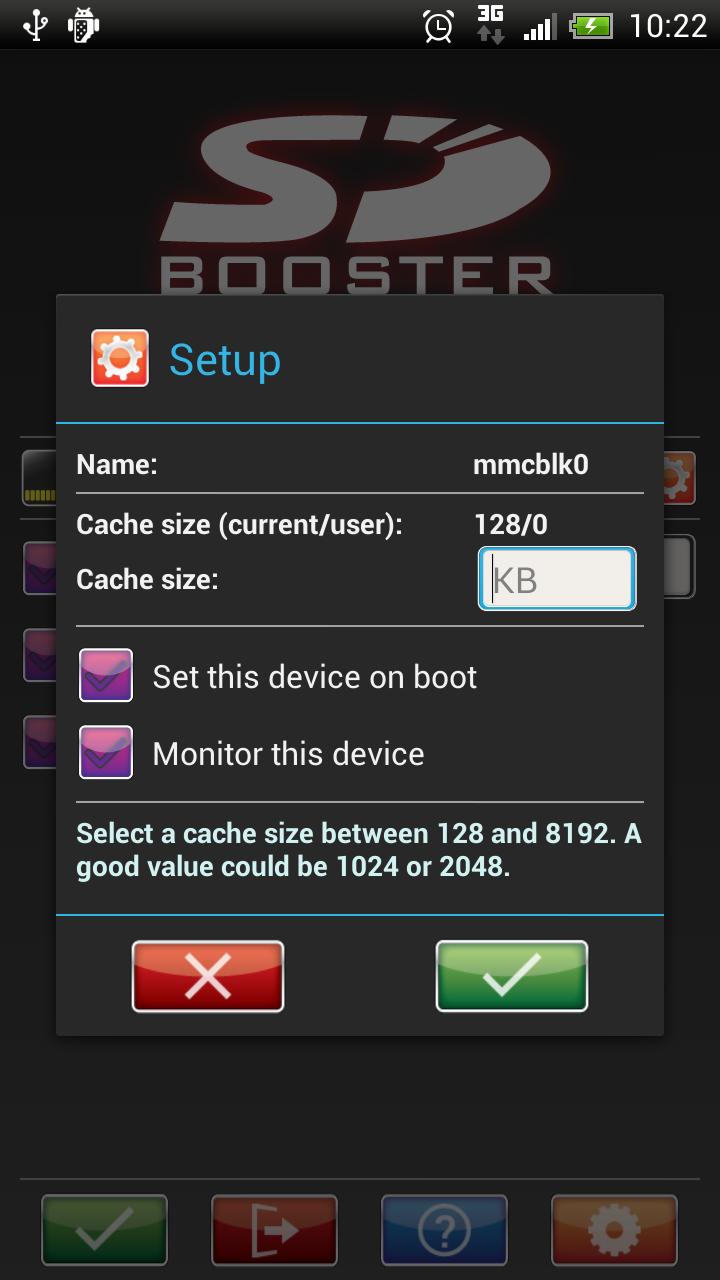
-Configure each SD-Card/SD-Memory separately (New!)
-Set on system start (boot) feature
-Device monitoring (New!)
-Notification system (New!)
-Color based suggestion terms of current cache size
-Multi-Language support (New!)
PLEASE don't move SD-Booster to your SD-Card, otherwise SD-Booster doesn't work on boot!
New permission read/write SD-Card will be used for the upcoming speedtest (version 2.1).
New permission ACCESS_SUPERUSER is used by SuperSU
SD-Booster is now released under the GPL! Sources can be found on Github.
If you like to work on with me or just want to take a look it's possible now. :-)
Supported languages (so far): EN,DE,ES,FR,SK,SI,PL,IT,HU,CZ,CN,SR,ID,CR
If you missing your language and want to do a translation, please send me an e-mail.
Icons and logo by Jozef Kruszynski (Doktaphex/XDA)
Interpreters:
Markokljuc (CR/XDA)
Khairul Agasta (ID)
Maerck (PT/XDA)
Gojko Pavasovic/rakijaman (SR/XDA)
Andres Valverde/zeratos (ES/XDA)
Daniel Mehrmann (DE)
Daniel Mehrmann (EN)
Notonlyeyes (IT/XDA)
algerie_24 (FR/XDA)
gmajnkek(SL/XDA)
akim14(SI/XDA)
zomer331(PL/XDA)
sharonliu(CN/XDA)
LilProphet(HU/XDA)
Preview
Information
Developer
Daniel Mehrmann (Akusari)
Latest Version
2.0.7
Last Updated
2014-04-25
Category
Tools
Available on
Google Play
Show More
Cara bermain SD-Booster dengan GameLoop pada PC
1. Muat turun GameLoop dari laman web rasmi, kemudian jalankan fail exe untuk memasang GameLoop.
2. Buka GameLoop dan cari "SD-Booster", cari SD-Booster dalam hasil carian dan klik "Pasang".
3. Nikmati bermain SD-Booster di GameLoop.
Minimum requirements
OS
Windows 8.1 64-bit or Windows 10 64-bit
GPU
GTX 1050
CPU
i3-8300
Memory
8GB RAM
Storage
1GB available space
Recommended requirements
OS
Windows 8.1 64-bit or Windows 10 64-bit
GPU
GTX 1050
CPU
i3-9320
Memory
16GB RAM
Storage
1GB available space