
Status Keeper PC
App Cornor
Download Status Keeper on PC With GameLoop Emulator
Status Keeper pada PC
Status Keeper, datang daripada pembangun App Cornor, sedang berjalan pada sistem Android pada masa lalu.
Kini, Anda boleh bermain Status Keeper pada PC dengan GameLoop dengan lancar.
Muat turunnya dalam pustaka GameLoop atau hasil carian. Tiada lagi melihat bateri atau panggilan yang mengecewakan pada masa yang salah lagi.
Hanya nikmati Status Keeper PC pada skrin besar secara percuma!
Status Keeper Pengenalan
How to Use?
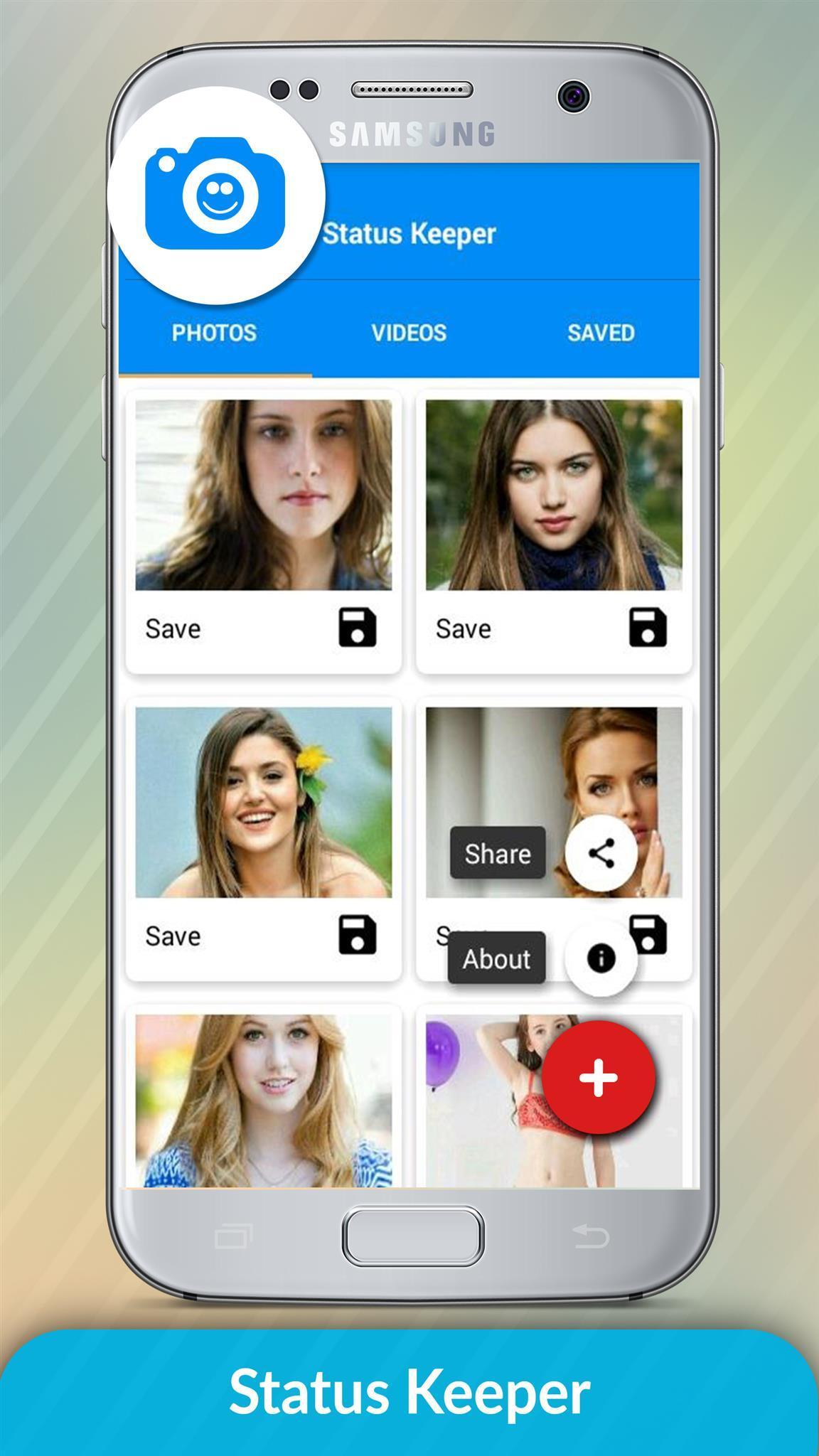
1 - Check the Desired Status/Story...
2 - Open Status Keeper, Click on any Image or Video to View...
3 - Click the Save Button...
That's where we get in. Status Keeper works as a WhatsApp status downloader, or Whatsapp status saver. With a single touch, save all your favorites statuses.
You can choose either to preview, share as a media to all available platforms on your device or download directly to your gallery.
All that in a simple, beautiful and intuitive interface. Once you load it, you know exactly where to go ;)
*Very minimal ads, nothing disturbing, we know you don't like too much of them, Promise!
story keeper
status downloader
story downloader
share status
repost status
share Whatsapp status
repost Whatsapp status
save status
download WhatsApp status
download WhatsApp story
The Status Keeper Status Image/Video is Instantly saved to your Gallery! 😉😃
Notable Status Keeper Features:
* Multi Save, Delete, Repost / Share, Delete,
* Easy Repost even without Saving,
* Easy & Fast Saving,
* Built-in Image Viewer & Video Player,
* Easy Navigation!
Status Keeper app is an independent one and is not affiliated with any 3rd Party including Whatsapp Inc.
Status Keeper not use to clone or hack anything it just display downloaded files in app.
======================
Contact Us
Email: conorapp@gmail.com
Preview
Information
Developer
App Cornor
Latest Version
1.0.1
Last Updated
2018-11-17
Category
Tools
Available on
Google Play
Show More
Cara bermain Status Keeper dengan GameLoop pada PC
1. Muat turun GameLoop dari laman web rasmi, kemudian jalankan fail exe untuk memasang GameLoop.
2. Buka GameLoop dan cari "Status Keeper", cari Status Keeper dalam hasil carian dan klik "Pasang".
3. Nikmati bermain Status Keeper di GameLoop.
Minimum requirements
OS
Windows 8.1 64-bit or Windows 10 64-bit
GPU
GTX 1050
CPU
i3-8300
Memory
8GB RAM
Storage
1GB available space
Recommended requirements
OS
Windows 8.1 64-bit or Windows 10 64-bit
GPU
GTX 1050
CPU
i3-9320
Memory
16GB RAM
Storage
1GB available space