
Save Phonebook Contacts to Excel PC
SendGroupSMS.com
Download Save Phonebook Contacts to Excel on PC With GameLoop Emulator
Save Phonebook Contacts to Excel pada PC
Save Phonebook Contacts to Excel, datang daripada pembangun SendGroupSMS.com, sedang berjalan pada sistem Android pada masa lalu.
Kini, Anda boleh bermain Save Phonebook Contacts to Excel pada PC dengan GameLoop dengan lancar.
Muat turunnya dalam pustaka GameLoop atau hasil carian. Tiada lagi melihat bateri atau panggilan yang mengecewakan pada masa yang salah lagi.
Hanya nikmati Save Phonebook Contacts to Excel PC pada skrin besar secara percuma!
Save Phonebook Contacts to Excel Pengenalan
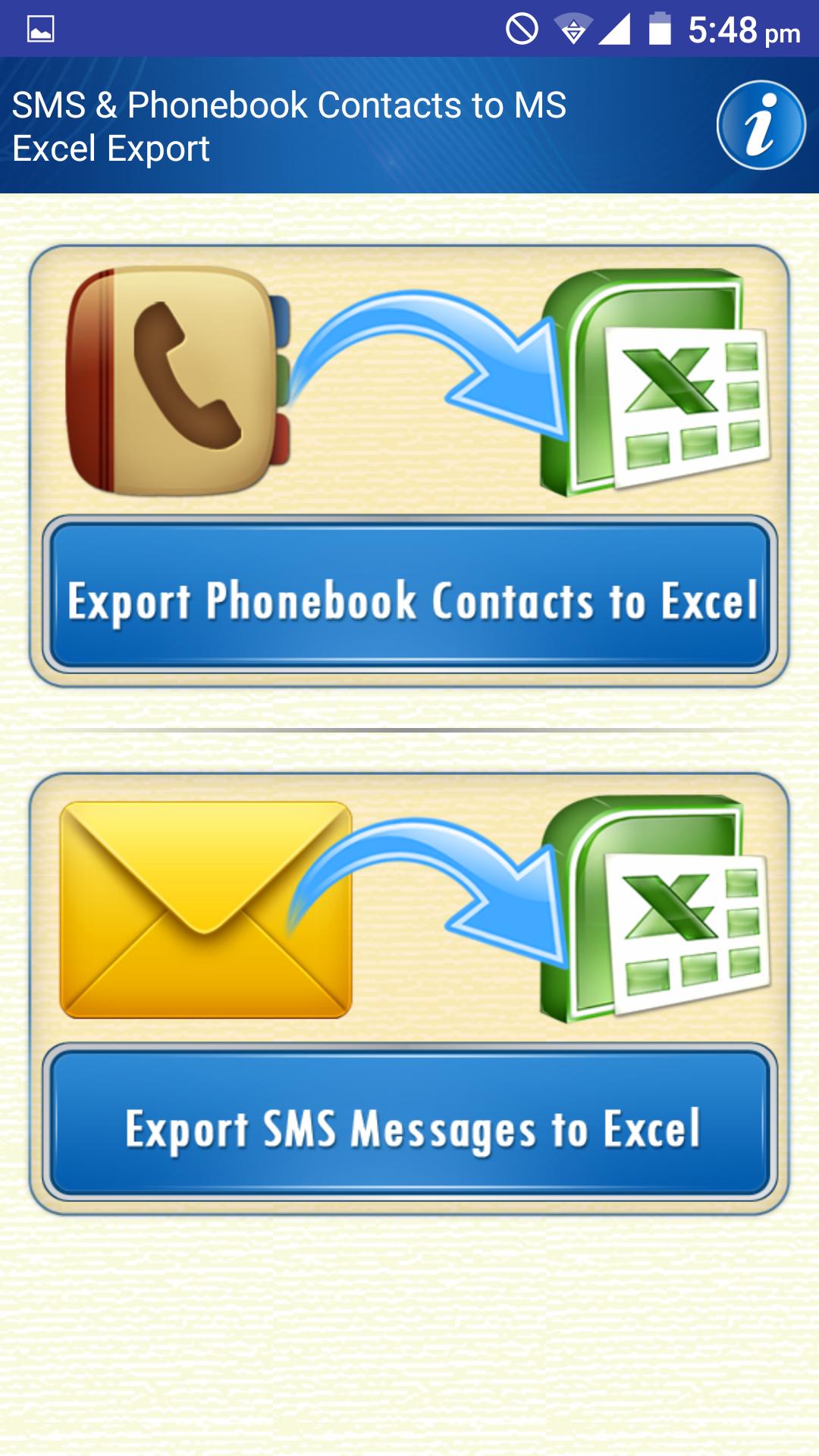
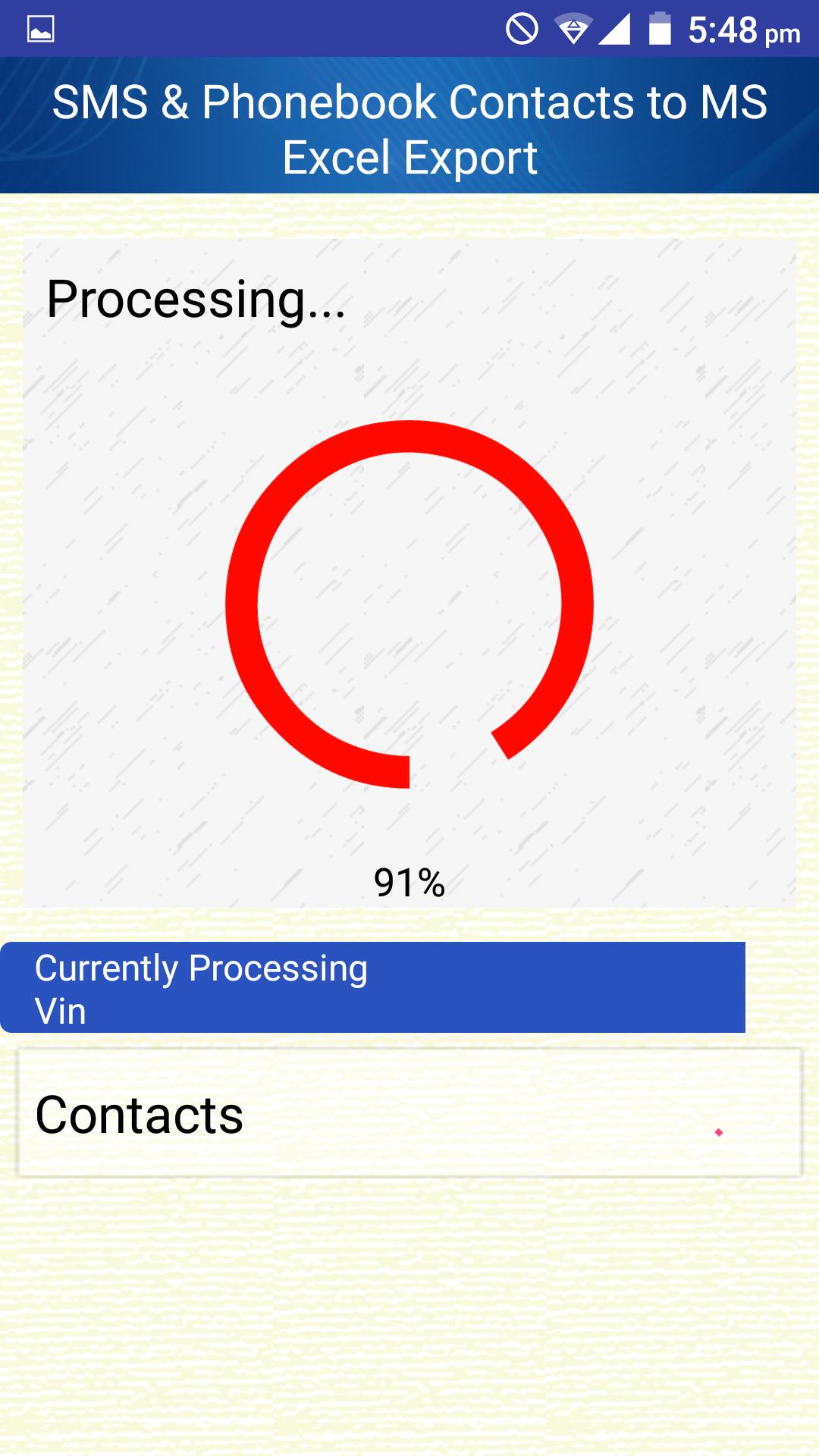
Amazing Free app to Export SMS Text Messages & Mobile Phonebook Contacts, and save Backup to Microsoft Excel File from your cell phone. DRPU SMS and Contacts Export App is the easiest and most reliable tool to backup your mobile Phone data. It reads every single detail of all of your Phonebook contacts and SMS inbox outbox sent items etc, converts them into a Microsoft Excel file and emails the file to you.
Features:
* Backup to internal mobile phone memory or to SD card of your cell phone
* Backup Contacts and all vCard attributes of mobile phone's phonebook
* Backup SMS from all location of Inbox including, Inbox, outbox sent items etc with send and recipient phone number details with country codes
* No need to select SMS conversations to backup. Just single button operation does it all.
* Export all your Text Messages or contacts with a single tap.
* Get all your Mobile Text SMS Excel Database or contacts straight into your mailbox.
* Contacts are emailed in Excel format which is easy to read.
* Backup SMS Messages in Excel 97-2003 format. File is saved in XLS format so that it can be read by all versions of Microsoft office or Open office. If you have newer version of MS office, still you can change the extension of Excel sheet to XLSX, if you desperately need to do so.
* Supports up 65535+ SMS messages supported by Excel 97-2003 spreadsheet row limit.
* View all Contacts, messages or conversations in an Excel file.
* The fast The Safe and The easy data backup tool for android.
For those phones with inbuilt storage the default backup location will probably be the internal storage card, If you want to store the files on external storage card, please change the default export folder in the app’s setting page. You will never lose your data again!
Preview
Tags
ToolsInformation
Developer
SendGroupSMS.com
Latest Version
2.4
Last Updated
2021-06-29
Category
Tools
Available on
Google Play
Show More
Cara bermain Save Phonebook Contacts to Excel dengan GameLoop pada PC
1. Muat turun GameLoop dari laman web rasmi, kemudian jalankan fail exe untuk memasang GameLoop.
2. Buka GameLoop dan cari "Save Phonebook Contacts to Excel", cari Save Phonebook Contacts to Excel dalam hasil carian dan klik "Pasang".
3. Nikmati bermain Save Phonebook Contacts to Excel di GameLoop.
Minimum requirements
OS
Windows 8.1 64-bit or Windows 10 64-bit
GPU
GTX 1050
CPU
i3-8300
Memory
8GB RAM
Storage
1GB available space
Recommended requirements
OS
Windows 8.1 64-bit or Windows 10 64-bit
GPU
GTX 1050
CPU
i3-9320
Memory
16GB RAM
Storage
1GB available space