Reduce Photo Size in KB Photo Resize PC
LaduBaa Infotech
Download Reduce Photo Size in KB Photo Resize on PC With GameLoop Emulator
Reduce Photo Size in KB Photo Resize pada PC
Reduce Photo Size in KB Photo Resize, datang daripada pembangun LaduBaa Infotech, sedang berjalan pada sistem Android pada masa lalu.
Kini, Anda boleh bermain Reduce Photo Size in KB Photo Resize pada PC dengan GameLoop dengan lancar.
Muat turunnya dalam pustaka GameLoop atau hasil carian. Tiada lagi melihat bateri atau panggilan yang mengecewakan pada masa yang salah lagi.
Hanya nikmati Reduce Photo Size in KB Photo Resize PC pada skrin besar secara percuma!
Reduce Photo Size in KB Photo Resize Pengenalan
Reduce Photo Size in KB Photo Resize app reduce photo file size for Email, Twitter, Facebook, etc .
Reduce Photo Size in KB Photo Resize app is free and provide you option for multiple photos compress at a Same time. You can reduce photo size MB to KB by powerful photo size reducer.
This App offers any image file compression like compress jpeg image file.
The main function of this app is to Reduce photos to accurate file size as required by you.
This app will reduce image size in mb to kb.
How Photo Re sizer works:
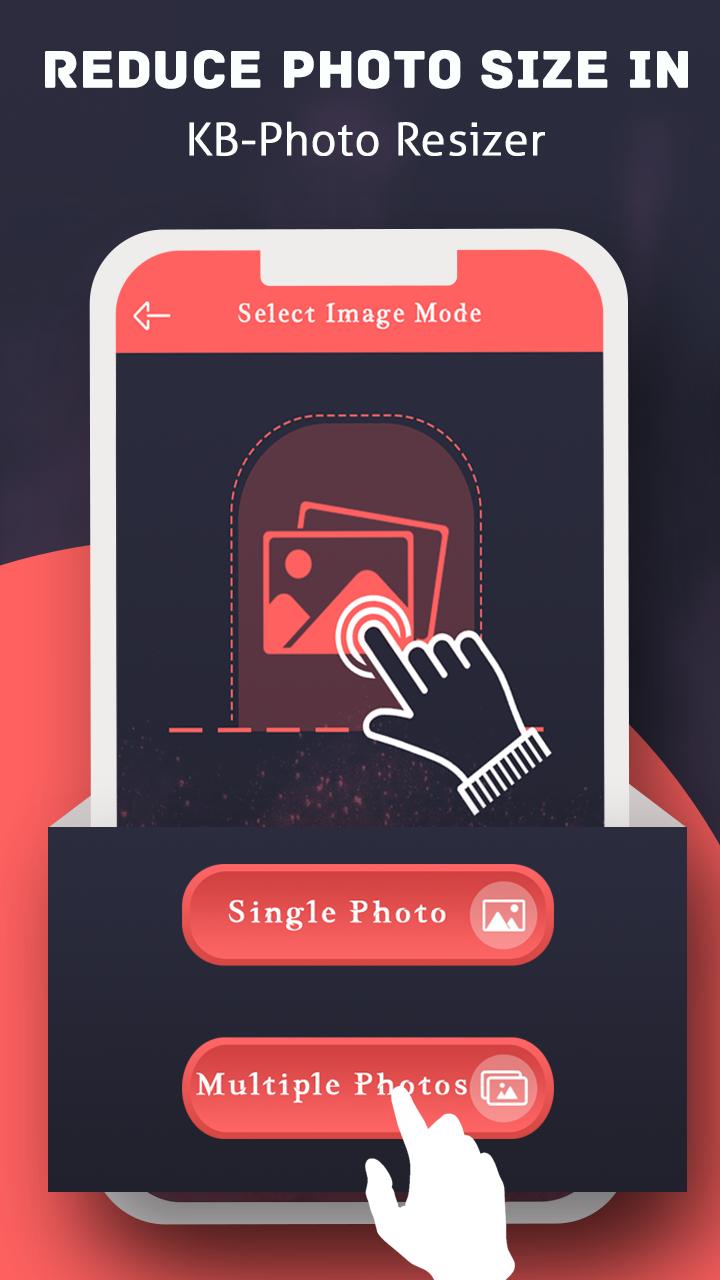
1) Select the Single/Multiple photos from gallery.
2) app will show the selected photo.
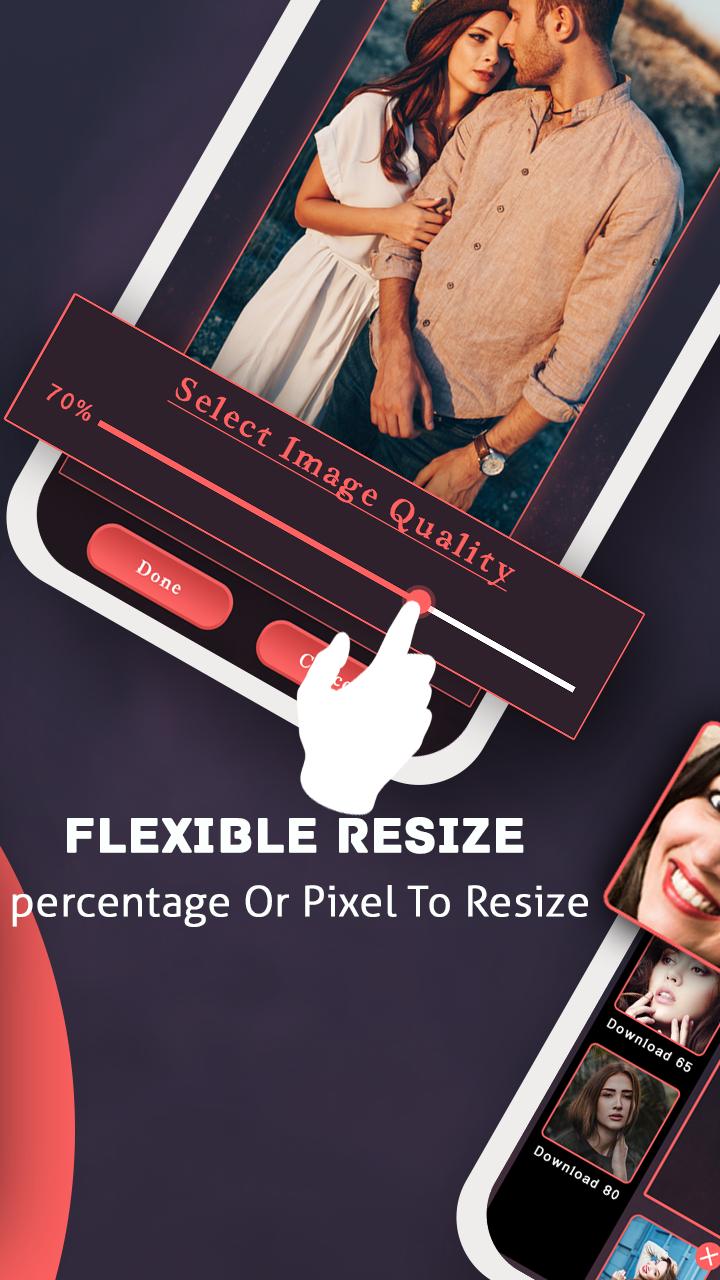
3) Select the resolution from the seek bar.
4) click on Ok and it will show you reduced size photos.
features Of this App:
_Compress JPEG, PNG & WebP image
_Batch image compressor
_Up to 99% image size reduce
_Image resize, optimize, crop & convert
_Replace original image file.
_After compress photo get Save & Share feature.
_Get our app to others app Share Option
_Minimal & user friendly
_Share on Any social media.
_free for all user.
if you like our work then share with you friends also and if you have any suggestion you can email us Ladubasoln@gmail.com
Your Supports Inspire our team to work with for you. Thank you.
Preview
Information
Developer
LaduBaa Infotech
Latest Version
7.0
Last Updated
2022-05-07
Category
Tools
Available on
Google Play
Show More
Cara bermain Reduce Photo Size in KB Photo Resize dengan GameLoop pada PC
1. Muat turun GameLoop dari laman web rasmi, kemudian jalankan fail exe untuk memasang GameLoop.
2. Buka GameLoop dan cari "Reduce Photo Size in KB Photo Resize", cari Reduce Photo Size in KB Photo Resize dalam hasil carian dan klik "Pasang".
3. Nikmati bermain Reduce Photo Size in KB Photo Resize di GameLoop.
Minimum requirements
OS
Windows 8.1 64-bit or Windows 10 64-bit
GPU
GTX 1050
CPU
i3-8300
Memory
8GB RAM
Storage
1GB available space
Recommended requirements
OS
Windows 8.1 64-bit or Windows 10 64-bit
GPU
GTX 1050
CPU
i3-9320
Memory
16GB RAM
Storage
1GB available space