
QR Code Scanner & Scanner App PC
QR Code Scanner.
Download QR Code Scanner & Scanner App on PC With GameLoop Emulator
QR Code Scanner & Scanner App pada PC
QR Code Scanner & Scanner App, datang daripada pembangun QR Code Scanner., sedang berjalan pada sistem Android pada masa lalu.
Kini, Anda boleh bermain QR Code Scanner & Scanner App pada PC dengan GameLoop dengan lancar.
Muat turunnya dalam pustaka GameLoop atau hasil carian. Tiada lagi melihat bateri atau panggilan yang mengecewakan pada masa yang salah lagi.
Hanya nikmati QR Code Scanner & Scanner App PC pada skrin besar secara percuma!
QR Code Scanner & Scanner App Pengenalan
Free and full-featured QR code scanner app for all Android devices, helps you easily scan and decode all types of QR codes/barcodes at lightning speed⚡. 100% free and easy to use.
*Easy-to-Use Scanner App*
QR code reader just uses your phone's camera to scan and read QR codes/barcodes, then immediately displays results with multiple options for the next operation.
*Support All QR & Barcode Formats*
Automatically scan, read, and decode all types of QR codes/barcodes, including Wi-Fi, contacts, URL, products, text, books, E-mail, location, calendar, etc. Also, batch scan is supported!
*Price Scanner*
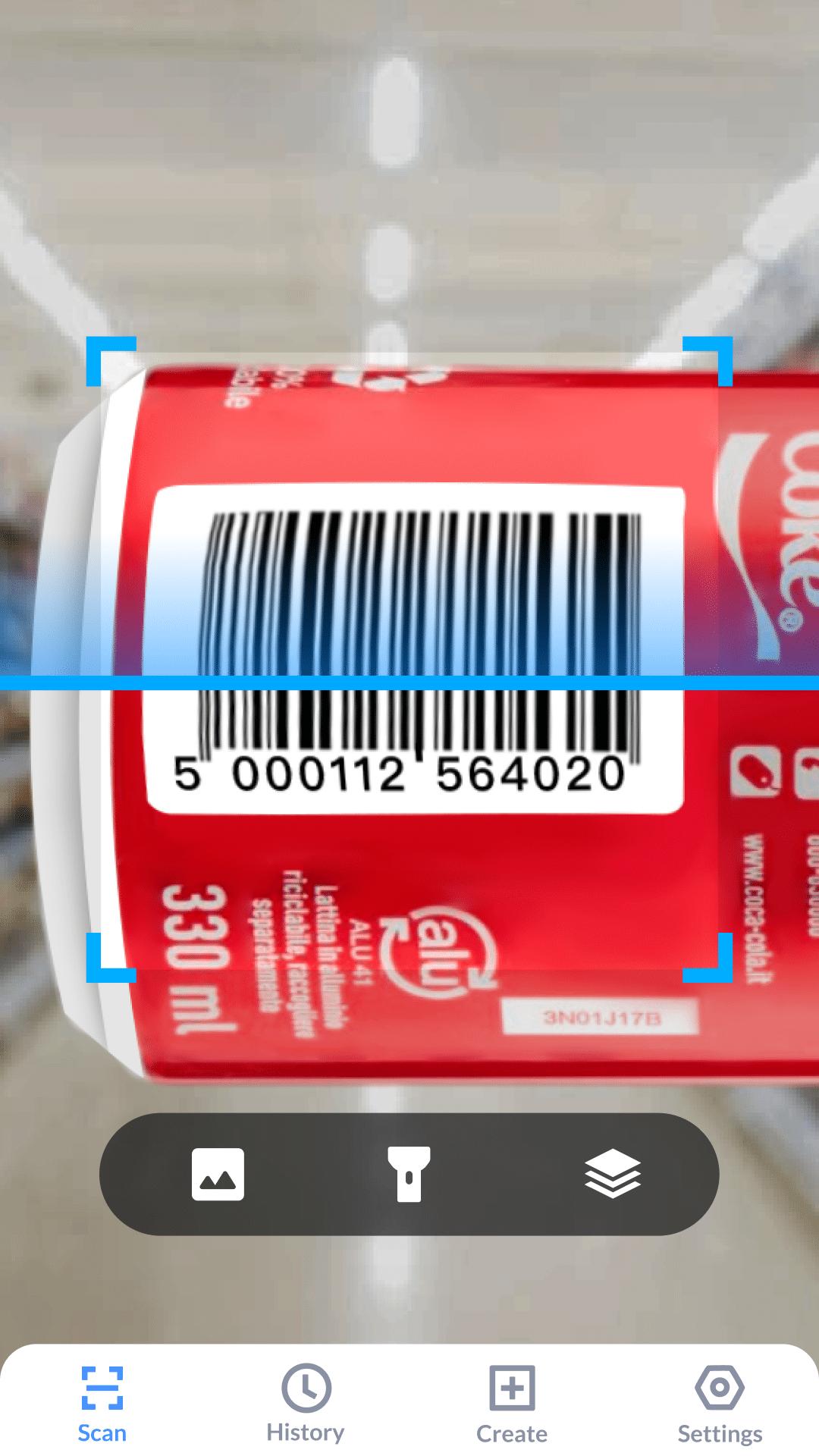
You can use this QR code reader as price scanner to scan product barcodes in stores, check product sources, view details, and compare prices online. Use it to scan promo/coupon codes💰 for discounts is also a wise choice.
*QR Code Creator*
It is also a QR code generator, helps you to create your own QR codes for URL, Wi-Fi, phone number, contacts, text, and more...
*Privacy Safe*
Your privacy is 100% safe. QR code scanner app only requires camera permission, and it won't use this permission to access any personal information in your phone.
#WHY CHOOSE QR CODE SCANNER?#
✔Support all QR & barcode formats
✔Auto zoom
✔Batch scan supported
✔Support scan QR & barcodes from gallery
✔Scan history saved
✔Dark mode supported
✔Flashlight supported
✔Privacy safe
✔No internet connection required
How to Use
1. Point camera to the QR code/barcode
2. Auto recognize, scan and decode
3. Get result and relevant options
Preview
Tags
ToolsInformation
Developer
QR Code Scanner.
Latest Version
1.6.0
Last Updated
2025-08-07
Category
Tools
Available on
Google Play
Show More
Cara bermain QR Code Scanner & Scanner App dengan GameLoop pada PC
1. Muat turun GameLoop dari laman web rasmi, kemudian jalankan fail exe untuk memasang GameLoop.
2. Buka GameLoop dan cari "QR Code Scanner & Scanner App", cari QR Code Scanner & Scanner App dalam hasil carian dan klik "Pasang".
3. Nikmati bermain QR Code Scanner & Scanner App di GameLoop.
Minimum requirements
OS
Windows 8.1 64-bit or Windows 10 64-bit
GPU
GTX 1050
CPU
i3-8300
Memory
8GB RAM
Storage
1GB available space
Recommended requirements
OS
Windows 8.1 64-bit or Windows 10 64-bit
GPU
GTX 1050
CPU
i3-9320
Memory
16GB RAM
Storage
1GB available space