Nix Pro Color Sensor PC
Nix Sensor Ltd.
Download Nix Pro Color Sensor on PC With GameLoop Emulator
Nix Pro Color Sensor pada PC
Nix Pro Color Sensor, datang daripada pembangun Nix Sensor Ltd., sedang berjalan pada sistem Android pada masa lalu.
Kini, Anda boleh bermain Nix Pro Color Sensor pada PC dengan GameLoop dengan lancar.
Muat turunnya dalam pustaka GameLoop atau hasil carian. Tiada lagi melihat bateri atau panggilan yang mengecewakan pada masa yang salah lagi.
Hanya nikmati Nix Pro Color Sensor PC pada skrin besar secara percuma!
Nix Pro Color Sensor Pengenalan
The companion app to the Nix Pro Color Sensor™, The Diamond Standard in Color Measurement™.
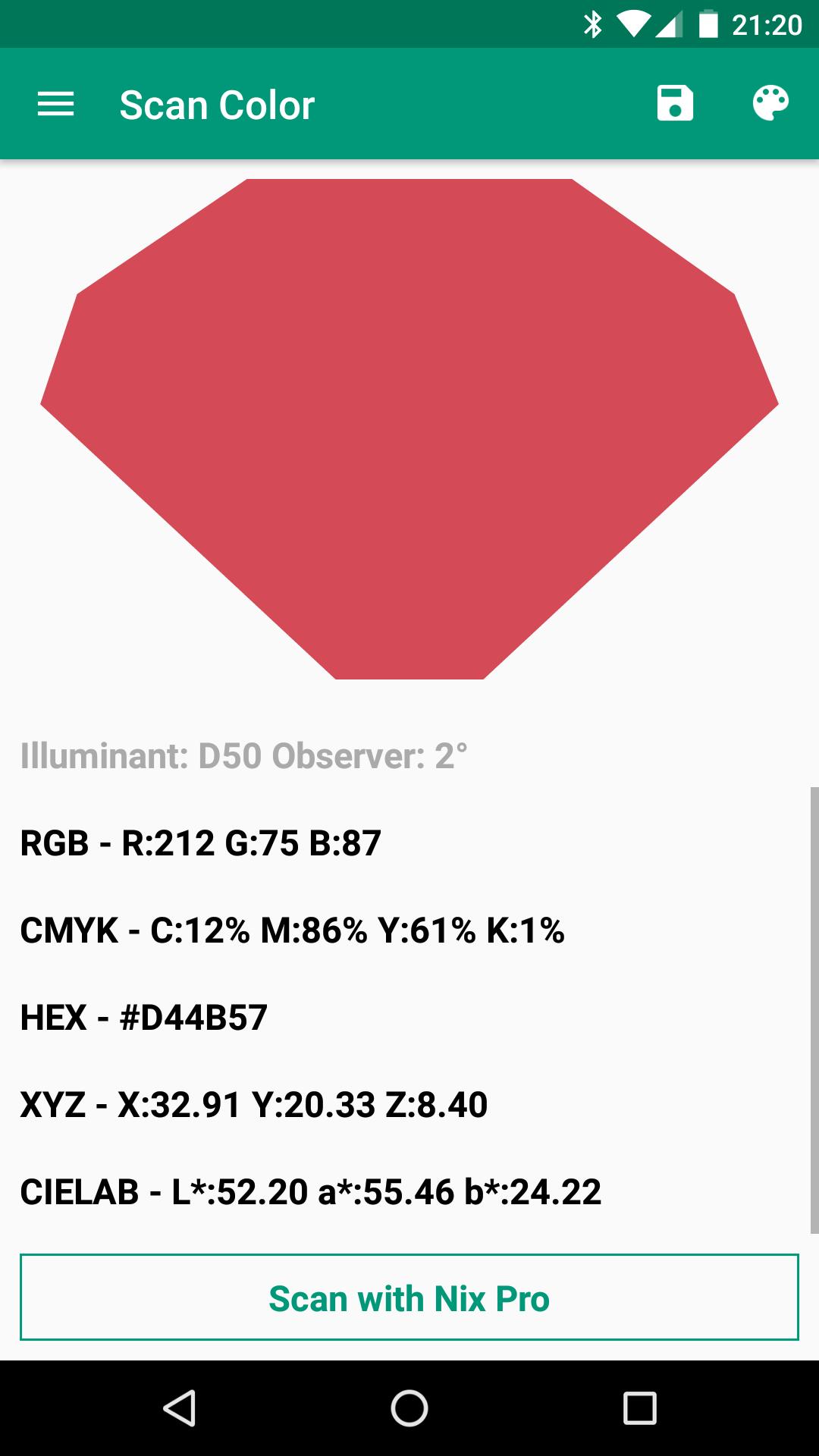
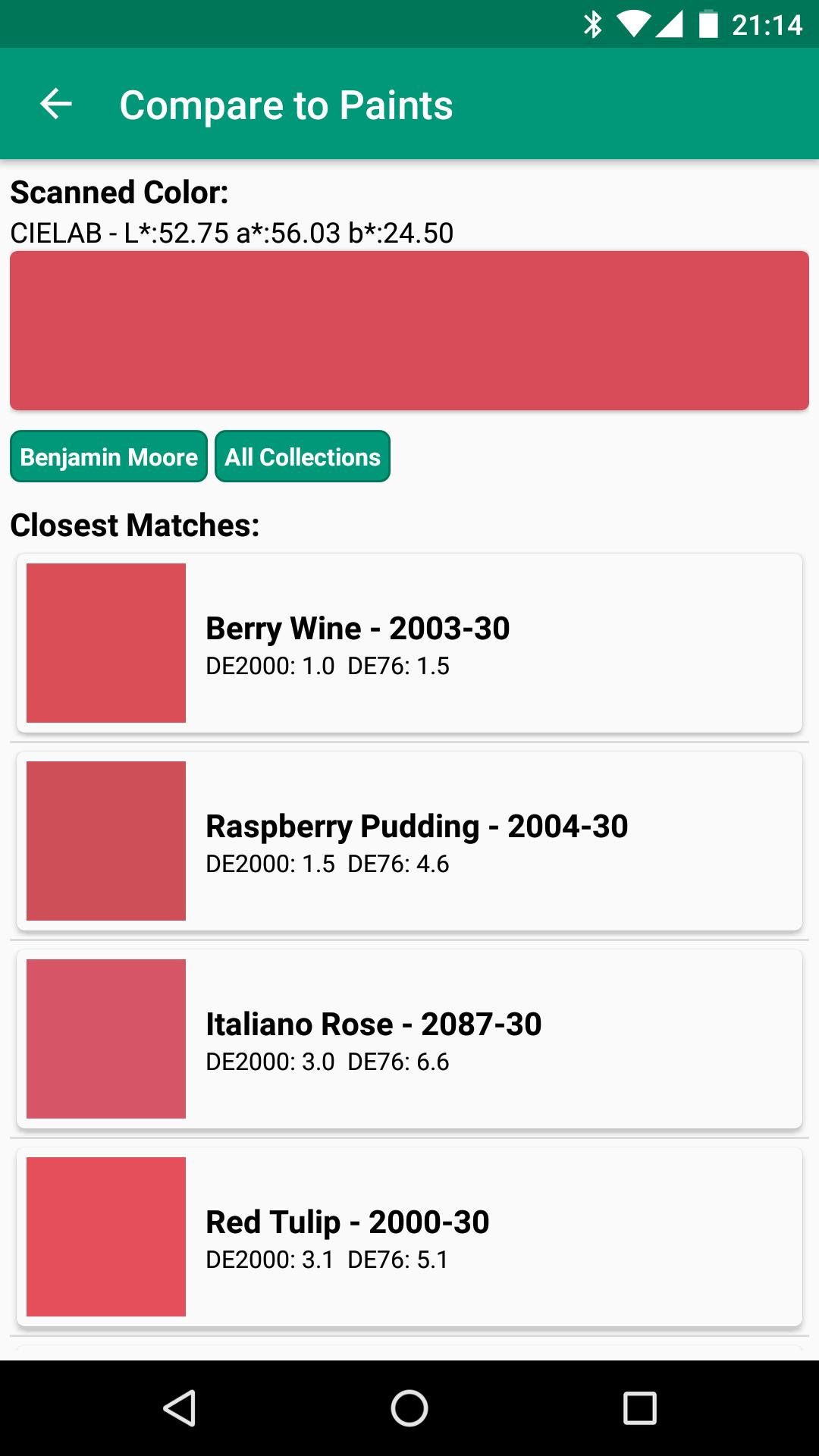
A must-have for designers and color professionals, the Nix Pro Color Sensor is a real-life color eyedropper tool that takes the guesswork out of color. Simply touch the Nix Pro to any surface and instantly view an accurate color reading on your smartphone. Once scanned, you can save, share, or compare the color swatch with the Nix Pro Color Sensor App for Android. Already in worldwide use by experts in television, print design, textiles, web design, and interior design, the Nix Pro blocks out all ambient light and provides its own calibrated light source, making it more accurate than any fan deck or human eye.
This app is only compatible with 'Nix Pro' devices. To use a 'Nix Mini' device, please use the 'Nix Paints' and 'Nix Digital' apps which are also available on the Play Store.
If you have any questions please don't hesitate to contact us. We'd love to help with whatever questions or issues you have.
If you find any bugs please contact us directly at info@nixsensor.com our team will have them fixed in a jiffy!
Learn more about the Nix Pro Color Sensor™ at www.nixsensor.com
Preview
Tags
ToolsInformation
Developer
Nix Sensor Ltd.
Latest Version
1.33
Last Updated
2020-09-22
Category
Tools
Available on
Google Play
Show More
Cara bermain Nix Pro Color Sensor dengan GameLoop pada PC
1. Muat turun GameLoop dari laman web rasmi, kemudian jalankan fail exe untuk memasang GameLoop.
2. Buka GameLoop dan cari "Nix Pro Color Sensor", cari Nix Pro Color Sensor dalam hasil carian dan klik "Pasang".
3. Nikmati bermain Nix Pro Color Sensor di GameLoop.
Minimum requirements
OS
Windows 8.1 64-bit or Windows 10 64-bit
GPU
GTX 1050
CPU
i3-8300
Memory
8GB RAM
Storage
1GB available space
Recommended requirements
OS
Windows 8.1 64-bit or Windows 10 64-bit
GPU
GTX 1050
CPU
i3-9320
Memory
16GB RAM
Storage
1GB available space