Message Locker – Chat lock / AppLock / Lock themes PC
Innorriors Pvt. Ltd.
Download Message Locker – Chat lock / AppLock / Lock themes on PC With GameLoop Emulator
Message Locker – Chat lock / AppLock / Lock themes pada PC
Message Locker – Chat lock / AppLock / Lock themes, datang daripada pembangun Innorriors Pvt. Ltd., sedang berjalan pada sistem Android pada masa lalu.
Kini, Anda boleh bermain Message Locker – Chat lock / AppLock / Lock themes pada PC dengan GameLoop dengan lancar.
Muat turunnya dalam pustaka GameLoop atau hasil carian. Tiada lagi melihat bateri atau panggilan yang mengecewakan pada masa yang salah lagi.
Hanya nikmati Message Locker – Chat lock / AppLock / Lock themes PC pada skrin besar secara percuma!
Message Locker – Chat lock / AppLock / Lock themes Pengenalan
Message Locker helps you keep your messages to yourself and away from curious eyes. Need to lend over a phone to a friend? Got a curious Mom who'd love to know what you're up to? Message locker secures and adds a PIN / Pattern lock to all your messaging and email apps on your device.
Message locker ensures that your messages and emails are safe from anyone using or browsing your phone.
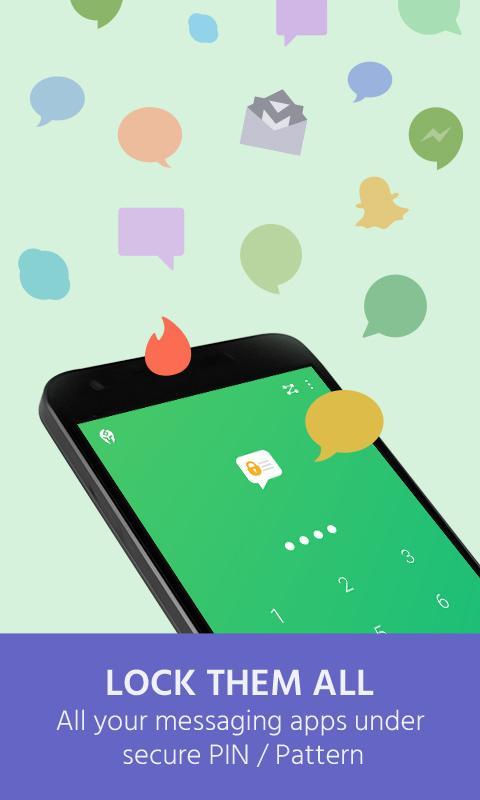
Message locker locks and adds a password to all your messaging, SMS, chat, texting, email apps on your device. It does this by simply adding a PIN / Pattern to enter any of your messaging and SMS apps. Message locker ensures to safe guard your messages and emails from anyone using or browsing your phone. Without the PIN/Pattern no one can see your private messages.
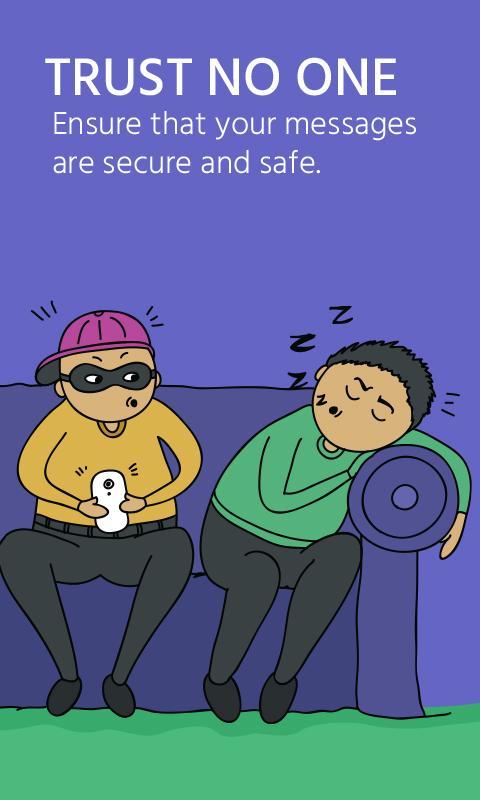
Trust no one and keep your conversations secure with Message Locker.
Features:
- Adds a PIN / Pattern Lock to all your messaging and email apps.
- One PIN / Pattern to lock multiple apps.
- Automatically detects messaging apps on device.
- Intuitive and simple interface for great experience.
- Keeps your conversations safe and secure.
- Fast and Easy unlock.
- Optimized for HD tablets.
- E-Mail based password recovery.
- Third party and system apps supported including Whatsapp, Snapchat, Gmail, Telegram, Facebook Messenger, Skype, Viber, Hangouts and many more.
How it works:
- Create a new PIN / Pattern.
- Select the apps you want to lock from the list of applications supported on your device.
- And that's about it. Safe and secure.
PASSWORD RECOVERY:
--------------------
In case if you forget your passwords we will send you to your registered e-mail id.
GET_ACCOUNTS permission is get user e-mail id for sending password.
You no longer have to worry about anyone getting access to your phone. In case you were wondering, we don't have any access to your messages either.
- Love us? Like us! : http://facebook.com/innorriors
- Twitter addict? Follow us : http://twitter.com/innorriors
- Stay updated! Visit us: http://www.innorriors.com
Preview
Information
Developer
Innorriors Pvt. Ltd.
Latest Version
5.1
Last Updated
2018-03-23
Category
Tools
Available on
Google Play
Show More
Cara bermain Message Locker – Chat lock / AppLock / Lock themes dengan GameLoop pada PC
1. Muat turun GameLoop dari laman web rasmi, kemudian jalankan fail exe untuk memasang GameLoop.
2. Buka GameLoop dan cari "Message Locker – Chat lock / AppLock / Lock themes", cari Message Locker – Chat lock / AppLock / Lock themes dalam hasil carian dan klik "Pasang".
3. Nikmati bermain Message Locker – Chat lock / AppLock / Lock themes di GameLoop.
Minimum requirements
OS
Windows 8.1 64-bit or Windows 10 64-bit
GPU
GTX 1050
CPU
i3-8300
Memory
8GB RAM
Storage
1GB available space
Recommended requirements
OS
Windows 8.1 64-bit or Windows 10 64-bit
GPU
GTX 1050
CPU
i3-9320
Memory
16GB RAM
Storage
1GB available space