Graffiti Draw Pro PC
Funny App Development
Download Graffiti Draw Pro on PC With GameLoop Emulator
Graffiti Draw Pro pada PC
Graffiti Draw Pro, datang daripada pembangun Funny App Development, sedang berjalan pada sistem Android pada masa lalu.
Kini, Anda boleh bermain Graffiti Draw Pro pada PC dengan GameLoop dengan lancar.
Muat turunnya dalam pustaka GameLoop atau hasil carian. Tiada lagi melihat bateri atau panggilan yang mengecewakan pada masa yang salah lagi.
Hanya nikmati Graffiti Draw Pro PC pada skrin besar secara percuma!
Graffiti Draw Pro Pengenalan
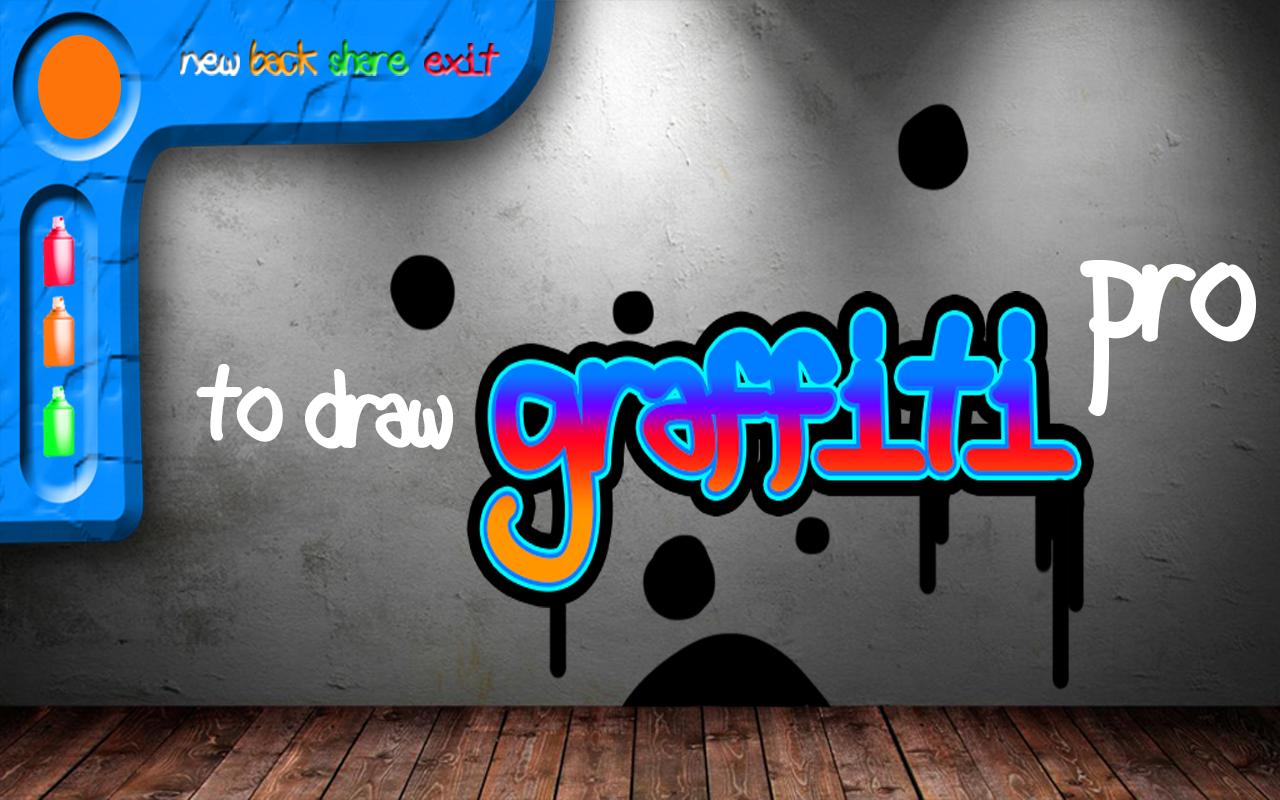
Draw Graffiti Pro - application with which you can draw a virtual graffiti, using the effect of the application of spray paint. Choose a different drawing surface, just as do real street artists. Graffiti artists love to paint on brick and concrete walls, and even on the shop windows. Realistic effect of paint on the wall, allow more plunge and feel the romance of the graffiti. Draw your finger on the screen as the present spray paint.
A wide range of colors will help you draw a qualitative picture. This application can easily go for sketches, then to transfer them to a real wall. For starters, it will be interesting to see graffiti looks like the creation of graffiti.
Note: This application is primarily drawing tool, and does not allow to draw the present aerosol container of paint, but only makes the effect of applying the spray.
Train drawing! Save the result of graffiti itself or send it to friends or acquaintances.
Preview

Information
Developer
Funny App Development
Latest Version
1.1
Last Updated
2017-03-10
Category
Tools
Available on
Google Play
Show More
Cara bermain Graffiti Draw Pro dengan GameLoop pada PC
1. Muat turun GameLoop dari laman web rasmi, kemudian jalankan fail exe untuk memasang GameLoop.
2. Buka GameLoop dan cari "Graffiti Draw Pro", cari Graffiti Draw Pro dalam hasil carian dan klik "Pasang".
3. Nikmati bermain Graffiti Draw Pro di GameLoop.
Minimum requirements
OS
Windows 8.1 64-bit or Windows 10 64-bit
GPU
GTX 1050
CPU
i3-8300
Memory
8GB RAM
Storage
1GB available space
Recommended requirements
OS
Windows 8.1 64-bit or Windows 10 64-bit
GPU
GTX 1050
CPU
i3-9320
Memory
16GB RAM
Storage
1GB available space