Screenshot Easy PC
DEV Tool Studio
Download Screenshot Easy on PC With GameLoop Emulator
Screenshot Easy pada PC
Screenshot Easy, datang daripada pembangun DEV Tool Studio, sedang berjalan pada sistem Android pada masa lalu.
Kini, Anda boleh bermain Screenshot Easy pada PC dengan GameLoop dengan lancar.
Muat turunnya dalam pustaka GameLoop atau hasil carian. Tiada lagi melihat bateri atau panggilan yang mengecewakan pada masa yang salah lagi.
Hanya nikmati Screenshot Easy PC pada skrin besar secara percuma!
Screenshot Easy Pengenalan
Screen Capture is the easiest and simplest way to capture. It help you take the screenshot easily with one touch on the overlay icon. Let you easily edit and markup your screenshots and quickly share it with your friends!
✍ Screenshot Easy highlight feature:
☞ Easy and user friendly interface
☞ Image cropper (Crop ratio, rotate)
☞ Notification icon click
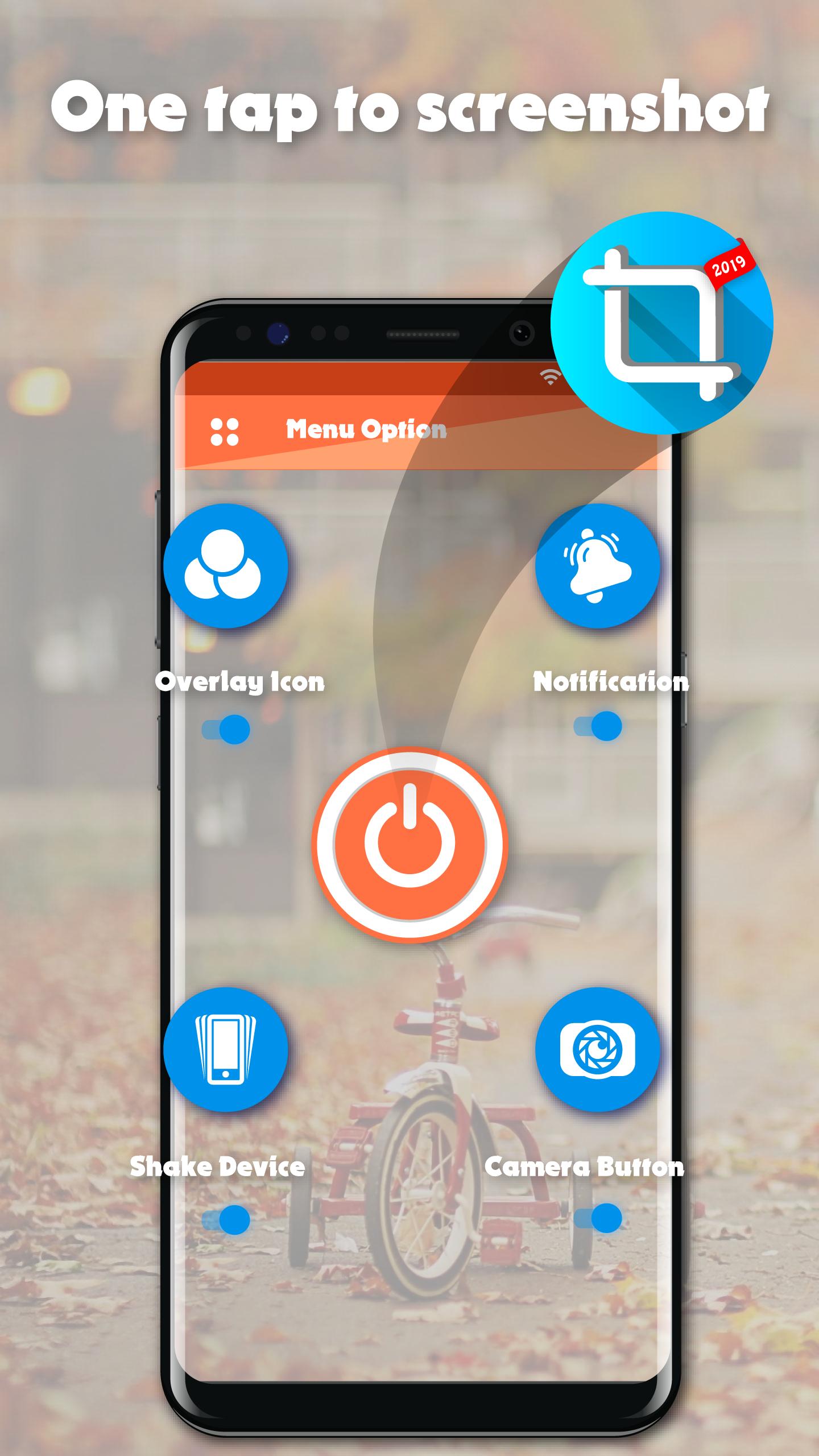
☞ Capture screenshot by one touch (Notification area, overlay icon, shaking).
★Screenshot Easy basic feature:
☞ Capture by touch (Notification area, overlay icon, shaking the device)
☞ Photo viewer
☞ Image cropper (Crop ratio, rotate)
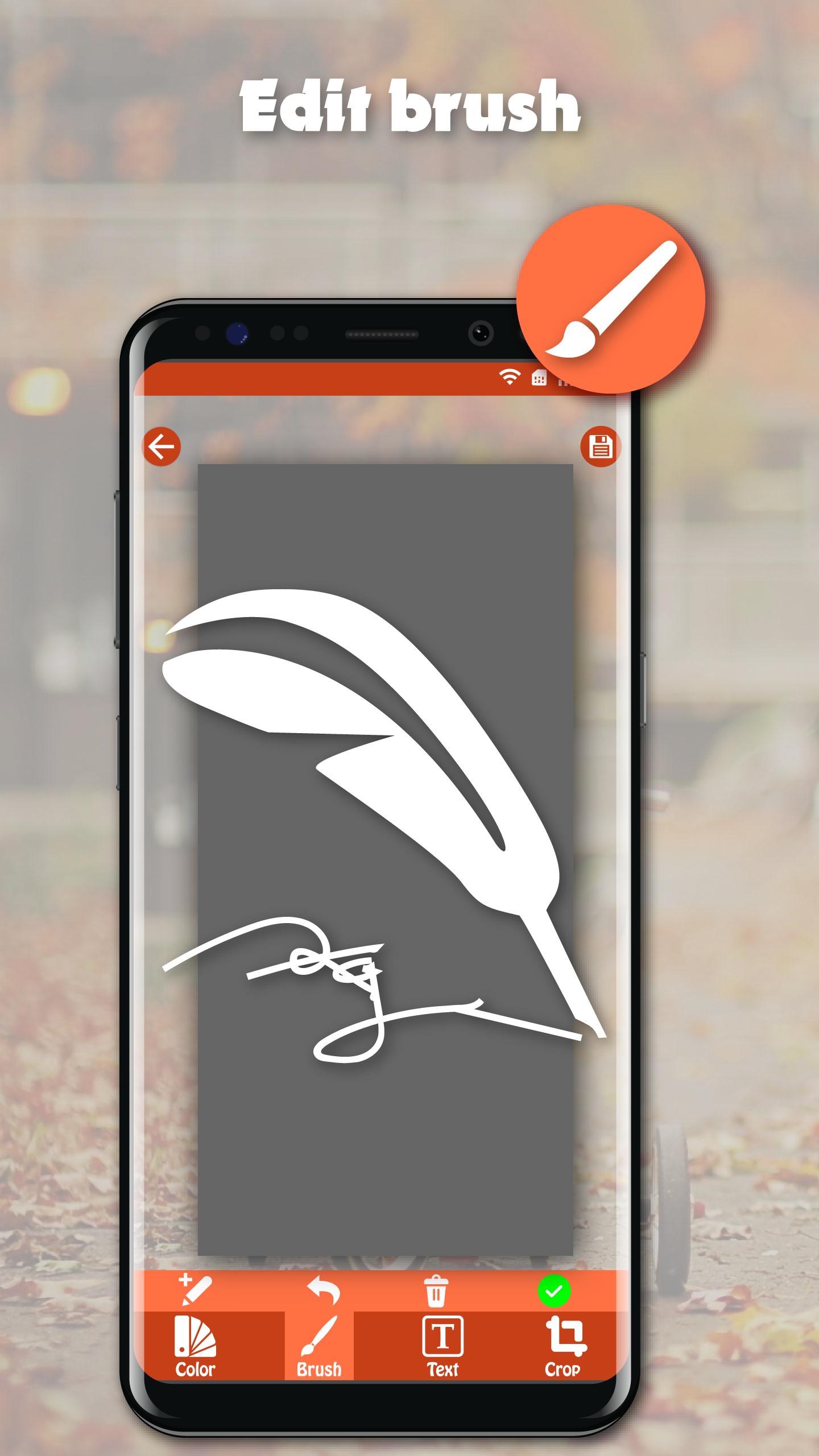
☞ Draw on captured image (Pen, Text, Rectangle, Circle, Stamp, Opacity and so on)
☞ Sharing screenshot images to other installed apps (user controlled)
☞ Persistent notification (optional): This allows the notification to always remain present which cannot be swiped away. It quickens the accessibility of Screenshot touch
★How to take screenshot?
Application provides many easy method to take screenshot without physical button, so you can take screenshot even while physical button is damaged
☞ Floating button: The simple button that is displayed on top of everything, just one-click to take a screenshot
☞ Shaking device: Shaking your device to take a screenshot
☞ Notification: Drag down status bar, then click on notification to take a screenshot.
☞ Camera button: Click on camera button to take a screenshot (if your device have camera button)
★Note: Screenshot Easy – Quick Capture Screen Free is only available for devices running android 5.0 or above.
Preview
Information
Developer
DEV Tool Studio
Latest Version
1.0
Last Updated
2020-03-16
Category
Tools
Available on
Google Play
Show More
Cara bermain Screenshot Easy dengan GameLoop pada PC
1. Muat turun GameLoop dari laman web rasmi, kemudian jalankan fail exe untuk memasang GameLoop.
2. Buka GameLoop dan cari "Screenshot Easy", cari Screenshot Easy dalam hasil carian dan klik "Pasang".
3. Nikmati bermain Screenshot Easy di GameLoop.
Minimum requirements
OS
Windows 8.1 64-bit or Windows 10 64-bit
GPU
GTX 1050
CPU
i3-8300
Memory
8GB RAM
Storage
1GB available space
Recommended requirements
OS
Windows 8.1 64-bit or Windows 10 64-bit
GPU
GTX 1050
CPU
i3-9320
Memory
16GB RAM
Storage
1GB available space