Easy Hindi English Keyboard : Offline Keyboard PC
Phawk Developer
Download Easy Hindi English Keyboard : Offline Keyboard on PC With GameLoop Emulator
Easy Hindi English Keyboard : Offline Keyboard pada PC
Easy Hindi English Keyboard : Offline Keyboard, datang daripada pembangun Phawk Developer, sedang berjalan pada sistem Android pada masa lalu.
Kini, Anda boleh bermain Easy Hindi English Keyboard : Offline Keyboard pada PC dengan GameLoop dengan lancar.
Muat turunnya dalam pustaka GameLoop atau hasil carian. Tiada lagi melihat bateri atau panggilan yang mengecewakan pada masa yang salah lagi.
Hanya nikmati Easy Hindi English Keyboard : Offline Keyboard PC pada skrin besar secara percuma!
Easy Hindi English Keyboard : Offline Keyboard Pengenalan
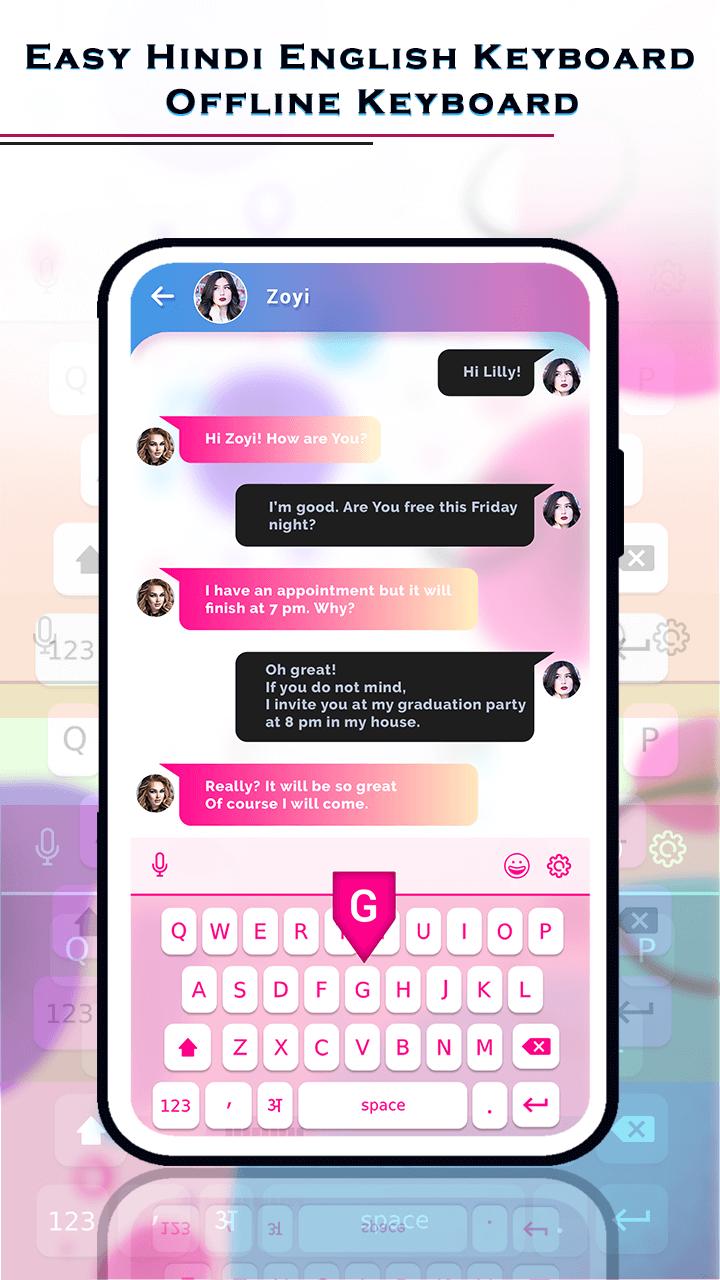
This Easy Hindi English Keyboard : Offline Keyboard Is a Special keyboard for Hindi lovers who want to use Hindi through default English keyboard.
With This Easy Hindi English Keyboard : Offline Keyboard App you Can chat on social mediaAnd it is Easy to use and not compalsary to change
keyboard setting or keyboard.
You write in Roman and easy Hindi keyboard change in to Hindi. You can also choose keyboard themes which you like most.
With this Easy Hindi English Keyboard : Offline Keyboard App you Have no need to write msgs, text and emails. You can Do Just speak and send.
Easy Hindi English Keyboard : Offline Keyboard allows offline,without internet voice to text feature.
Only One Click On the Mic and Speak And then All will converted to selected language English / Hindi
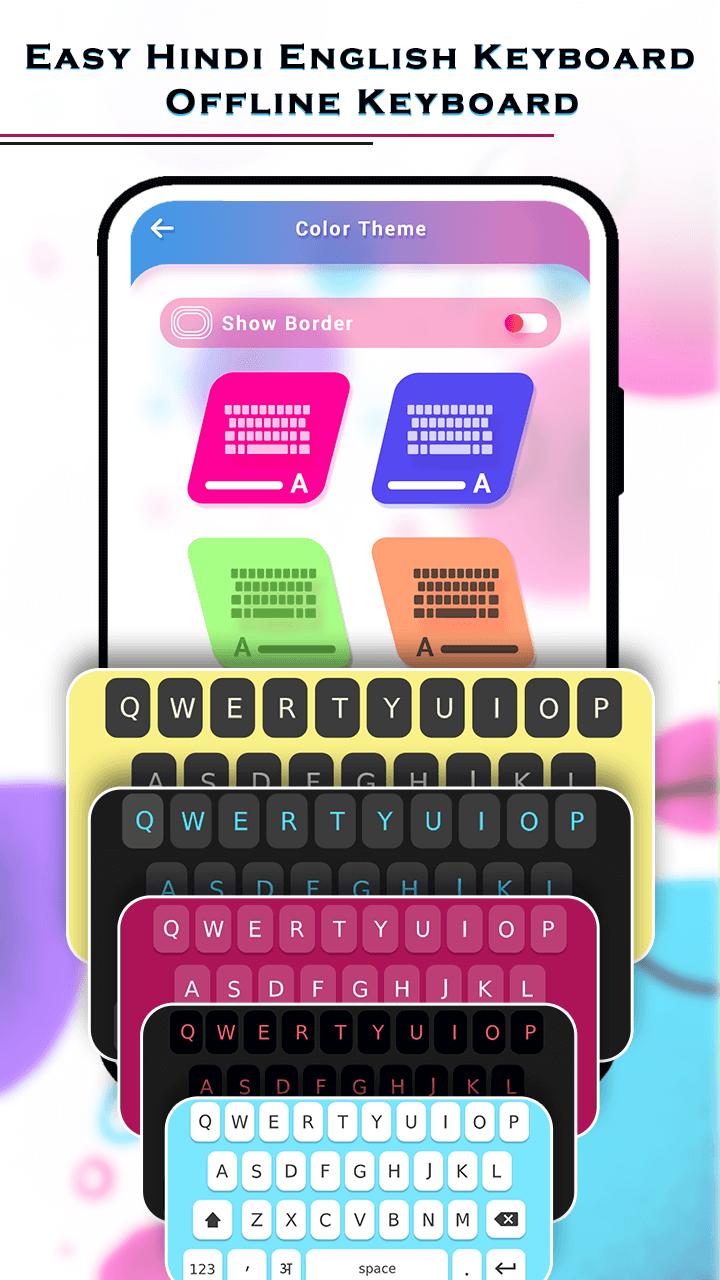
This Easy Hindi English Keyboard : Offline Keyboard App provides Most Wonderful And Amazing background themes.
And You Can Click Only One And Set Anyone Theme out of 10 Differant Themes And Apply For your Keyboard.
With This Easy Hindi English Keyboard : Offline Keyboard app typing with theme change and also Best option for offline lovers And have a best
Solution of sharing Hindi content at social media with all Hindi speakers.
Use Of This Easy Hindi English Keyboard : Offline Keyboard App Easy For Anyone to Anywhere Or anytime without Any Charges!!
You Can Share This Easy Hindi English Keyboard : Offline Keyboard App with Others!!
How To Use?
- Go To The Play Store
- Search and Install This Easy Hindi English Keyboard Offline Keyboard App
- Open This Easy Hindi English Keyboard Offline Keyboard App in Your Device.
- Here You Can do Click On "Permission" and Give Permission
- Then Click On "Select keyboard" And Select Language Hindi / English
- Then Click On "Start" And You See Here 2+ Folders
- Click On "Change Theme"And Here You Click On "Color Theme"
- Then here You Can See 10+ Differants Types Of Wonderful color theme And You can Select Any One Which You like
- And Click On any one Keyboard And You Can Apply This Keyboard
- Then Click On "image Theme" And you Can Select Anyone Image From Your Device
- And You Can Do Also Rotate and Crop Your image
- then apply And You Can set Your Selected Image On Your Keyboard.
FEATURES
- Simple Installation
- Set Keyboard directly from app
- Offline voice to text.
- All Emoji to use.
- Use default keyboard and type in Hindi
- Convert english to Hindi translator
- Correct words suggestion
- No need Internet Connection
- Easy To Use
- Share With Others!!
- FREE!!!
Preview
Information
Developer
Phawk Developer
Latest Version
2.0
Last Updated
2021-11-13
Category
Tools
Available on
Google Play
Show More
Cara bermain Easy Hindi English Keyboard : Offline Keyboard dengan GameLoop pada PC
1. Muat turun GameLoop dari laman web rasmi, kemudian jalankan fail exe untuk memasang GameLoop.
2. Buka GameLoop dan cari "Easy Hindi English Keyboard : Offline Keyboard", cari Easy Hindi English Keyboard : Offline Keyboard dalam hasil carian dan klik "Pasang".
3. Nikmati bermain Easy Hindi English Keyboard : Offline Keyboard di GameLoop.
Minimum requirements
OS
Windows 8.1 64-bit or Windows 10 64-bit
GPU
GTX 1050
CPU
i3-8300
Memory
8GB RAM
Storage
1GB available space
Recommended requirements
OS
Windows 8.1 64-bit or Windows 10 64-bit
GPU
GTX 1050
CPU
i3-9320
Memory
16GB RAM
Storage
1GB available space