
DVD Player All Remote PC
Pragya Developer
Download DVD Player All Remote on PC With GameLoop Emulator
DVD Player All Remote pada PC
DVD Player All Remote, datang daripada pembangun Pragya Developer, sedang berjalan pada sistem Android pada masa lalu.
Kini, Anda boleh bermain DVD Player All Remote pada PC dengan GameLoop dengan lancar.
Muat turunnya dalam pustaka GameLoop atau hasil carian. Tiada lagi melihat bateri atau panggilan yang mengecewakan pada masa yang salah lagi.
Hanya nikmati DVD Player All Remote PC pada skrin besar secara percuma!
DVD Player All Remote Pengenalan
DVD Player All Remote Control will take seconds to Install and in a simple play you will be able to start using this Remote.
This app Install this DVD Player All Remote Control and fastest convert your Device into remote mobile that works the Same as an DVD Player All Remote Control will make your life easier.
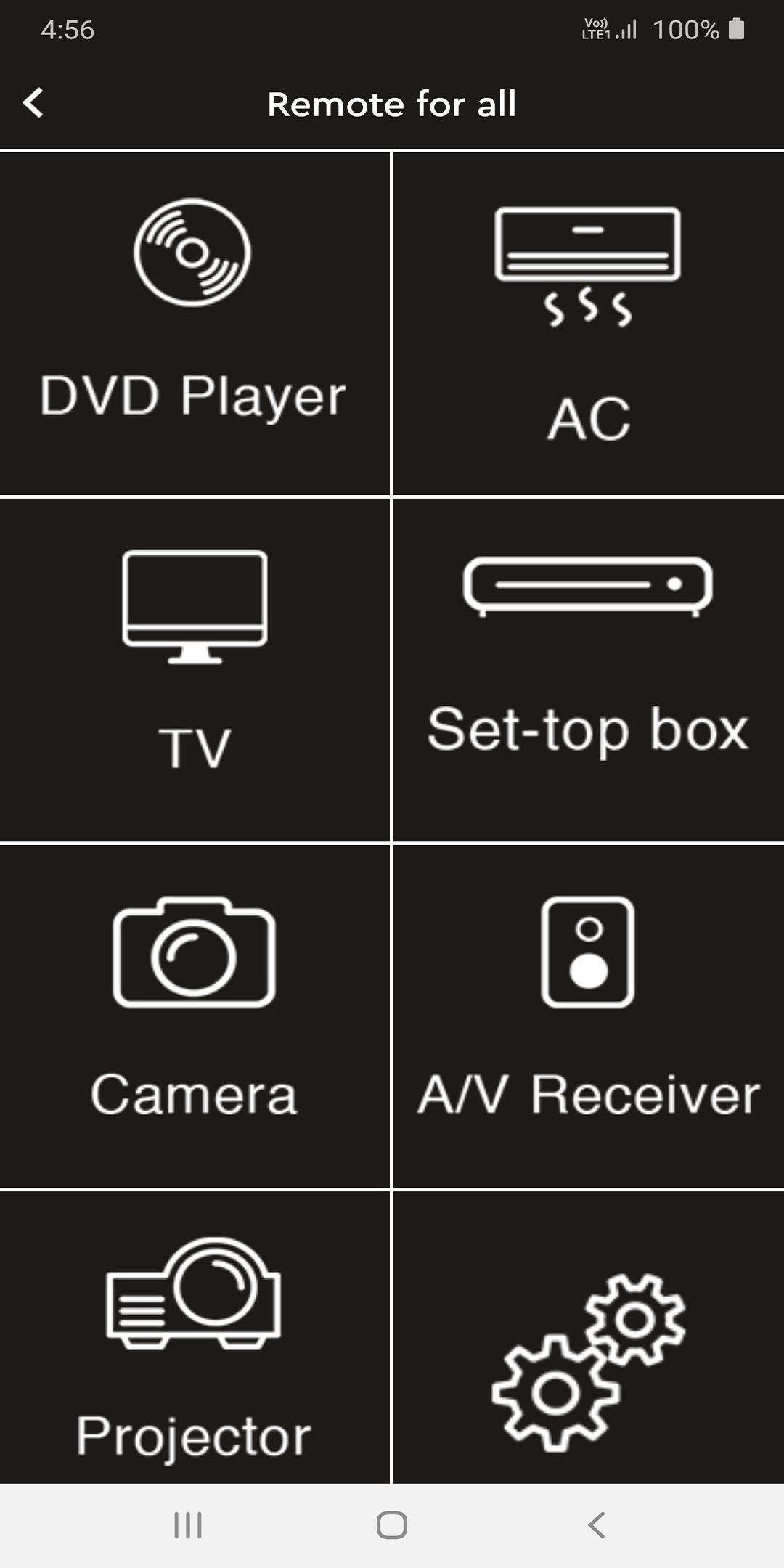
Remote Control For all devices is a new mobile application created by us to control all different devices like Remote Control for All AC, TV, DVD, PROJECTOR and Set-top-Box etc...
Here This DVD Player All Remote Control App Provides You 6 Different Types of Remote and you can Select Anyone.
How To Use?
Go To The Play Store
Then Install DVD Player All Remote Control.
After Open In Your Device.
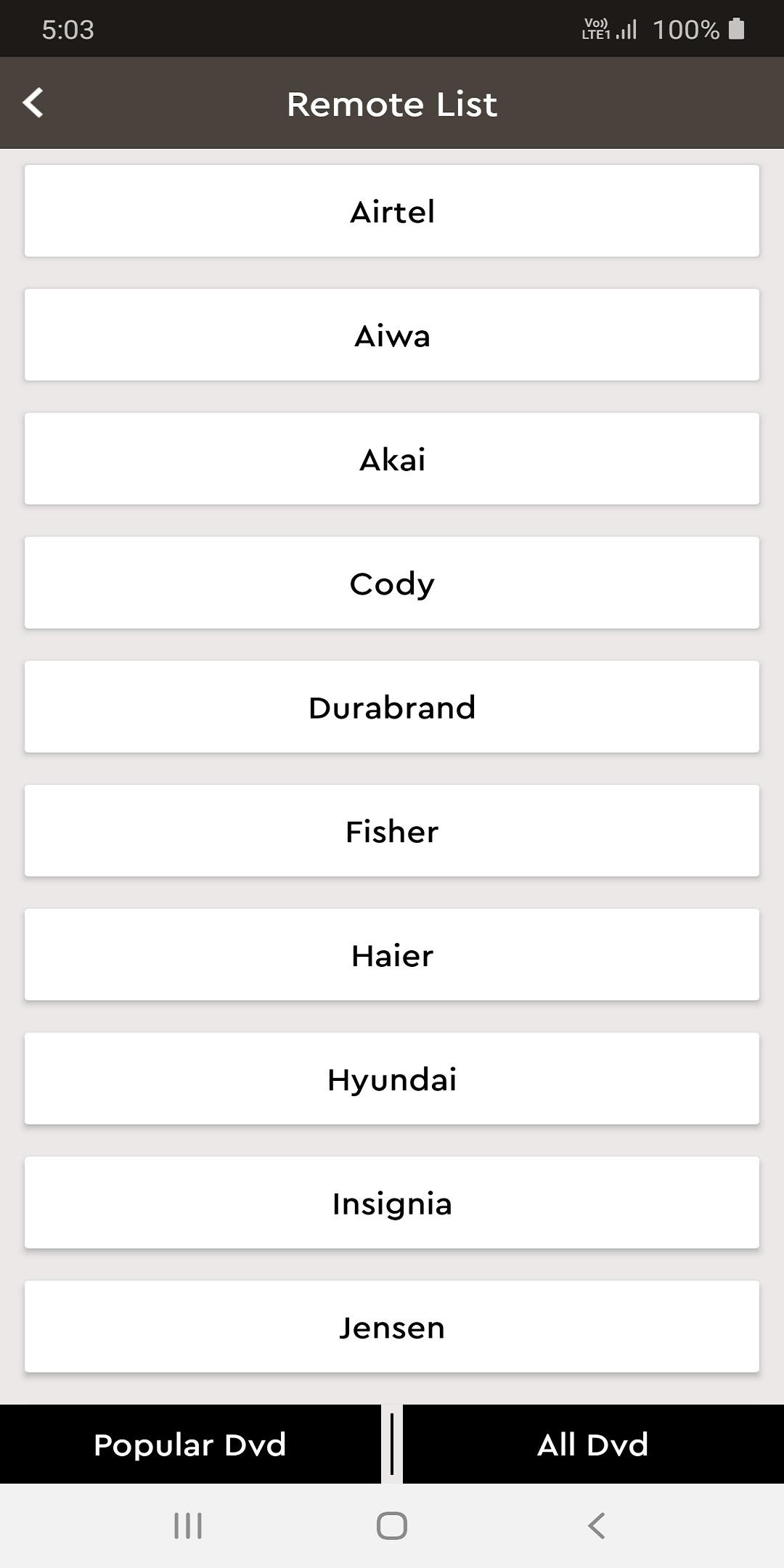
Select Any Product Brand.
Then Click On "Start" Button And Open it.
And Also Click on "Vibration" Button.
And Easily Use For Your DVD Remote Controller.
Note:
Disclaimer: This Remote does not belong to any brand and has no affiliation
with any Company. This Remote Requires IR Blaster to operate.
Preview
Tags
ToolsInformation
Developer
Pragya Developer
Latest Version
2.1.0
Last Updated
2022-09-29
Category
Tools
Available on
Google Play
Show More
Cara bermain DVD Player All Remote dengan GameLoop pada PC
1. Muat turun GameLoop dari laman web rasmi, kemudian jalankan fail exe untuk memasang GameLoop.
2. Buka GameLoop dan cari "DVD Player All Remote", cari DVD Player All Remote dalam hasil carian dan klik "Pasang".
3. Nikmati bermain DVD Player All Remote di GameLoop.
Minimum requirements
OS
Windows 8.1 64-bit or Windows 10 64-bit
GPU
GTX 1050
CPU
i3-8300
Memory
8GB RAM
Storage
1GB available space
Recommended requirements
OS
Windows 8.1 64-bit or Windows 10 64-bit
GPU
GTX 1050
CPU
i3-9320
Memory
16GB RAM
Storage
1GB available space