
Dr.Phone PC
Elmahyra
Download Dr.Phone on PC With GameLoop Emulator
Dr.Phone pada PC
Dr.Phone, datang daripada pembangun Elmahyra, sedang berjalan pada sistem Android pada masa lalu.
Kini, Anda boleh bermain Dr.Phone pada PC dengan GameLoop dengan lancar.
Muat turunnya dalam pustaka GameLoop atau hasil carian. Tiada lagi melihat bateri atau panggilan yang mengecewakan pada masa yang salah lagi.
Hanya nikmati Dr.Phone PC pada skrin besar secara percuma!
Dr.Phone Pengenalan
Dr.Phone is an application for Data and Photo Recovery.
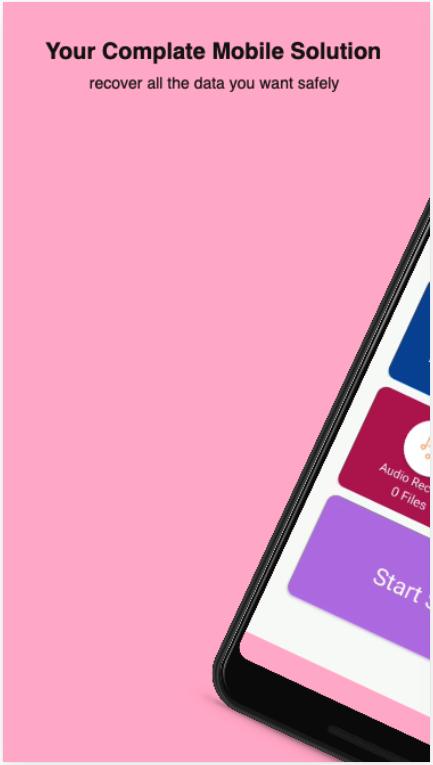
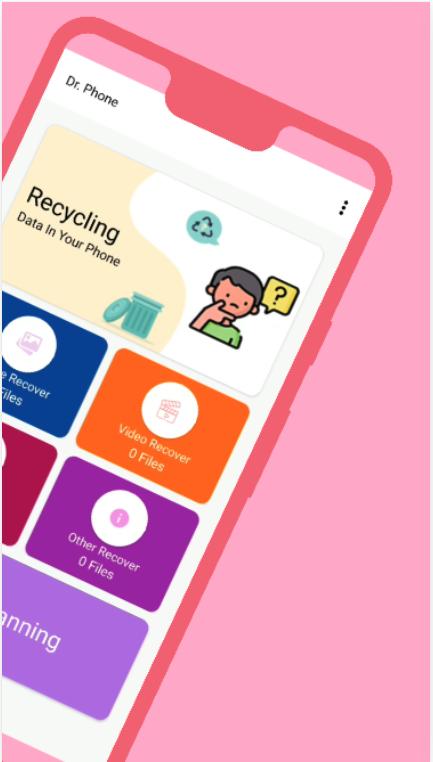
Dr.Phone application is used to recover deleted photos , video , audio from user’s phone storage or from external storage, and restore them to gallery. This application may show some files even if they are not deleted yet. So users have to find deleted above files.
Recover deleted files to local folder in just one single click. must have to allow all required permission to access photos, media and files on mobile.
Start Guide and Technical info file included in source code.
Recover deleted files in single click. You can see all deleted photos , videos , audios in grid layout. you must have to find folder. Then after select files you want to restore, selected files will be highlighted with black stroke. Then after click on “Restore” button.
Preview
Tags
ToolsInformation
Developer
Elmahyra
Latest Version
1.2
Last Updated
2022-10-26
Category
Tools
Available on
Google Play
Show More
Cara bermain Dr.Phone dengan GameLoop pada PC
1. Muat turun GameLoop dari laman web rasmi, kemudian jalankan fail exe untuk memasang GameLoop.
2. Buka GameLoop dan cari "Dr.Phone", cari Dr.Phone dalam hasil carian dan klik "Pasang".
3. Nikmati bermain Dr.Phone di GameLoop.
Minimum requirements
OS
Windows 8.1 64-bit or Windows 10 64-bit
GPU
GTX 1050
CPU
i3-8300
Memory
8GB RAM
Storage
1GB available space
Recommended requirements
OS
Windows 8.1 64-bit or Windows 10 64-bit
GPU
GTX 1050
CPU
i3-9320
Memory
16GB RAM
Storage
1GB available space