
Device Info: System & CPU Info PC
SuriDevs
Download Device Info: System & CPU Info on PC With GameLoop Emulator
Device Info: System & CPU Info pada PC
Device Info: System & CPU Info, datang daripada pembangun SuriDevs, sedang berjalan pada sistem Android pada masa lalu.
Kini, Anda boleh bermain Device Info: System & CPU Info pada PC dengan GameLoop dengan lancar.
Muat turunnya dalam pustaka GameLoop atau hasil carian. Tiada lagi melihat bateri atau panggilan yang mengecewakan pada masa yang salah lagi.
Hanya nikmati Device Info: System & CPU Info PC pada skrin besar secara percuma!
Device Info: System & CPU Info Pengenalan
📱 Device Info: System & CPU Info – Detailed Hardware & Software Information for Your Smartphone
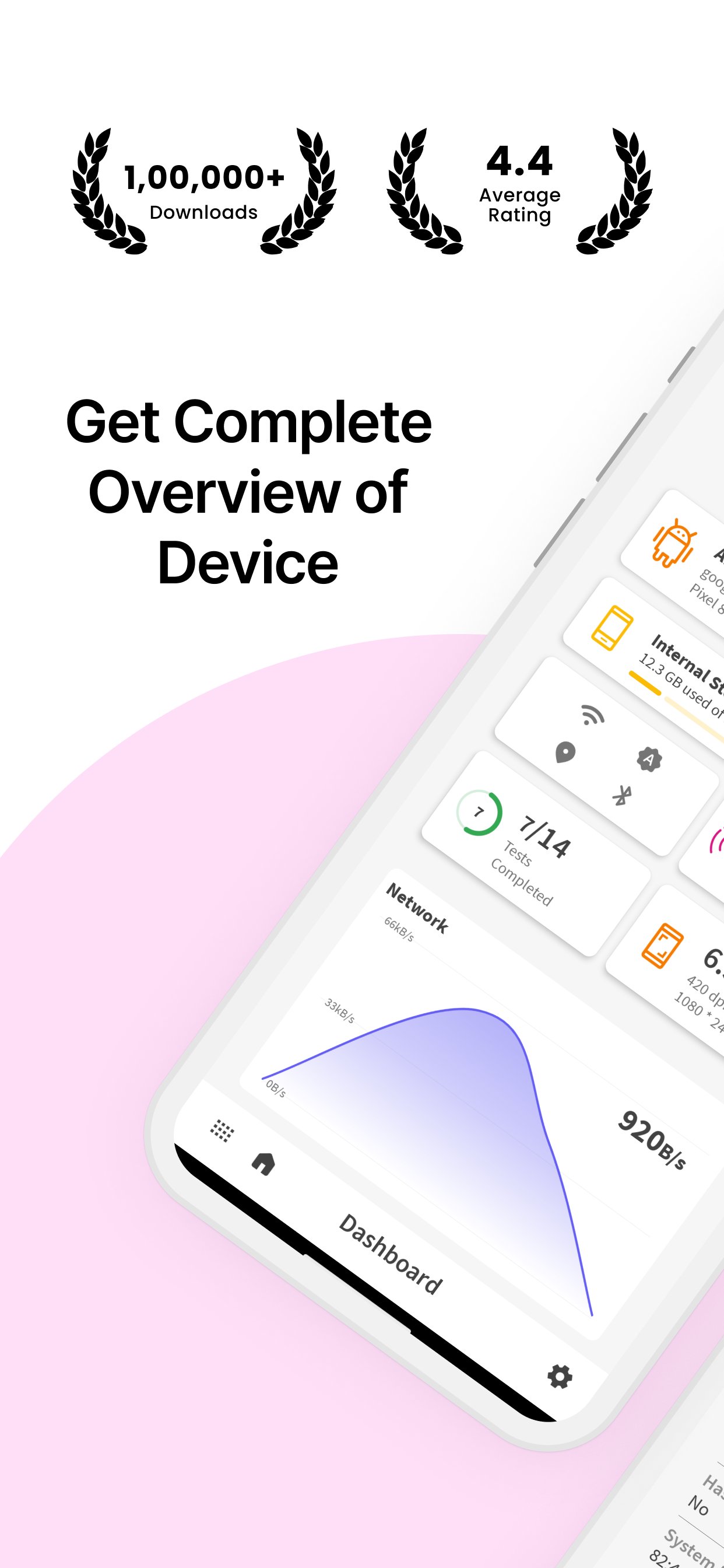
Looking for comprehensive hardware and software details of your smartphone? Device Info: System & CPU Info provides you with all the essential information about your device, including system details, display, sensors, camera, memory usage, processor, battery, and more!
🌟 Why Choose Device Info: System & CPU Info?
✔ #1 App in Its Category – Get all essential details of your device’s software & hardware.
✔ Simple & Powerful – A user-friendly app with a wide range of features.
✔ Dark Mode – Enjoy a comfortable experience in low-light settings with the built-in dark mode.
✔ Device Testing – Perform essential tests like display, vibration, Bluetooth, Wi-Fi, and more.
✔ SIM & Network Info – View SIM details and network information with a speed tracker.
📊 Key Features:
Device Details:
🔹 Manufacturer – Find out your device’s brand, serial number, and more.
🔹 Processor & SoC – Get information about the processor, system on chip, and hardware.
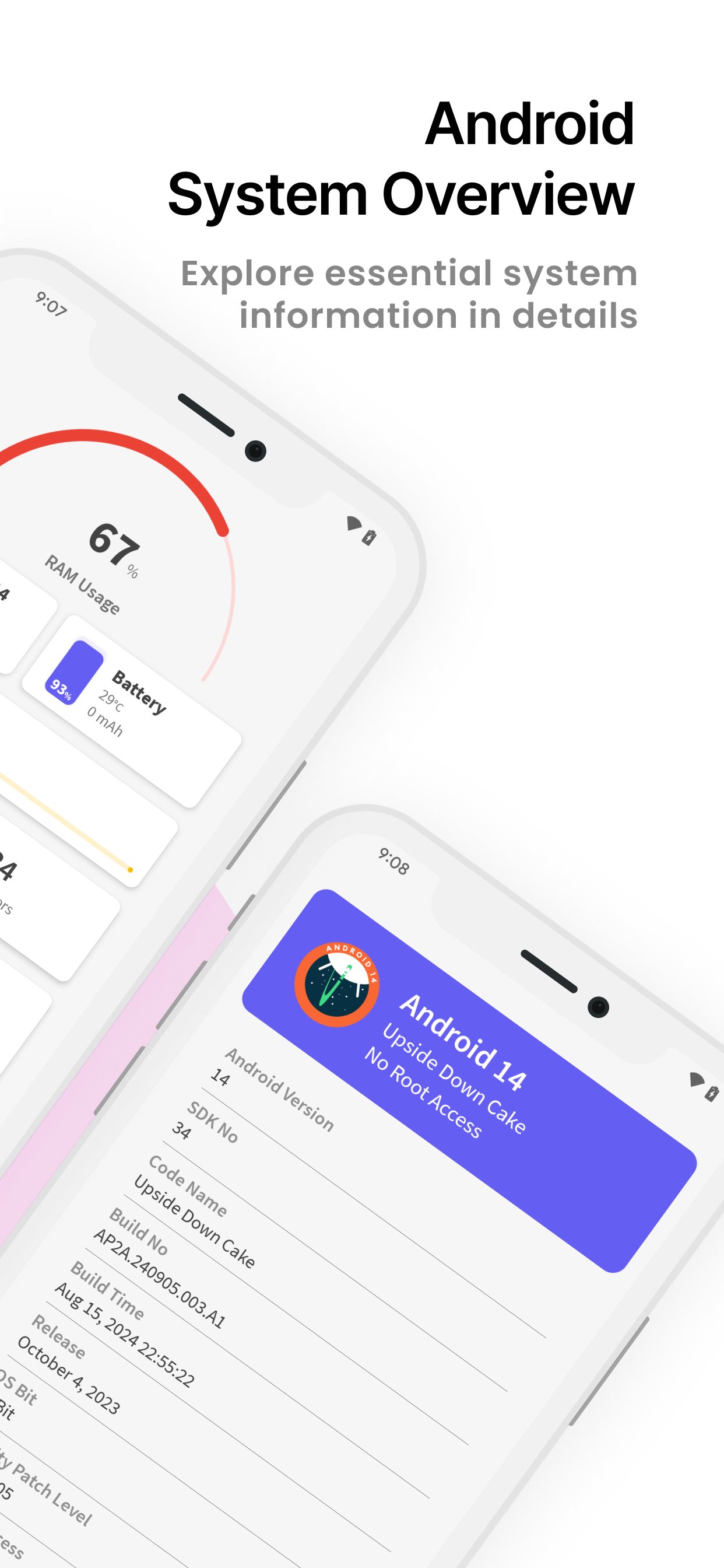
🔹 System Information – Includes build number, version name, SDK number, and more.
CPU Info:
🔹 CPU Utilization – Monitor current CPU usage, number of cores, clock speed, and kernel version.
🔹 Architecture & Features – Check out detailed CPU architecture and supported features.
Memory Usage:
🔹 RAM & Storage – View total and free RAM, internal storage, and external storage.
Display Details:
🔹 Brightness Level & Screen Timeout – Adjust your display settings with ease.
🔹 Screen Resolution & Refresh Rate – View screen width, height, and refresh rate.
Sensor Info:
🔹 Real-Time Graphs – Access a list of available sensors with real-time graphs.
🔹 Sensor Details – Get information on sensors like accelerometer, gyroscope, etc.
Camera Details:
🔹 Rear & Front Camera – Information about camera resolution, focus modes, scene modes, and more.
Battery Information:
🔹 Battery Health & Status – Check battery level, temperature, voltage, and power source.
Network & SIM Details:
🔹 Wi-Fi & Mobile Network – See network type, IP address, signal strength, Wi-Fi frequency, and link speed.
Bluetooth Info:
🔹 Bluetooth Status – View Bluetooth status, name, address, and scan mode.
Device Tests:
🔹 Essential Device Tests – Perform tests like Display, Paint, Multi-Touch, Bluetooth, Wifi, Vibration, Fingerprint, Light Sensor, and more!
🛡️ Required Permissions:
📞 Phone State – Required for displaying device info like serial number and SIM card information.
📸 Camera – Required to show your device’s camera details.
📥 Download Device Info: System & CPU Info Now – Your all-in-one tool for detailed device and system information! Fast, reliable, and completely free.
Preview
Tags
ToolsInformation
Developer
SuriDevs
Latest Version
3.5.38
Last Updated
2025-11-27
Category
Tools
Available on
Google Play
Show More
Cara bermain Device Info: System & CPU Info dengan GameLoop pada PC
1. Muat turun GameLoop dari laman web rasmi, kemudian jalankan fail exe untuk memasang GameLoop.
2. Buka GameLoop dan cari "Device Info: System & CPU Info", cari Device Info: System & CPU Info dalam hasil carian dan klik "Pasang".
3. Nikmati bermain Device Info: System & CPU Info di GameLoop.
Minimum requirements
OS
Windows 8.1 64-bit or Windows 10 64-bit
GPU
GTX 1050
CPU
i3-8300
Memory
8GB RAM
Storage
1GB available space
Recommended requirements
OS
Windows 8.1 64-bit or Windows 10 64-bit
GPU
GTX 1050
CPU
i3-9320
Memory
16GB RAM
Storage
1GB available space