Delete apps Unused app remover PC
QappsCom
Download Delete apps Unused app remover on PC With GameLoop Emulator
Delete apps Unused app remover pada PC
Delete apps Unused app remover, datang daripada pembangun QappsCom, sedang berjalan pada sistem Android pada masa lalu.
Kini, Anda boleh bermain Delete apps Unused app remover pada PC dengan GameLoop dengan lancar.
Muat turunnya dalam pustaka GameLoop atau hasil carian. Tiada lagi melihat bateri atau panggilan yang mengecewakan pada masa yang salah lagi.
Hanya nikmati Delete apps Unused app remover PC pada skrin besar secara percuma!
Delete apps Unused app remover Pengenalan
Easy Uninstaller & delete apps tool for android, remove apps by several taps. Clean up storage and free up more spaces. New uninstaller pro for all devices.
■ Delete Apps & Unused App Remover Features
------------------------------------------------------------------
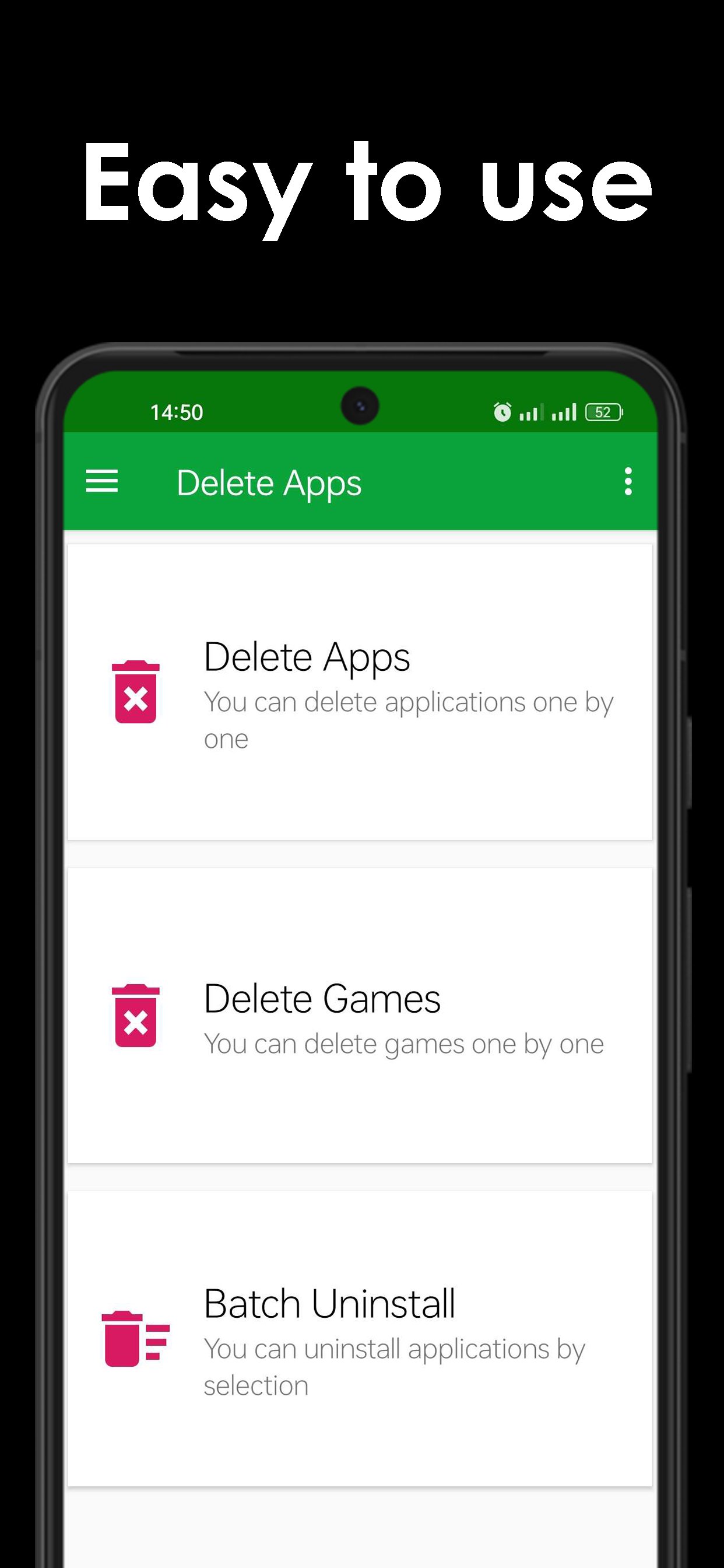
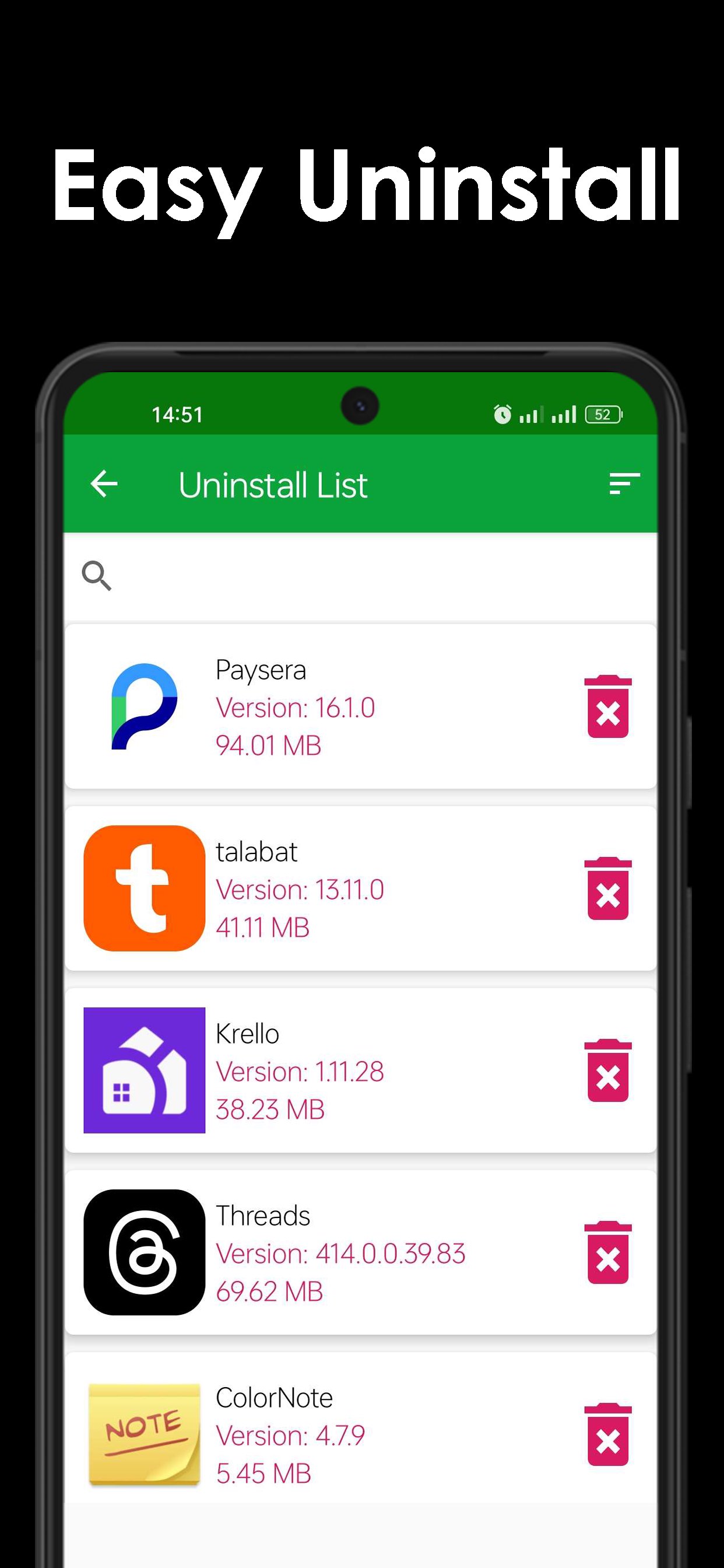
You can list all installed apps with two uninstall mode : single uninstall and batch uninstall, we provide also a convenient search function.
■ Delete Apps & Unused App Remover Description
----------------------------------
Delete Apps is a tool to remove apps for android phones. It is super easy to use, you can select multiple apps that you want to uninstall, and click "Delete" button to uninstall them.
Delete Apps also supports app search & sort. Type keyword in the textbox on the top to search the app that you want to uninstall. Click "Sort" button to sort the apps in many sort types.
Delete Apps cannot uninstall pre-loaded or pre-installed apps in the system because it is limited by the system mechanism.
■ Delete Apps & Unused App Remover FAQ
-------------------------
Question: How to remove apps android ?
Check the apps that you want to uninstall, then tap the uninstall button.
Question: Why can't it list pre-loaded apps?
A: Pre-loaded apps cannot be uninstalled, only if your phone is rooted, you can search "root uninstall" in Google market.
Preview
Tags
ToolsInformation
Developer
QappsCom
Latest Version
4.2
Last Updated
2026-02-05
Category
Tools
Available on
Google Play
Show More
Cara bermain Delete apps Unused app remover dengan GameLoop pada PC
1. Muat turun GameLoop dari laman web rasmi, kemudian jalankan fail exe untuk memasang GameLoop.
2. Buka GameLoop dan cari "Delete apps Unused app remover", cari Delete apps Unused app remover dalam hasil carian dan klik "Pasang".
3. Nikmati bermain Delete apps Unused app remover di GameLoop.
Minimum requirements
OS
Windows 8.1 64-bit or Windows 10 64-bit
GPU
GTX 1050
CPU
i3-8300
Memory
8GB RAM
Storage
1GB available space
Recommended requirements
OS
Windows 8.1 64-bit or Windows 10 64-bit
GPU
GTX 1050
CPU
i3-9320
Memory
16GB RAM
Storage
1GB available space