DocSign Upload Sign Docs PC
Qplay squard
Download DocSign Upload Sign Docs on PC With GameLoop Emulator
DocSign Upload Sign Docs pada PC
DocSign Upload Sign Docs, datang daripada pembangun Qplay squard, sedang berjalan pada sistem Android pada masa lalu.
Kini, Anda boleh bermain DocSign Upload Sign Docs pada PC dengan GameLoop dengan lancar.
Muat turunnya dalam pustaka GameLoop atau hasil carian. Tiada lagi melihat bateri atau panggilan yang mengecewakan pada masa yang salah lagi.
Hanya nikmati DocSign Upload Sign Docs PC pada skrin besar secara percuma!
DocSign Upload Sign Docs Pengenalan
DocSign - Upload & Sign Docs app ✍️ is a free signature app in today's digital age, digital signatures and electronic signatures are required. This electronic signature doc 🖋 program may be used as a pdf signature as well as an email signature. So, using the Signature docx app📝, you can make digital signatures and update signatures.
Main Features
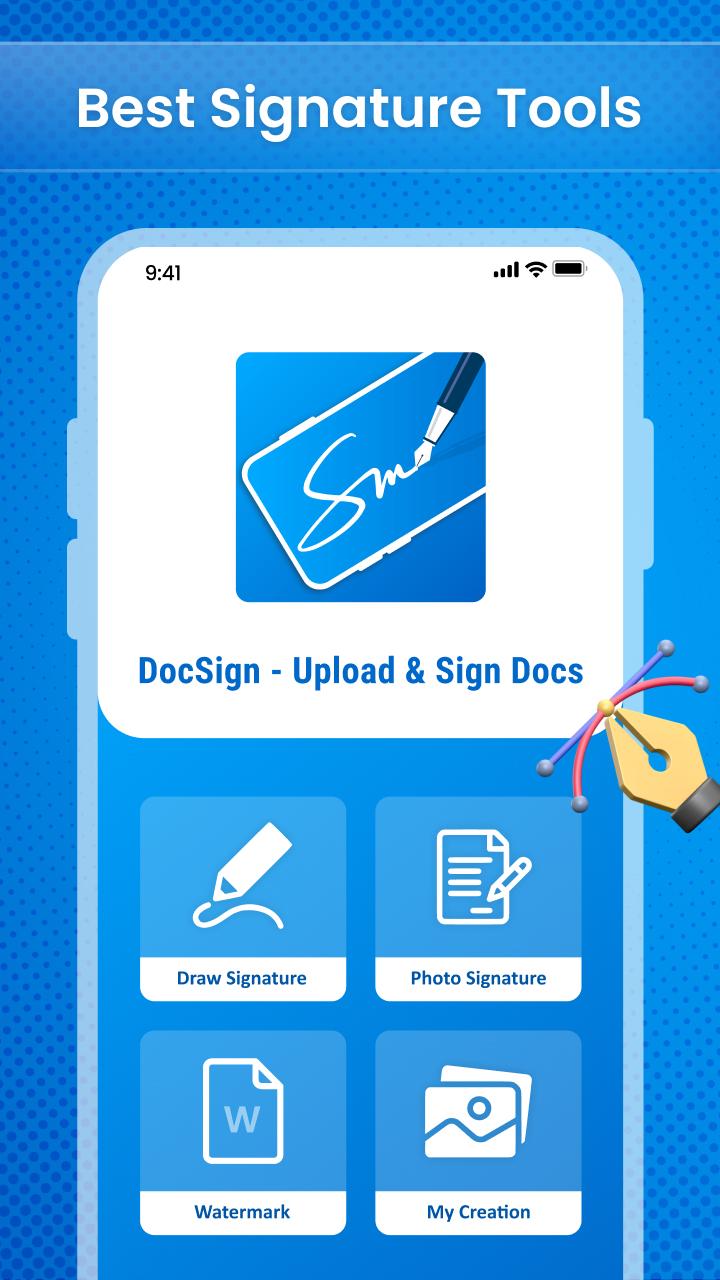
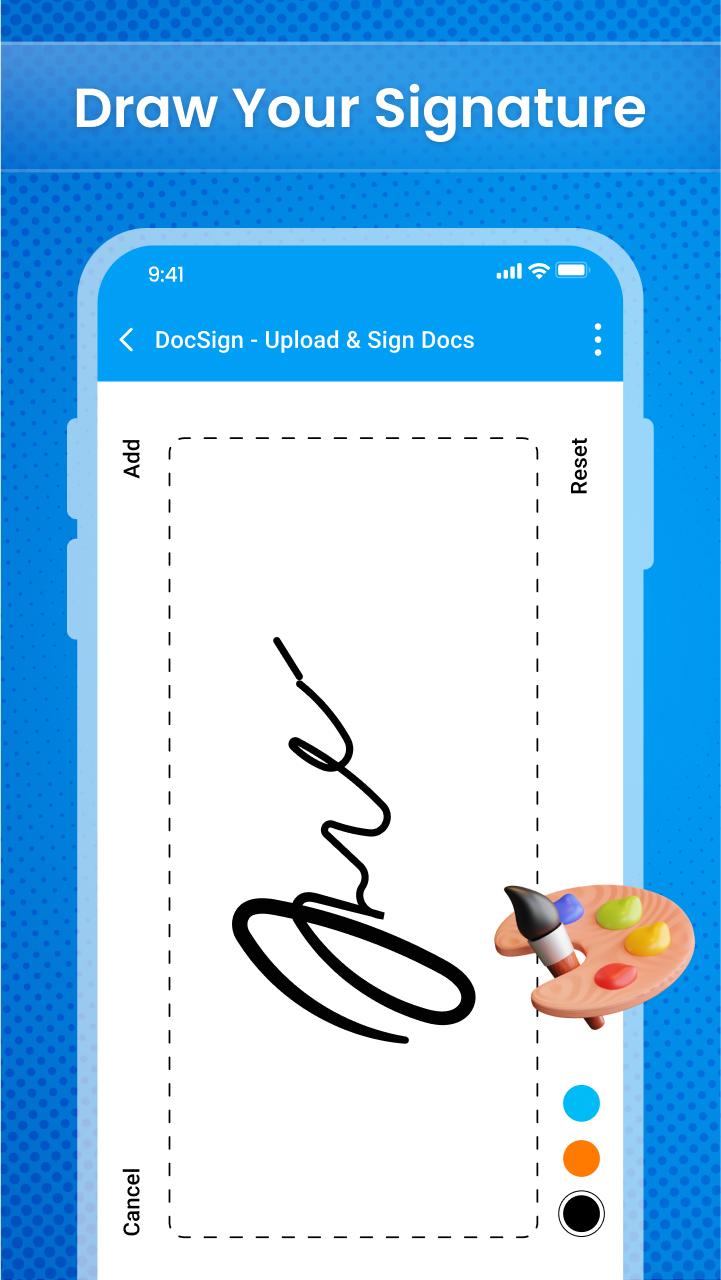
• Add auto signature
• Digital signature with lots of features
• Adjust the thickness of the signature pen
• Store your signature in storage
• Choose signature pen colour
• Make your signature bold and underline
• Organize the signing order
• Privacy and security
The simplest and fastest way to sign documents or have documents signed from your Android phone or tablet is with the help of the online signature app🖊. Use the document e-signature app 📄to easily and without extra effort govern document cycles and track modifications.
Other Features
• Delete previously drawn digital signature
• Simple and easy to use
• User interface
We built the digital sign doc app, and use the app's feature to sign papers. If you have any suggestions regarding this application then let us know at:
Preview
Tags
ToolsInformation
Developer
Qplay squard
Latest Version
1.0.2
Last Updated
2022-08-10
Category
Tools
Available on
Google Play
Show More
Cara bermain DocSign Upload Sign Docs dengan GameLoop pada PC
1. Muat turun GameLoop dari laman web rasmi, kemudian jalankan fail exe untuk memasang GameLoop.
2. Buka GameLoop dan cari "DocSign Upload Sign Docs", cari DocSign Upload Sign Docs dalam hasil carian dan klik "Pasang".
3. Nikmati bermain DocSign Upload Sign Docs di GameLoop.
Minimum requirements
OS
Windows 8.1 64-bit or Windows 10 64-bit
GPU
GTX 1050
CPU
i3-8300
Memory
8GB RAM
Storage
1GB available space
Recommended requirements
OS
Windows 8.1 64-bit or Windows 10 64-bit
GPU
GTX 1050
CPU
i3-9320
Memory
16GB RAM
Storage
1GB available space