HD video Screen Mirroring PC
AndroTool Pvt Ltd
Download HD video Screen Mirroring on PC With GameLoop Emulator
HD video Screen Mirroring pada PC
HD video Screen Mirroring, datang daripada pembangun AndroTool Pvt Ltd, sedang berjalan pada sistem Android pada masa lalu.
Kini, Anda boleh bermain HD video Screen Mirroring pada PC dengan GameLoop dengan lancar.
Muat turunnya dalam pustaka GameLoop atau hasil carian. Tiada lagi melihat bateri atau panggilan yang mengecewakan pada masa yang salah lagi.
Hanya nikmati HD video Screen Mirroring PC pada skrin besar secara percuma!
HD video Screen Mirroring Pengenalan
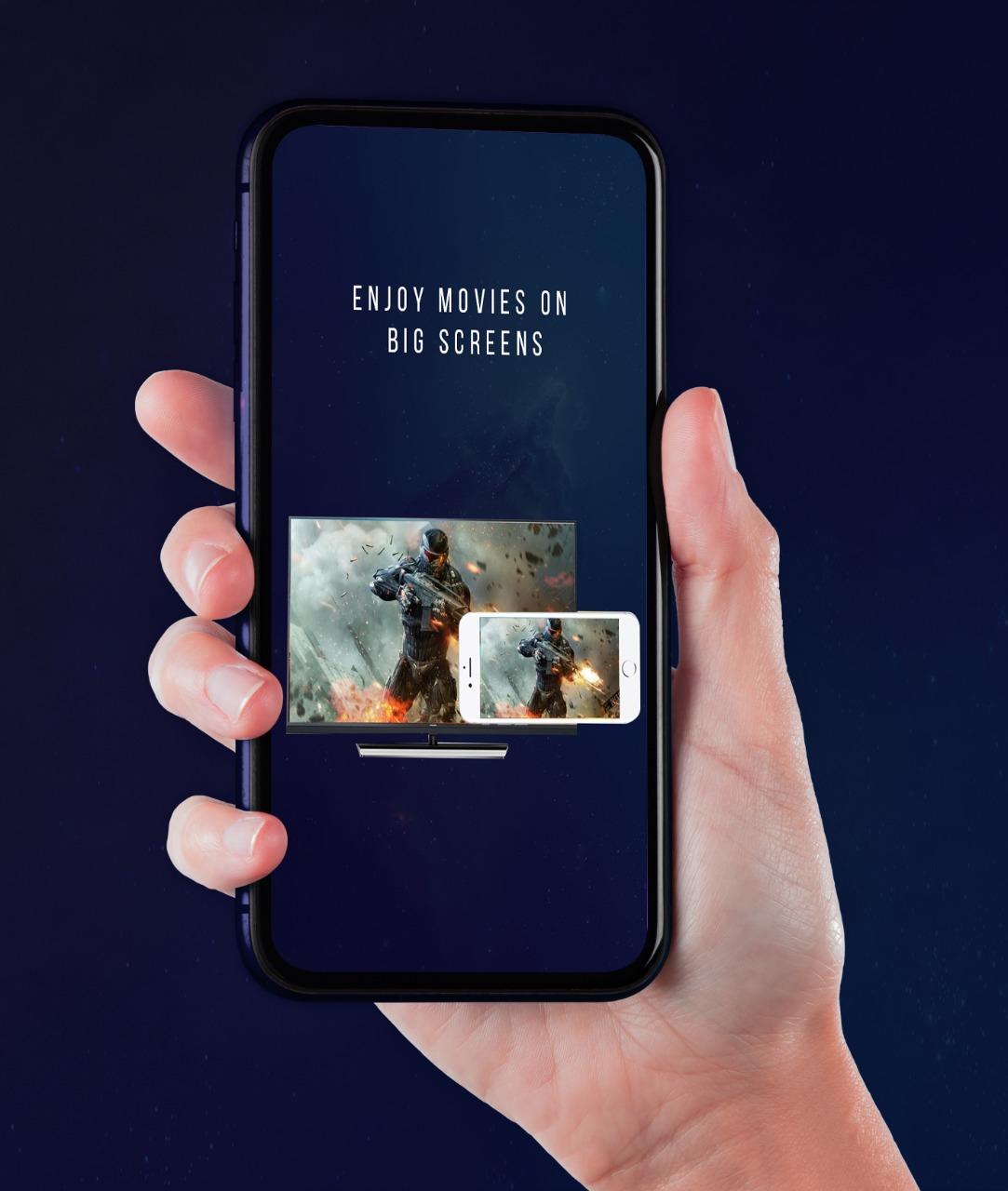
Screen Mirroring app mirrors entire mobile screen to your smart TV without any lag or buffering. HD Video Screen Mirroring Cast is the most powerful app for Cast and broadcasting your Android screen and audio in real time with high quality ! so you can Play Videos, Music and Photos very easily from your mobile. When you're watching any shows with your family or in a group small mobile screen size will not be enough. Connect your android mobile with TV and enjoy it in larger screen.
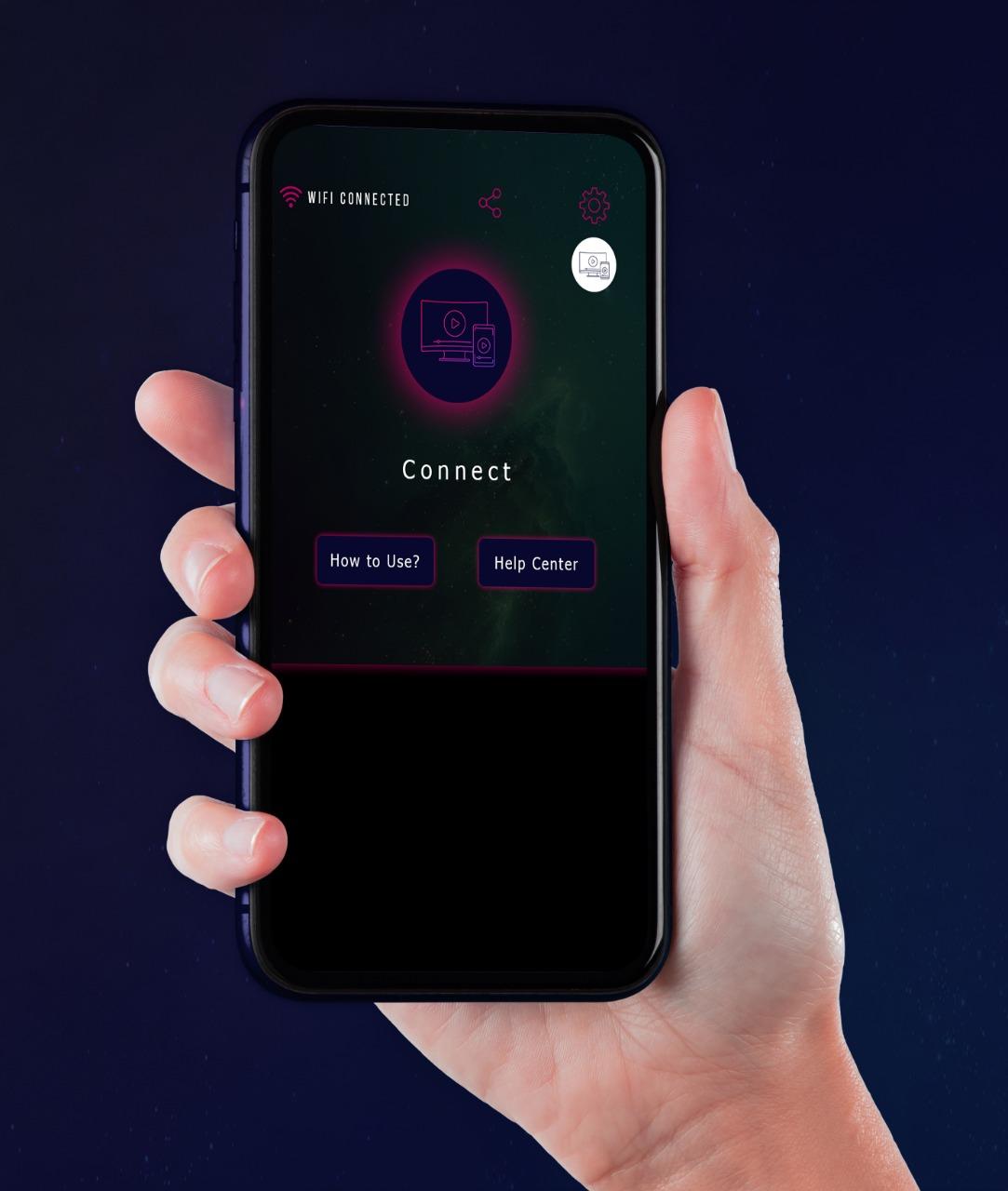
🔍How to Use Screen Mirroring:
1. Make sure your phone/tablet and smart TV are connected to the same Wi-Fi network.
2. Enable Wireless display on your phone.
3. Enable Miracast on your smart TV.
4. Search and pair the device.
HD Screen Mirroring app will help you to scan and mirror your android phone or tablet screen on your Smart TV display. Enjoy your mobile screen contents or tablet screen in your smart tv screen using screen mirroring.
If you are not having fun by looking at your small cellular phone screen,
you will get a great big screen phone experience by connecting your phone to a TV screen with screen mirroring with all tv app. Your Smart TV should support wireless display for using Screen mirroring features. TV must be connected to same wireless network with your android device is connected for Screen Mirroring.
Sharing your screen with TV is very easy with Screen Mirroring with all TV app. Screen Mirroring - Screen Casting Phone to TV app provides you a secure connection between your mobile and TV to protect your data, files and applications.Enjoy your mobile screen contents or tablet screen in your smart tv screen using screen mirroring. HD Screen Mirroring app will help you to scan and mirror your android phone or tablet screen on your Smart TV display.
🏅KEY FEATURES
✦ Cast smartphone screen to big TV screen stably
✦ Simple & fast connection with just a click
✦ Cast the mobile game to your big-screen TV
✦ Cast to TV, Live video on Twitch, YouTube and BIGO LIVE
✦ All media files supported, including photos, audios, E-books, PDFs, etc.
✦ Show demonstrations in a meeting, watch travel slide shows with family
✦ Neat & clean user interface to create a good experience
✦ Screen share in real-time speed.
Preview
Tags
ToolsInformation
Developer
AndroTool Pvt Ltd
Latest Version
1.1
Last Updated
2022-02-21
Category
Tools
Available on
Google Play
Show More
Cara bermain HD video Screen Mirroring dengan GameLoop pada PC
1. Muat turun GameLoop dari laman web rasmi, kemudian jalankan fail exe untuk memasang GameLoop.
2. Buka GameLoop dan cari "HD video Screen Mirroring", cari HD video Screen Mirroring dalam hasil carian dan klik "Pasang".
3. Nikmati bermain HD video Screen Mirroring di GameLoop.
Minimum requirements
OS
Windows 8.1 64-bit or Windows 10 64-bit
GPU
GTX 1050
CPU
i3-8300
Memory
8GB RAM
Storage
1GB available space
Recommended requirements
OS
Windows 8.1 64-bit or Windows 10 64-bit
GPU
GTX 1050
CPU
i3-9320
Memory
16GB RAM
Storage
1GB available space