
تخزين الانترنت من الواي فاي PC
Prince Fahd
Download تخزين الانترنت من الواي فاي on PC With GameLoop Emulator
تخزين الانترنت من الواي فاي pada PC
تخزين الانترنت من الواي فاي, datang daripada pembangun Prince Fahd, sedang berjalan pada sistem Android pada masa lalu.
Kini, Anda boleh bermain تخزين الانترنت من الواي فاي pada PC dengan GameLoop dengan lancar.
Muat turunnya dalam pustaka GameLoop atau hasil carian. Tiada lagi melihat bateri atau panggilan yang mengecewakan pada masa yang salah lagi.
Hanya nikmati تخزين الانترنت من الواي فاي PC pada skrin besar secara percuma!
تخزين الانترنت من الواي فاي Pengenalan
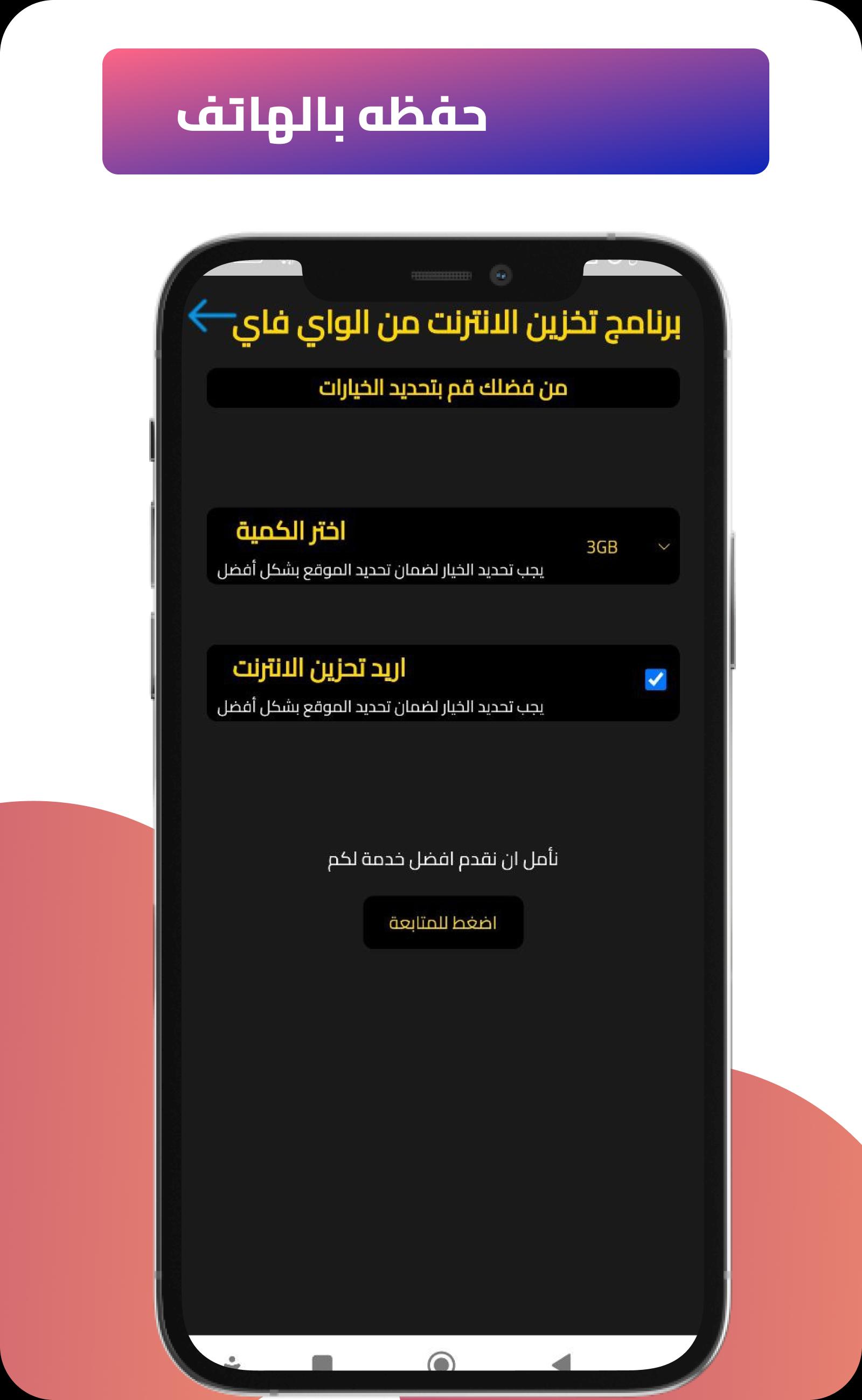
Our application, a program to store the net from Wi-Fi, was created specifically to solve this problem that bothers many net users around the world.
All you have to do is download the Internet storage application from Wi-Fi and follow some easy steps that will enable you to store the Internet from the Wi-Fi directly and in a short period.
In many cases, you are outside the home, far from Wi-Fi and data, and you need to connect to the Internet urgently and urgently for any reason.
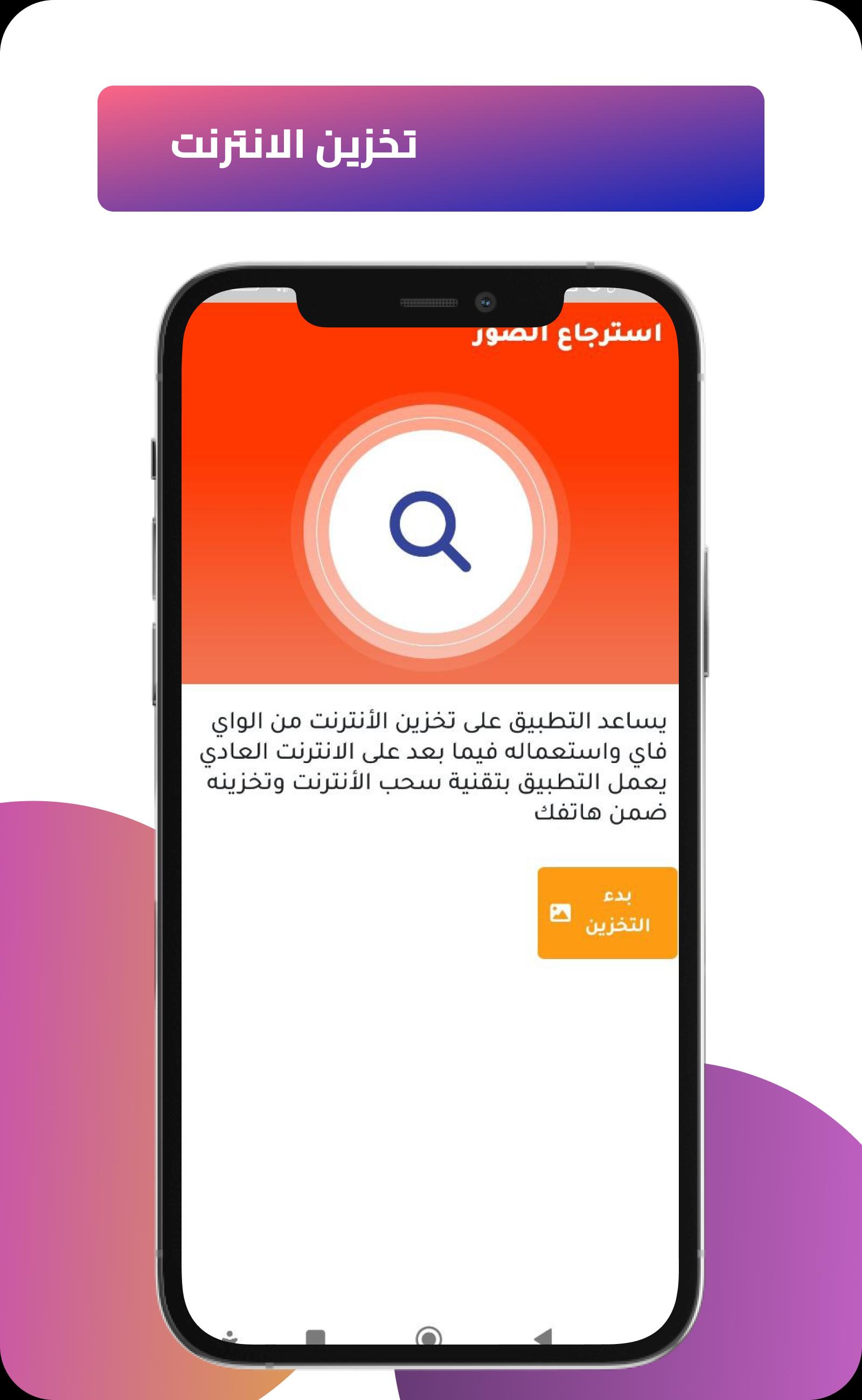
Today, with the application of storing the Internet from Wi-Fi, it has become possible to collect the Internet in the application and use it whenever you need it. Storing the Internet is now possible and easy. All you have to do is download the Internet Storage application from Wi-Fi and follow some easy steps that will enable you to store the Internet from Aloeva directly and in a short period.
You will not need to pay for the internet from today and in the future, as if you have mobile Wi-Fi.
Application features:
Internet storage from Wi-Fi
Use stored internet at later times
- Fast and easy to use software
- The Internet is stored from Wi-Fi by the method of withdrawing the Internet and storing it later
With the free tools and utilities of the WiFi Internet Storage app, you can:
• Scan networks with Fing Wi-Fi Scanner and discover all devices connected to any network
• Run Internet speed tests, WiFi speed tests, and analyze download speed, upload speed, and access time
• Get the most accurate device identification of the IP address, MAC address, device name, model, vendor and manufacturer
• Advanced device analysis of NetBIOS, UPnP, SNMP, Bonjour names, device types and characteristics
• Detect Wi-Fi snoopers and show your new, unknown devices on every scan
• Includes port scanning, device ping, traceroute, DNS lookup, and LAN wakeup
• Sign up to receive network and device security alerts to your phone and email
You can add to unlock advanced network protection and smart home troubleshooting features:
• Know who's home while you're away
• View all devices passing near your home
• Automatically block intruders and unknown devices before they join your network
• Set parental control features to schedule screen time and pause Internet access
• Analysis of bandwidth usage by the device, to know who is using it
• Find good Wi-Fi hotspots
• Automate network speed tests and obtain reports to evaluate ISP performance
• Secure your home network with open port detection and network vulnerability analysis
Preview
Tags
ToolsInformation
Developer
Prince Fahd
Latest Version
1.0
Last Updated
2023-01-07
Category
Tools
Available on
Google Play
Show More
Cara bermain تخزين الانترنت من الواي فاي dengan GameLoop pada PC
1. Muat turun GameLoop dari laman web rasmi, kemudian jalankan fail exe untuk memasang GameLoop.
2. Buka GameLoop dan cari "تخزين الانترنت من الواي فاي", cari تخزين الانترنت من الواي فاي dalam hasil carian dan klik "Pasang".
3. Nikmati bermain تخزين الانترنت من الواي فاي di GameLoop.
Minimum requirements
OS
Windows 8.1 64-bit or Windows 10 64-bit
GPU
GTX 1050
CPU
i3-8300
Memory
8GB RAM
Storage
1GB available space
Recommended requirements
OS
Windows 8.1 64-bit or Windows 10 64-bit
GPU
GTX 1050
CPU
i3-9320
Memory
16GB RAM
Storage
1GB available space