Battery PC
MacroPinch
Download Battery on PC With GameLoop Emulator
Battery pada PC
Battery, datang daripada pembangun MacroPinch, sedang berjalan pada sistem Android pada masa lalu.
Kini, Anda boleh bermain Battery pada PC dengan GameLoop dengan lancar.
Muat turunnya dalam pustaka GameLoop atau hasil carian. Tiada lagi melihat bateri atau panggilan yang mengecewakan pada masa yang salah lagi.
Hanya nikmati Battery PC pada skrin besar secara percuma!
Battery Pengenalan
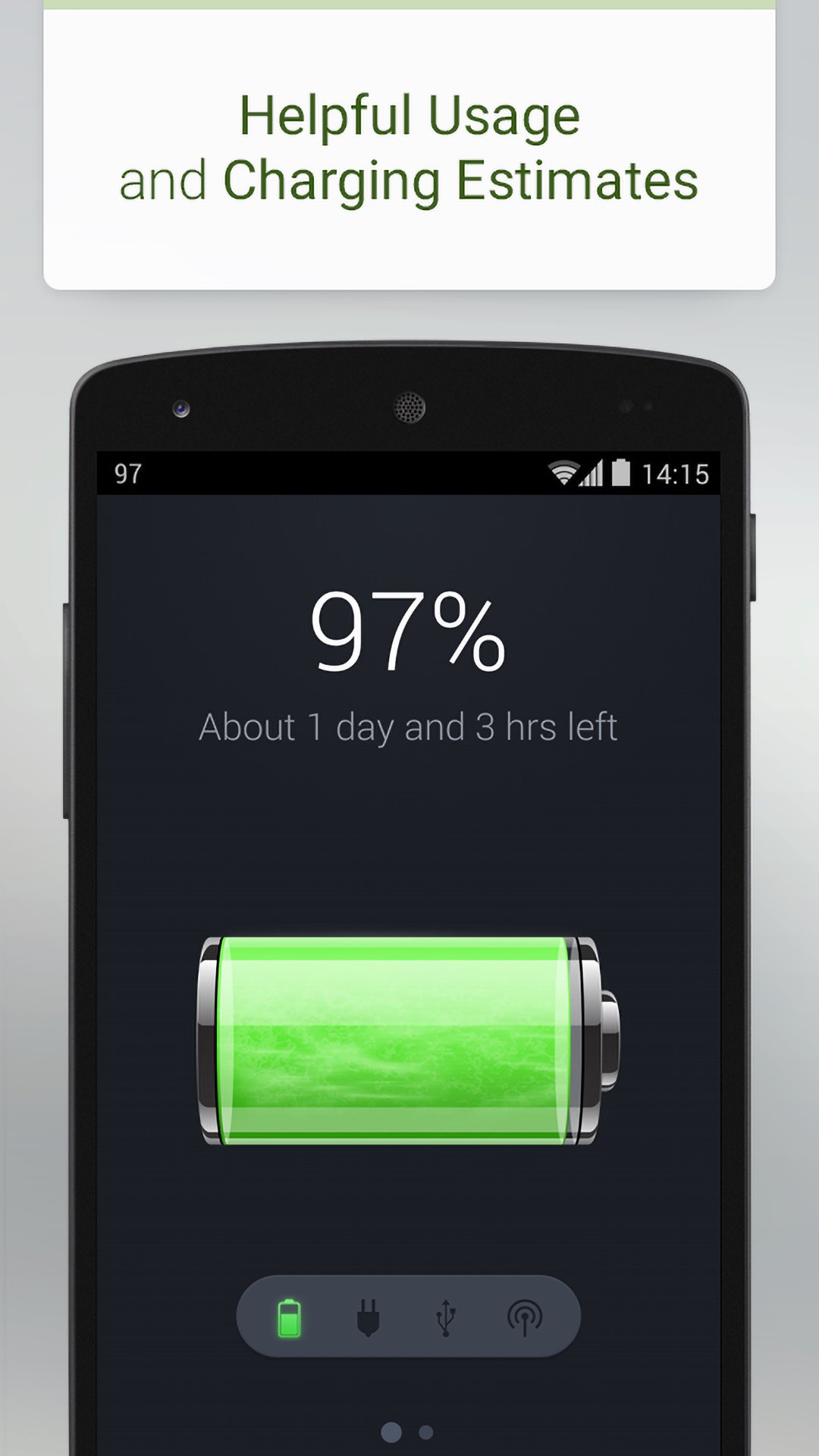
Battery indicates the battery charge level of your device.
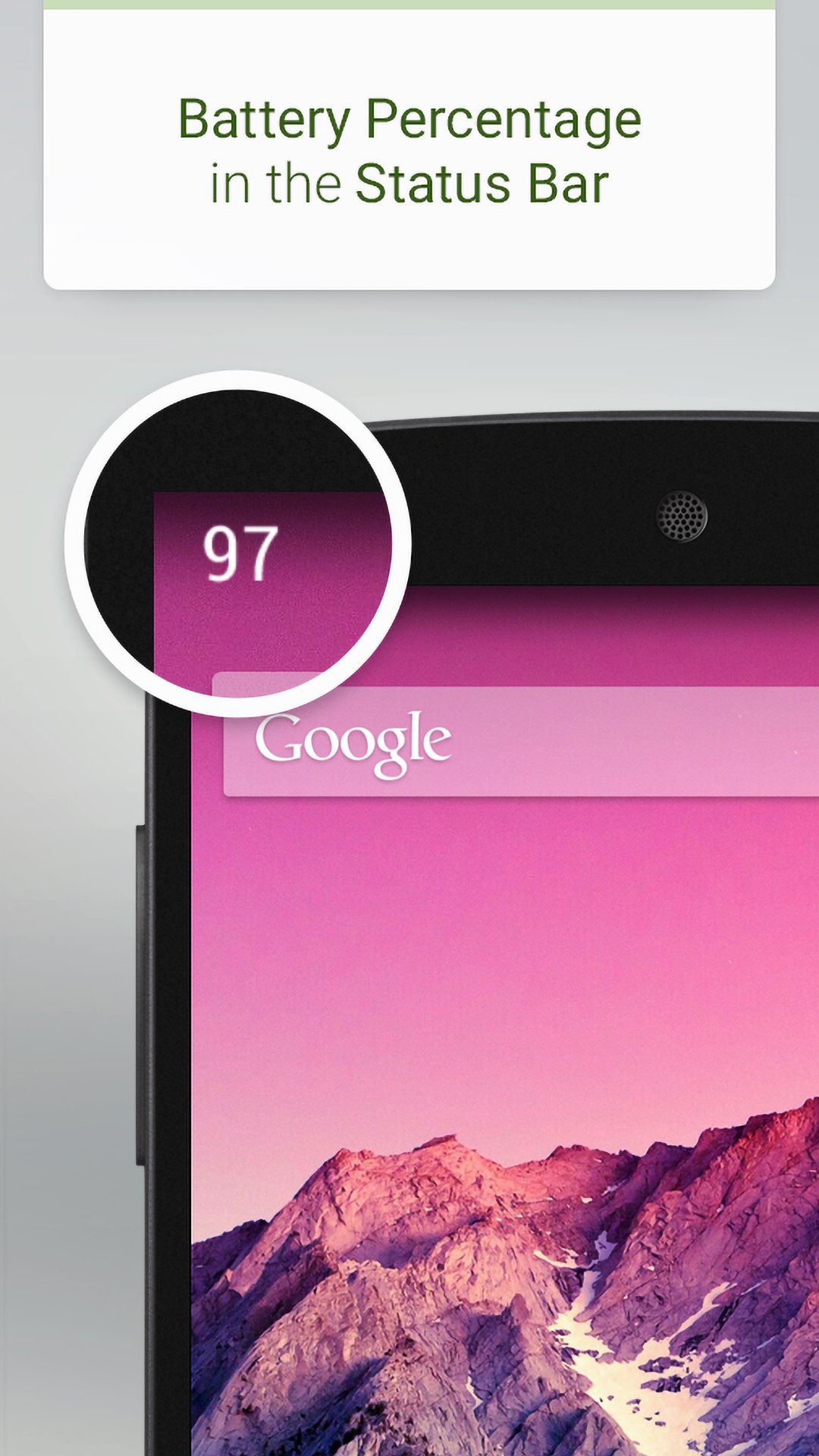
Battery is a small, sleek and elegant app that will help you follow the current battery percentage on your Android device.
With Battery, every time and everywhere you will know if your battery is charged enough to play a game, a movie, or to browse the web.
There is no other battery app with such intuitive, neat and gorgeous interface as Battery has. The UI of Battery is as simple as possible, but tremendously practical.
We will work constantly to improve Battery, adding in the very near future new features, like useful battery information, battery tips, new widgets, and many more.
* FEATURES
✓ Displays battery information in percent (%)
✓ Supports the lock screen widget
✓ Full support for all known screen resolutions
✓ Power source indicator
✓ The precise battery level is displayed in 1% increments
✓ Battery is incredibly lightweight!
✓ Additional battery information:
- Temperature
- Voltage
- Health status
- Technology
Get in touch with us and follow the latest news regarding our apps:
http://www.facebook.com/macropinch
http://twitter.com/macropinch
Preview
Tags
ToolsInformation
Developer
MacroPinch
Latest Version
4.0.9
Last Updated
2025-08-04
Category
Tools
Available on
Google Play
Show More
Cara bermain Battery dengan GameLoop pada PC
1. Muat turun GameLoop dari laman web rasmi, kemudian jalankan fail exe untuk memasang GameLoop.
2. Buka GameLoop dan cari "Battery", cari Battery dalam hasil carian dan klik "Pasang".
3. Nikmati bermain Battery di GameLoop.
Minimum requirements
OS
Windows 8.1 64-bit or Windows 10 64-bit
GPU
GTX 1050
CPU
i3-8300
Memory
8GB RAM
Storage
1GB available space
Recommended requirements
OS
Windows 8.1 64-bit or Windows 10 64-bit
GPU
GTX 1050
CPU
i3-9320
Memory
16GB RAM
Storage
1GB available space