Wi-fi Keyboard PC
Ishwarya Prasanna
Download Wi-fi Keyboard on PC With GameLoop Emulator
Wi-fi Keyboard pada PC
Wi-fi Keyboard, datang daripada pembangun Ishwarya Prasanna, sedang berjalan pada sistem Android pada masa lalu.
Kini, Anda boleh bermain Wi-fi Keyboard pada PC dengan GameLoop dengan lancar.
Muat turunnya dalam pustaka GameLoop atau hasil carian. Tiada lagi melihat bateri atau panggilan yang mengecewakan pada masa yang salah lagi.
Hanya nikmati Wi-fi Keyboard PC pada skrin besar secara percuma!
Wi-fi Keyboard Pengenalan
1.Please install Wi-fi Keyboard receiver on your computer before using Wi-fi Keyboard.
2.Download the Wi-fi Keyboard receiver from the link below:
https://drive.google.com/open?id=10YXRhjvY0TDpOiX5ej2c1WCPVmOCs7Vh
Features:
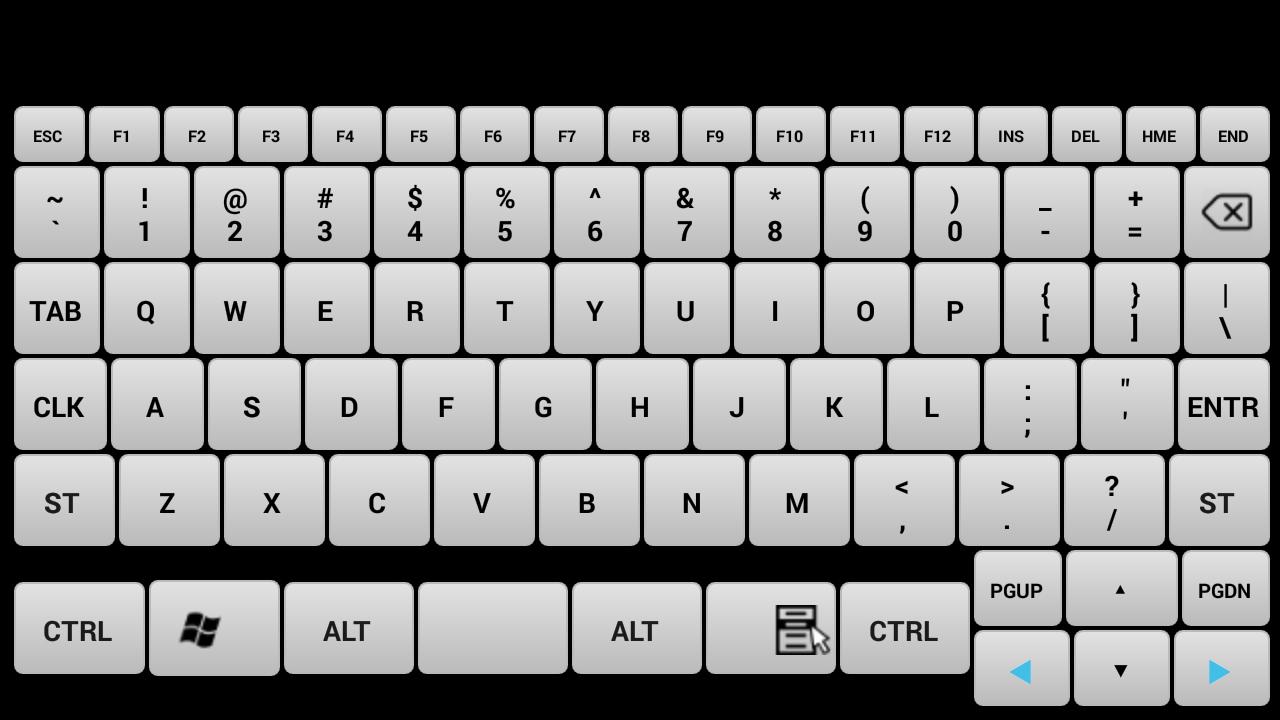
Device Simulation-Turn your mobile into a real keyboard.
Keys- All the keys are equal to your keyboard keys.
How to Connect:
1.Install Wi-fi Keyboard receiver from https://drive.google.com/open?id=10YXRhjvY0TDpOiX5ej2c1WCPVmOCs7Vhn the PC that you want to use.
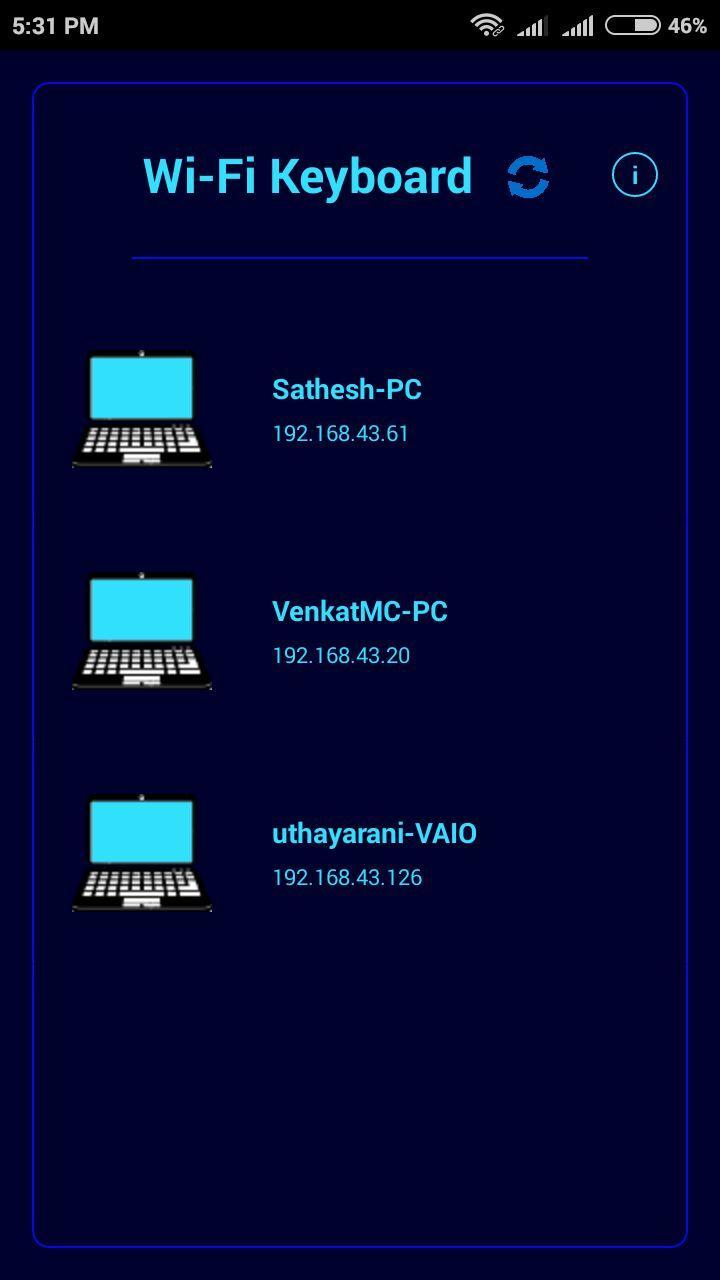
2.Open Wi-fi Keyboard app and connect to the PC on the same network.
System Requirements:
1.Wi-fi Keyboard receiver running on target PC(install from https://drive.google.com/open?id=10YXRhjvY0TDpOiX5ej2c1WCPVmOCs7Vh
2.Target PC must be connected to the same network(Wi-fi or Ethernet).
3.Target PC must be Windows.(If you want to use it for linux or mac with wine IP address shown in receiver is incorrect so you have to enter your pc ip address).
Note: If cannot connect, please make sure the phone and the pc are in the same network and check the firewall setting on pc. If you want to use it in linux or mac you need wine and you have to enter ip address of your device.
Preview
Information
Developer
Ishwarya Prasanna
Latest Version
1.2
Last Updated
2017-03-24
Category
Tools
Available on
Google Play
Show More
Cara bermain Wi-fi Keyboard dengan GameLoop pada PC
1. Muat turun GameLoop dari laman web rasmi, kemudian jalankan fail exe untuk memasang GameLoop.
2. Buka GameLoop dan cari "Wi-fi Keyboard", cari Wi-fi Keyboard dalam hasil carian dan klik "Pasang".
3. Nikmati bermain Wi-fi Keyboard di GameLoop.
Minimum requirements
OS
Windows 8.1 64-bit or Windows 10 64-bit
GPU
GTX 1050
CPU
i3-8300
Memory
8GB RAM
Storage
1GB available space
Recommended requirements
OS
Windows 8.1 64-bit or Windows 10 64-bit
GPU
GTX 1050
CPU
i3-9320
Memory
16GB RAM
Storage
1GB available space