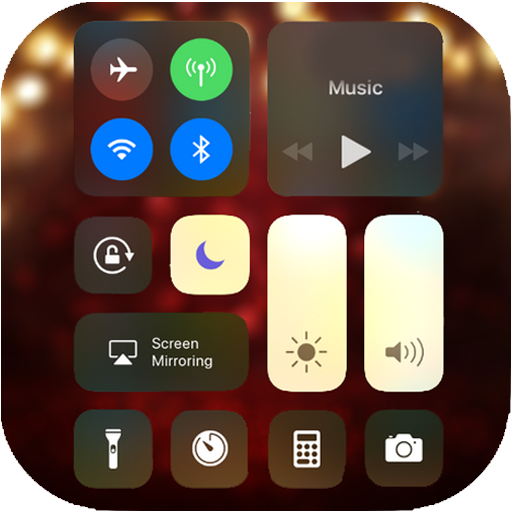
Control Center iOS 13 PC
4 mb
Download Control Center iOS 13 on PC With GameLoop Emulator
Control Center iOS 13 pada PC
Control Center iOS 13, datang daripada pembangun 4 mb, sedang berjalan pada sistem Android pada masa lalu.
Kini, Anda boleh bermain Control Center iOS 13 pada PC dengan GameLoop dengan lancar.
Muat turunnya dalam pustaka GameLoop atau hasil carian. Tiada lagi melihat bateri atau panggilan yang mengecewakan pada masa yang salah lagi.
Hanya nikmati Control Center iOS 13 PC pada skrin besar secara percuma!
Control Center iOS 13 Pengenalan
Control Center IOS 13 is an easy tool for Android devices. It's fast, it's smooth and it's totally FREE.
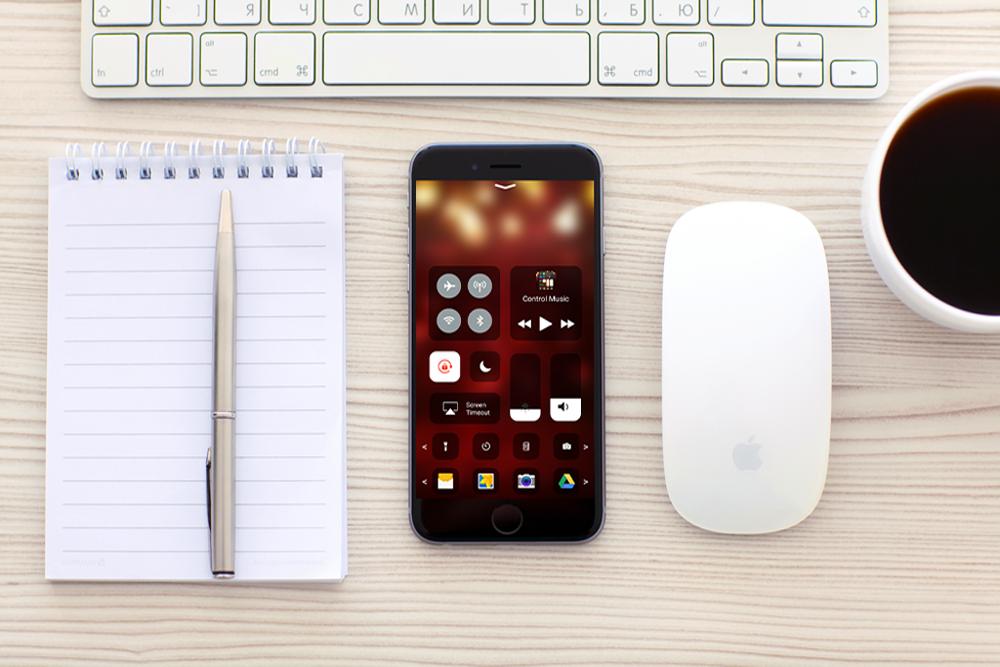
With a floating bar on the screen, you can easily use your Android smartphone. More conveniently, you can quickly access all your favorite applications, games, settings and quick screen change, screen capture, screen recording.
The Control Center 13 is also an ideal application to protect the physical buttons (volume button). It is very useful for large screen smartphones.And Notification center IOS 13 support you access to notification quickly and clear and reply and more
How to use:
To open the iOS 13 Control Center
★ Slide up, slide down, slide to the right or slide to the left from the edge of the screen.
To close the iOS 13 Control Center
★ Slide up, slide down, slide your finger to the right, slide your finger to the left or touch the top of the screen, or press the Back, Home, Recent button.
customize:
★ Change the opacity of the bar.
★ Add or remove applications or controls in the Control Center IOS 13.
★ You can change the color of the bar with your favorite color, totally free.
★ Change the position of the bar (left, right, down)
★ Change the size of the bar (width, height)
Features of iCenter:
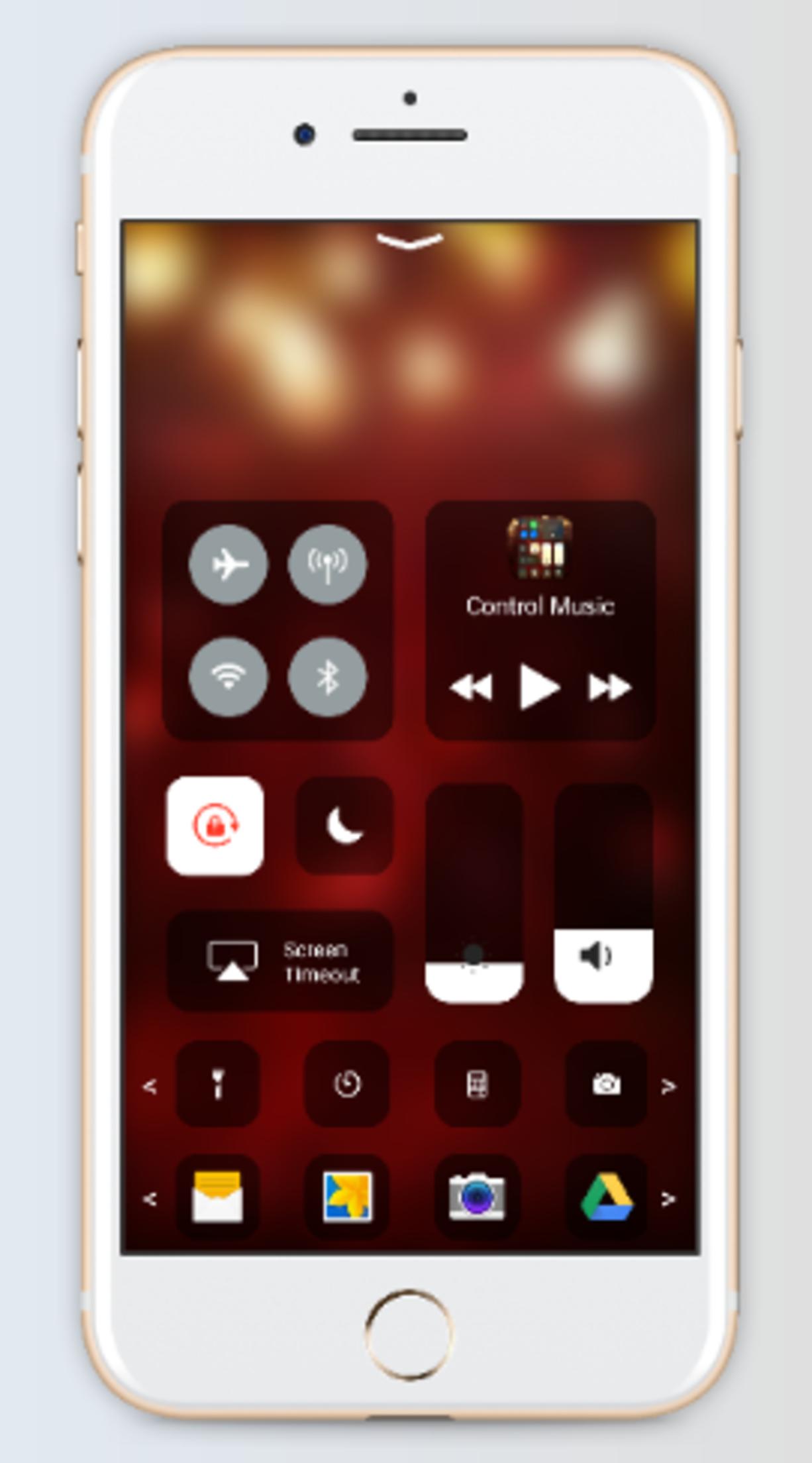
★ Easy access to the music player from the control center. You are the next song, play song, preview song and more.
★ Alarm: Configure the alarm quickly and more the configuration of the application in the control center Ios 13.
★ Wi-Fi: you can enable or disable easy WiFi control.
★ Do not disturb: it is silent call, alert and notification.
★ Volume up and down easy in the control center 13
★ Bright: you can slide up and down to obtain brightness.
★ Data: You can activate / deactivate data.
★ Camera: You can access the camera and take pictures easily.
THANK YOU FOR YOUR USE OF MY APPLICATION! :)
Preview
Information
Developer
4 mb
Latest Version
2.0
Last Updated
2019-05-10
Category
Tools
Available on
Google Play
Show More
Cara bermain Control Center iOS 13 dengan GameLoop pada PC
1. Muat turun GameLoop dari laman web rasmi, kemudian jalankan fail exe untuk memasang GameLoop.
2. Buka GameLoop dan cari "Control Center iOS 13", cari Control Center iOS 13 dalam hasil carian dan klik "Pasang".
3. Nikmati bermain Control Center iOS 13 di GameLoop.
Minimum requirements
OS
Windows 8.1 64-bit or Windows 10 64-bit
GPU
GTX 1050
CPU
i3-8300
Memory
8GB RAM
Storage
1GB available space
Recommended requirements
OS
Windows 8.1 64-bit or Windows 10 64-bit
GPU
GTX 1050
CPU
i3-9320
Memory
16GB RAM
Storage
1GB available space