LTE Switcher - Force 3G/4G/5G PC
appnomics
Download LTE Switcher - Force 3G/4G/5G on PC With GameLoop Emulator
LTE Switcher - Force 3G/4G/5G pada PC
LTE Switcher - Force 3G/4G/5G, datang daripada pembangun appnomics, sedang berjalan pada sistem Android pada masa lalu.
Kini, Anda boleh bermain LTE Switcher - Force 3G/4G/5G pada PC dengan GameLoop dengan lancar.
Muat turunnya dalam pustaka GameLoop atau hasil carian. Tiada lagi melihat bateri atau panggilan yang mengecewakan pada masa yang salah lagi.
Hanya nikmati LTE Switcher - Force 3G/4G/5G PC pada skrin besar secara percuma!
LTE Switcher - Force 3G/4G/5G Pengenalan
Switch to 5G/4G/3G/2G ( LTE mode only) network and stay in chosen network.
You may have experienced such a situation where one minute you are enjoying the incredible download speed of the internet and then slows down in the next.
It is because of auto switching between the 5G/4G/3G/2G networks. LTE Switcher - Force 3G/4G/5G stops network from fluctuating and force to stay in chosen network.
FEATURES:
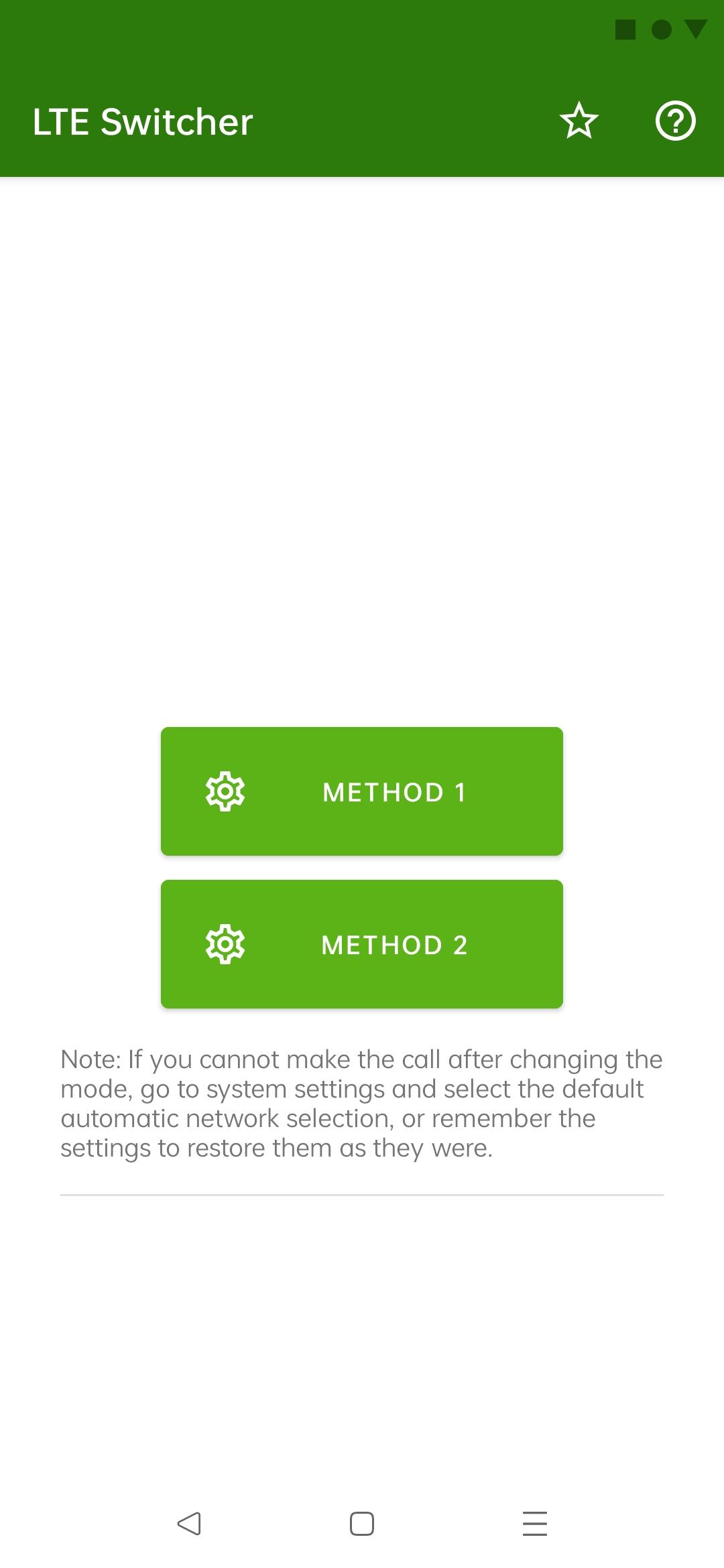
★ Switch into 5G/4G LTE Network, WCDMA Network, GSM Network, CDMA Network in just Singal Tap
★Advanced Network information
★Small in Size
★Clean and Modern UI Design
NOTE:
5G Network will support only 5G Smartphones Hardware
Force LTE not support every phone. It is depends what phone brand your phone is.
Some phone brands blocked force switch network settings.
Pleas don't rate down this app if is not working on your phone because it is not depends from us.
For any complaints or questions:
appnomics.apps@outlook.com
Preview

Tags
ToolsInformation
Developer
appnomics
Latest Version
1.0.5
Last Updated
2022-08-17
Category
Tools
Available on
Google Play
Show More
Cara bermain LTE Switcher - Force 3G/4G/5G dengan GameLoop pada PC
1. Muat turun GameLoop dari laman web rasmi, kemudian jalankan fail exe untuk memasang GameLoop.
2. Buka GameLoop dan cari "LTE Switcher - Force 3G/4G/5G", cari LTE Switcher - Force 3G/4G/5G dalam hasil carian dan klik "Pasang".
3. Nikmati bermain LTE Switcher - Force 3G/4G/5G di GameLoop.
Minimum requirements
OS
Windows 8.1 64-bit or Windows 10 64-bit
GPU
GTX 1050
CPU
i3-8300
Memory
8GB RAM
Storage
1GB available space
Recommended requirements
OS
Windows 8.1 64-bit or Windows 10 64-bit
GPU
GTX 1050
CPU
i3-9320
Memory
16GB RAM
Storage
1GB available space