
Classic Clock with Second Hand PC
QBee520
Download Classic Clock with Second Hand on PC With GameLoop Emulator
Classic Clock with Second Hand pada PC
Classic Clock with Second Hand, datang daripada pembangun QBee520, sedang berjalan pada sistem Android pada masa lalu.
Kini, Anda boleh bermain Classic Clock with Second Hand pada PC dengan GameLoop dengan lancar.
Muat turunnya dalam pustaka GameLoop atau hasil carian. Tiada lagi melihat bateri atau panggilan yang mengecewakan pada masa yang salah lagi.
Hanya nikmati Classic Clock with Second Hand PC pada skrin besar secara percuma!
Classic Clock with Second Hand Pengenalan
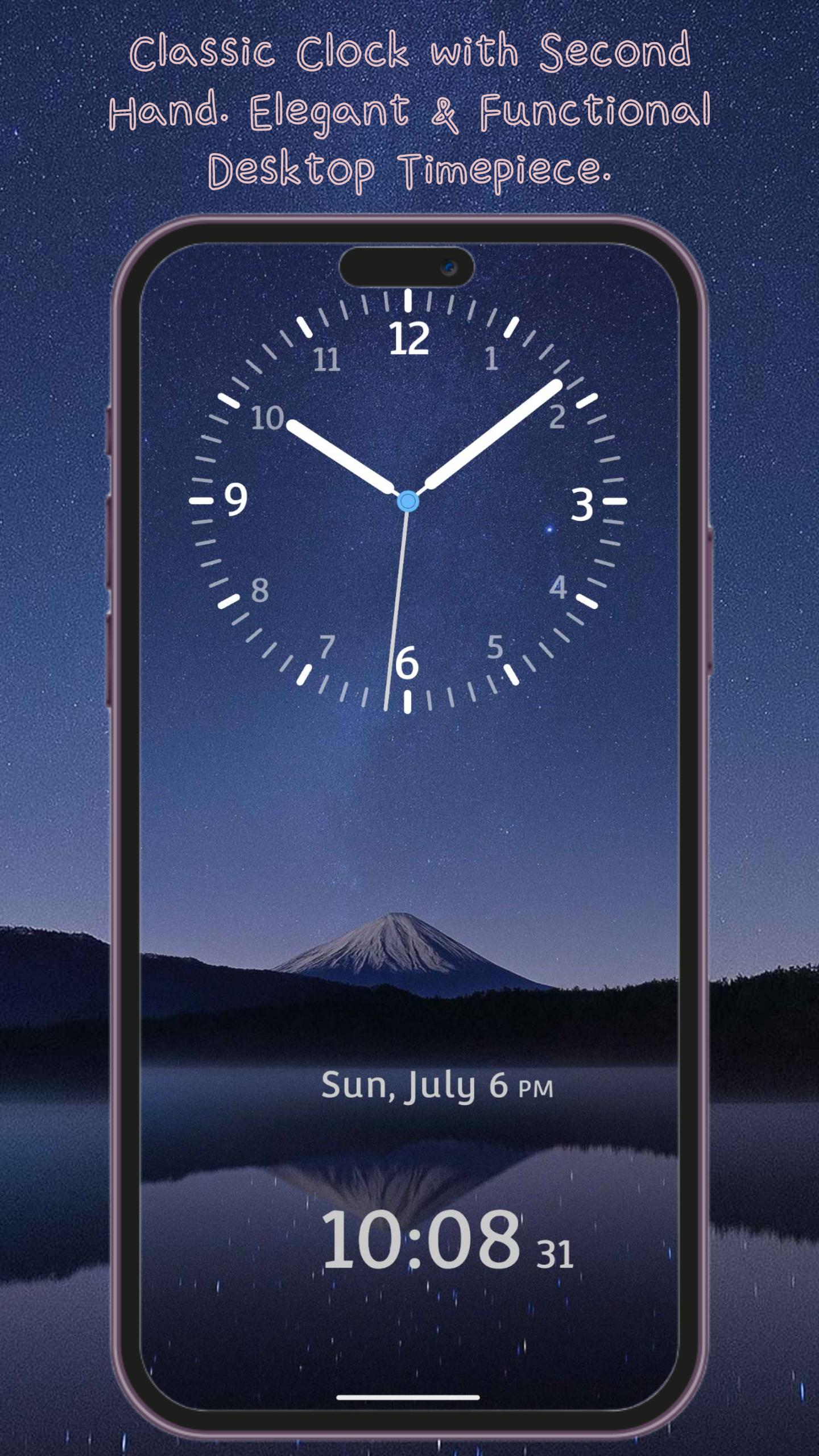
Classic Clock – Elegant & Functional Desktop Timepiece
Bring the charm of a traditional clock to your phone with Classic Clock. With smooth, realistic ticking hands and a timeless design, this app turns your device into a stylish desktop clock. Perfect for your office desk, nightstand, or as a meeting timer — it's more than just a clock; it's a statement of style.
Practical Features, Designed for Daily Use
• Dual Time Display – See both analog and digital clocks at a glance
• Landscape & Portrait Modes – Fully optimized for any screen orientation
• 12/24-Hour Format – Easily switch between formats based on your preference
• Adjustable Hand Styles – Choose from different hour and minute hand designs for a customized look
Make It Yours – Personalization Options
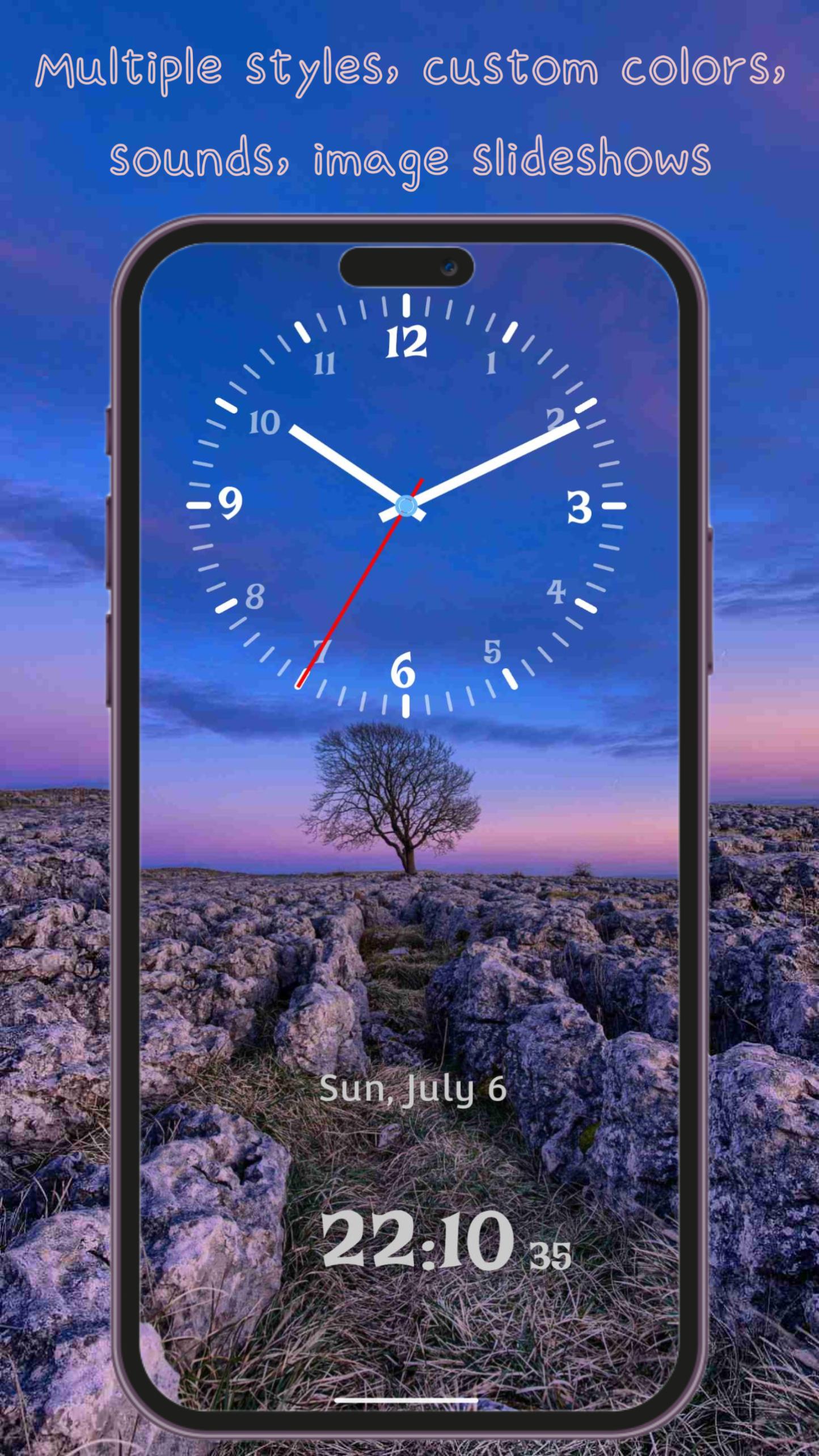
• Multiple Hand Styles – From classic simplicity to modern elegance, pick the design that suits your style
• Custom Clock Fonts – A wide selection of font styles, from traditional to contemporary
• Custom Colors – Independently adjust the color of the clock face, hour hand, minute hand, and second hand
• Dynamic & Static Backgrounds – Choose from beautiful animated scenes, solid colors, or image slideshows
• Clock Shadow Option – Enable realistic shadow effects for added depth and dimension
Immersive Experience
• Background Sounds – Choose from 14 ambient sounds including ticking, nature, birdsong, rain, and more
• Clean & Simple Interface – Easy to use with intuitive controls and no unnecessary clutter
• Home Screen Widget – View the time right from your home screen without opening the app
Classic Clock isn't just a time tool — it’s a beautiful blend of design and function.
Download now and elevate your space with timeless elegance.
Preview
Tags
ToolsInformation
Developer
QBee520
Latest Version
1.4.2
Last Updated
2025-08-04
Category
Tools
Available on
Google Play
Show More
Cara bermain Classic Clock with Second Hand dengan GameLoop pada PC
1. Muat turun GameLoop dari laman web rasmi, kemudian jalankan fail exe untuk memasang GameLoop.
2. Buka GameLoop dan cari "Classic Clock with Second Hand", cari Classic Clock with Second Hand dalam hasil carian dan klik "Pasang".
3. Nikmati bermain Classic Clock with Second Hand di GameLoop.
Minimum requirements
OS
Windows 8.1 64-bit or Windows 10 64-bit
GPU
GTX 1050
CPU
i3-8300
Memory
8GB RAM
Storage
1GB available space
Recommended requirements
OS
Windows 8.1 64-bit or Windows 10 64-bit
GPU
GTX 1050
CPU
i3-9320
Memory
16GB RAM
Storage
1GB available space