
Backup/export chat history to PC
Playwfd Studio
Download Backup/export chat history to on PC With GameLoop Emulator
Backup/export chat history to pada PC
Backup/export chat history to , datang daripada pembangun Playwfd Studio, sedang berjalan pada sistem Android pada masa lalu.
Kini, Anda boleh bermain Backup/export chat history to pada PC dengan GameLoop dengan lancar.
Muat turunnya dalam pustaka GameLoop atau hasil carian. Tiada lagi melihat bateri atau panggilan yang mengecewakan pada masa yang salah lagi.
Hanya nikmati Backup/export chat history to PC pada skrin besar secara percuma!
Backup/export chat history to Pengenalan
Ini adalah * DEMO * versi pro. Sila dapatkan versi pro dari: https://play.google.com/store/apps/details?id=com.playwfd.chat2pdf_pro
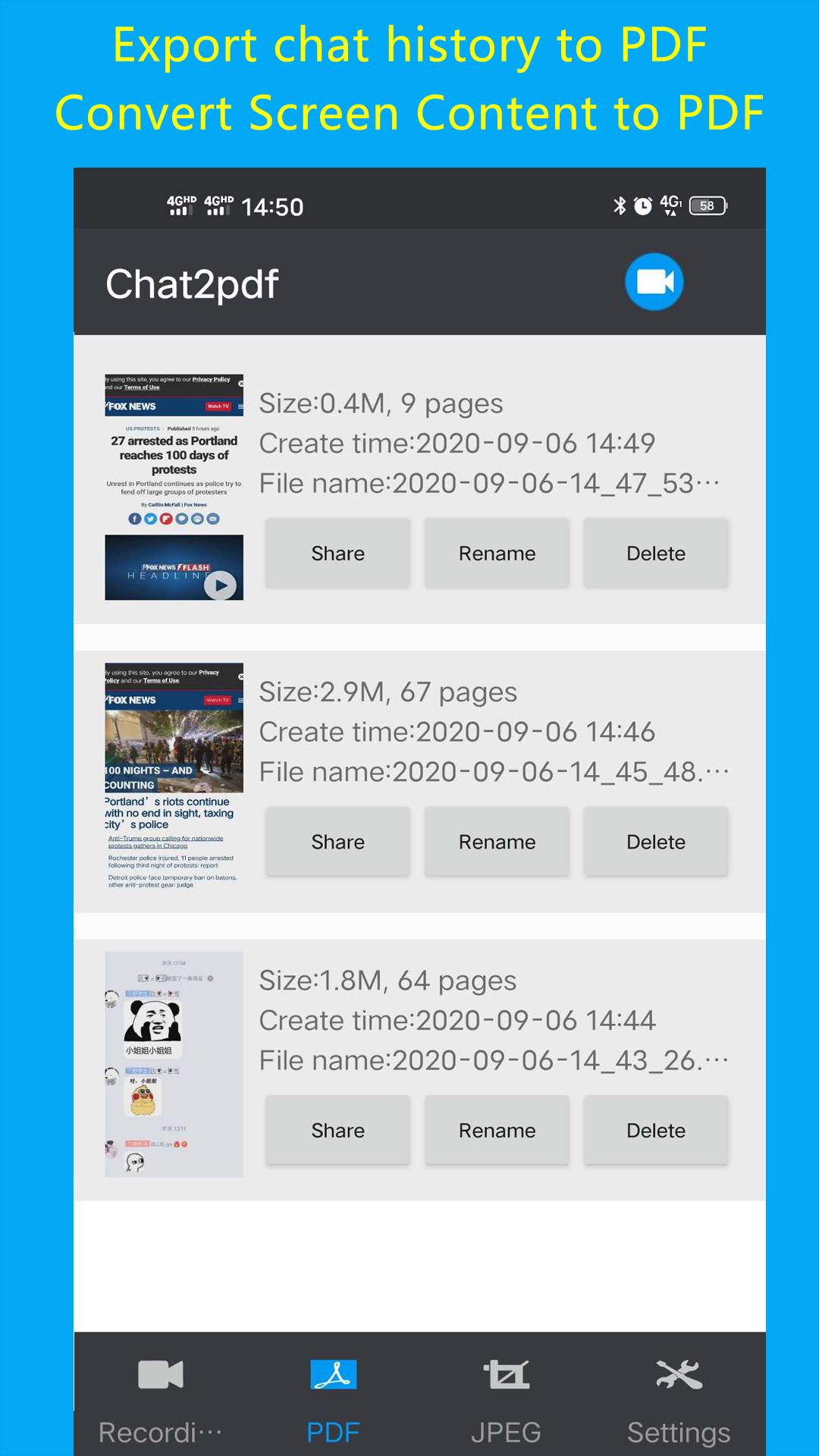
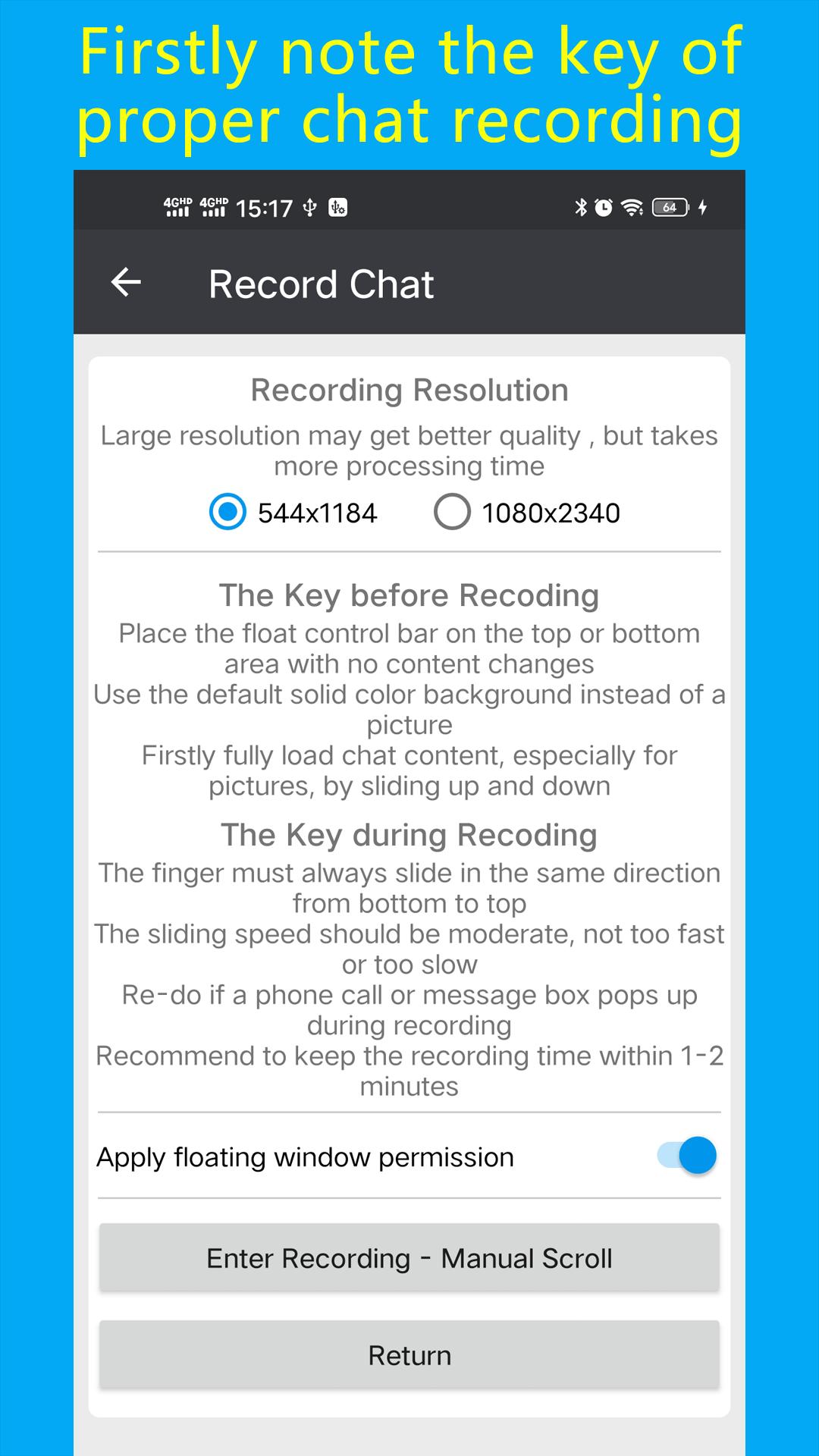
Chat2pdf menyediakan cara untuk mengeksport / menyandarkan sejarah sembang ke PDF / JPEG (aplikasi sembang boleh berupa whatsapp / wechat / qq / line dll). Ia menggunakan rakaman skrin + pemprosesan gambar untuk menyimpan sejarah sembang ke dalam fail PDF atau gambar JPEG yang panjang.
Penggunaan asas:
1. klik butang rakam dan mula merakam sejarah sembang
2. Selepas merakam, klik butang "Convert PDF" / Convert JPEG "untuk menukar rakaman skrin ke dokumen PDF atau gambar panjang / file JPEG.
3. Lihat / kongsi PDF / JPEG yang dihasilkan.
Selain eksport sejarah sembang, ia juga dapat digunakan untuk mengeksport kandungan skrin, mis. laman web ke fail PDF
Preview
Tags
ToolsInformation
Developer
Playwfd Studio
Latest Version
2.2
Last Updated
2020-09-06
Category
Tools
Available on
Google Play
Show More
Cara bermain Backup/export chat history to dengan GameLoop pada PC
1. Muat turun GameLoop dari laman web rasmi, kemudian jalankan fail exe untuk memasang GameLoop.
2. Buka GameLoop dan cari "Backup/export chat history to ", cari Backup/export chat history to dalam hasil carian dan klik "Pasang".
3. Nikmati bermain Backup/export chat history to di GameLoop.
Minimum requirements
OS
Windows 8.1 64-bit or Windows 10 64-bit
GPU
GTX 1050
CPU
i3-8300
Memory
8GB RAM
Storage
1GB available space
Recommended requirements
OS
Windows 8.1 64-bit or Windows 10 64-bit
GPU
GTX 1050
CPU
i3-9320
Memory
16GB RAM
Storage
1GB available space