
Auto Clicker : Super Fast Tapping PC
Phawk Developer
Download Auto Clicker : Super Fast Tapping on PC With GameLoop Emulator
Auto Clicker : Super Fast Tapping pada PC
Auto Clicker : Super Fast Tapping, datang daripada pembangun Phawk Developer, sedang berjalan pada sistem Android pada masa lalu.
Kini, Anda boleh bermain Auto Clicker : Super Fast Tapping pada PC dengan GameLoop dengan lancar.
Muat turunnya dalam pustaka GameLoop atau hasil carian. Tiada lagi melihat bateri atau panggilan yang mengecewakan pada masa yang salah lagi.
Hanya nikmati Auto Clicker : Super Fast Tapping PC pada skrin besar secara percuma!
Auto Clicker : Super Fast Tapping Pengenalan
Be smart game users or also device users with this Auto Clicker : Super Fast Tapping application. this app allows users facilities to get repeat clicks by again n again with one click through simple target point and with users choice timing.
SO WHY YOU ARE WASTE YOUR TIME ON FINDING OTHER APP..? Use this Auto Clicker : Super Fast Tapping app which has all are amazing facilities to make easier your touch. click onetime on mobile screen and it will automatically tap with a specific time interval in your mobile screen. the application will automatically repeat taps at any place from your mobile device. app with it's to count any calculation with the easy way just place all pointer in your calculation digits or tap on play button it will automatically repeat your calculation on screen.
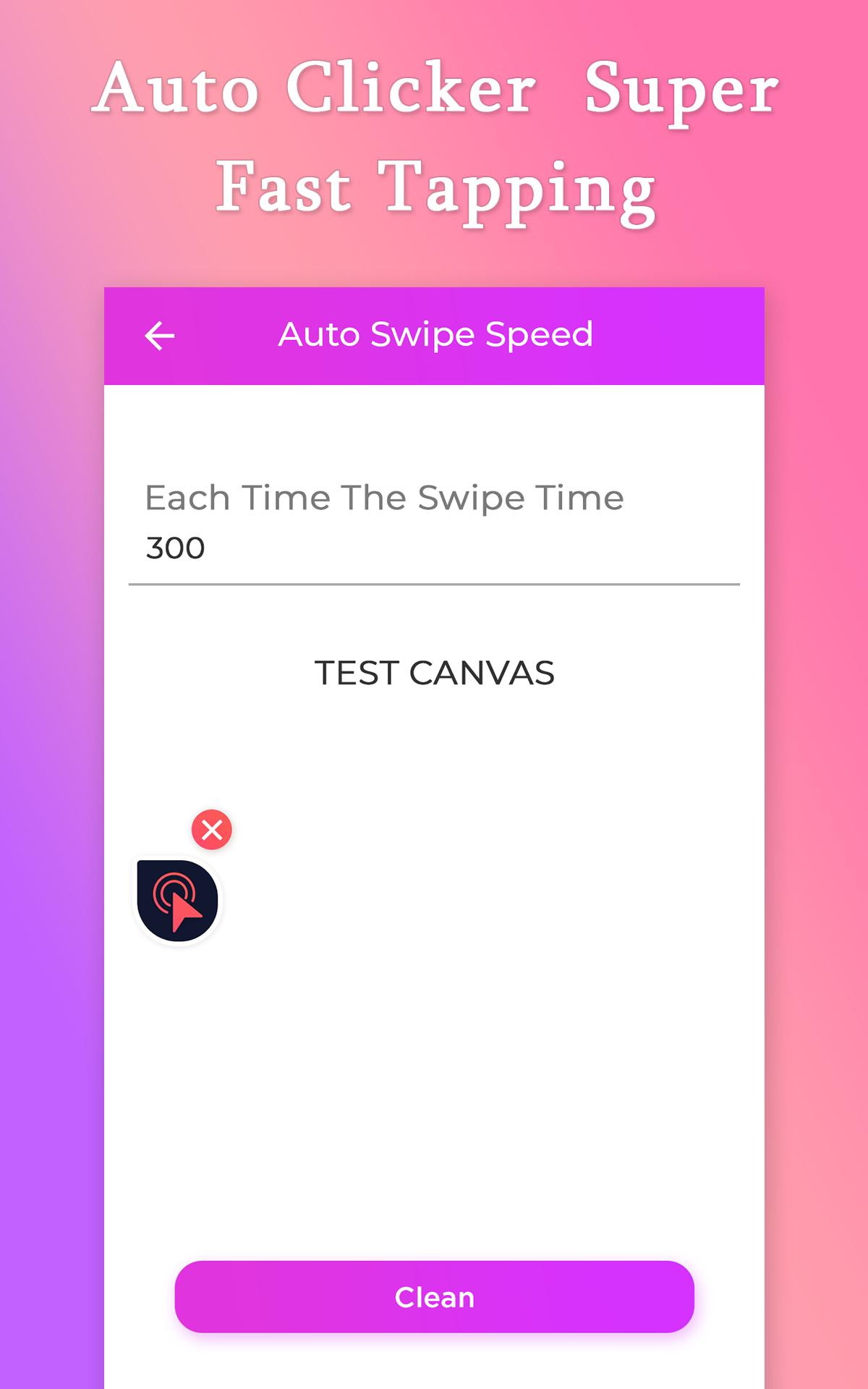
Auto Clicker : Super Fast Tapping app which has a Float point with is movable in your device anywhere, just tap on the start button and it will automatically provide users float point with that you can easily control your click.which have special option to Set Click duration to get perfect duration between clicks, and it also option to set Click Counts per seconds.app which has the best option to adjust auto swap speed in your mobile with simple swape buttons.
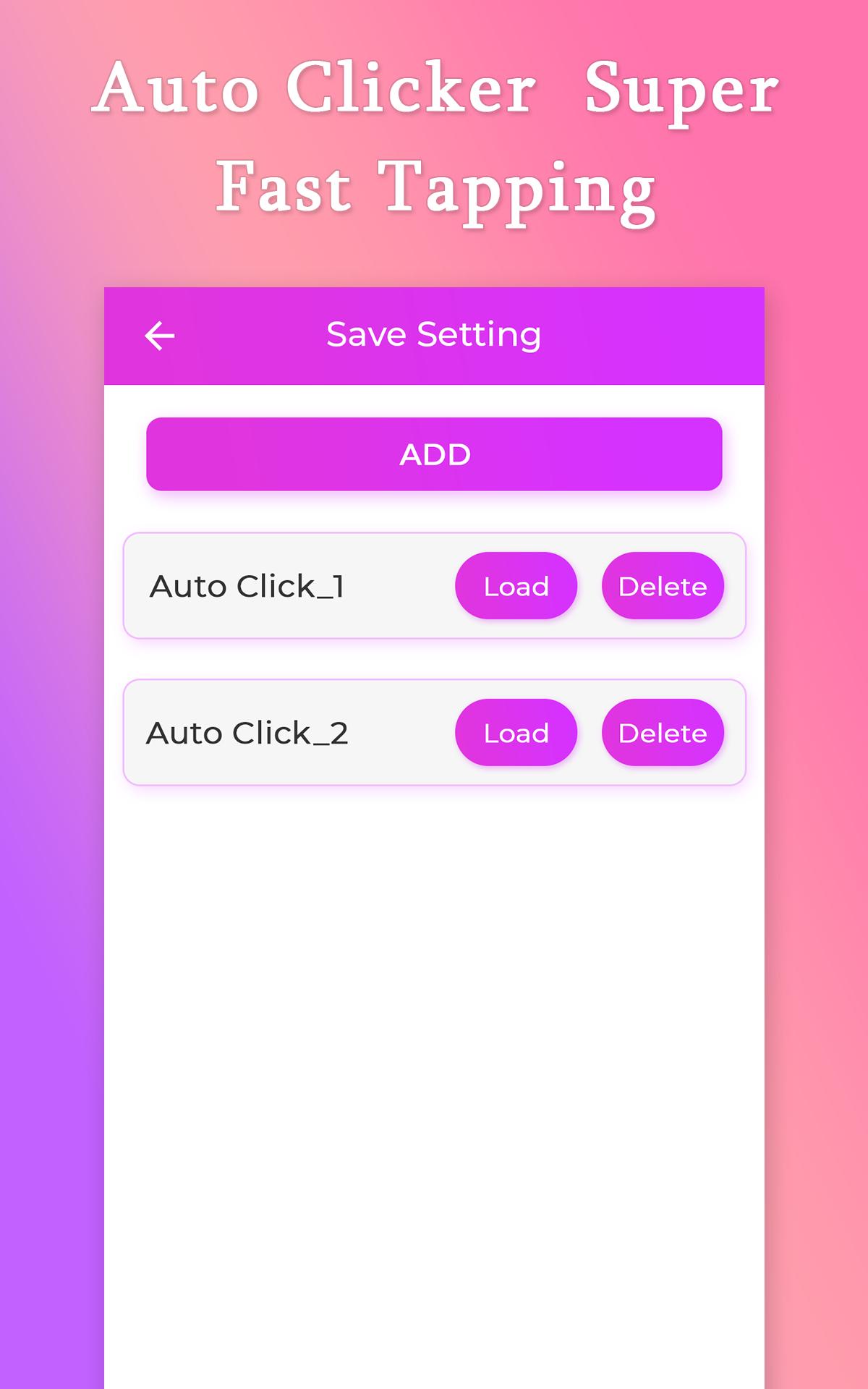
Auto Clicker : Super Fast Tapping app allow users to Save settings with which you can use it whenever you want to use your last point location into current situations. it has mane more saving slots with which easily you can handle your taping with one click. app with you can use it when you need to continuously tap on the mobile screen with perfect timing, and special you can use it while you are playing a game and you need to continues on the screen to get a perfect result, just one tap and it will automatic clicking on your screen with your Click duration.
Features
_Get fast click at once time
_Specify a Click duration
_Save a Clicking with different Slots to use it in future
_Movebale float point to make easier your touch
_Allow instruction users to make more clear use of it
_Special float point to control clicker
_Easily swipe screen with the auto-swipe option
_Automatic repeat taps with your choice timing
_Option to adjust clicks per seconds
_Use while you are playing a game
_Optioin to set specific interval timing for clicks
_Friendly UI design
_Easy to use the app
_No root require
_Use anytime
Preview
Information
Developer
Phawk Developer
Latest Version
5.0
Last Updated
2021-08-22
Category
Tools
Available on
Google Play
Show More
Cara bermain Auto Clicker : Super Fast Tapping dengan GameLoop pada PC
1. Muat turun GameLoop dari laman web rasmi, kemudian jalankan fail exe untuk memasang GameLoop.
2. Buka GameLoop dan cari "Auto Clicker : Super Fast Tapping", cari Auto Clicker : Super Fast Tapping dalam hasil carian dan klik "Pasang".
3. Nikmati bermain Auto Clicker : Super Fast Tapping di GameLoop.
Minimum requirements
OS
Windows 8.1 64-bit or Windows 10 64-bit
GPU
GTX 1050
CPU
i3-8300
Memory
8GB RAM
Storage
1GB available space
Recommended requirements
OS
Windows 8.1 64-bit or Windows 10 64-bit
GPU
GTX 1050
CPU
i3-9320
Memory
16GB RAM
Storage
1GB available space