
AnTuTu 3DBench Tool PC
Michael Shy
Download AnTuTu 3DBench Tool on PC With GameLoop Emulator
AnTuTu 3DBench Tool pada PC
AnTuTu 3DBench Tool, datang daripada pembangun Michael Shy, sedang berjalan pada sistem Android pada masa lalu.
Kini, Anda boleh bermain AnTuTu 3DBench Tool pada PC dengan GameLoop dengan lancar.
Muat turunnya dalam pustaka GameLoop atau hasil carian. Tiada lagi melihat bateri atau panggilan yang mengecewakan pada masa yang salah lagi.
Hanya nikmati AnTuTu 3DBench Tool PC pada skrin besar secara percuma!
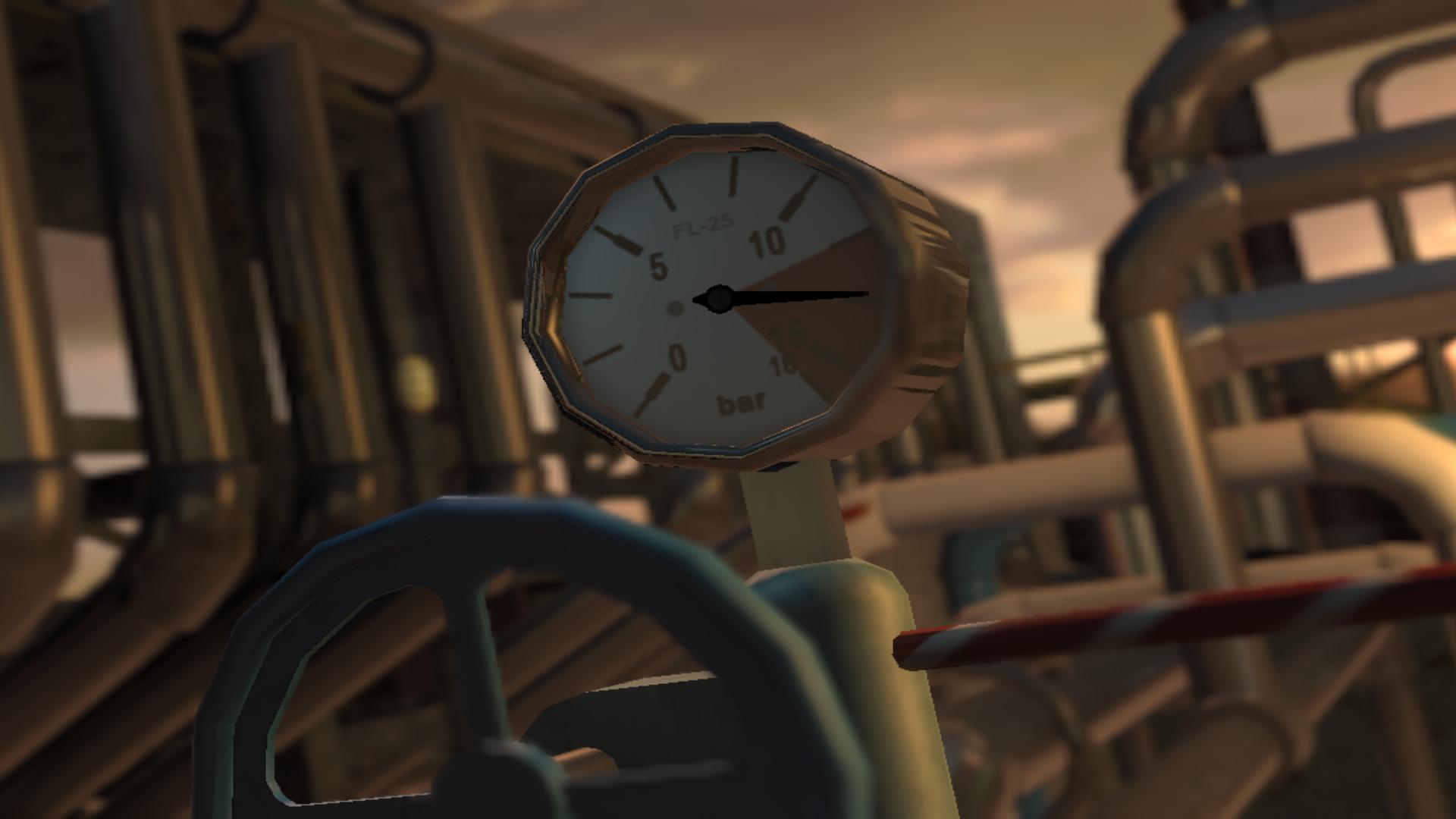
AnTuTu 3DBench Tool Pengenalan
(1) Support: Android Q.
(2) GPU: Introduces new Vulkan scene "Terracotta Warriors" to test the GPU performance of the mobile phone when running high-stress games natively developed using Vulkan technology.
(3) GPU: Upgrades "Coastline" scene from OpenGL ES 3.1 to Vulkan to test the Vulkan gaming performance of GPU under medium-to-high stress.
(4) CPU: Upgraded test algorithms, optimized support for ARM's new Tri-Cluster architecture, and adjusted the stress distribution.
Disclaimer :
The APP was developed based on the source code of Antutu.
- The purpose of the APP is to help users to better understand and facilitate the use of AnTuTu.
- The APP complies with the “fair use” guidelines of the United States Copyright Act.
- If this application infringes your intellectual property rights, please contact us by email.
Preview

Information
Developer
Michael Shy
Latest Version
8.1.6
Last Updated
2020-07-22
Category
Tools
Available on
Google Play
Show More
Cara bermain AnTuTu 3DBench Tool dengan GameLoop pada PC
1. Muat turun GameLoop dari laman web rasmi, kemudian jalankan fail exe untuk memasang GameLoop.
2. Buka GameLoop dan cari "AnTuTu 3DBench Tool", cari AnTuTu 3DBench Tool dalam hasil carian dan klik "Pasang".
3. Nikmati bermain AnTuTu 3DBench Tool di GameLoop.
Minimum requirements
OS
Windows 8.1 64-bit or Windows 10 64-bit
GPU
GTX 1050
CPU
i3-8300
Memory
8GB RAM
Storage
1GB available space
Recommended requirements
OS
Windows 8.1 64-bit or Windows 10 64-bit
GPU
GTX 1050
CPU
i3-9320
Memory
16GB RAM
Storage
1GB available space