
Twelve Red Ballons PC
GMH Software
Download Twelve Red Ballons on PC With GameLoop Emulator
Twelve Red Ballons pada PC
Twelve Red Ballons, datang daripada pembangun GMH Software, sedang berjalan pada sistem Android pada masa lalu.
Kini, Anda boleh bermain Twelve Red Ballons pada PC dengan GameLoop dengan lancar.
Muat turunnya dalam pustaka GameLoop atau hasil carian. Tiada lagi melihat bateri atau panggilan yang mengecewakan pada masa yang salah lagi.
Hanya nikmati Twelve Red Ballons PC pada skrin besar secara percuma!
Twelve Red Ballons Pengenalan
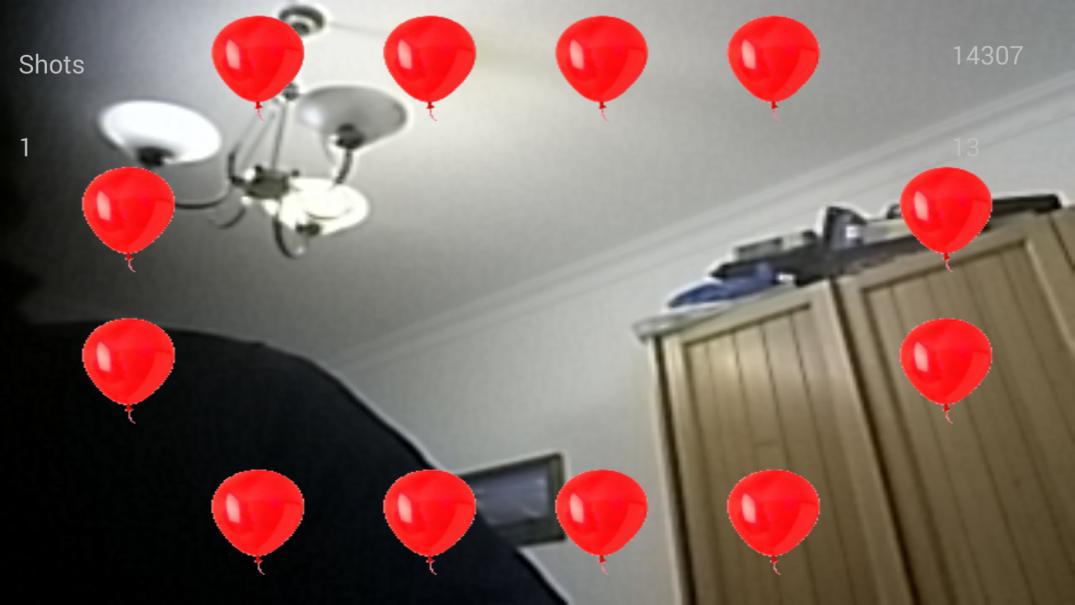
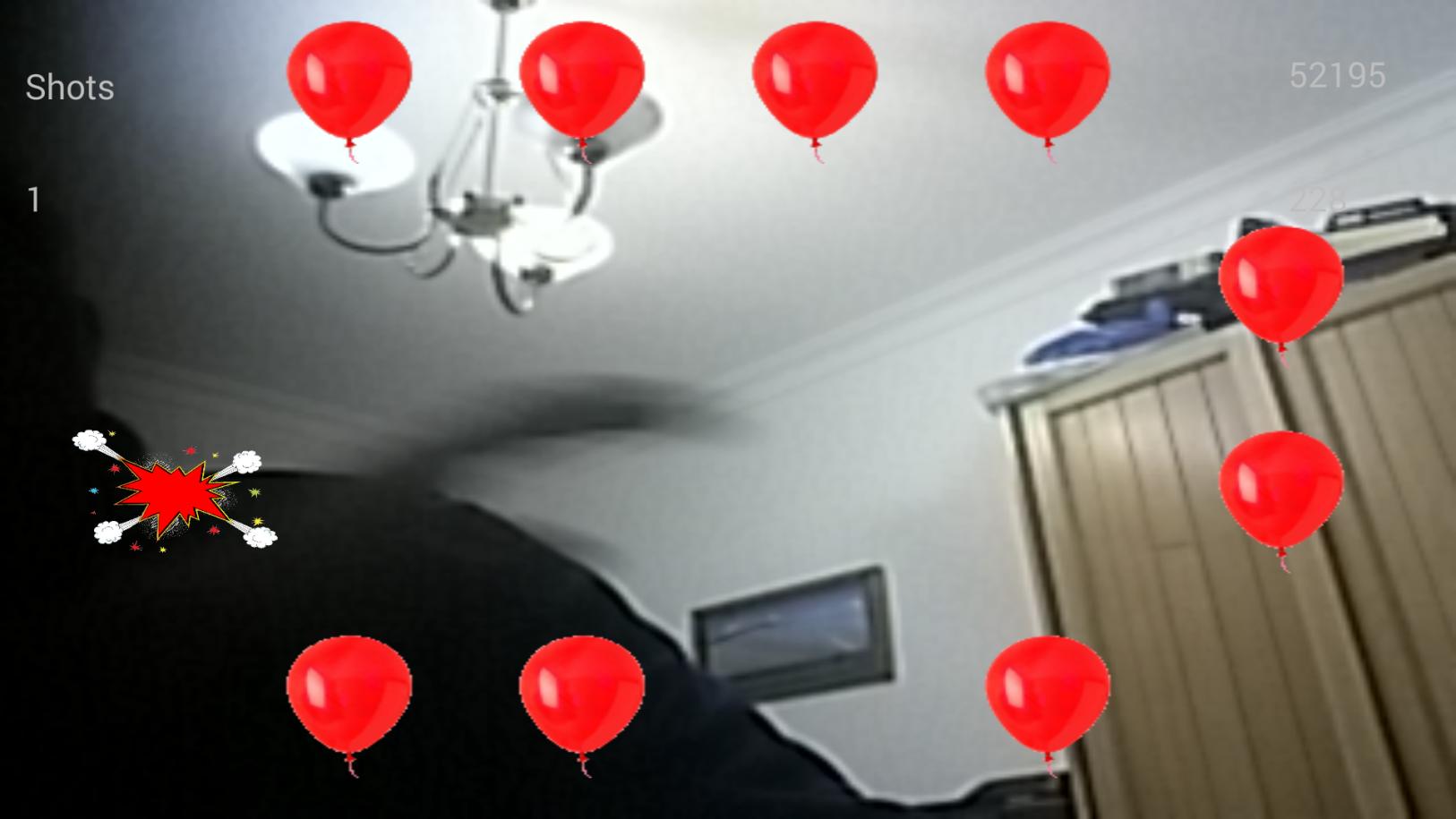
Augmented reality game - Still in development
Sit in a chair and place phone, in landscape mode, on the desk about 60 cms from you.
Click on the start button, then when you see the balloons wave your hands until you pop the all.
Easy, huh ?
Preview
Information
Developer
GMH Software
Latest Version
1
Last Updated
2015-04-27
Category
Sports
Available on
Google Play
Show More
Cara bermain Twelve Red Ballons dengan GameLoop pada PC
1. Muat turun GameLoop dari laman web rasmi, kemudian jalankan fail exe untuk memasang GameLoop.
2. Buka GameLoop dan cari "Twelve Red Ballons", cari Twelve Red Ballons dalam hasil carian dan klik "Pasang".
3. Nikmati bermain Twelve Red Ballons di GameLoop.
Minimum requirements
OS
Windows 8.1 64-bit or Windows 10 64-bit
GPU
GTX 1050
CPU
i3-8300
Memory
8GB RAM
Storage
1GB available space
Recommended requirements
OS
Windows 8.1 64-bit or Windows 10 64-bit
GPU
GTX 1050
CPU
i3-9320
Memory
16GB RAM
Storage
1GB available space